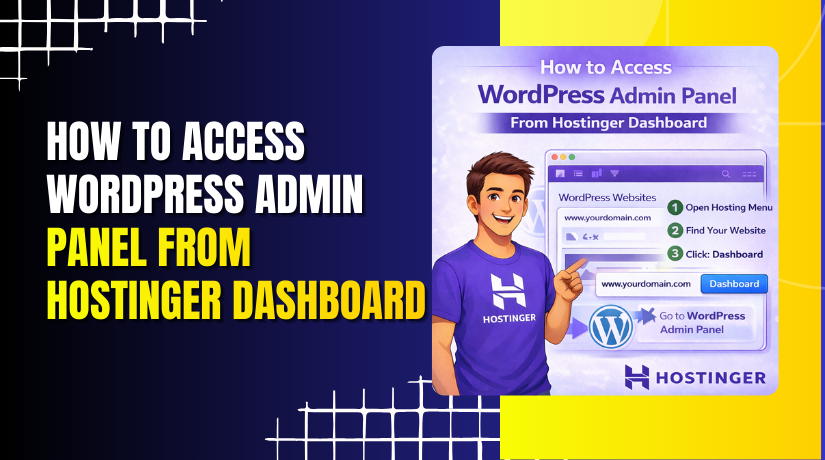
How to Access WordPress Admin Panel From Hostinger Dashboard
Introduction
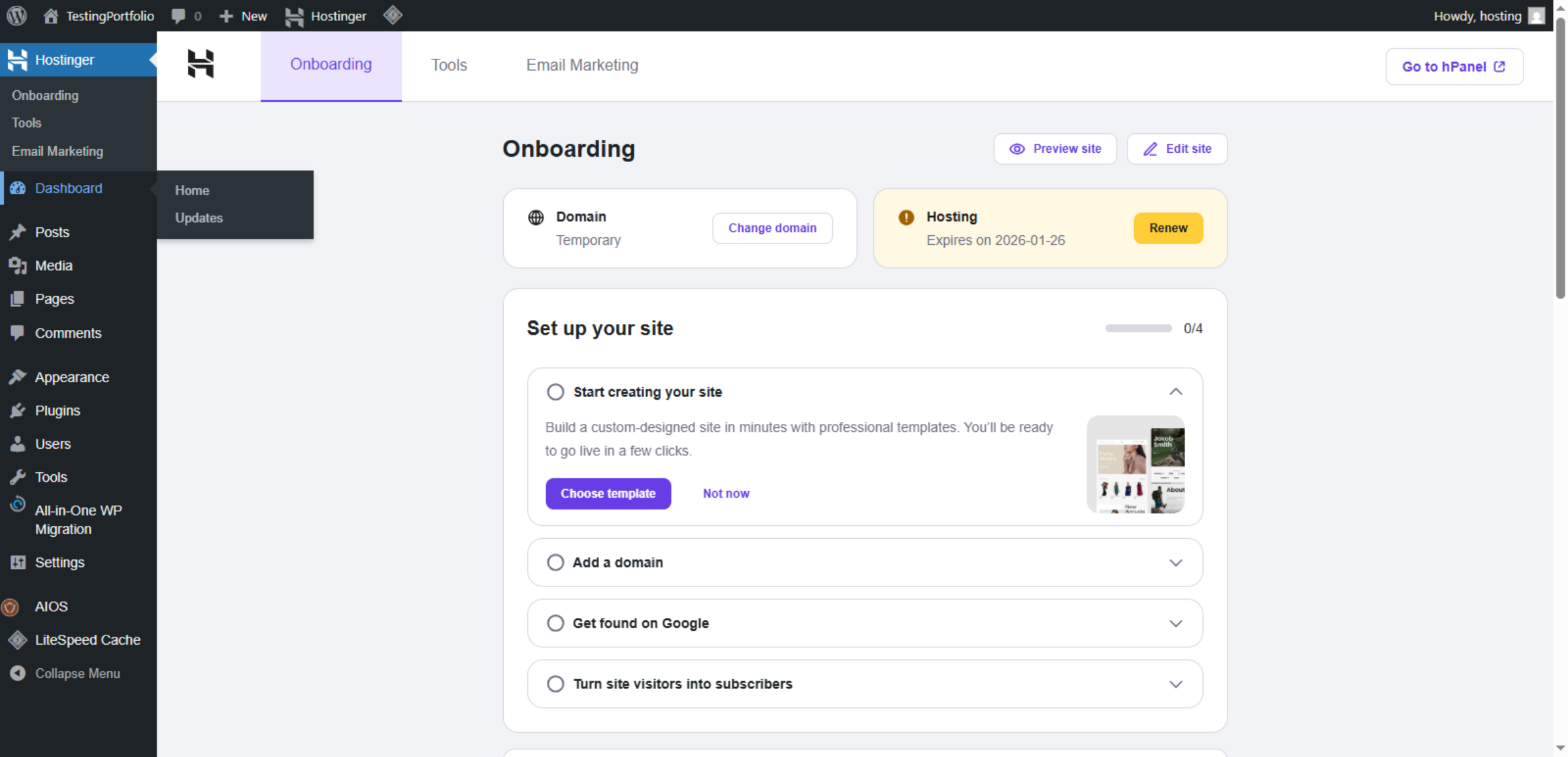
Accessing the WordPress admin panel is essential for managing website content, themes, plugins, security settings, and overall site performance. Hostinger provides a centralized control panel called hPanel that allows users to open the WordPress dashboard quickly without requiring separate login credentials. This streamlined access improves efficiency and simplifies daily website management.
This guidde explains how to access the WordPress admin panel from the Hostinger dashboard. It covers navigating the Websites section, using the WP Admin button, and switching to the active WordPress site tab. By following this guide, users can manage their websites securely and conveniently.
1. Introduction
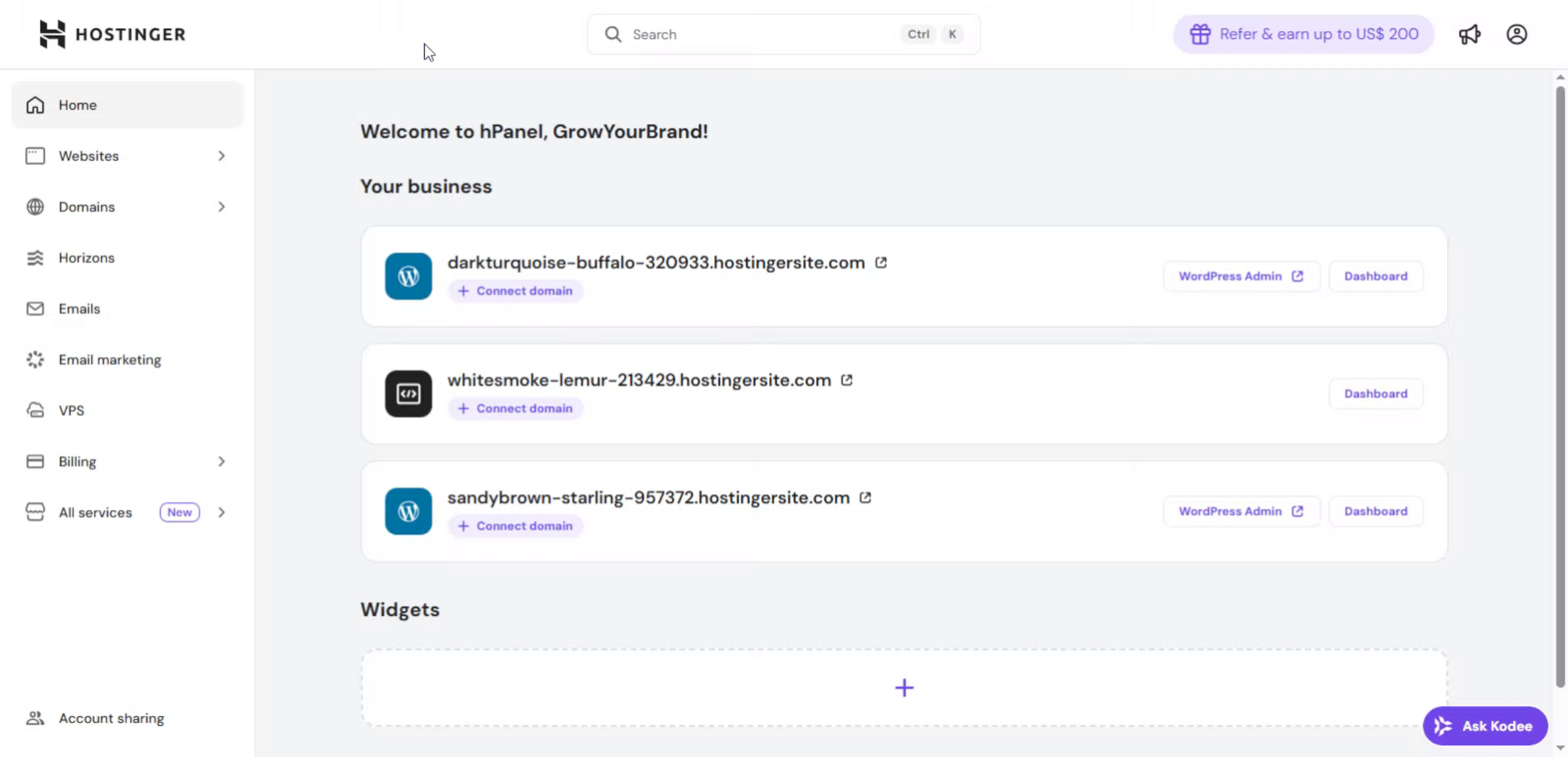
This is the Hostinger hPanel dashboard, where all your websites are listed. From here, you can manage domains, hosting settings, and quickly access the WordPress Admin to control your website.
2. Navigate to Websites Section
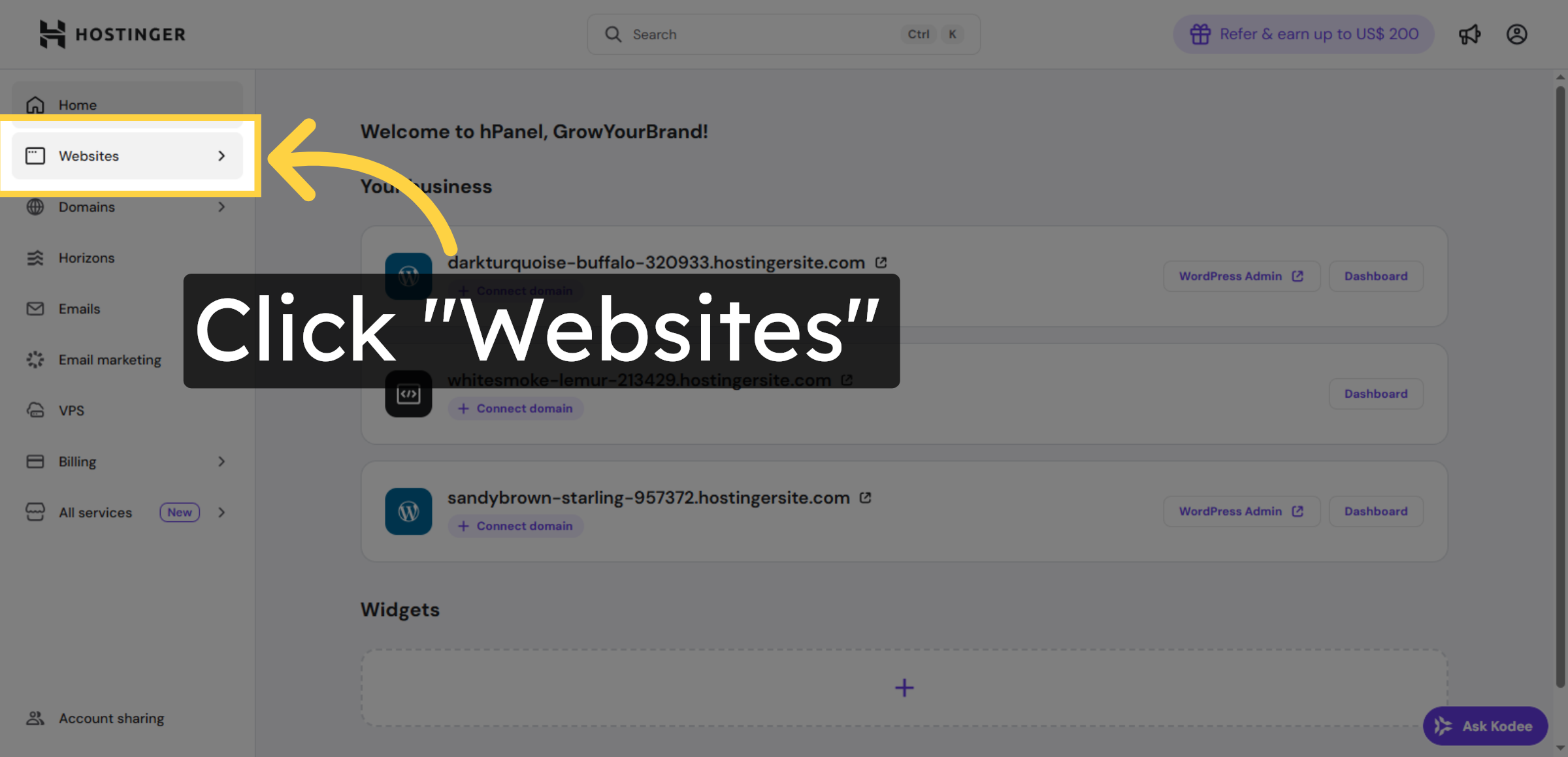
Click the “Websites” option in the Hostinger dashboard to view your hosted websites.
3. Open WordPress Admin Panel
Click the “WP Admin” button associated with your website to open the WordPress admin login page.
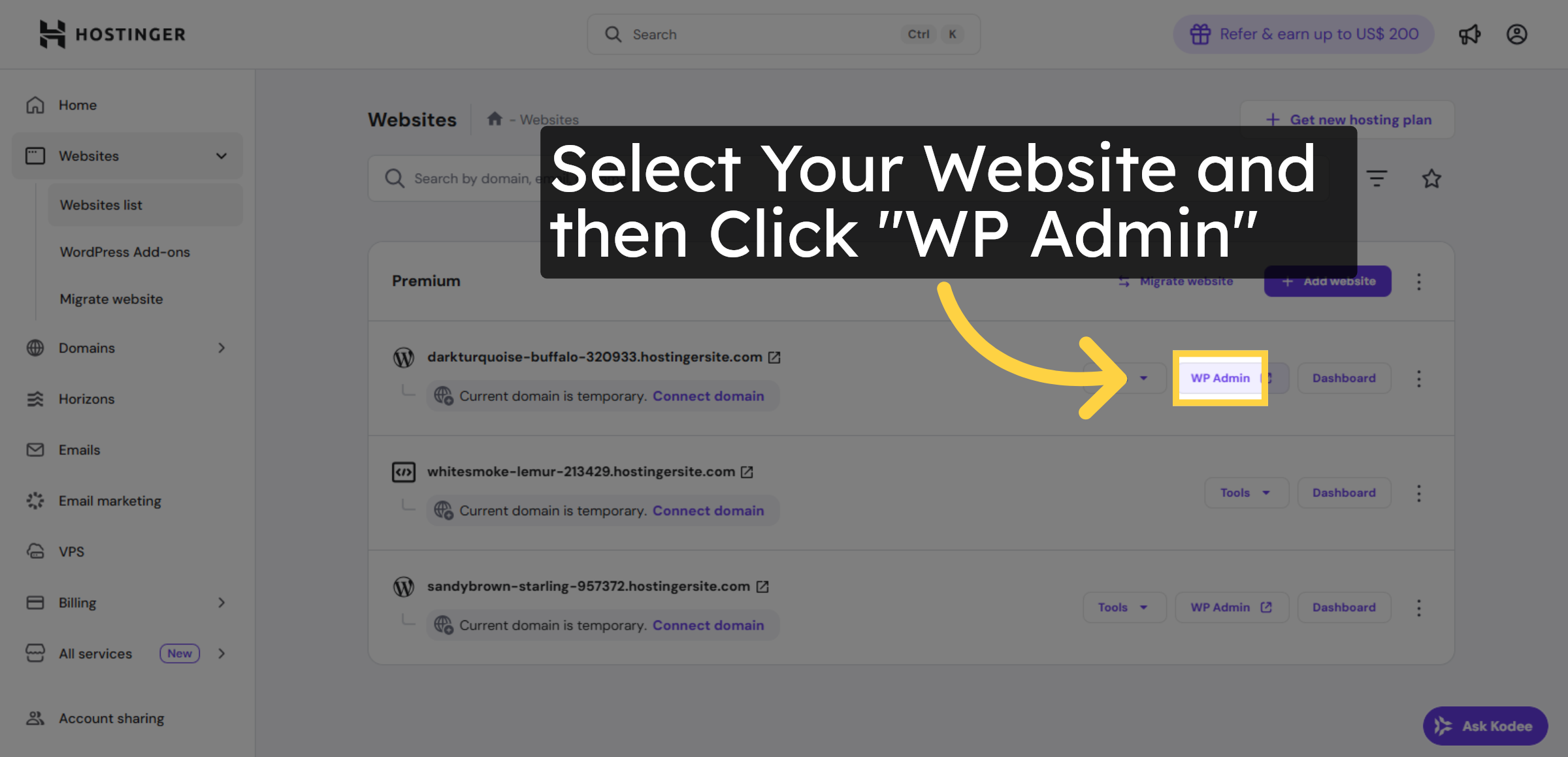
4. Switch to WordPress Site Tab
Switch to the browser tab for your WordPress site, identified by the domain name, to access the site interface.