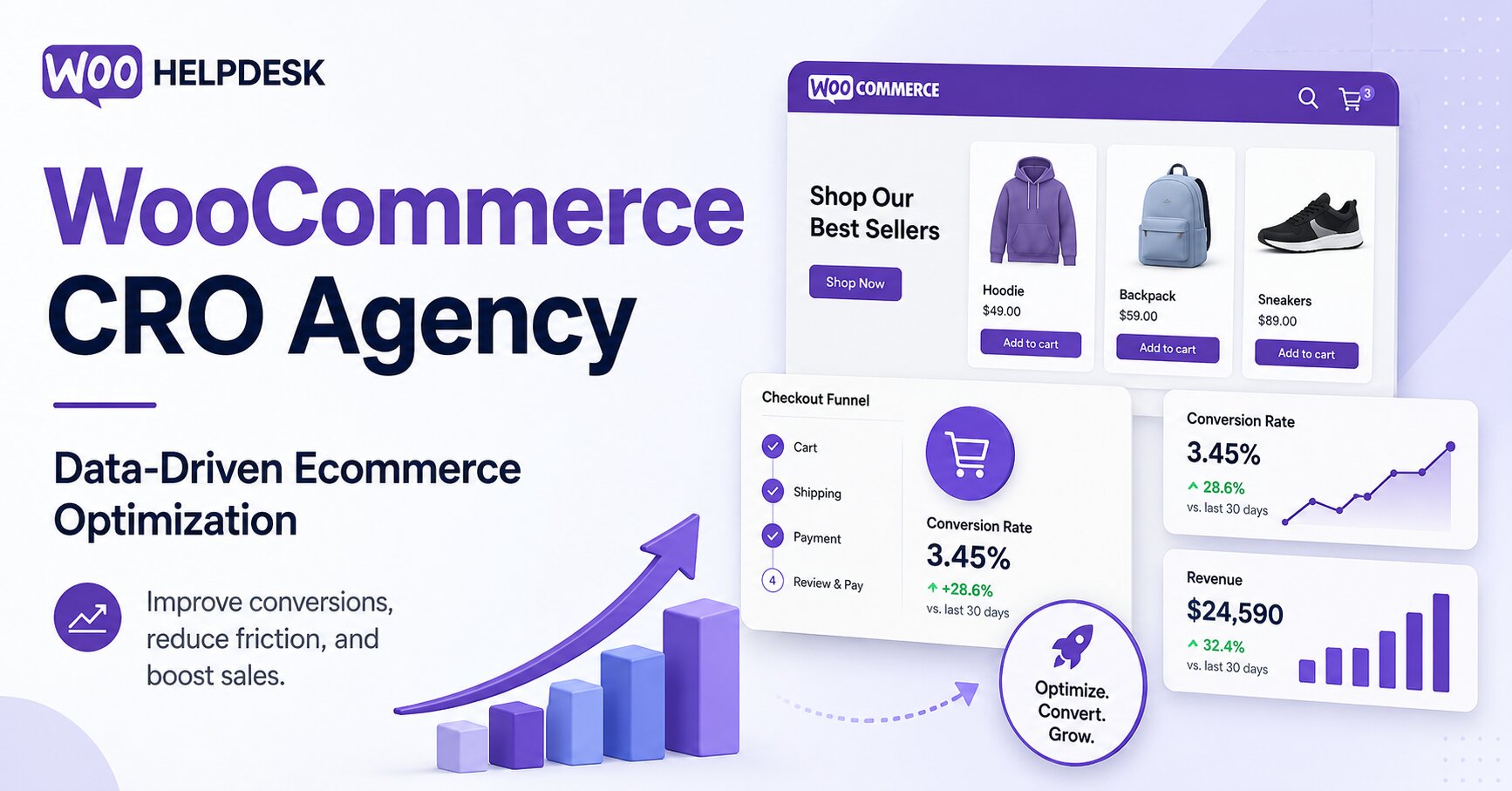


How a WooCommerce CRO Agency Improves Ecommerce Performance Through Data-Driven Optimization
When sales slow down, many merchants respond by increasing ad spend. That can bring in more visitors, but it does nothing to fix what's broken inside the store itself. Picture a store that gets 100,000 visits a month. If product...
Cage Colocation: what it is and when businesses need it
To understand the value of cage-based solutions, it is important to compare them with other deployment models. Colocation (rack or units) equipment is placed in a shared environment access to racks may be restricted, but there is no full isolation...
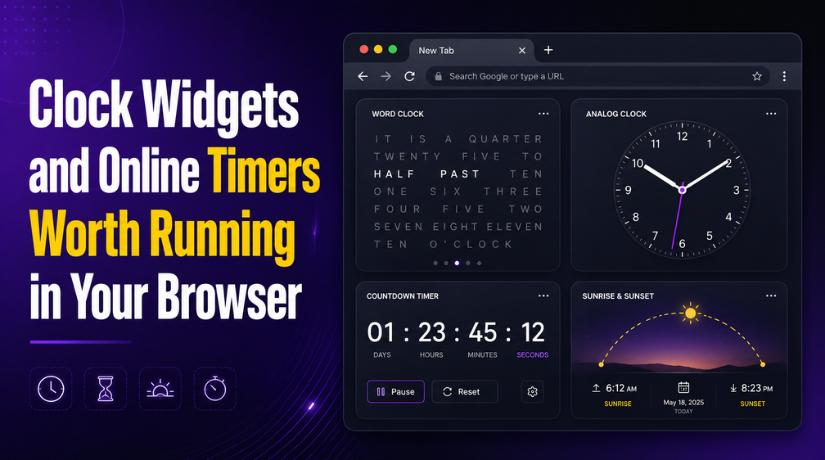
Clock Widgets and Online Timers Worth Running in Your Browser
Of all the ways to display the current time, a word clock is the one most likely to make someone pause. Instead of digits or hands, it spells out the time in prose, something like IT IS HALF PAST THREE...
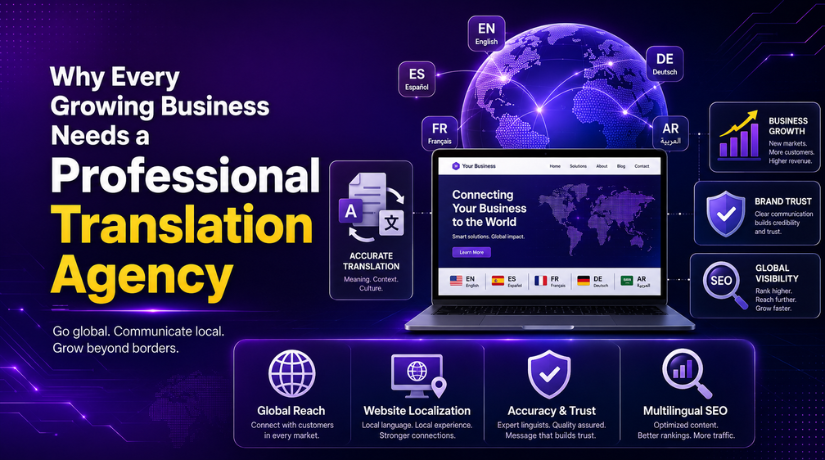
Why Every Growing Business Needs a Professional Translation Agency
A translation agency provides language services for businesses, organizations, and individuals. These services may include document translation, website translation, localization, proofreading, transcription, interpretation, subtitling, and multilingual content support. Unlike individual translators, an agency usually offers a structured process. This includes...
How to Display WooCommerce Reviews Outside of Tabs (Step-by-Step Guide)
WooCommerce product reviews help shoppers trust a product before buying it. They show real customer thoughts, product ratings, and buying experiences. This feedback acts like social proof on your product page. Many buyers read reviews before they decide to place...

How to Create a Custom Taxonomy in WooCommerce (Step-by-Step Guide)
Running a WooCommerce store becomes harder when products grow fast. Simple categories and tags help at the start. They often fail when your catalog becomes large. Many store owners need more control over product grouping. That is where a WooCommerce...

How to Display Color Options and Size Chart in WooCommerce Products (Complete Guide)
When people shop online, they want quick and clear product details. They want to see colors, sizes, and helpful buying information. That is why many store owners now add color and size charts in WooCommerce product pages. These features make...
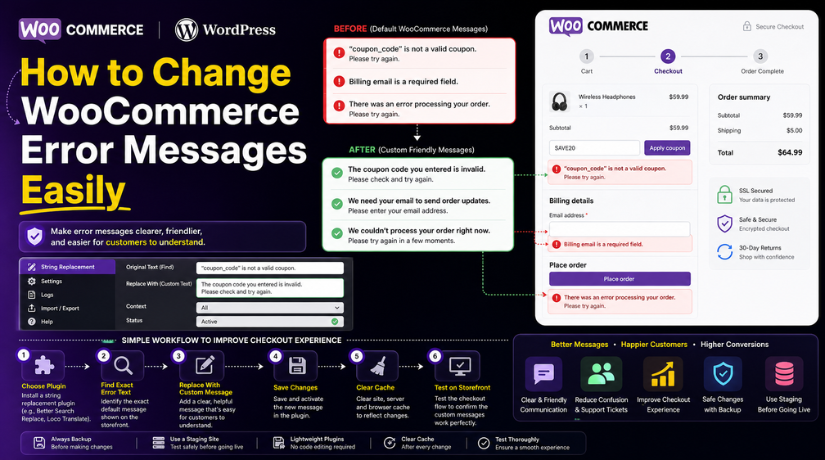
How to Change WooCommerce Error Messages Easily (Step-by-Step Guide)
Running a WooCommerce store is not only about products and payments. It is also about how clearly your store talks to customers. This is where error messages play an important role. WooCommerce shows error messages when something goes wrong during...

The Best Crypto Wallet Plugins for WordPress: Top Choices for 2026
Cryptocurrencies are becoming increasingly popular as a payment method. Many businesses are adopting these digital currencies for their ease of use, low transaction fees, and global reach. As the demand for cryptocurrency transactions grows, WordPress site owners need to integrate...
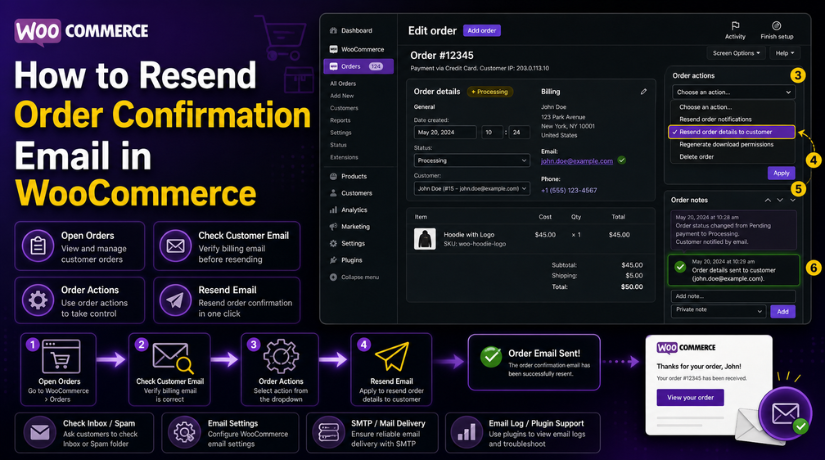
How to Resend Order Confirmation Email in WooCommerce (Step-by-Step Guide)
Order emails are a very important part of any WooCommerce store. They confirm that the order was placed successfully. They also help customers trust your website after payment. A customer usually expects an email right after checkout. This email gives...