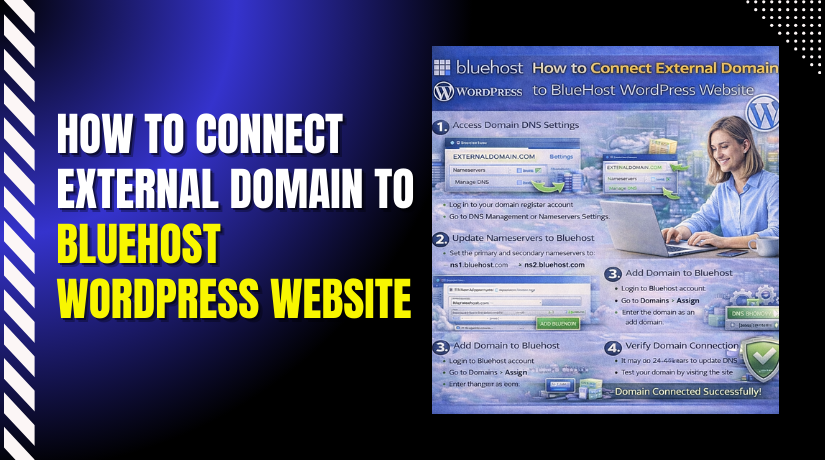
How to Connect External Domain to Bluehost WordPress Website
Introduction
Connecting an external domain to your WordPress website is an important step in building a professional online presence. It allows you to display your website under a custom domain name instead of a temporary or default URL. By linking your external domain to Bluehost hosting, you ensure better brand visibility, credibility, and easier access for visitors.
This guidde explains how to connect an external domain to your Bluehost WordPress website. It covers adding the domain in your Bluehost account, updating DNS and nameserver settings, completing verification, and confirming successful connection. By following this guide, users can link their domains smoothly and activate their websites under their preferred web address.
1. Bluehost Hosting Dashboard
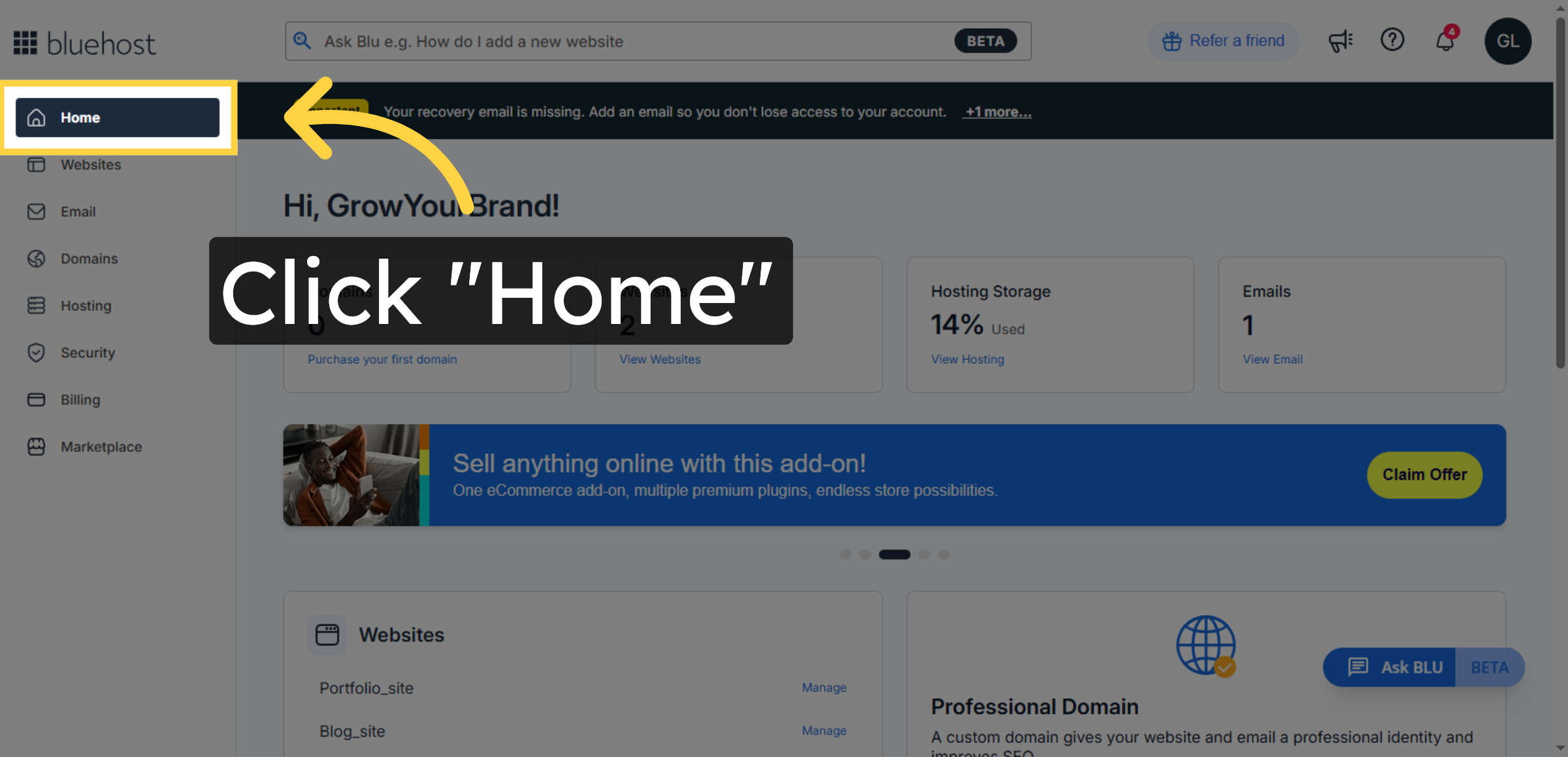
2. Access Websites Section
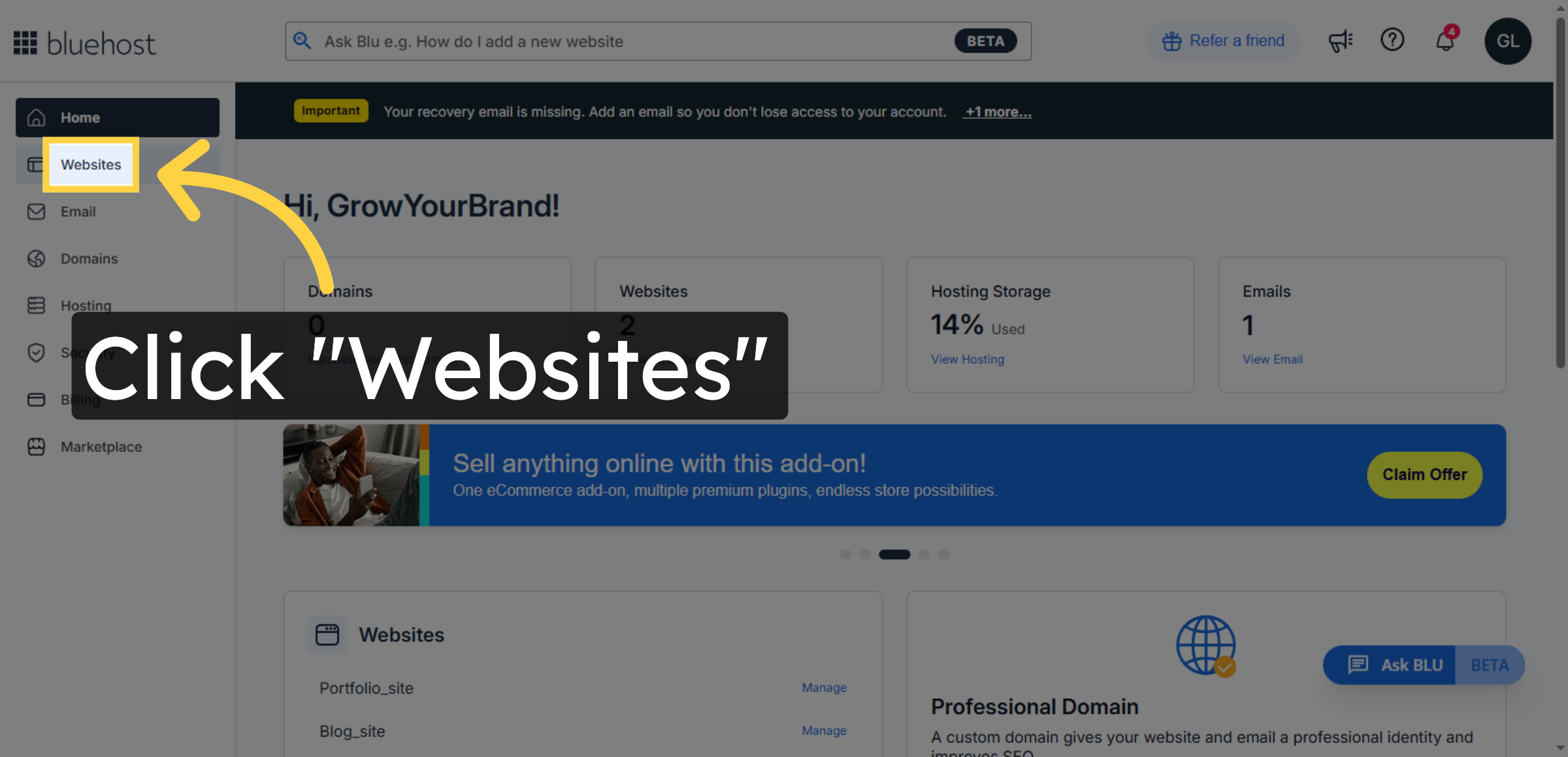
3. Open Website Management
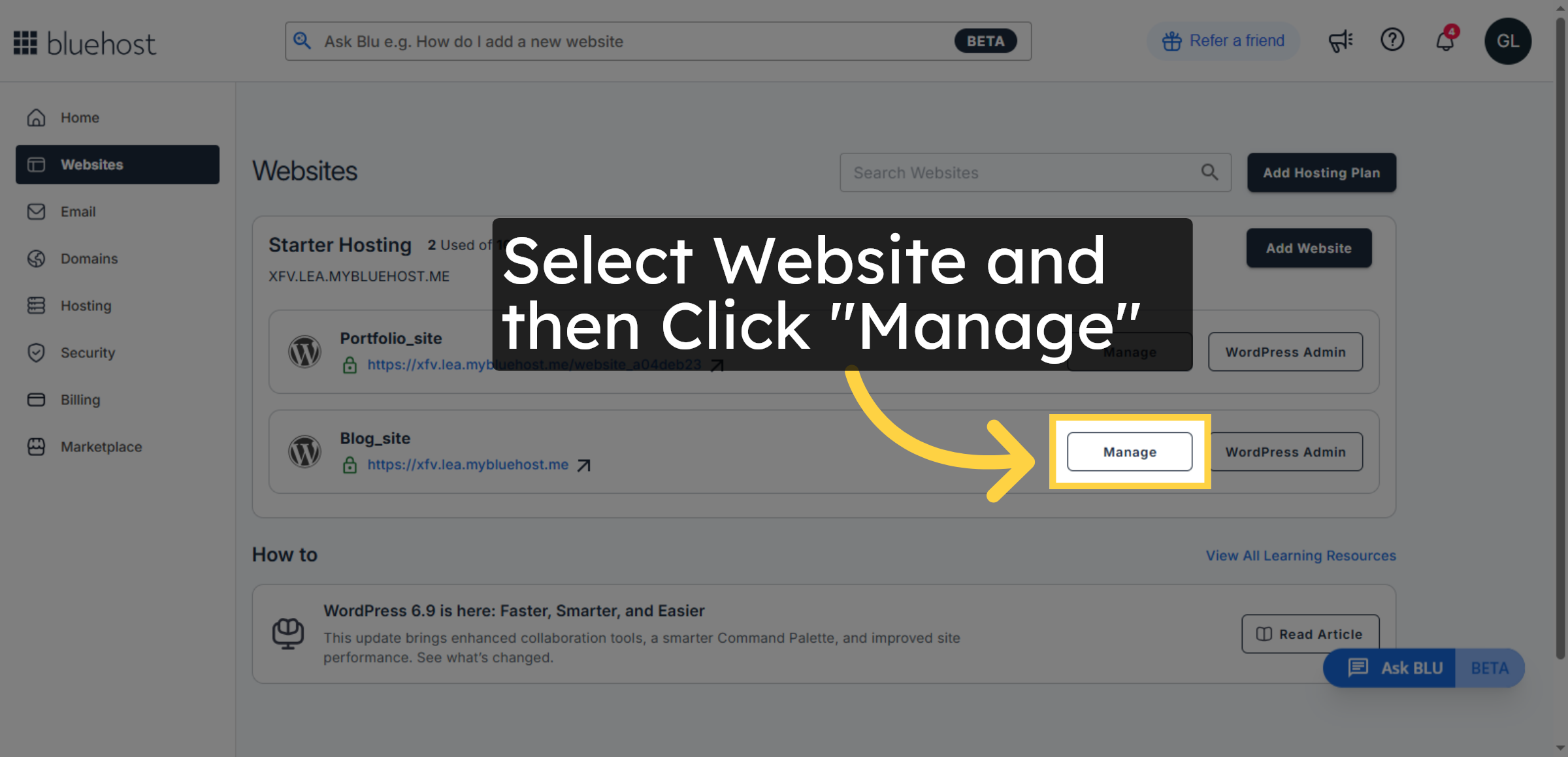
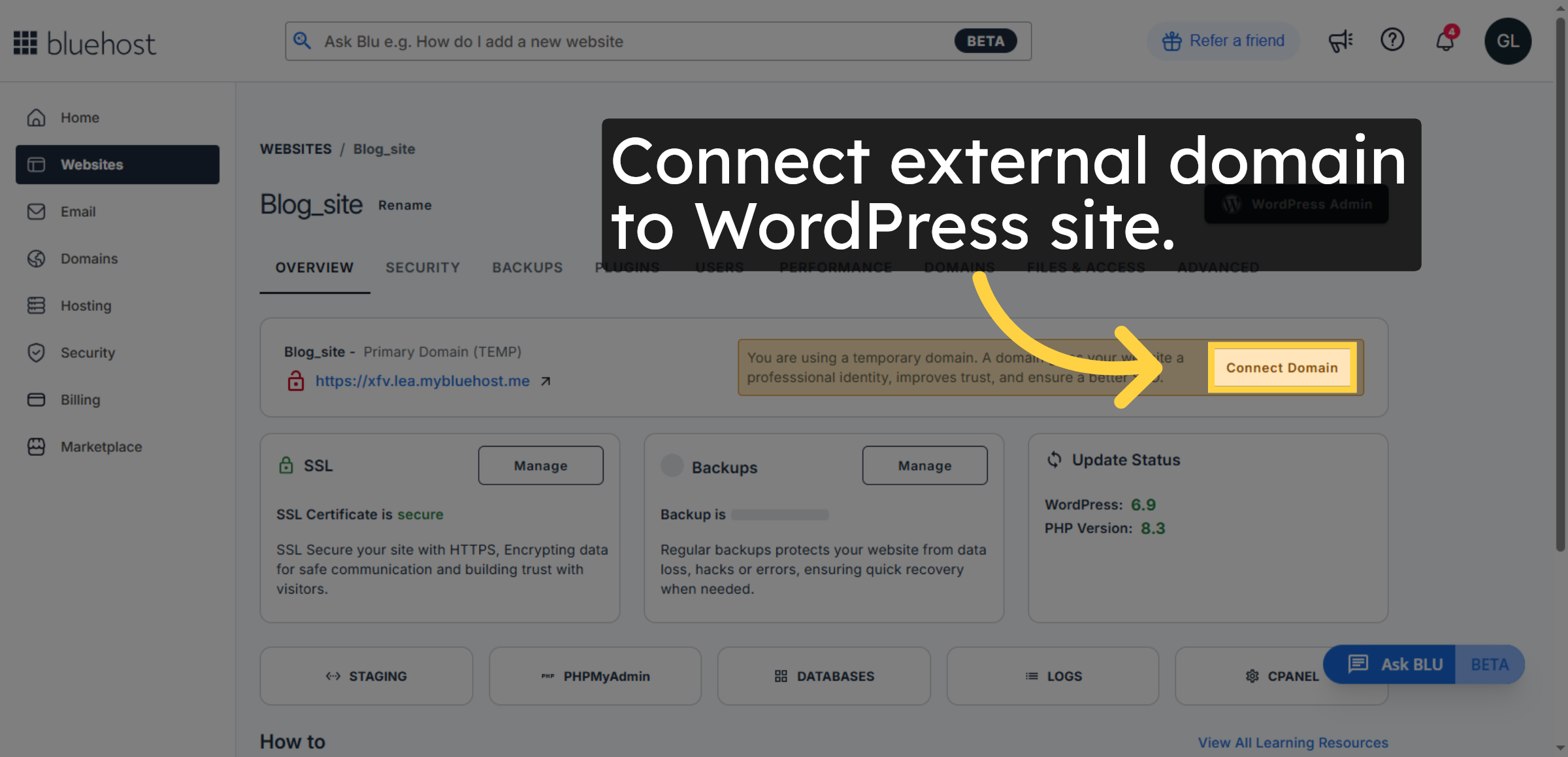
4. Select Connect Domain Option
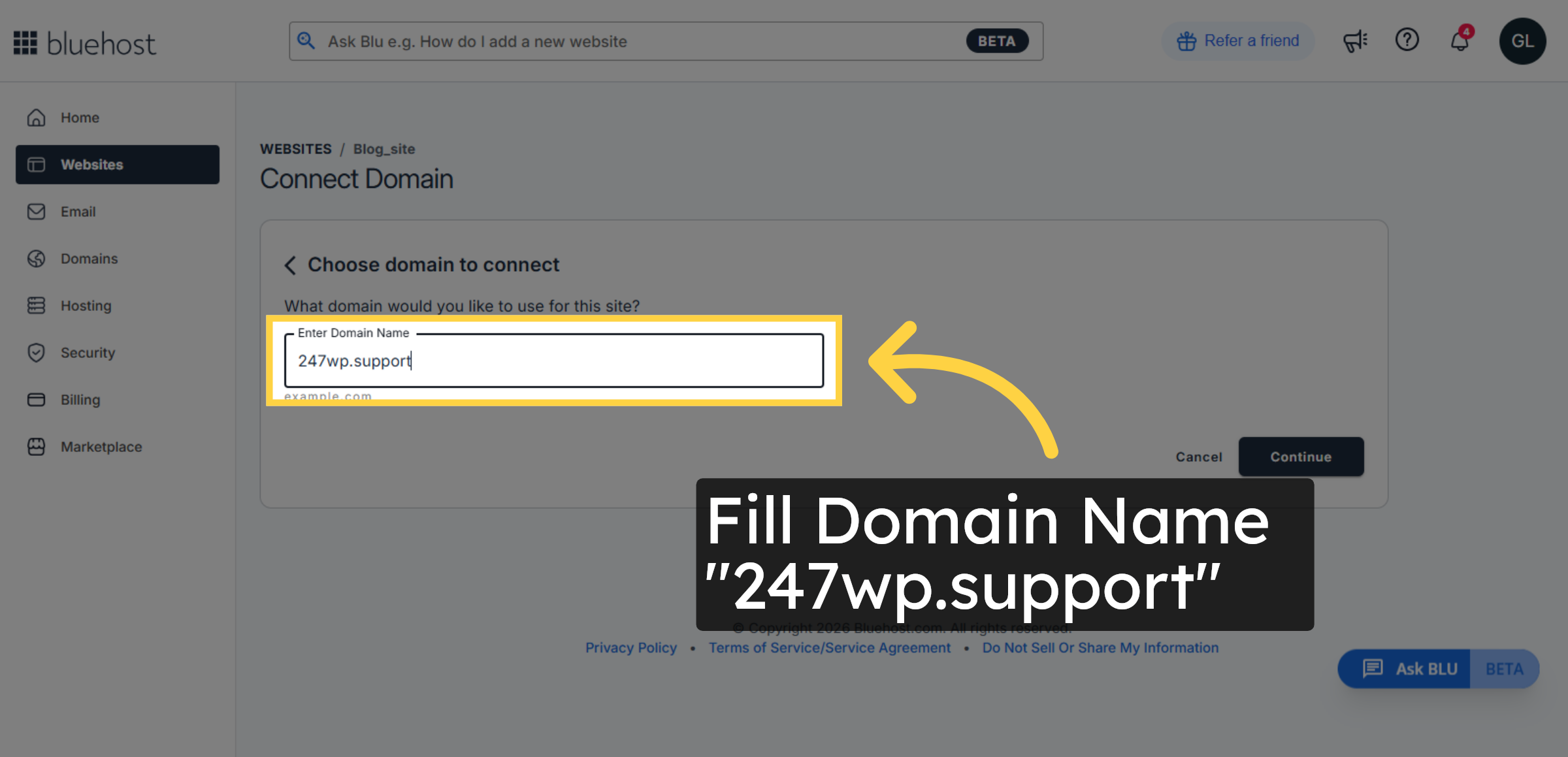
5. Enter Your Domain Name
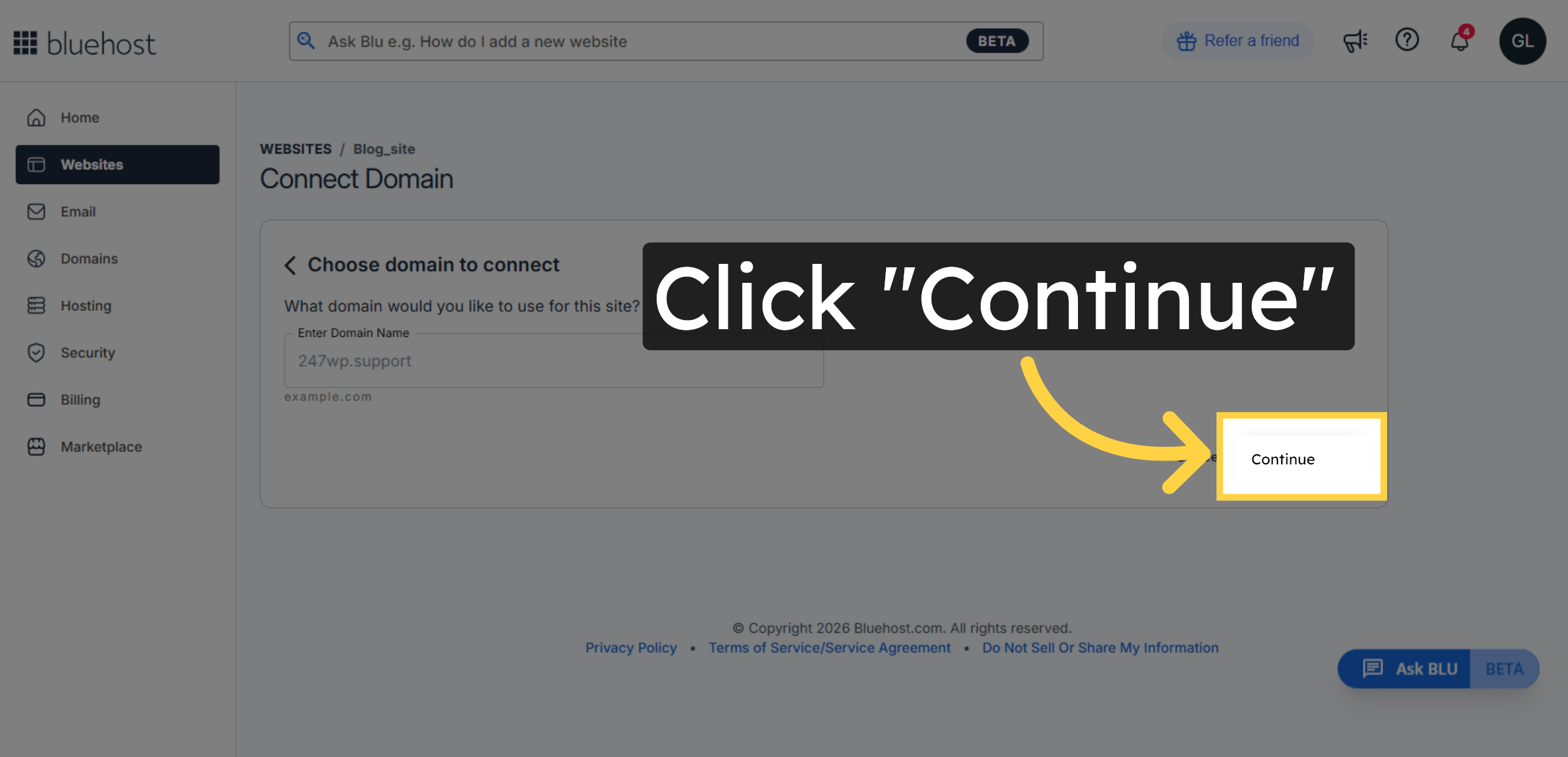
6. Proceed with Domain Connection
7. Complete Connection Setup
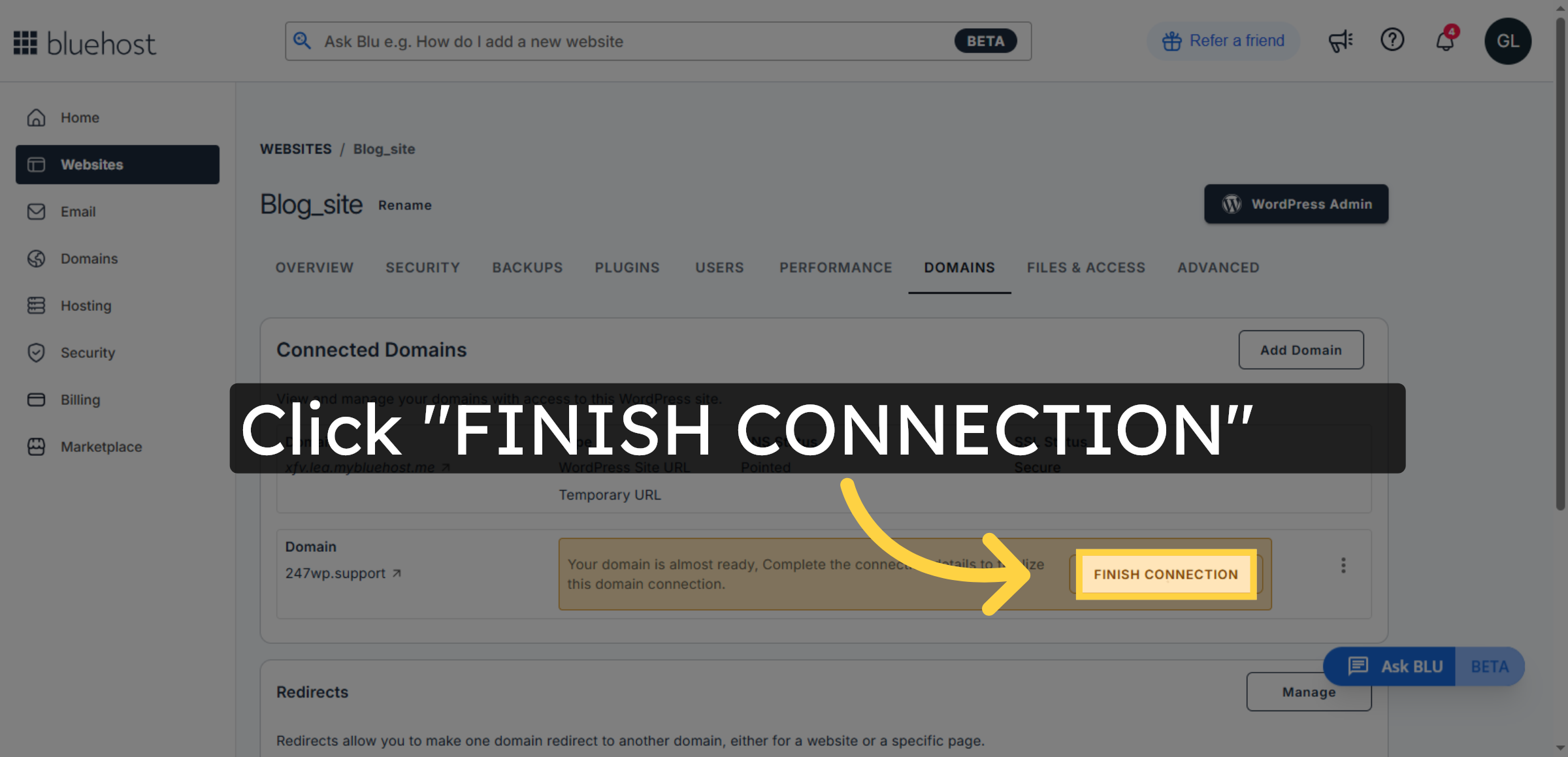
8. Connect Your Domain to Bluehost
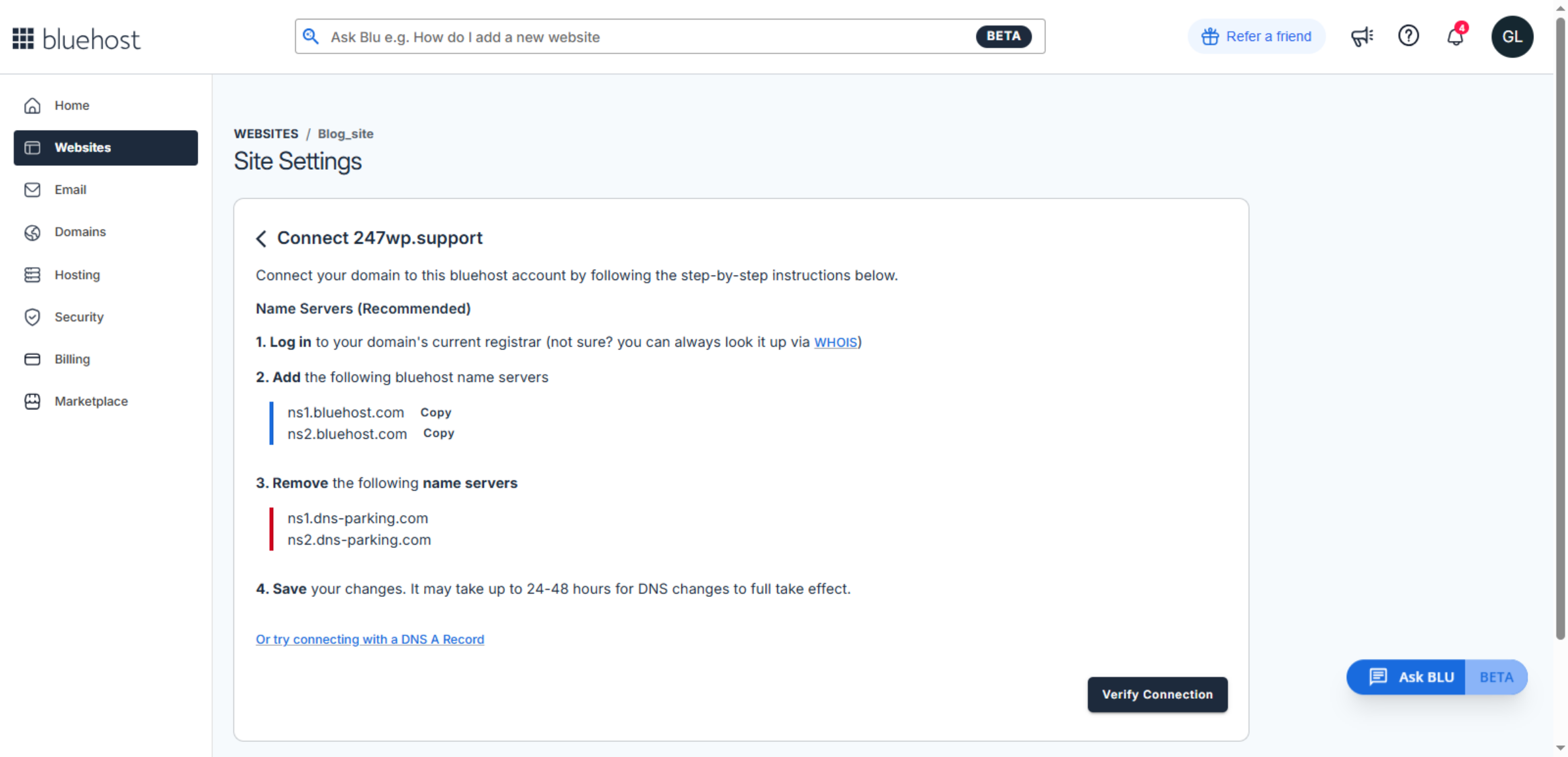
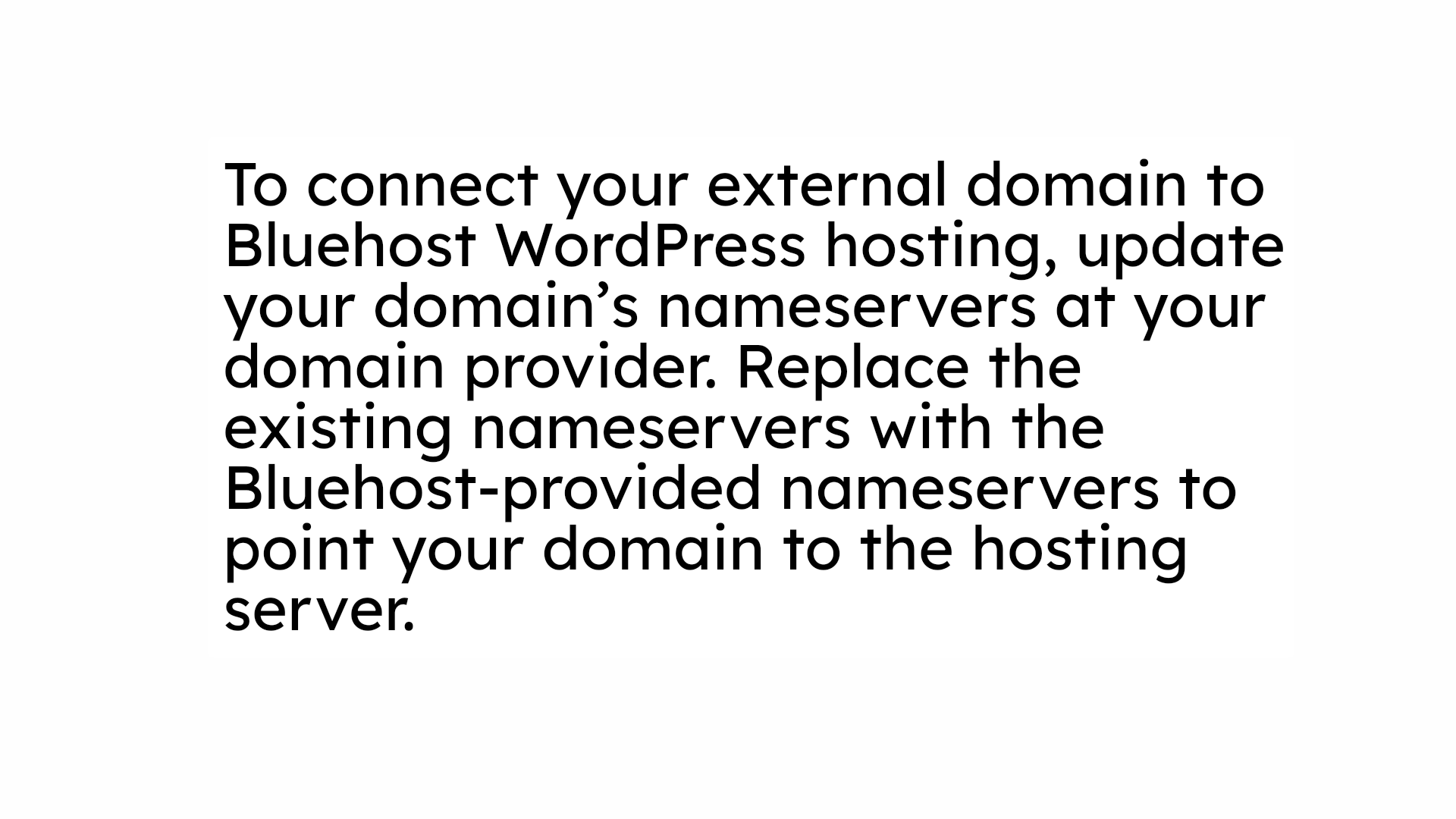
9. NOTE
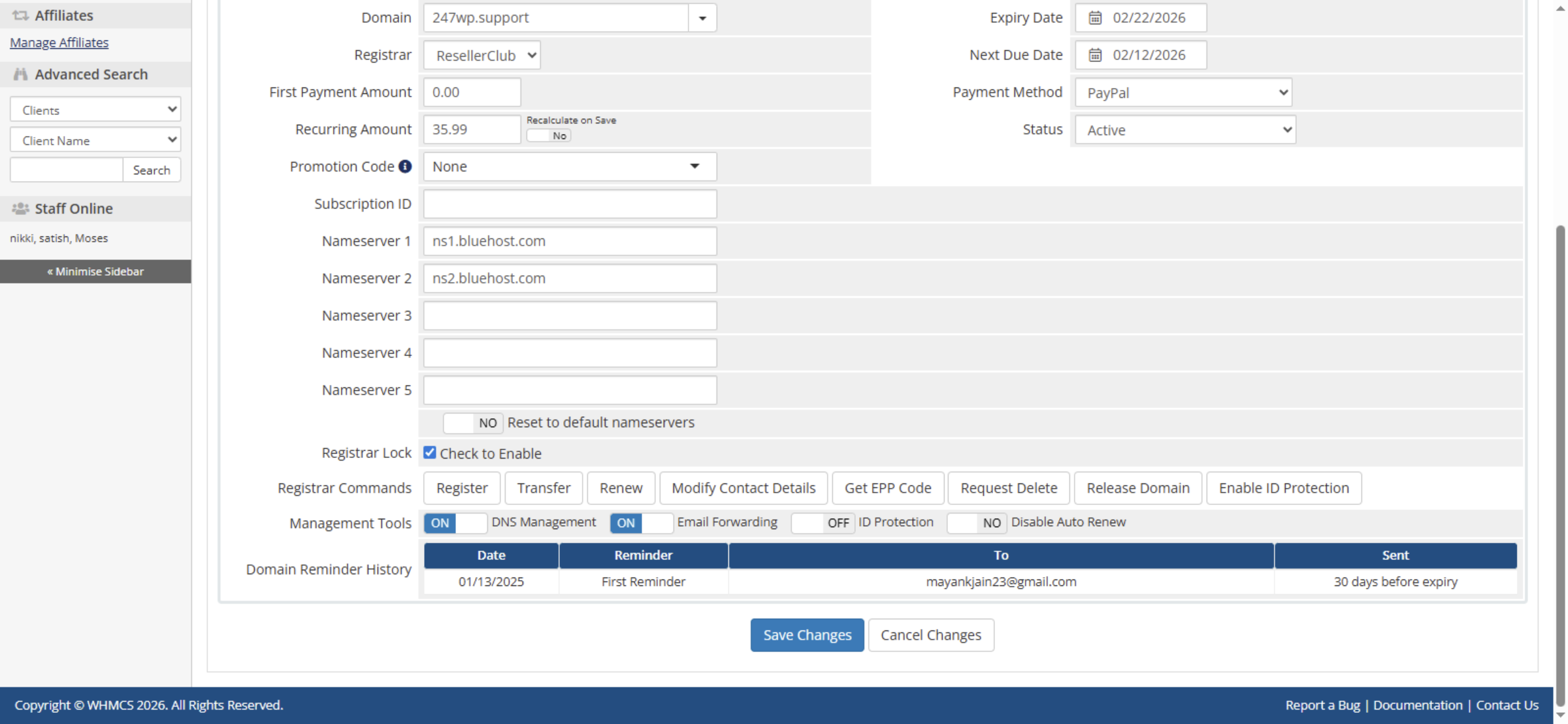
10. Update Nameservers in DNS Management
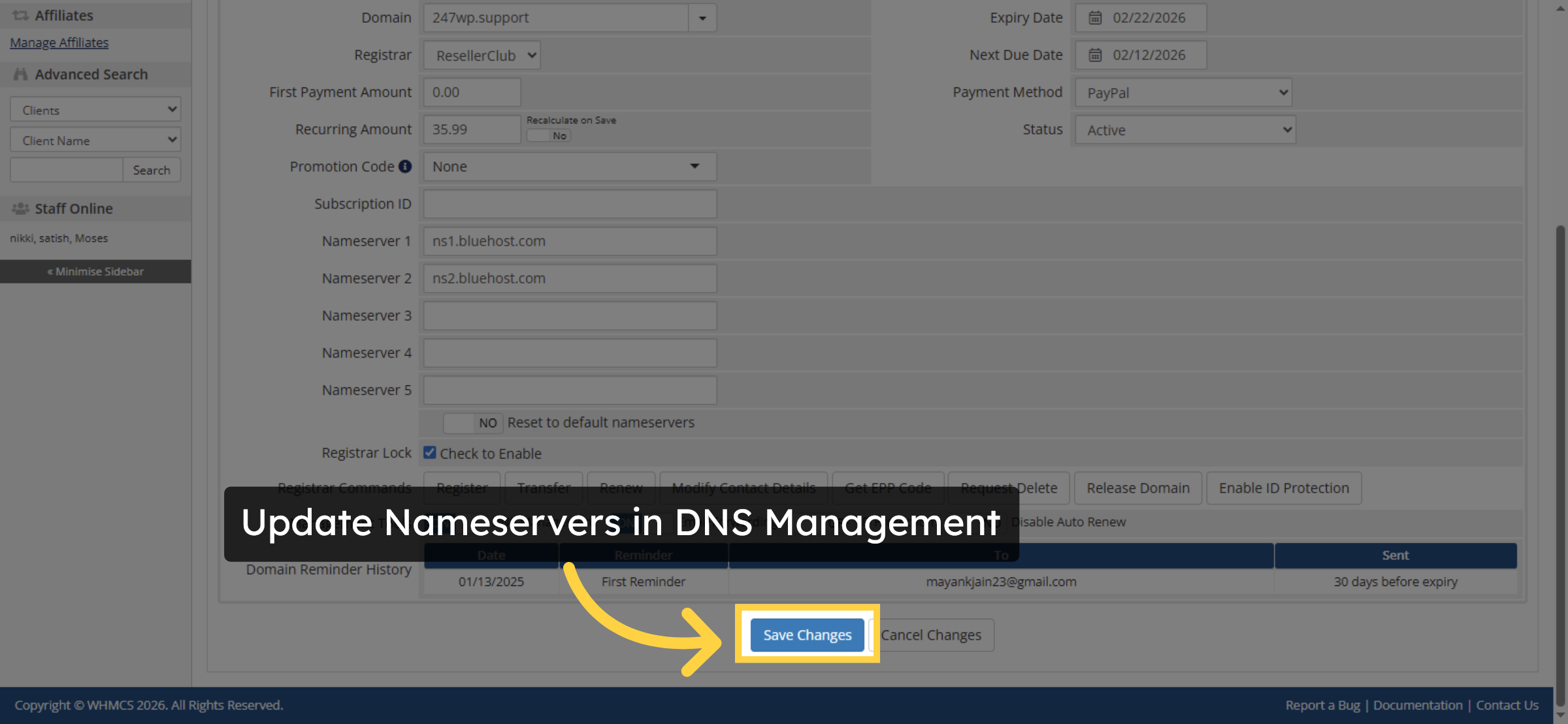
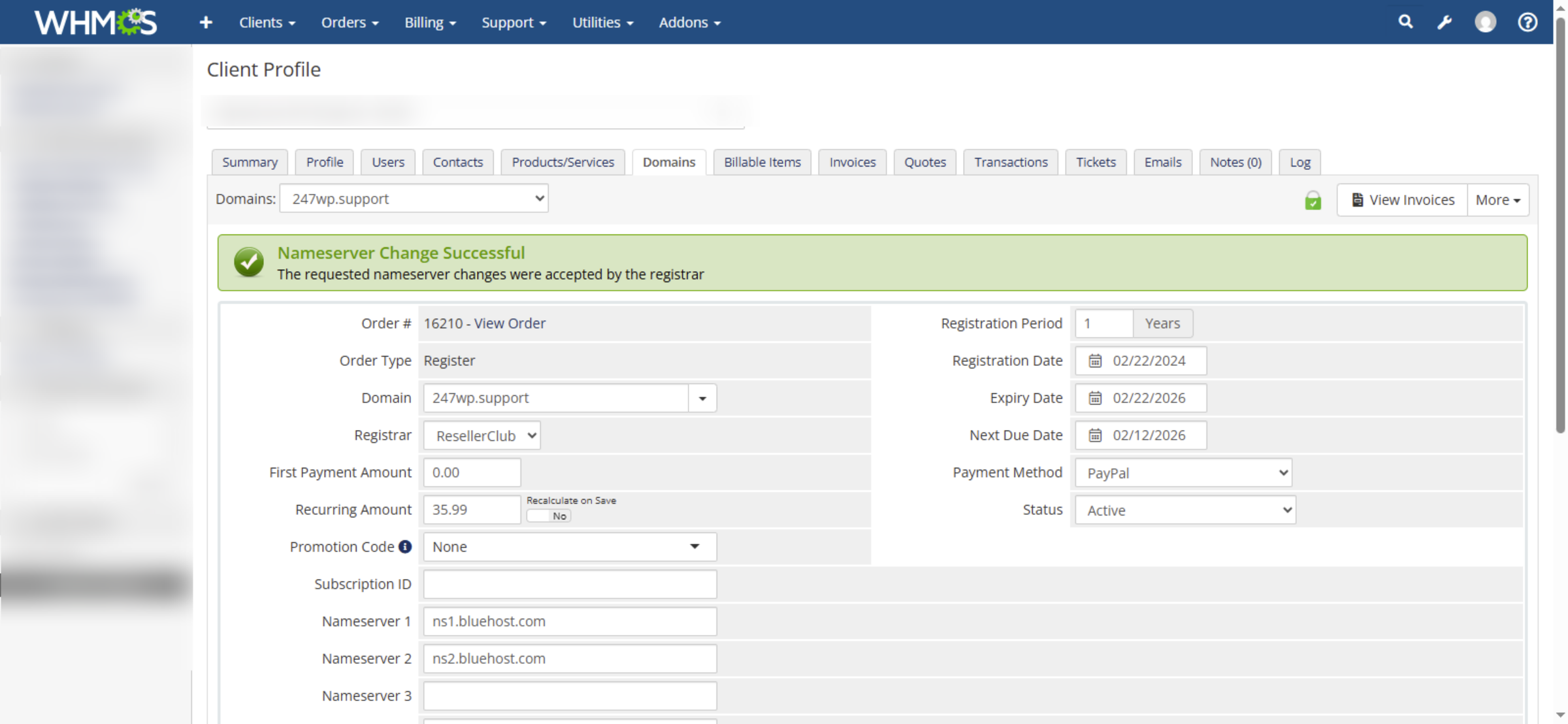
11. Save Nameserver Changes


12. Nameserver Update Successful
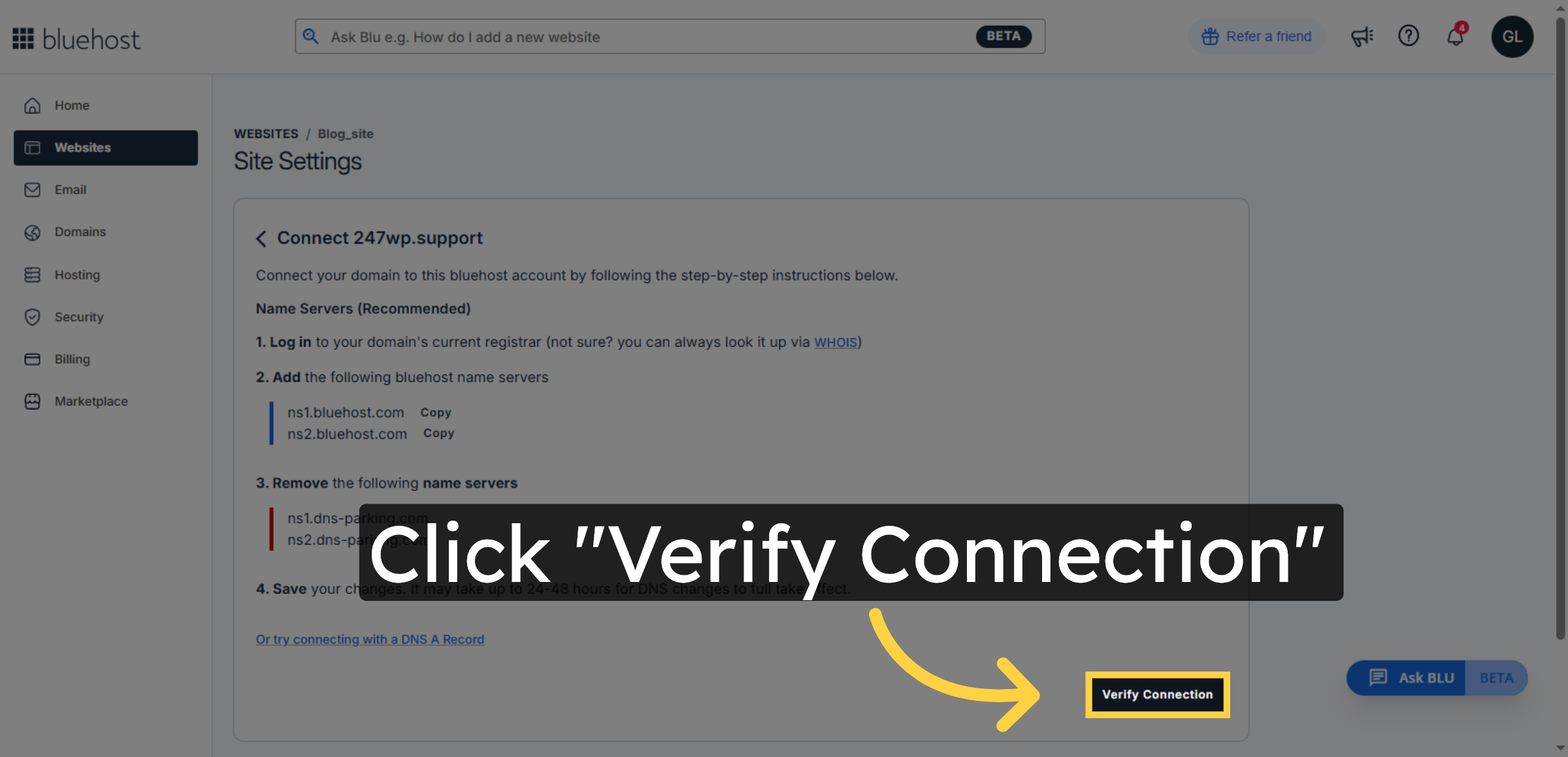
13. Verify Domain Connection
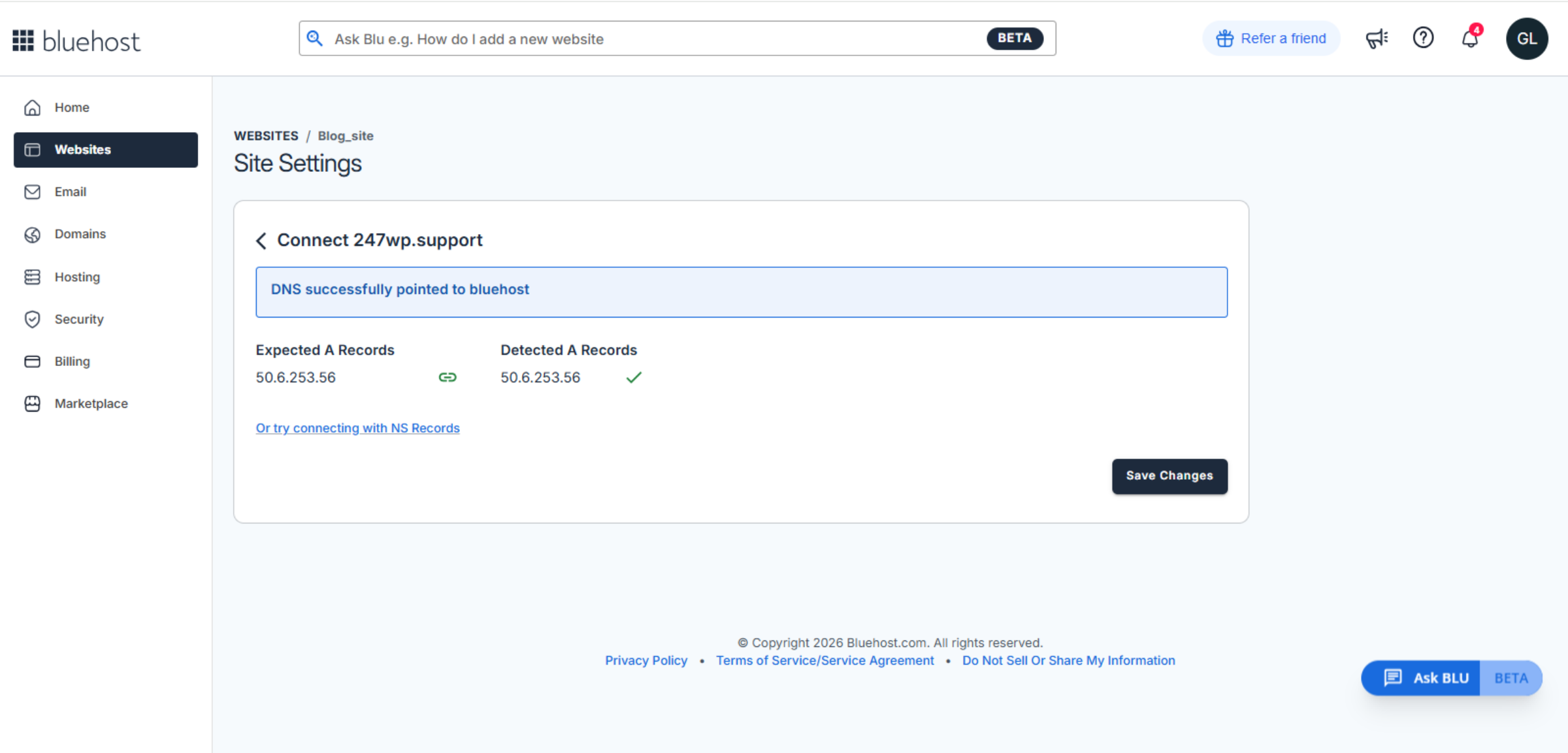
14. DNS Successfully Connected to Bluehost
15. NOTE
Conclusion
By following this guide, you have successfully connected your external domain to your Bluehost WordPress website. Your domain is now properly linked to the hosting server, allowing visitors to access your website using your custom web address. This setup improves professionalism and strengthens your online identity.
To ensure consistent performance, allow sufficient time for DNS propagation and regularly monitor domain settings. Keeping your domain information updated will help prevent connectivity issues and ensure uninterrupted website access.
WooHelpDesk Support
Need help with domain connection, DNS setup, or website configuration? WooHelpDesk is ready to assist you.
Visit: https://www.woohelpdesk.com
Call Us Toll-Free: +1 888 602 0119 (US & Canada)
Smooth Setup | Expert Support
Contact WooHelpDesk today for reliable domain and hosting support.



