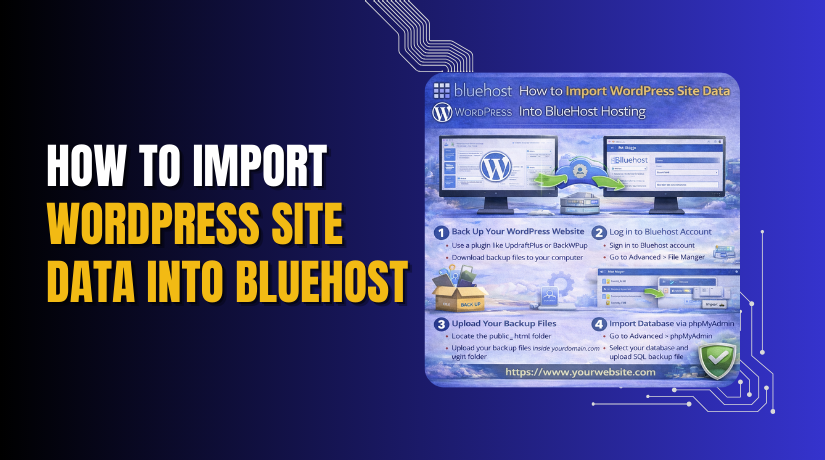
How to Import WordPress Site Data Into Bluehost Hosting
Introduction
Importing WordPress site data is a crucial step when migrating a website to a new hosting environment. A successful import ensures that all website content, themes, plugins, media files, and database records are transferred accurately without affecting functionality or design. Hosting providers such as Bluehost offer optimized WordPress environments that support seamless data integration and efficient site management.
This guidde explains how to import WordPress site data into Bluehost WP Hosting using the All-in-One WP Migration plugin. It provides step-by-step instructions for accessing the Bluehost dashboard, opening the WordPress admin panel, installing the required migration plugin, selecting the import file, and completing the migration process. By following this guide, website owners can quickly restore their websites on Bluehost and begin managing their online presence without disruptions.
1. NOTE
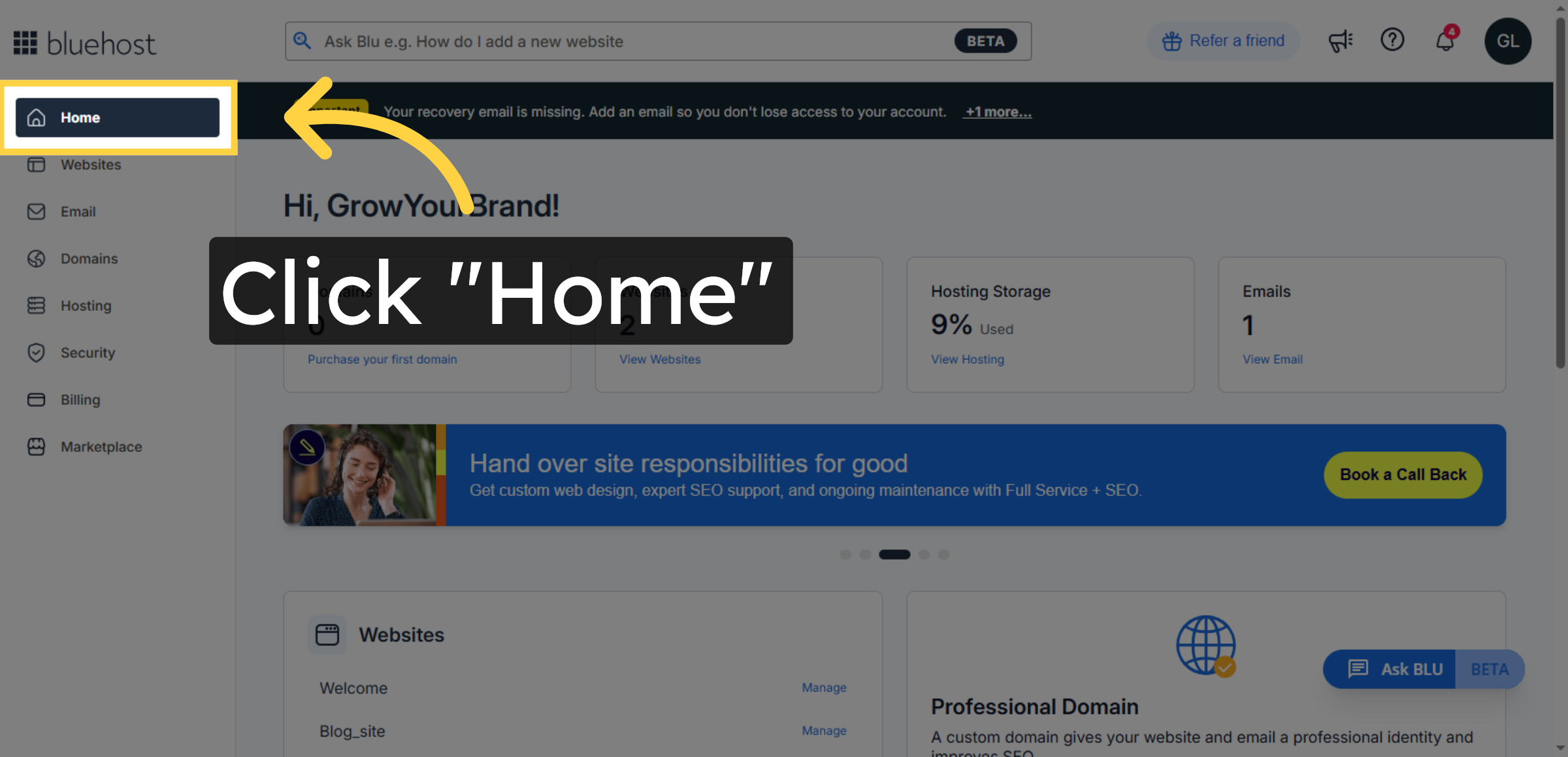
2. Navigate to Home Page of Bluehost
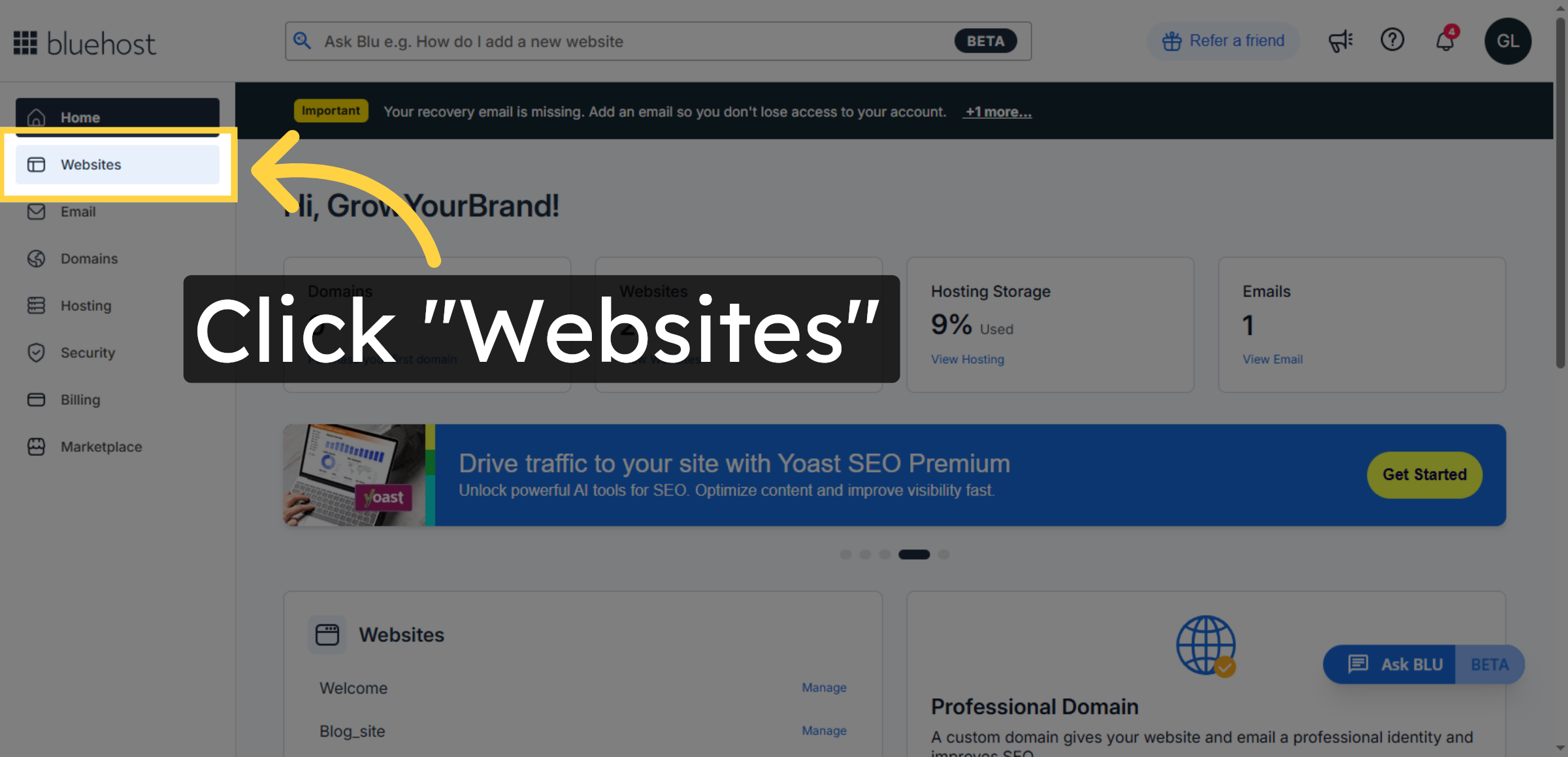
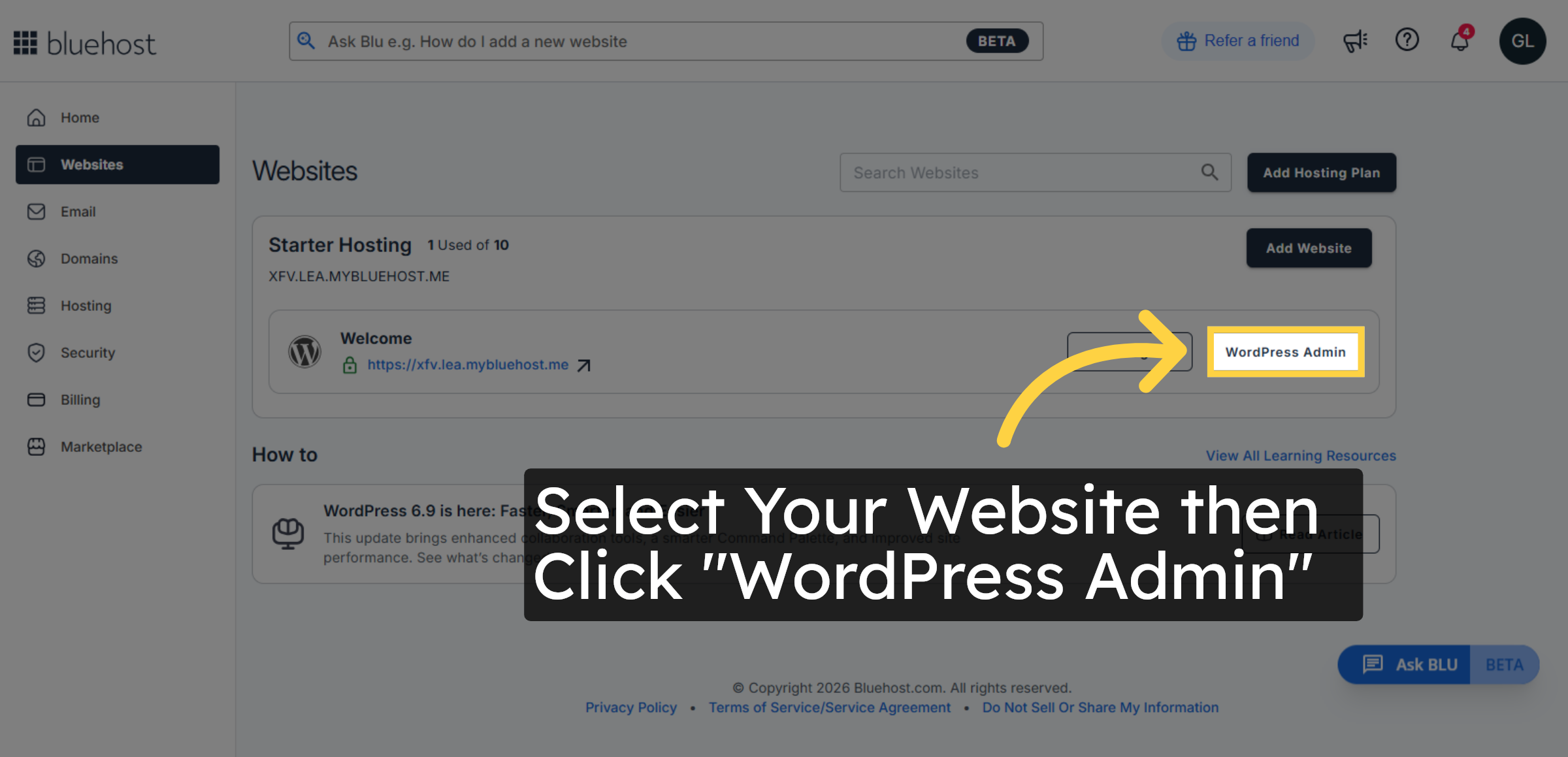
3. Open Websites Section
4. Click WordPress Admin Button
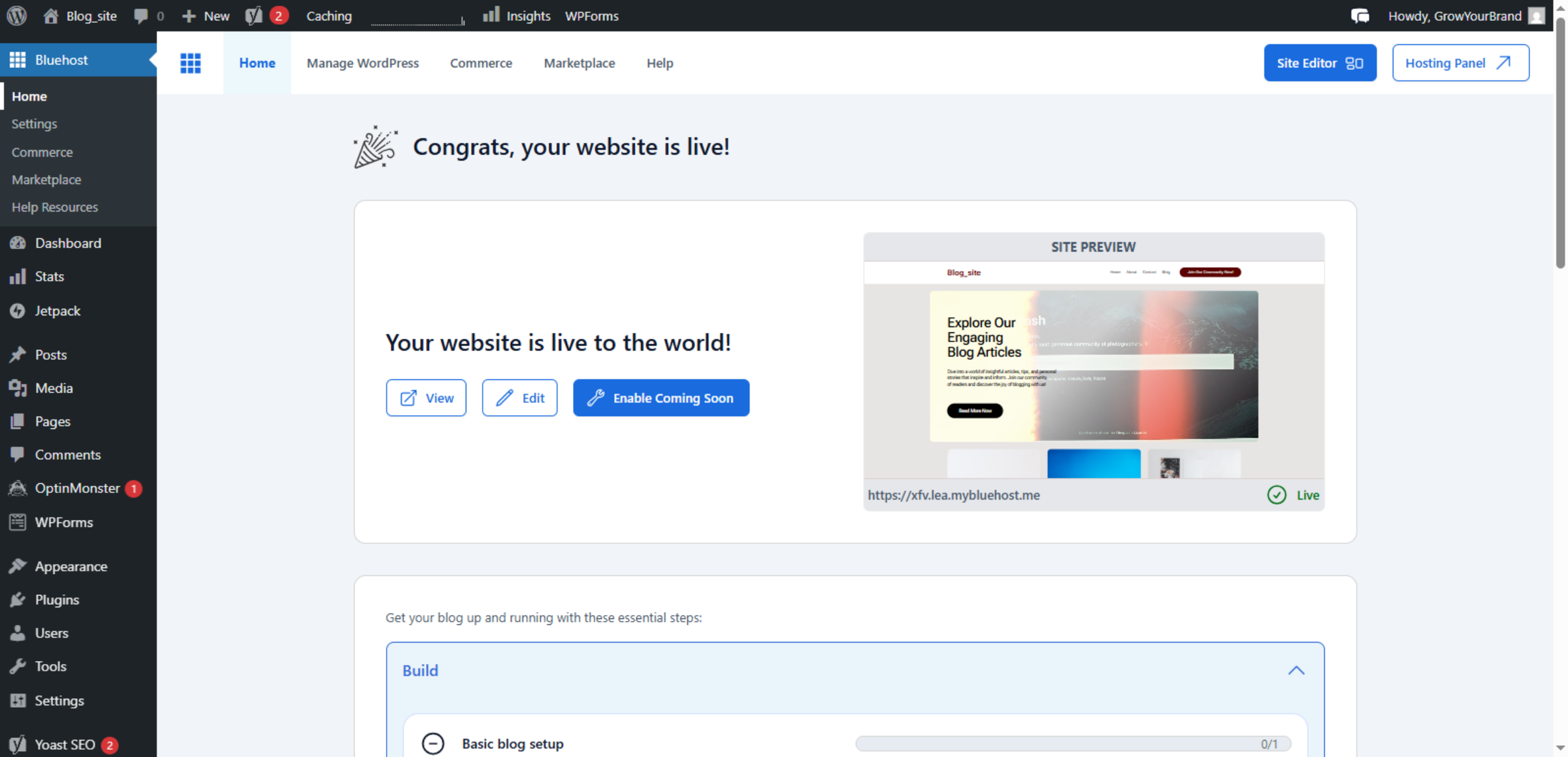
5. Switch to Bluehost Site URL
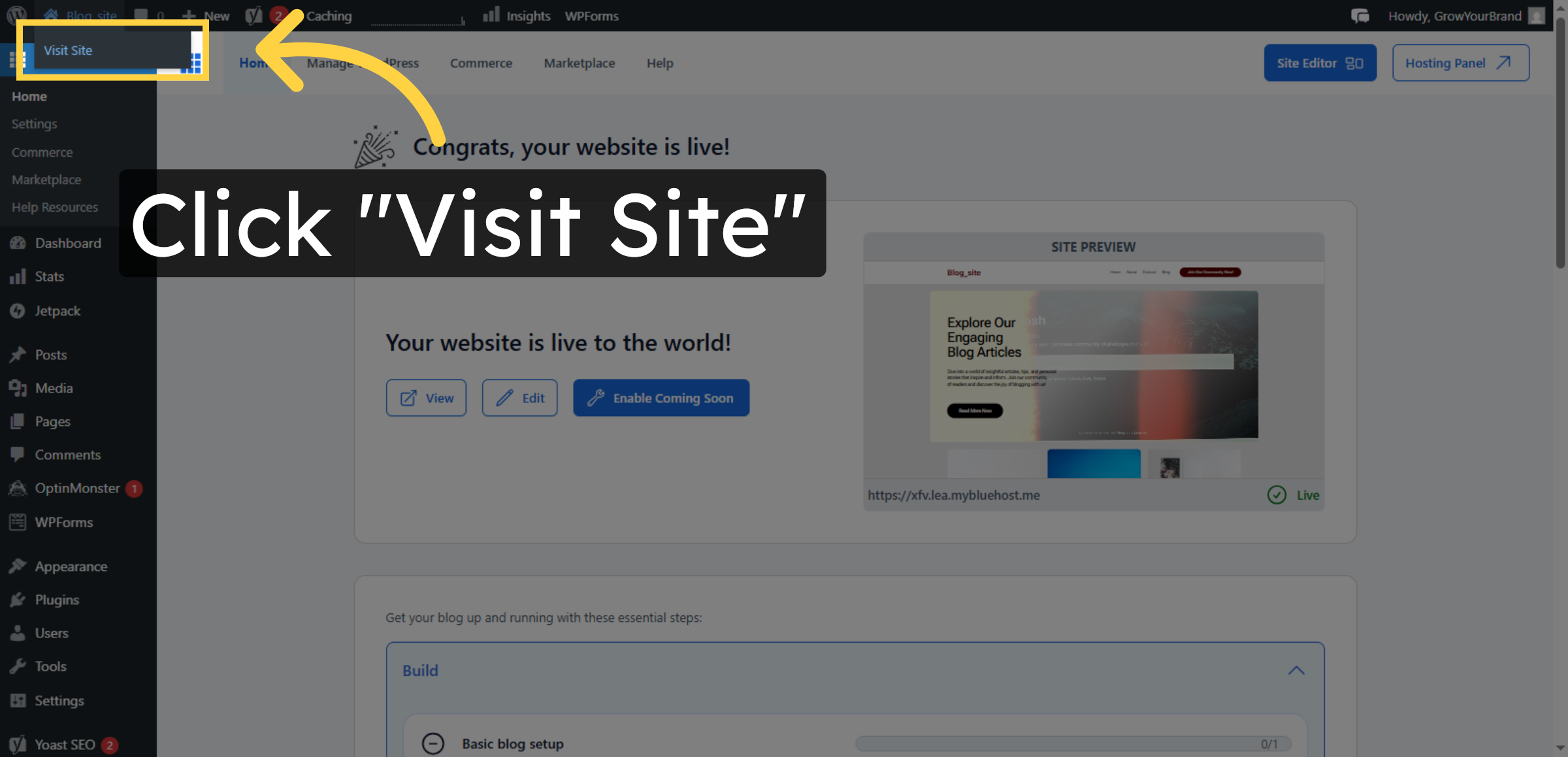
6. Visit Your WordPress Site
7. Original WordPress Website Before Import

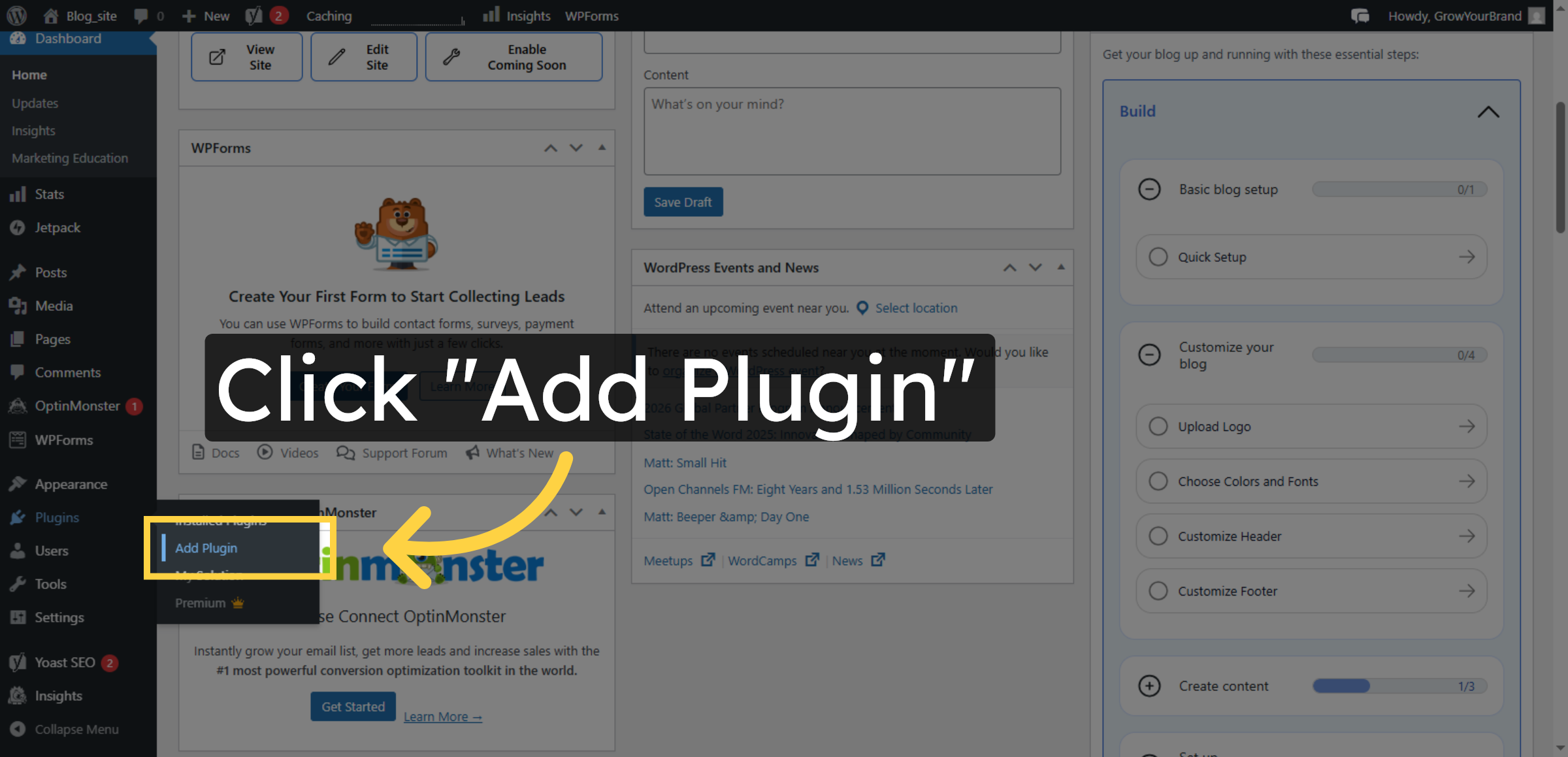
8. Open Add Plugin Page
9. Search for Plugins
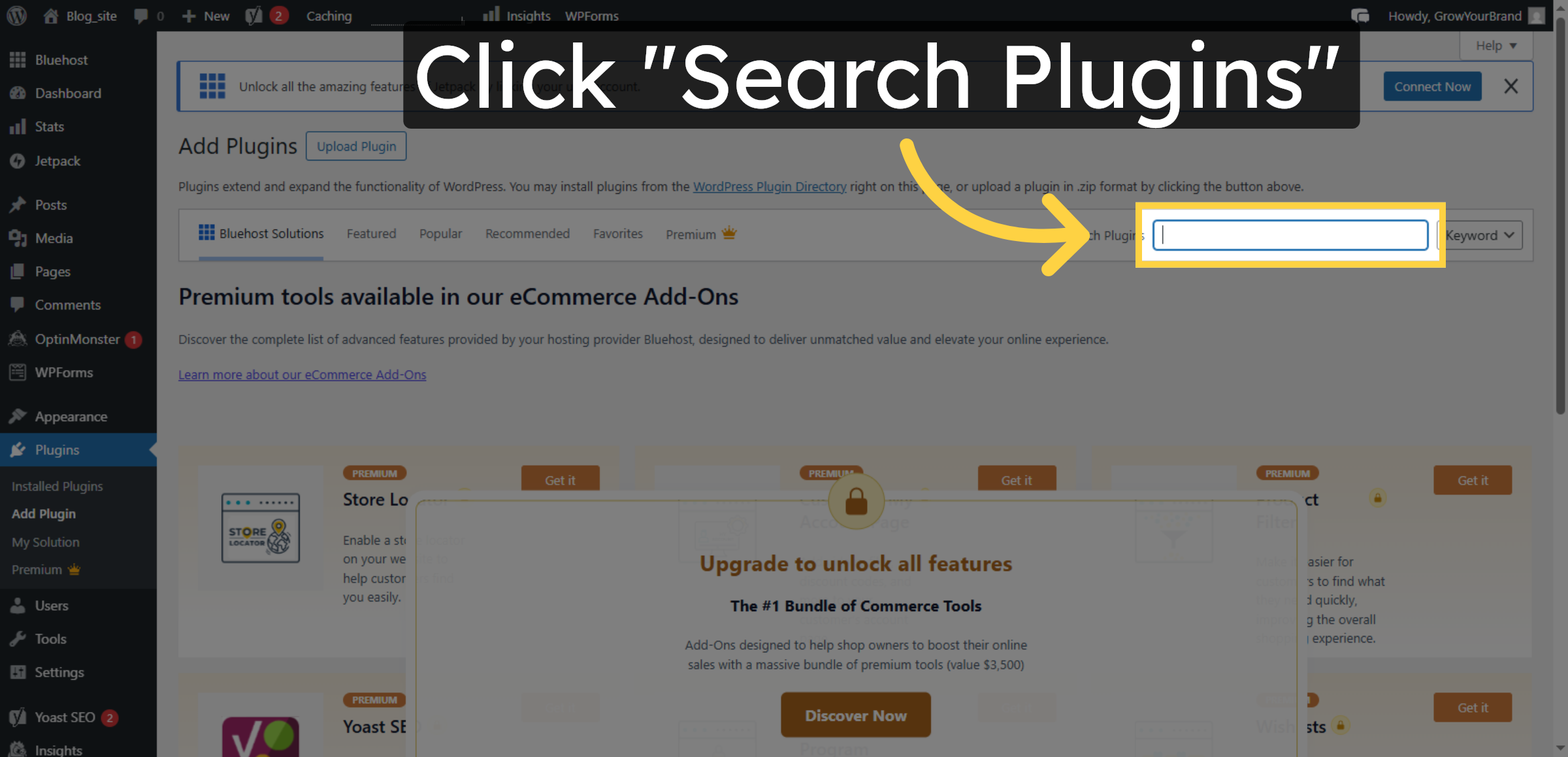
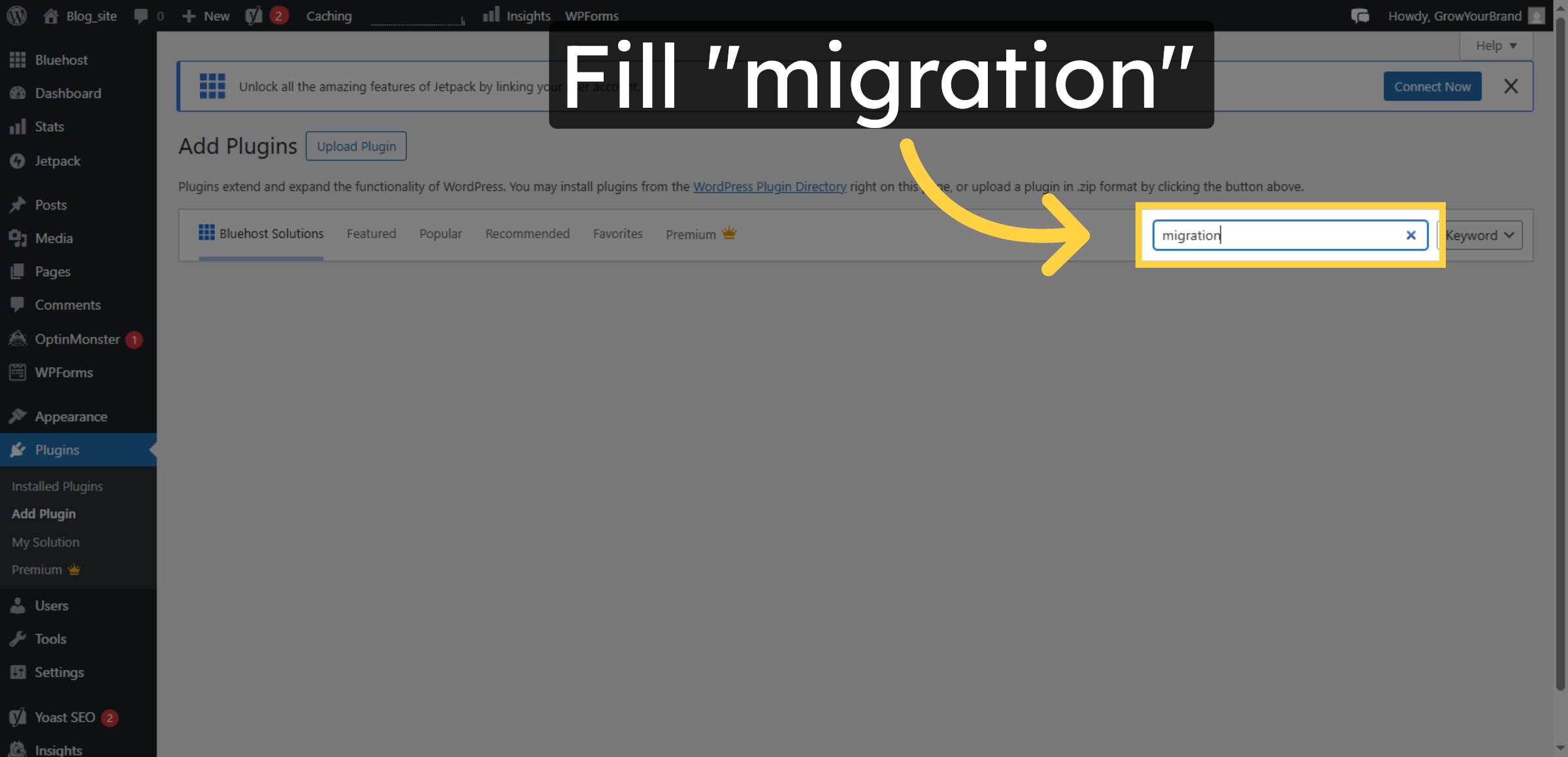
10. Enter Migration Keyword
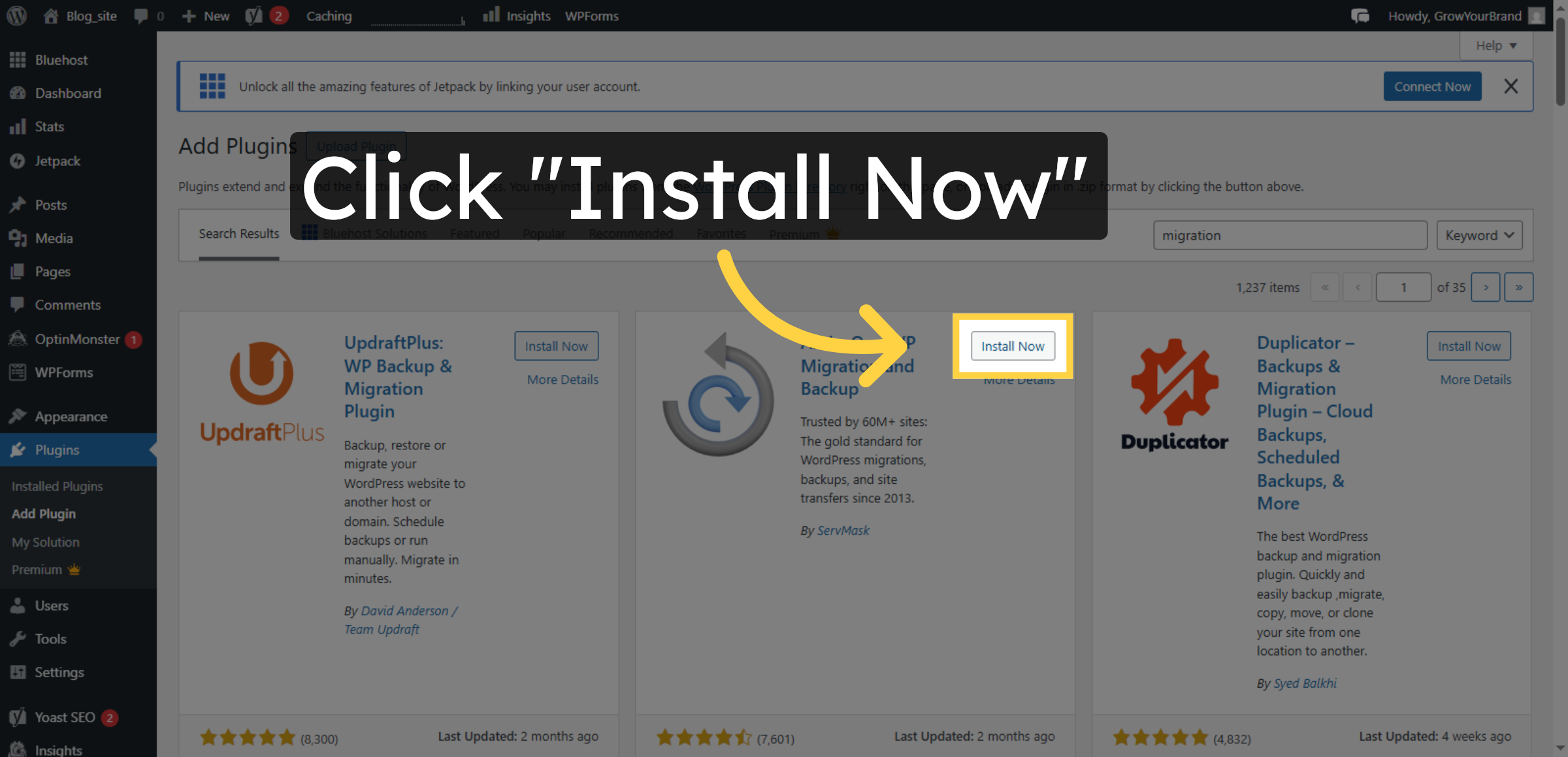
11. Install Migration Plugin
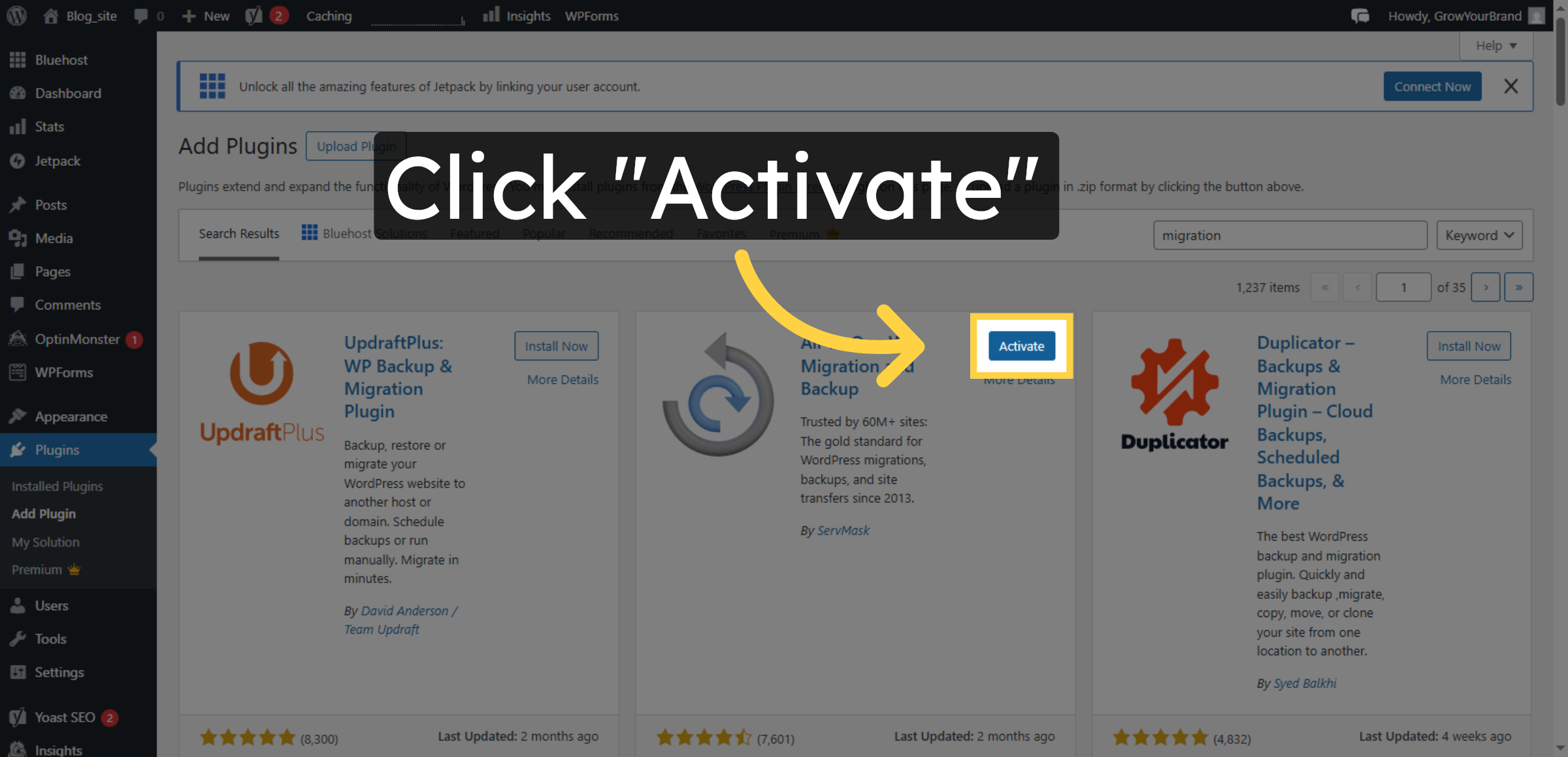
12. Activate Migration Plugin
13. Open All-in-One WP Migration
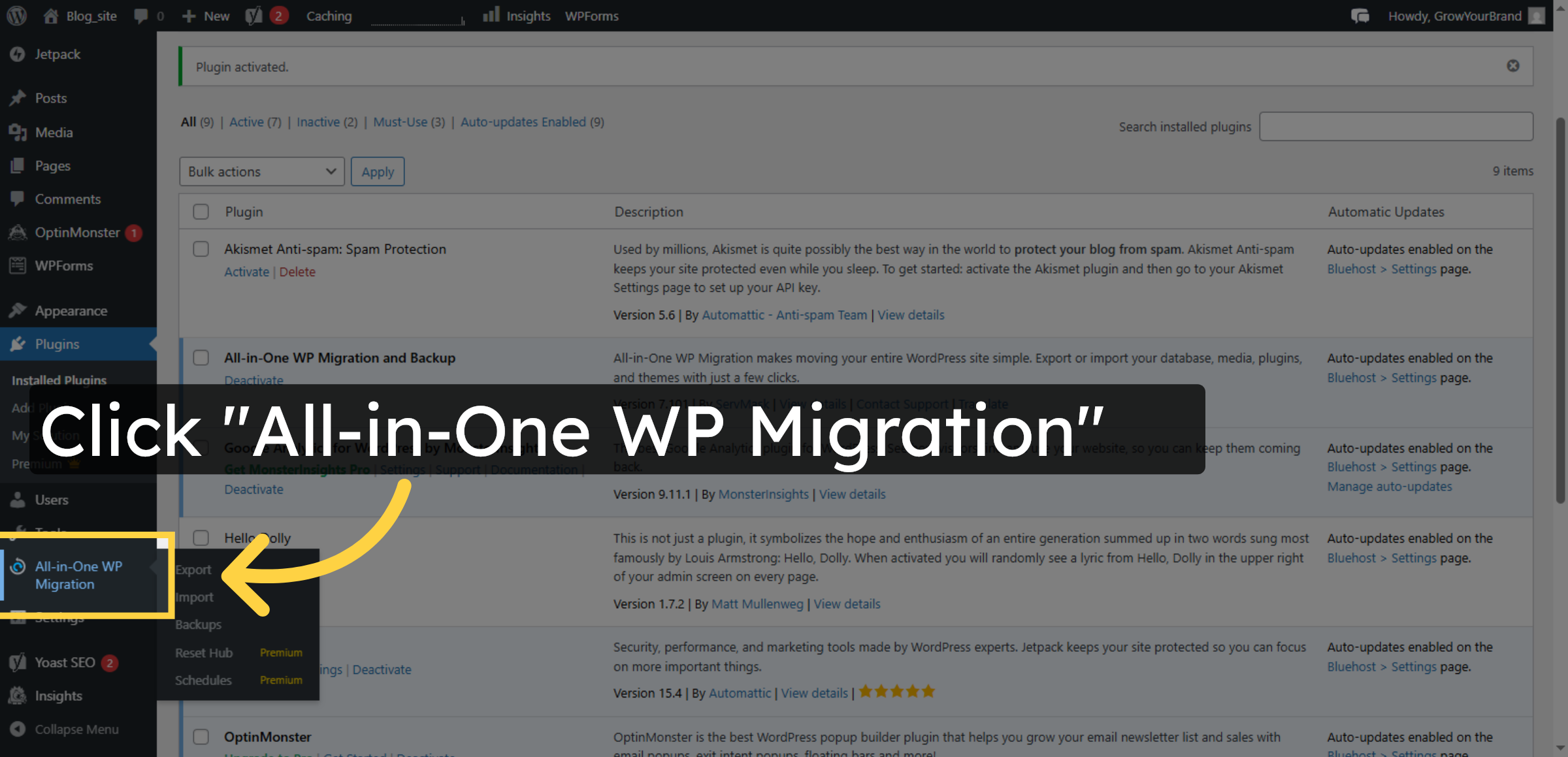
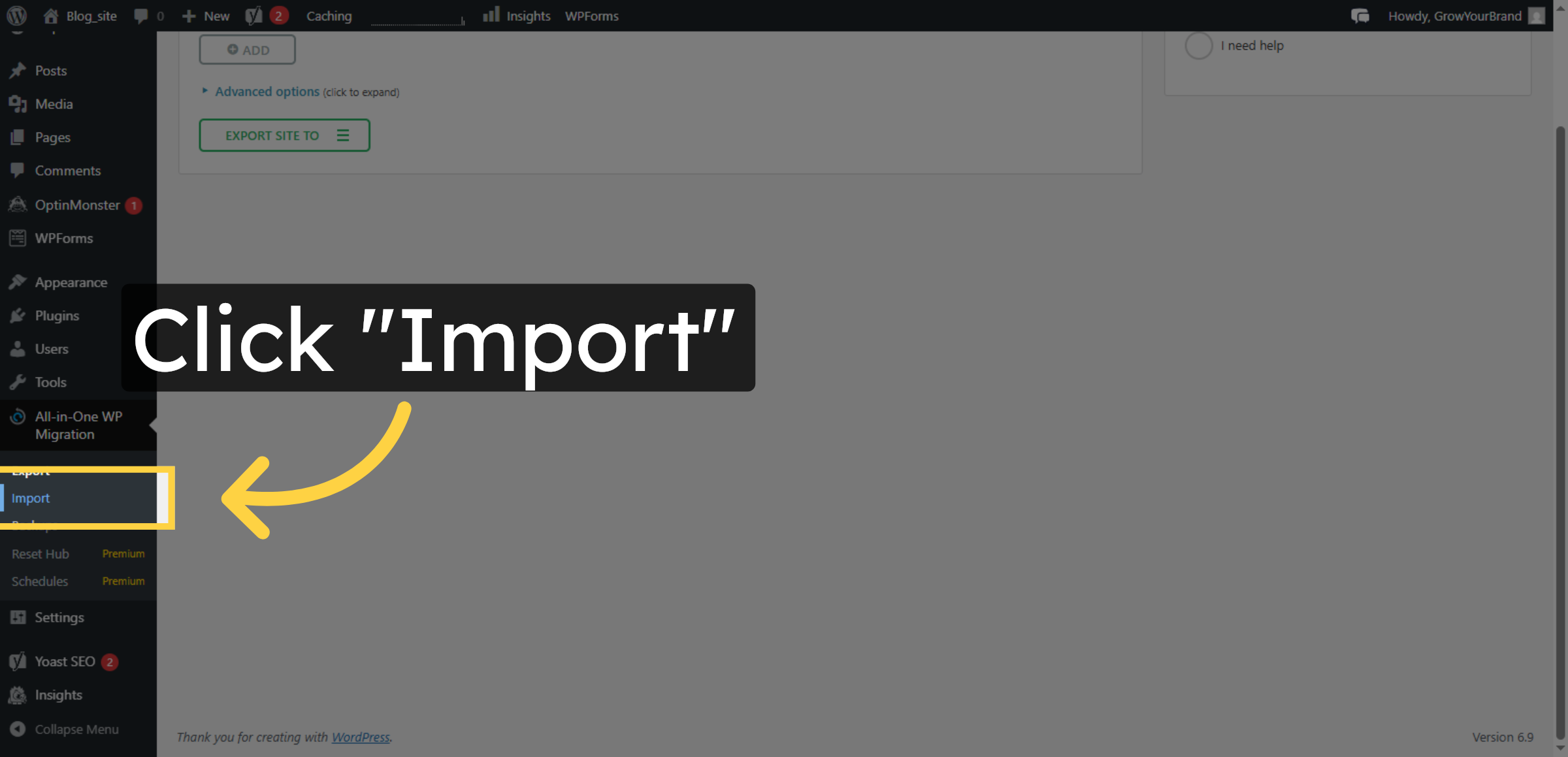
14. Select Import Option


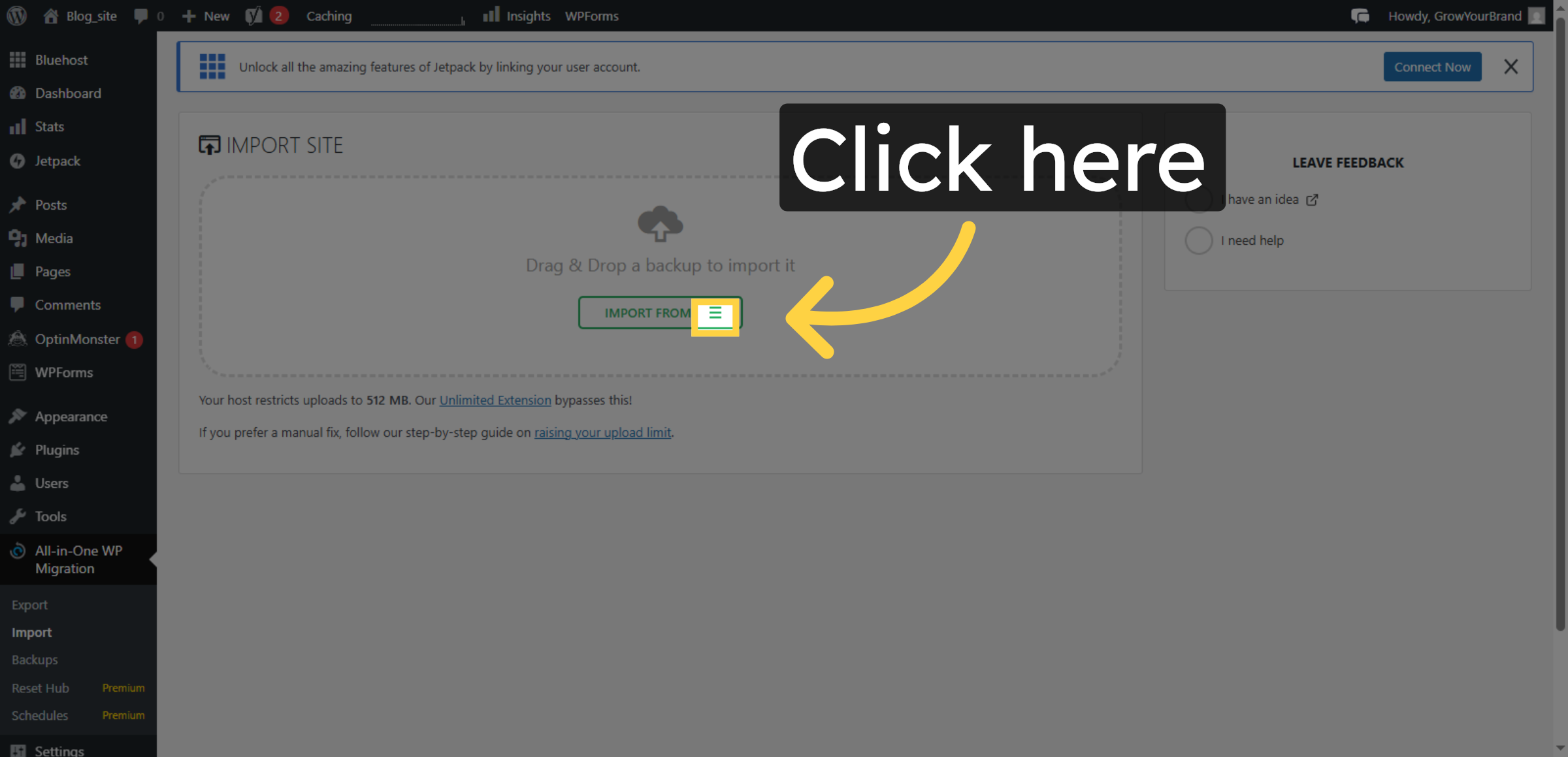
15. Initiate File Selection
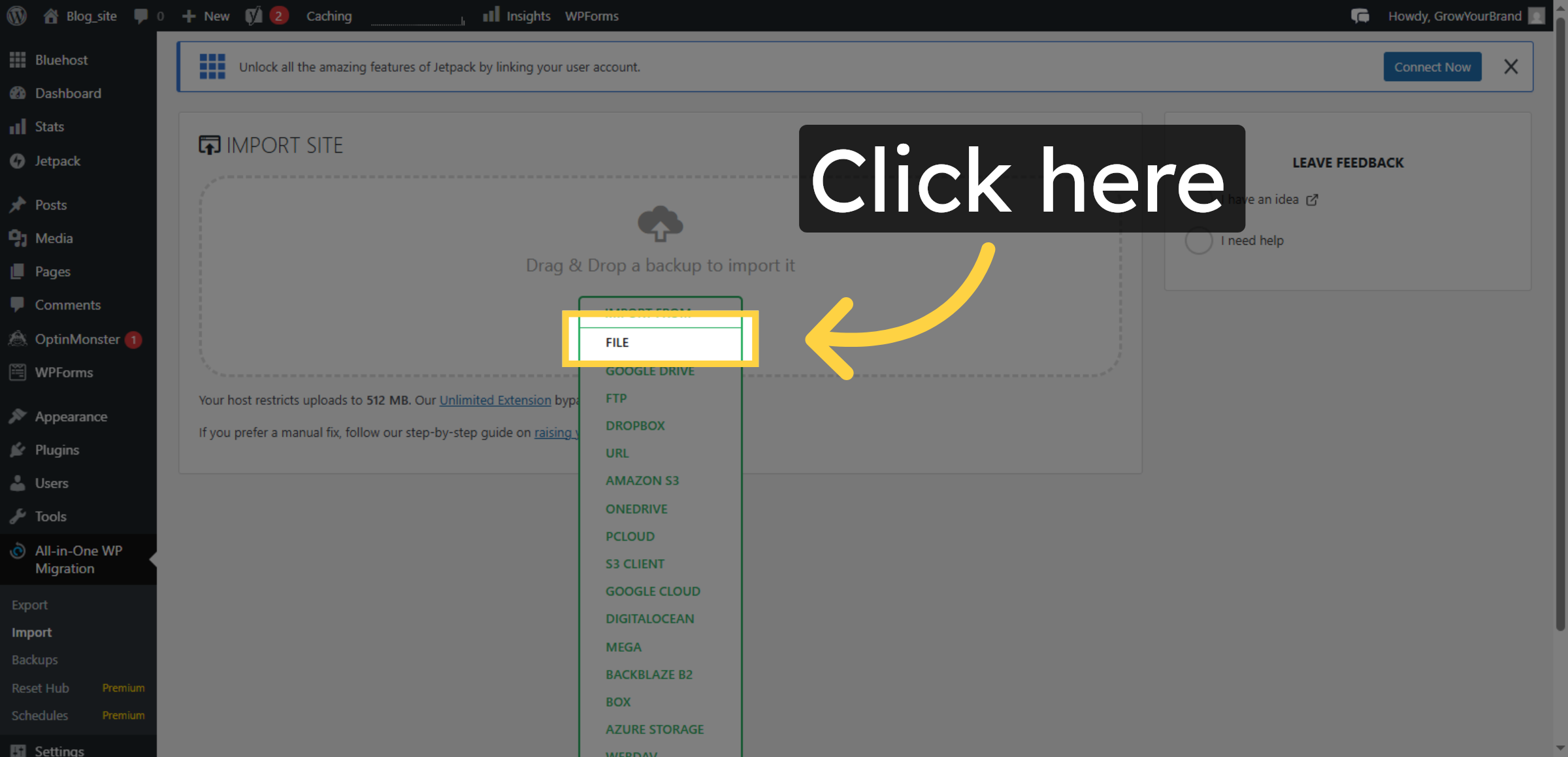
16. Choose Import File
17. Proceed With Import
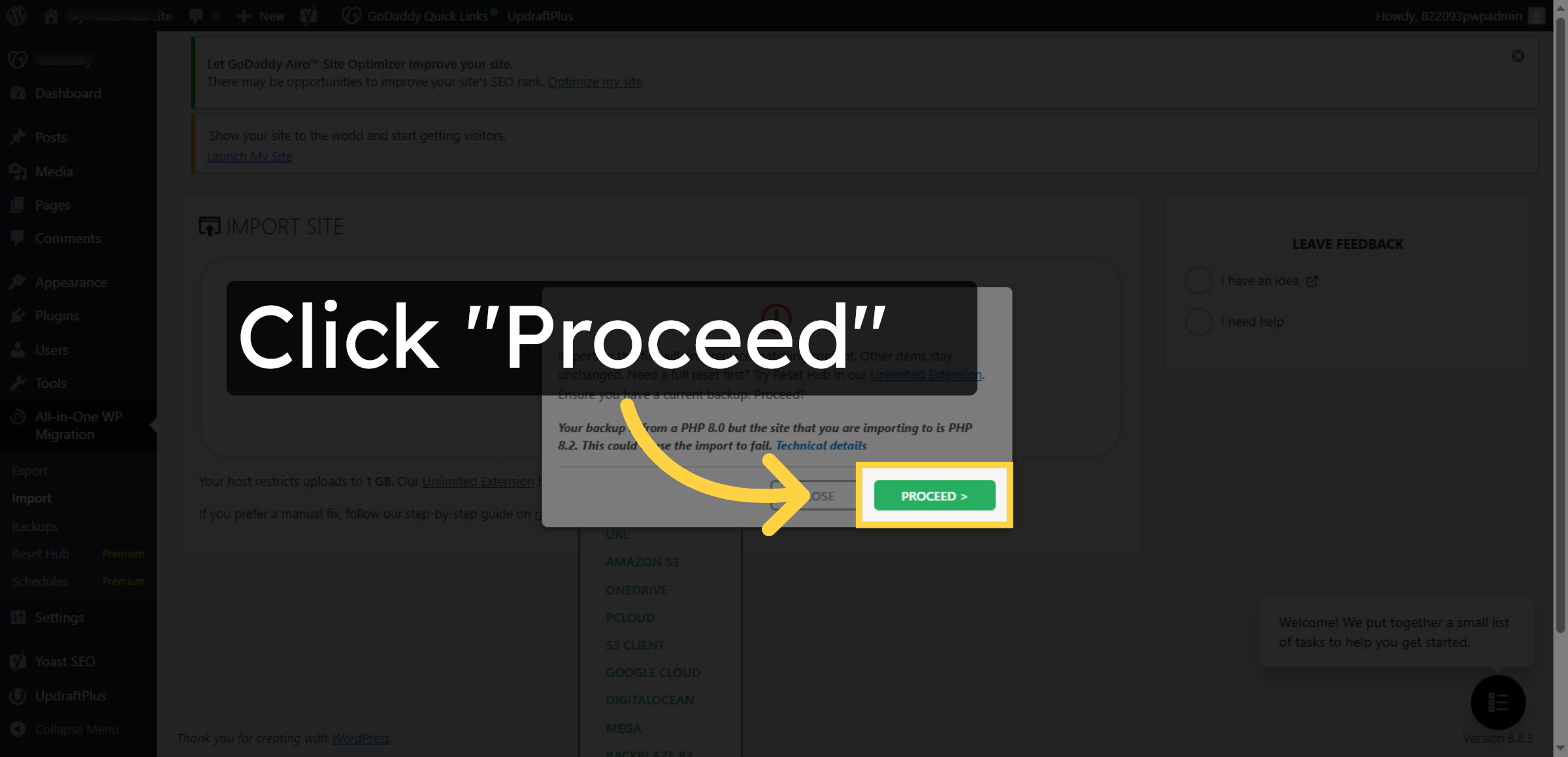
18. Finish Import Process
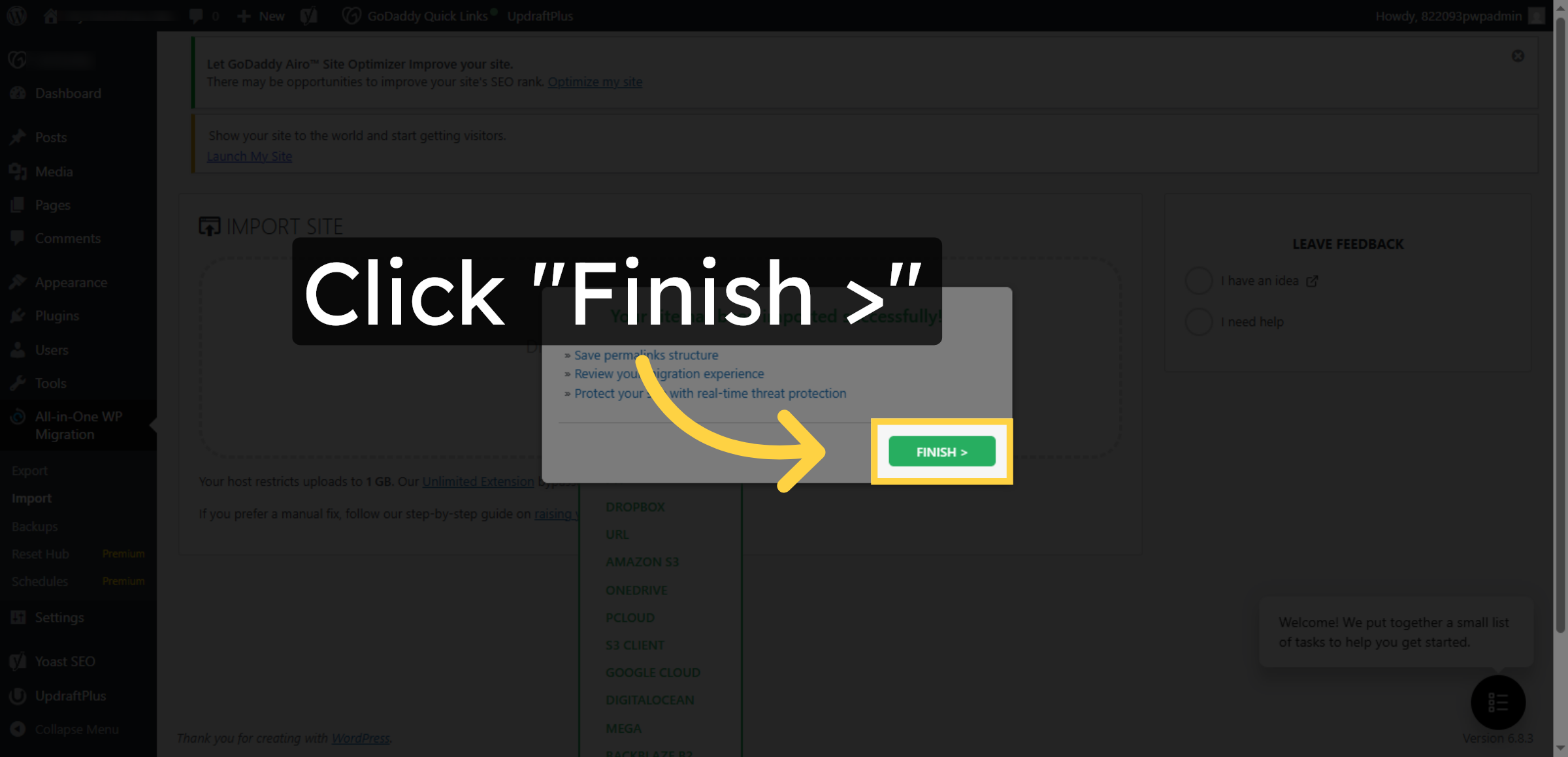
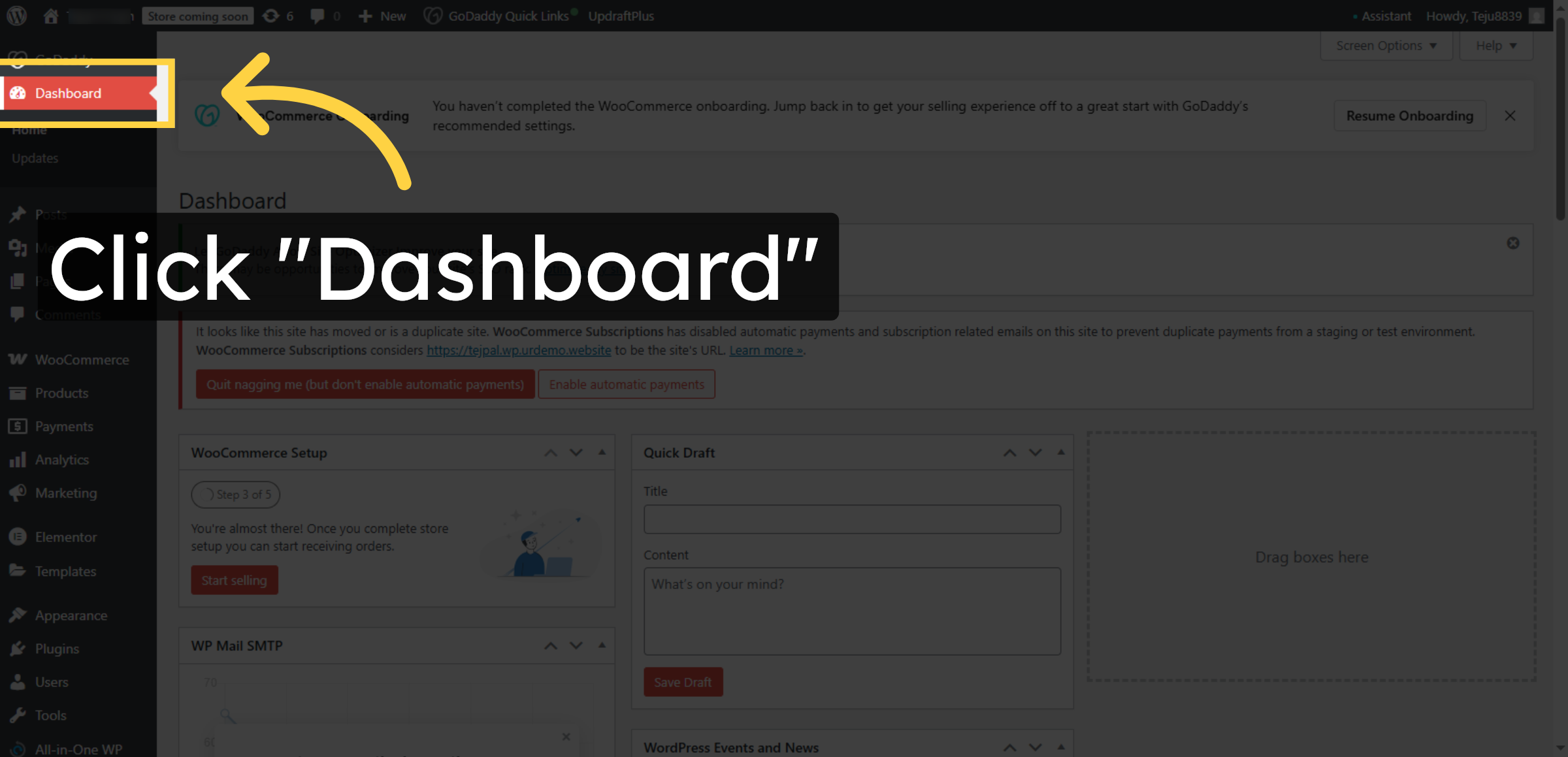
19. Return To Dashboard
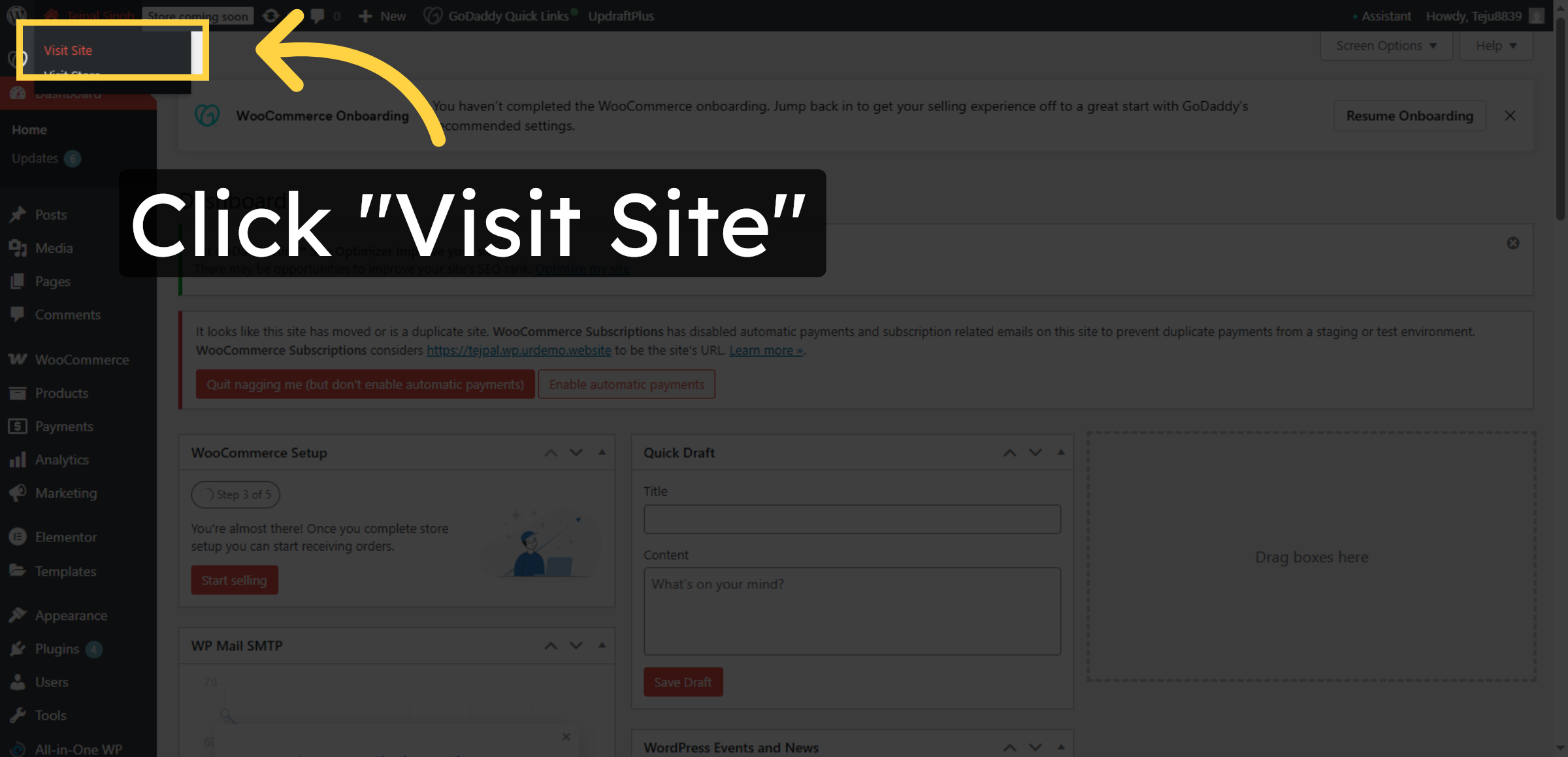
20. Visit imported Site
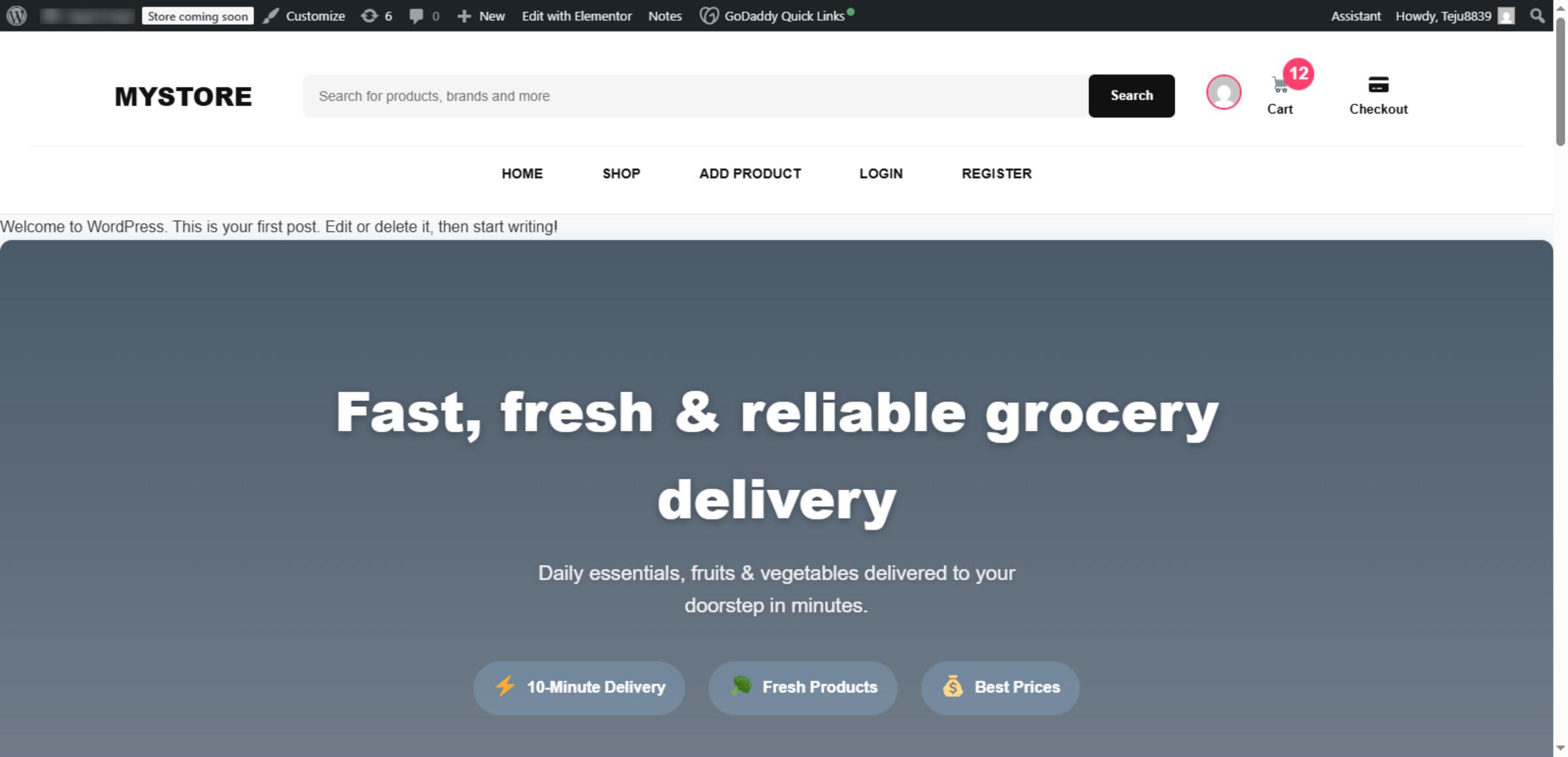
21. Website Successfully Imported
Conclusion
Properly importing WordPress site data is essential for maintaining website continuity and user experience after migration. By following the steps outlined in this guide, you have successfully imported your website files, databases, and configurations into Bluehost hosting, ensuring that your site operates correctly in its new environment. This process helps preserve design elements, navigation structures, and stored content.
To ensure long-term stability, it is recommended to verify internal links, test website functionality, update plugins and themes, and perform regular backups after import. Routine monitoring and maintenance will help you maximize the benefits of your hosting platform. With a successful import completed, your WordPress website is now ready for reliable and secure operation on Bluehost WP Hosting.
WooHelpDesk Support
Need professional assistance with WordPress data import, website migration, hosting setup, or post-migration optimization? WooHelpDesk provides expert technical support to ensure a smooth and error-free transition.
Visit: https://www.woohelpdesk.com
Call Us Toll-Free: +1 888 602 0119 (US & Canada)
Seamless Integration | Secure Transfer | Trusted Support
Contact WooHelpDesk today for reliable WordPress and hosting migration services.



