



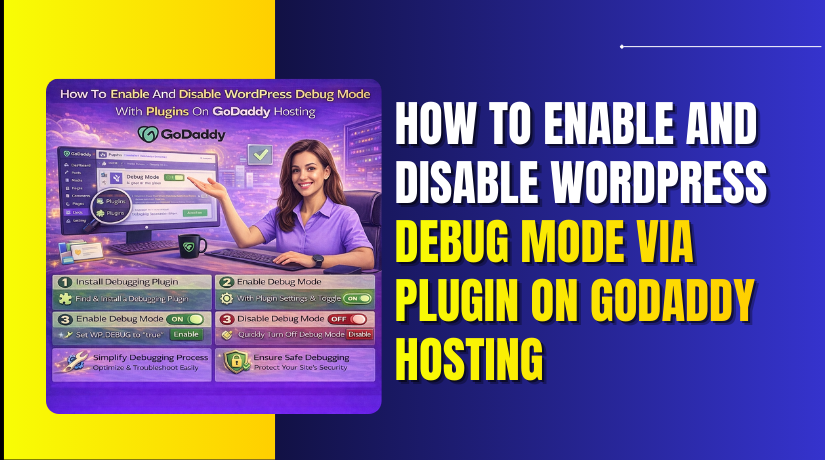
How To Enable And Disable WordPress Debug Mode Via Plugin On GoDaddy Hosting
Debugging WordPress issues on GoDaddy Managed WordPress hosting can be challenging, especially when direct access to core configuration files is...
2 mins read

How to Import WordPress Site Into GoDaddy WordPress Hosting
Importing a WordPress website into a new hosting environment is an important step when migrating or rebuilding an online platform.
4 mins read
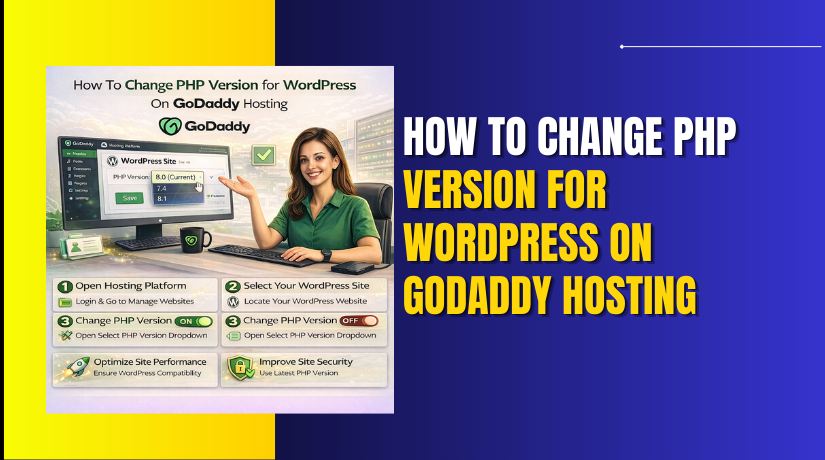
How To Change PHP Version for WordPress On GoDaddy Hosting
Changing the PHP version is an essential step in maintaining the performance, security, and compatibility of your WordPress website on...
2 mins read

How to Export WordPress Website From GoDaddy WordPress Hosting
Exporting a WordPress website is an essential process for creating secure backups, preparing for migration, or preserving website data for...
3 mins read
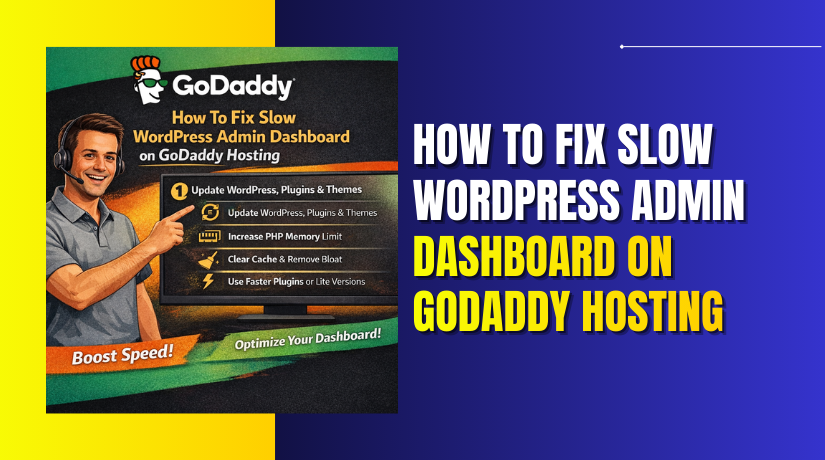
How To Fix Slow WordPress Admin Dashboard On GoDaddy Hosting
A slow WordPress admin dashboard can significantly affect productivity and make website management frustrating. This issue usually occurs when server...
5 mins read

How To Fix WordPress White Screen Of Death On GoDaddy Hosting
The WordPress White Screen of Death is a common but frustrating issue where your website displays a blank white page...
3 mins read

How to Migrate WordPress Website To GoDaddy WordPress Hosting
Migrating a WordPress website to a new hosting platform requires careful planning to ensure that all content, images, themes, plugins,...
5 mins read

How To Fix WordPress Memory Limit Exhausted Error On GoDaddy Hosting
A fatal error or memory exhausted issue in WordPress usually occurs when your website does not have enough PHP memory...
3 mins read
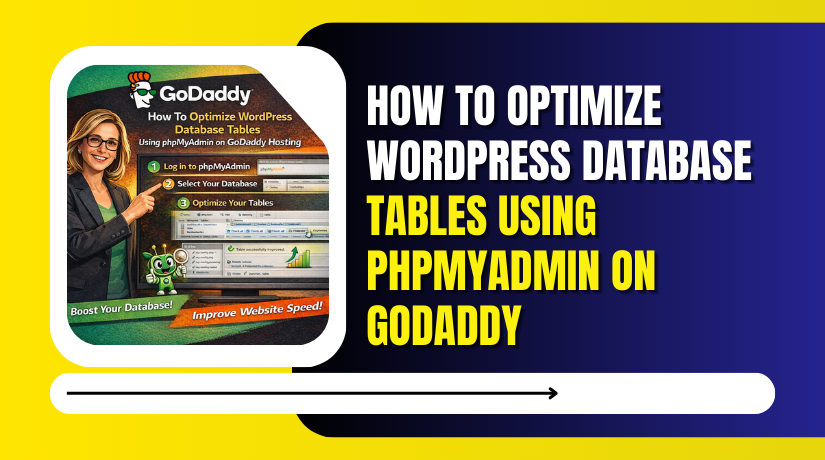
How To Optimize WordPress Database Tables Using phpMyAdmin On GoDaddy
Over time, a WordPress website’s database can accumulate unnecessary data such as overhead, transient records, and unused entries, which can...
2 mins read
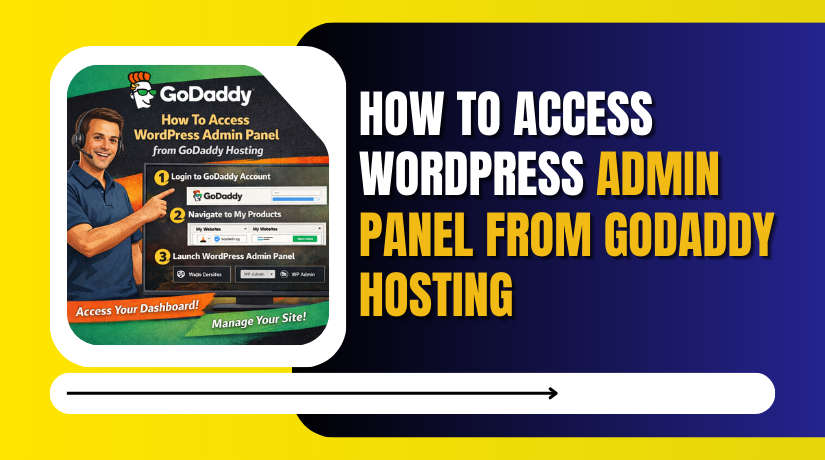
How to Access WordPress Admin Panel From GoDaddy Hosting
Accessing the WordPress admin panel is essential for managing website content, themes, plugins, security settings, and overall site performance.
2 mins read