Hosting

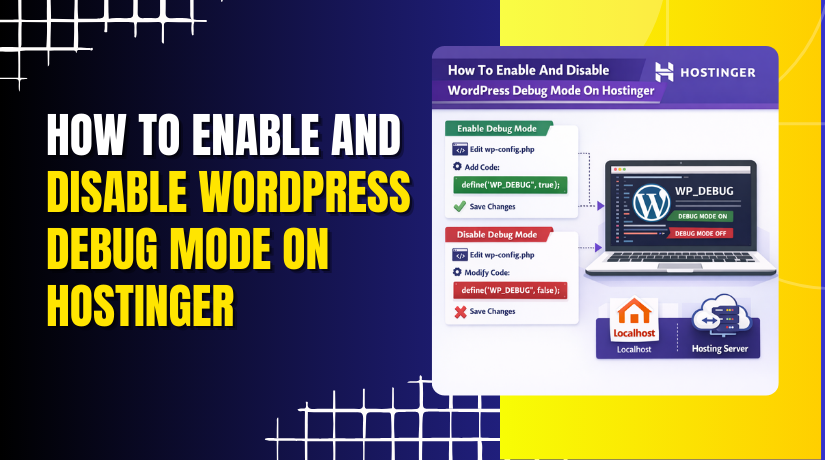
How To Enable And Disable WordPress Debug Mode On Hostinger
Enabling or disabling WordPress debug mode is an essential step when troubleshooting errors, warnings, or unexpected behavior on your website....
2 mins read
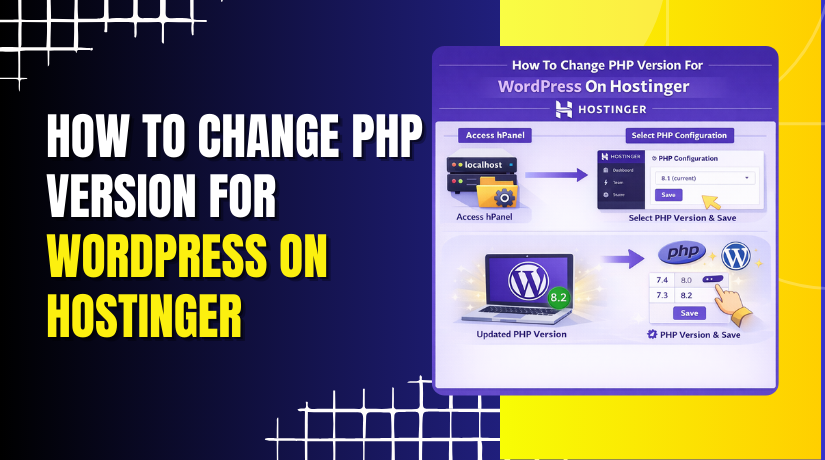
How To Change PHP Version For WordPress On Hostinger
Keeping your PHP version up to date is essential for maintaining a secure, fast, and compatible WordPress website. Newer PHP...
2 mins read
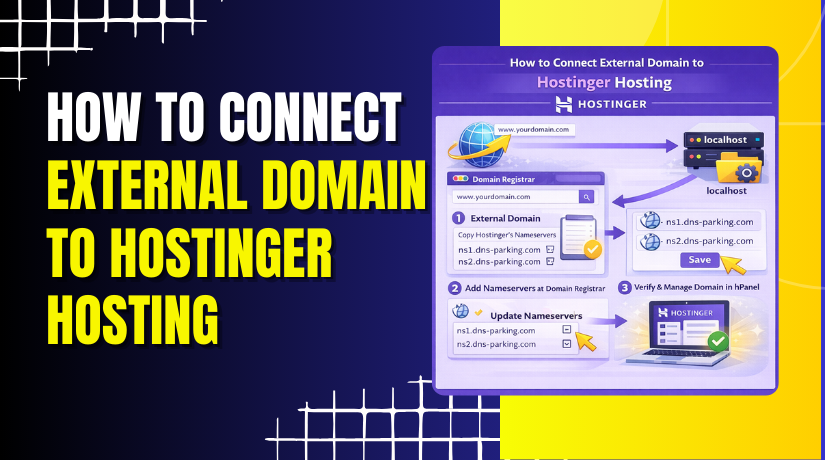
How to connect external domain to Hostinger hosting?
Connecting an external domain to your Hostinger hosting account allows you to use your custom domain name with your website,...
3 mins read
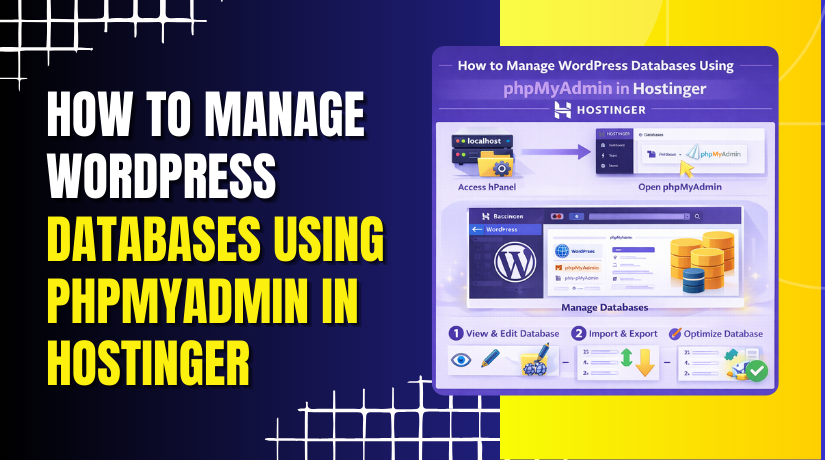
How to Manage WordPress Databases Using phpMyAdmin in Hostinger
Managing your WordPress database is essential for maintaining website performance, security, and data integrity.
2 mins read
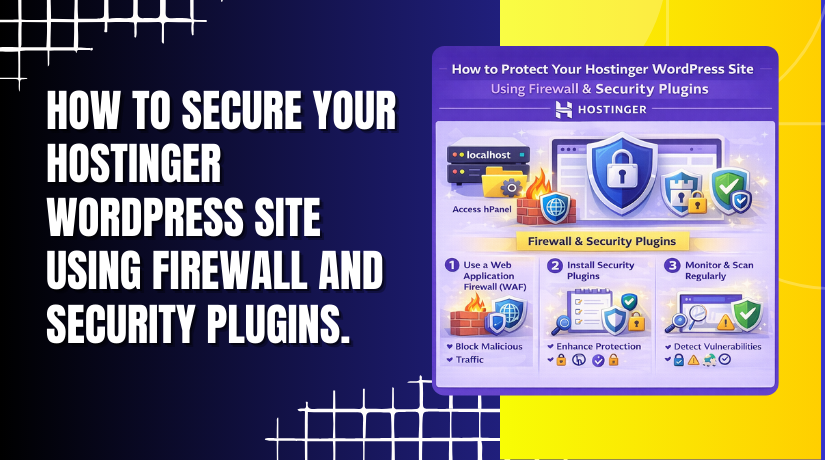
How to secure your Hostinger WordPress site using firewall and security plugins.
Website security is essential for protecting your WordPress site from malware, hacking attempts, data breaches, and unauthorized access.
5 mins read
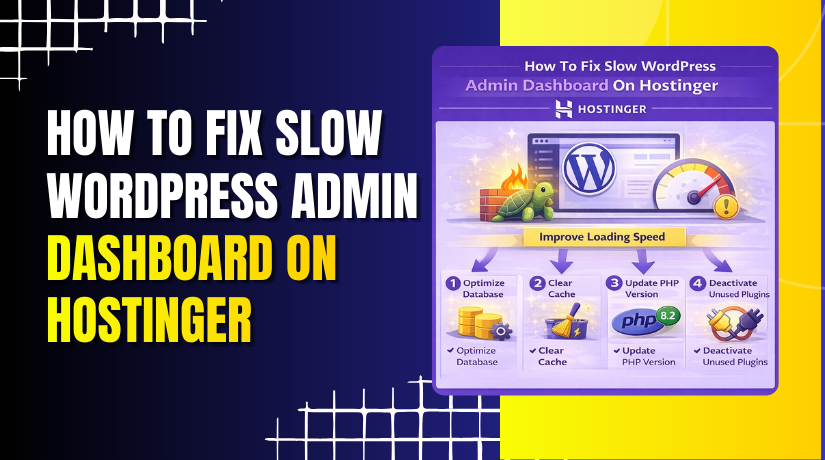
How To Fix Slow WordPress Admin Dashboard On Hostinger
A slow WordPress admin dashboard can significantly affect productivity and website management. This issue is commonly caused by overloaded server...
5 mins read
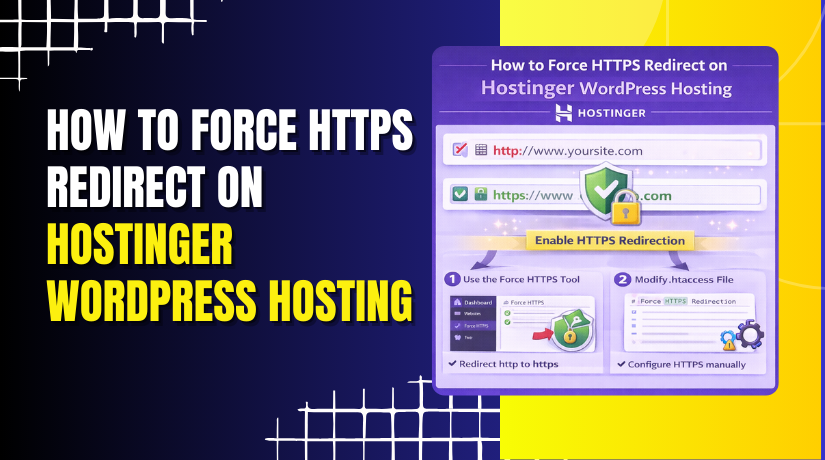
How to Force HTTPS Redirect on Hostinger WordPress Hosting
Securing your WordPress website with HTTPS is essential for protecting user data, preventing security threats, and building visitor trust.
2 mins read