
How To Fix WordPress White Screen Of Death On GoDaddy Hosting
Introduction
The WordPress White Screen of Death is a common but frustrating issue where your website displays a blank white page with no error message, and sometimes even the admin dashboard becomes inaccessible. This problem usually occurs due to hidden PHP errors, incompatible plugins or themes, outdated PHP versions, or insufficient server configurations. Since WordPress hides errors by default, identifying the root cause can be difficult without enabling debugging. In this guide, we explain how to diagnose and fix the White Screen of Death on GoDaddy WordPress hosting. You’ll learn how to enable debug mode through the wp-config.php file to reveal errors, update the PHP version, and manage themes and plugins that may be causing conflicts. Following these steps helps you quickly identify the issue, restore your website, and prevent similar problems in the future.
1. Problem
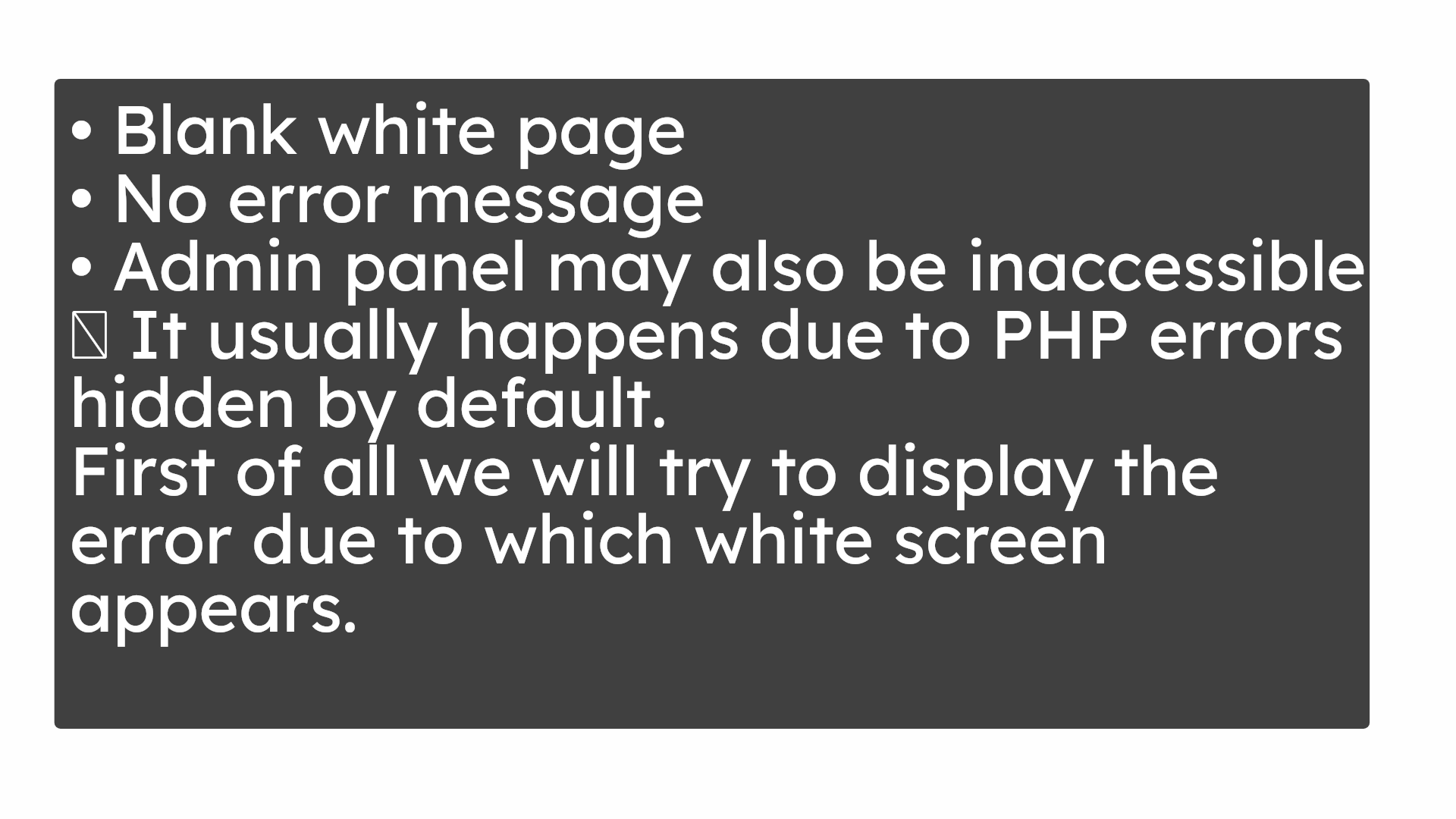
Blank white pageNo error message
Admin panel may also be inaccessible
👉 It usually happens due to PHP errors hidden by default.
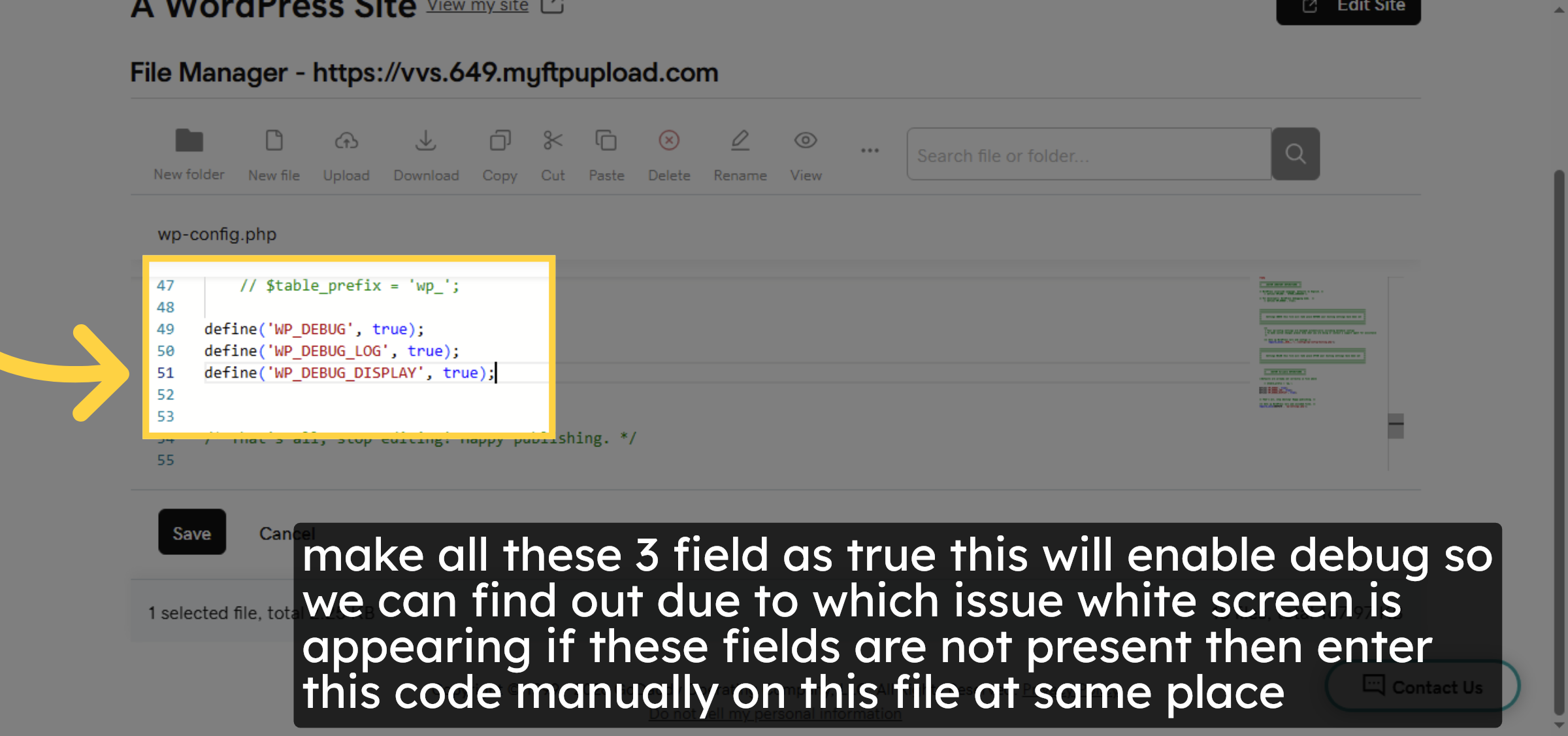
First of all we will try to display the error due to which white screen appears.
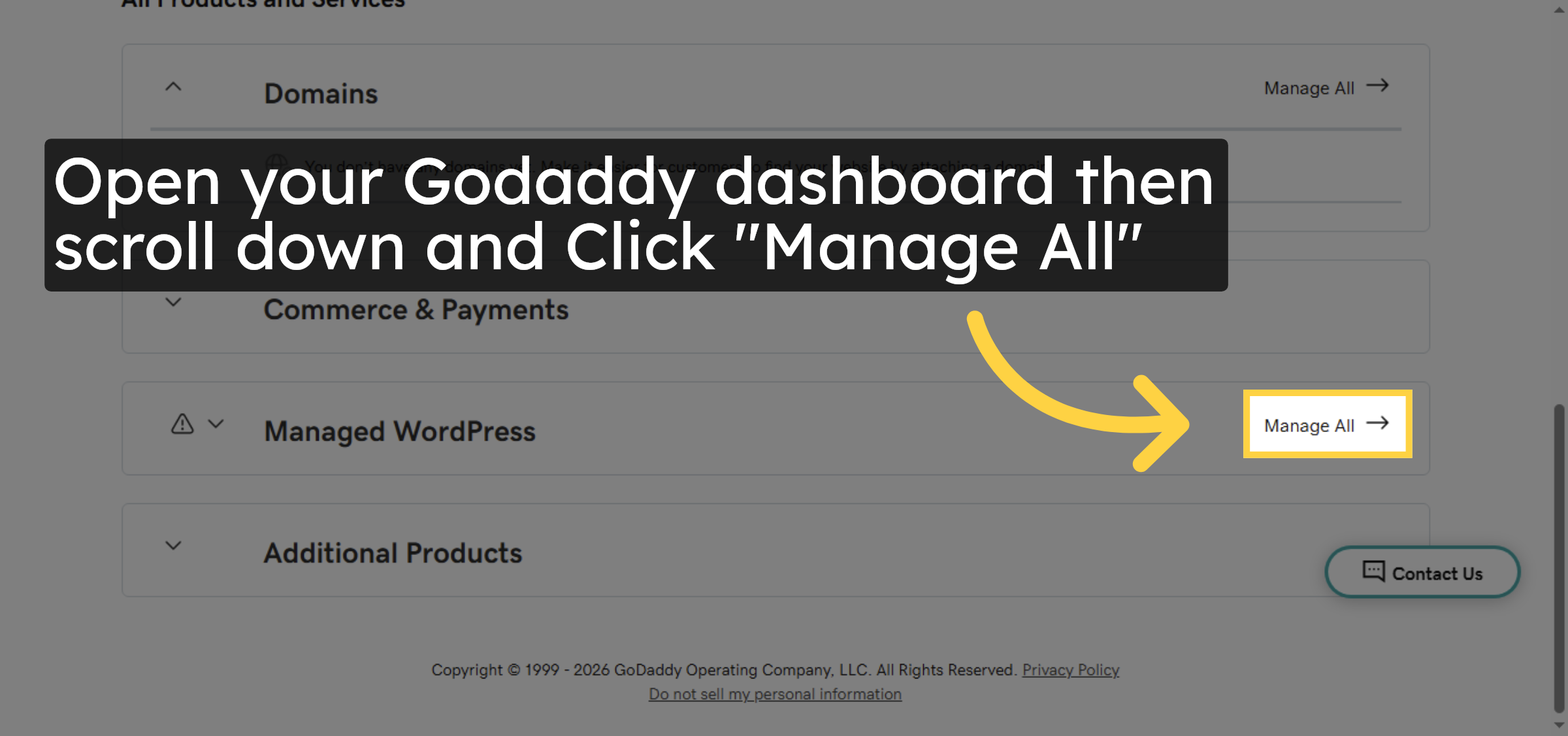
2. Click Manage All
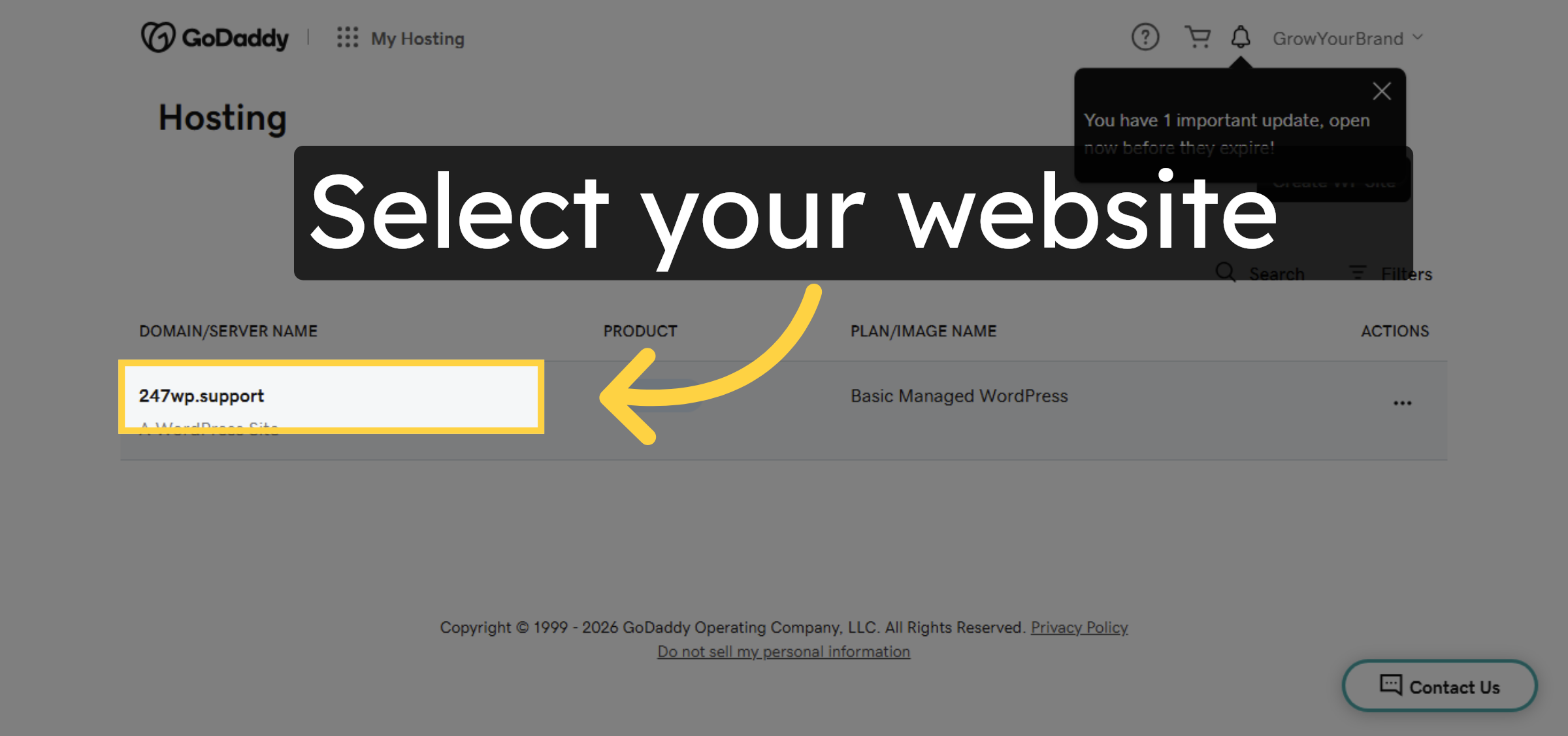
3. Select Your Hosting Account
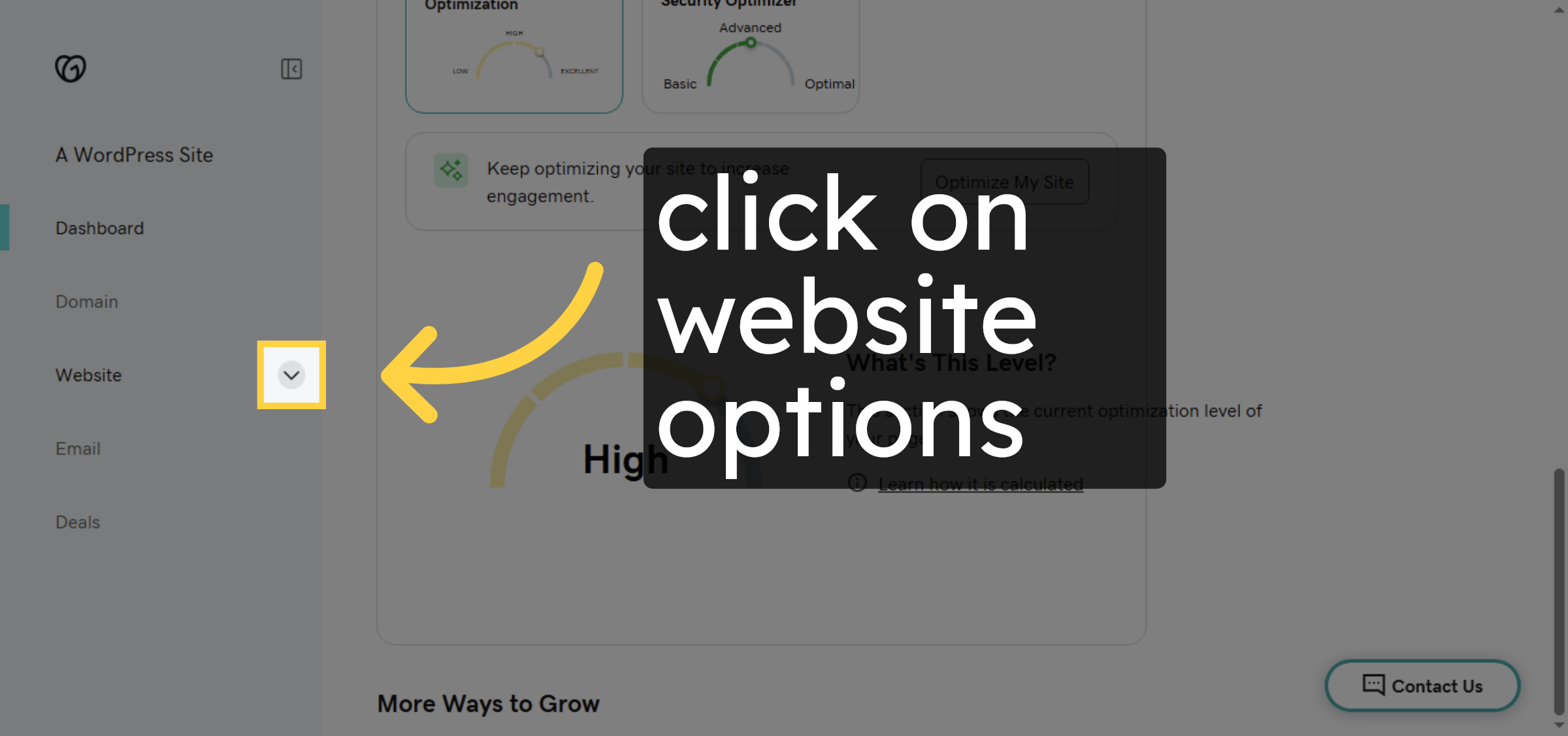
4. Access Hosting Options
5. Open Hosting Settings
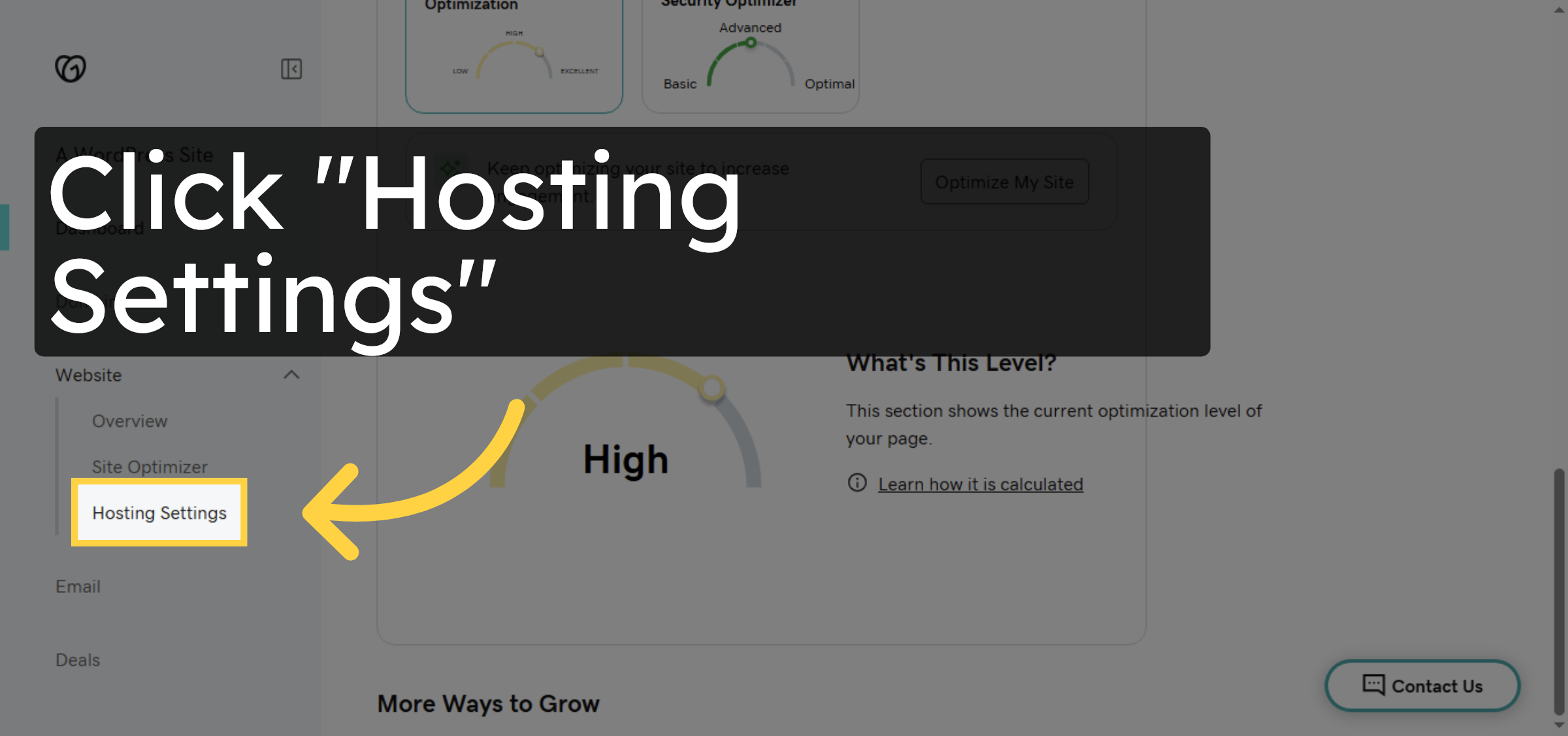
6. Open File Manager
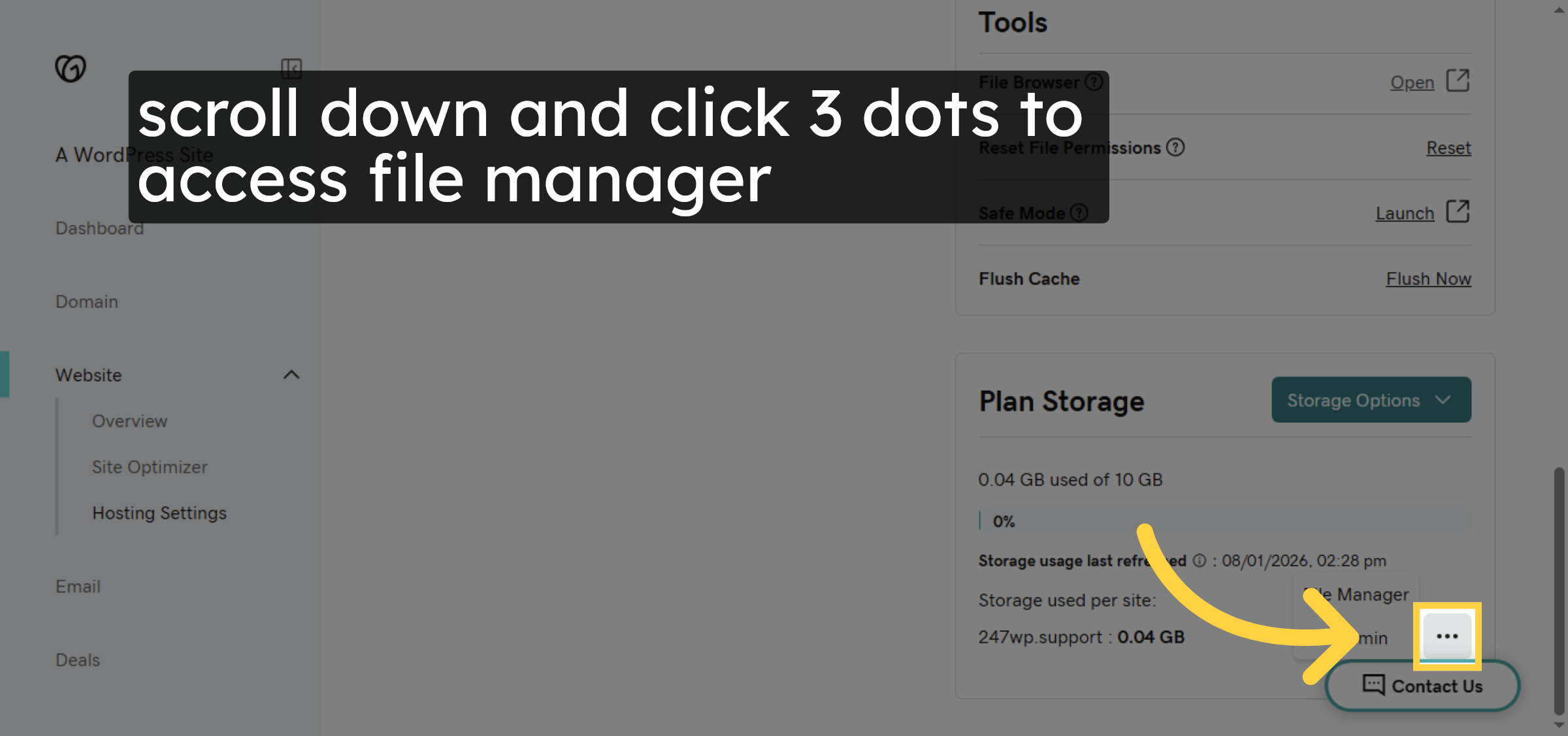
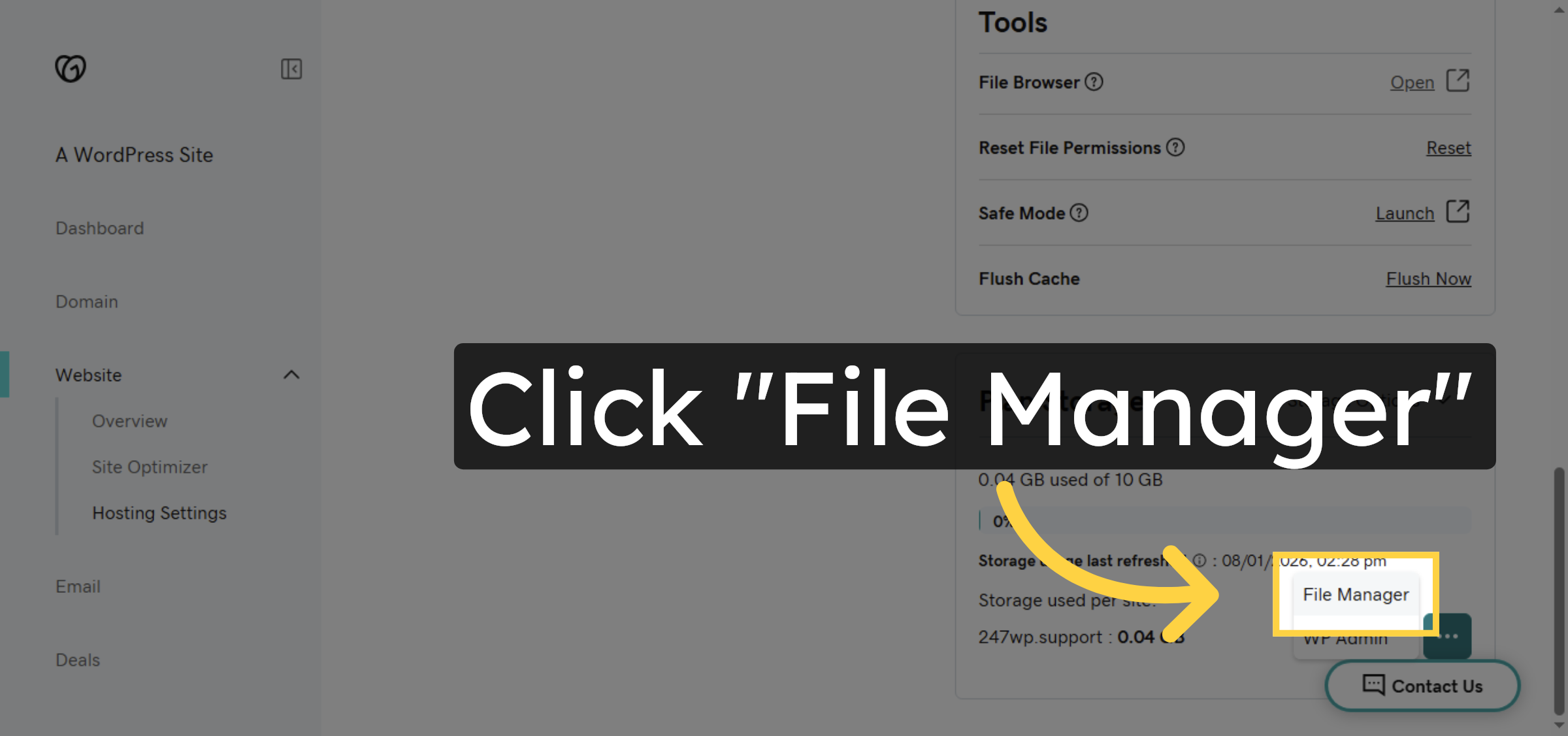
7. Select File Manager
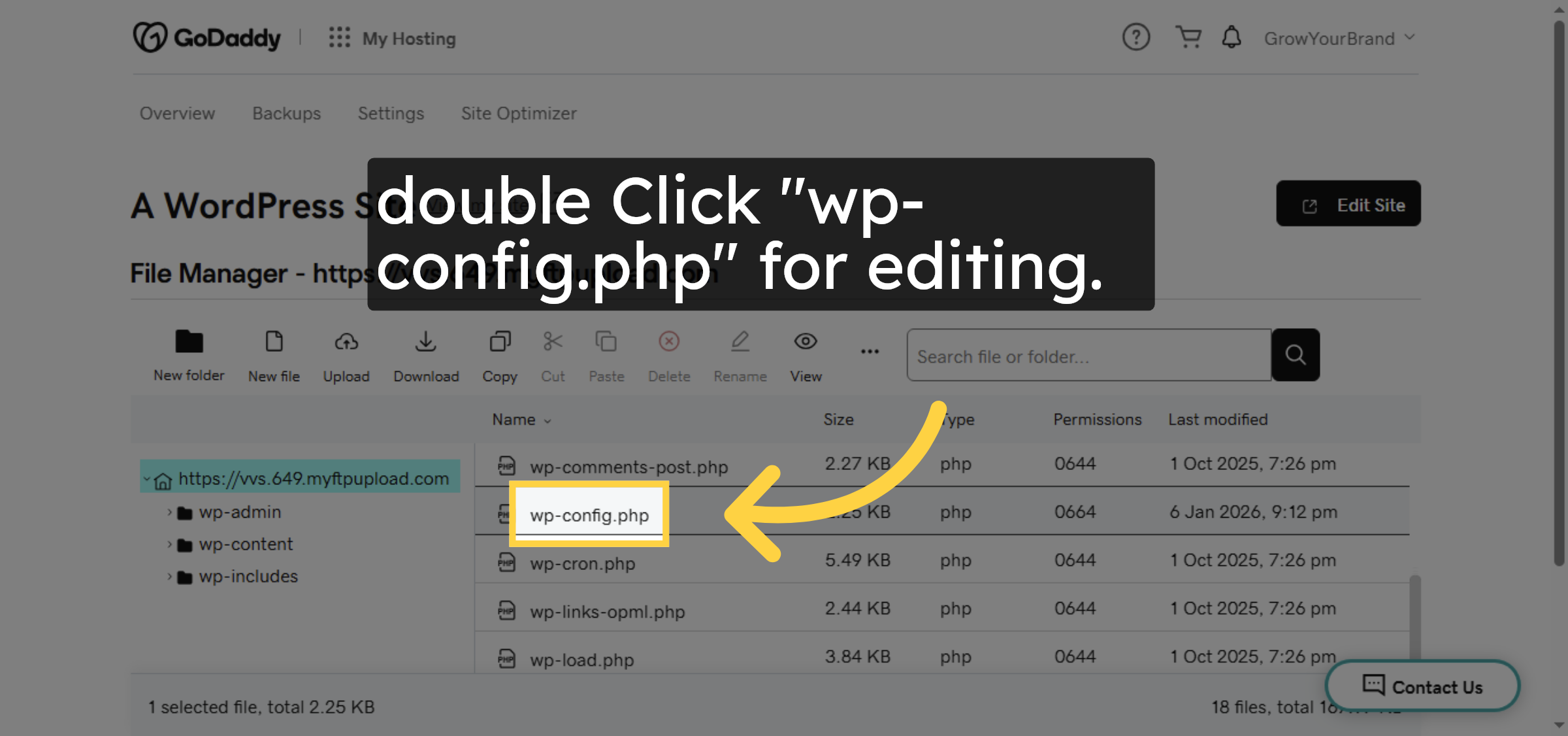
8. Open wp-config.php File
9. Select Edit Option
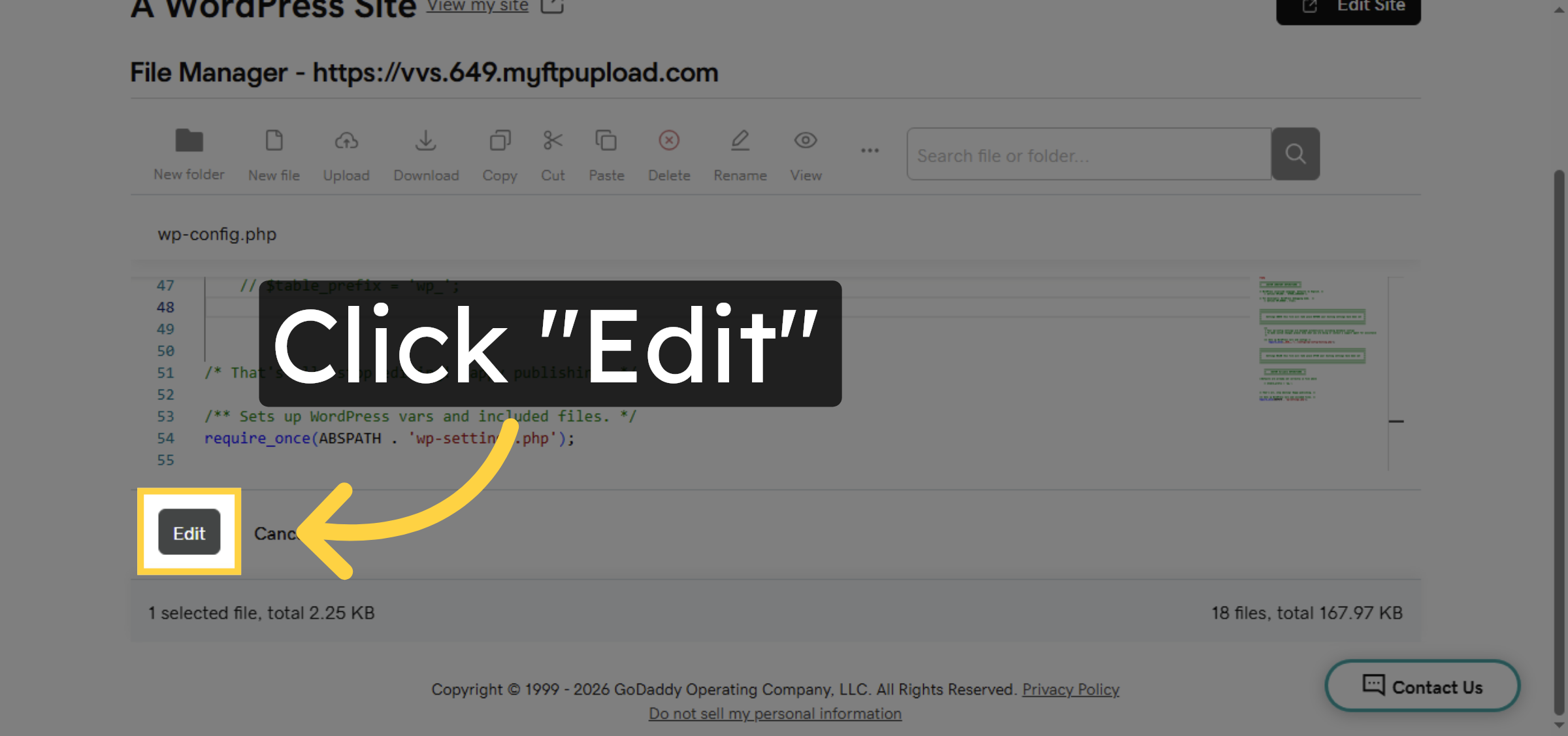
10. Enable Debug Display
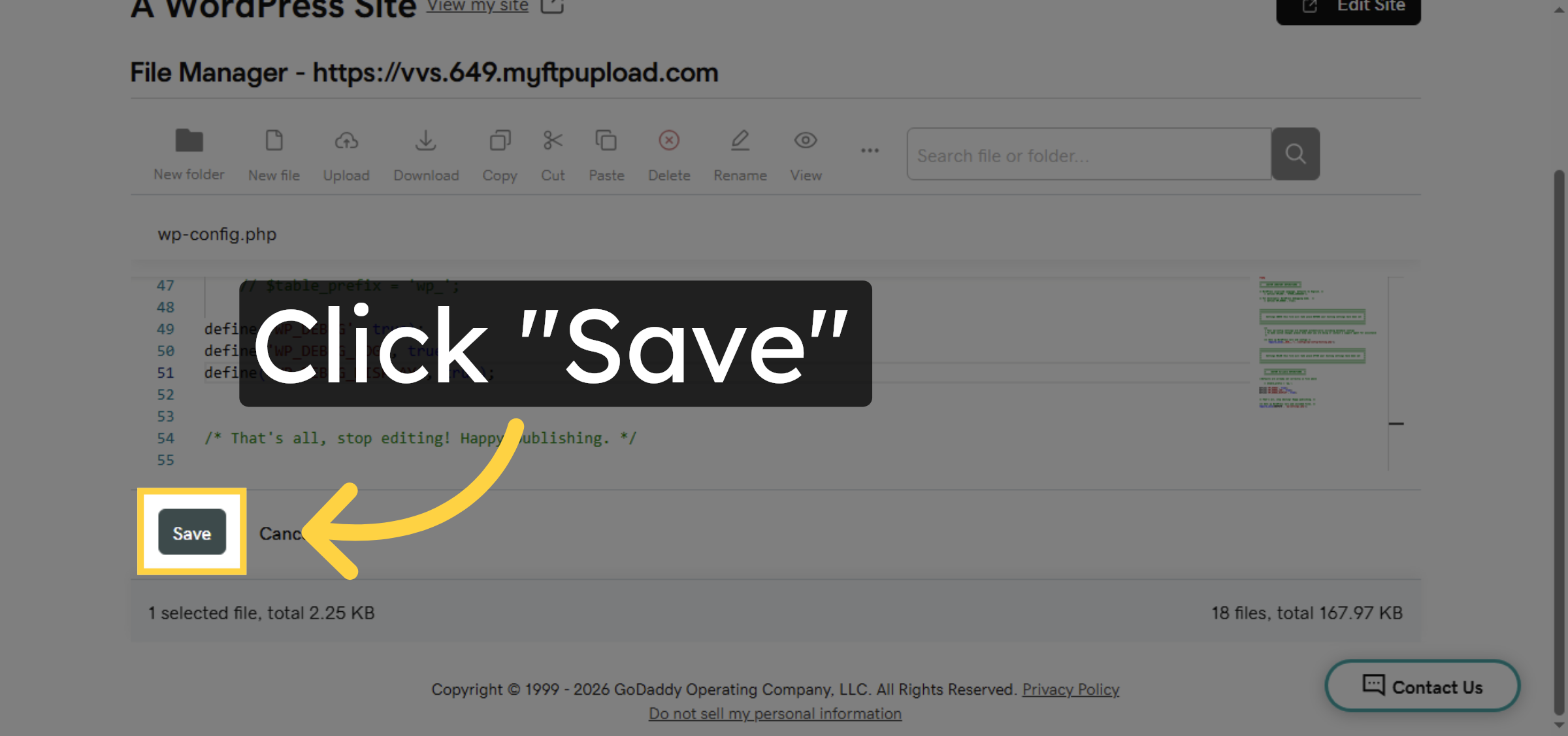
11. Save Configuration Changes
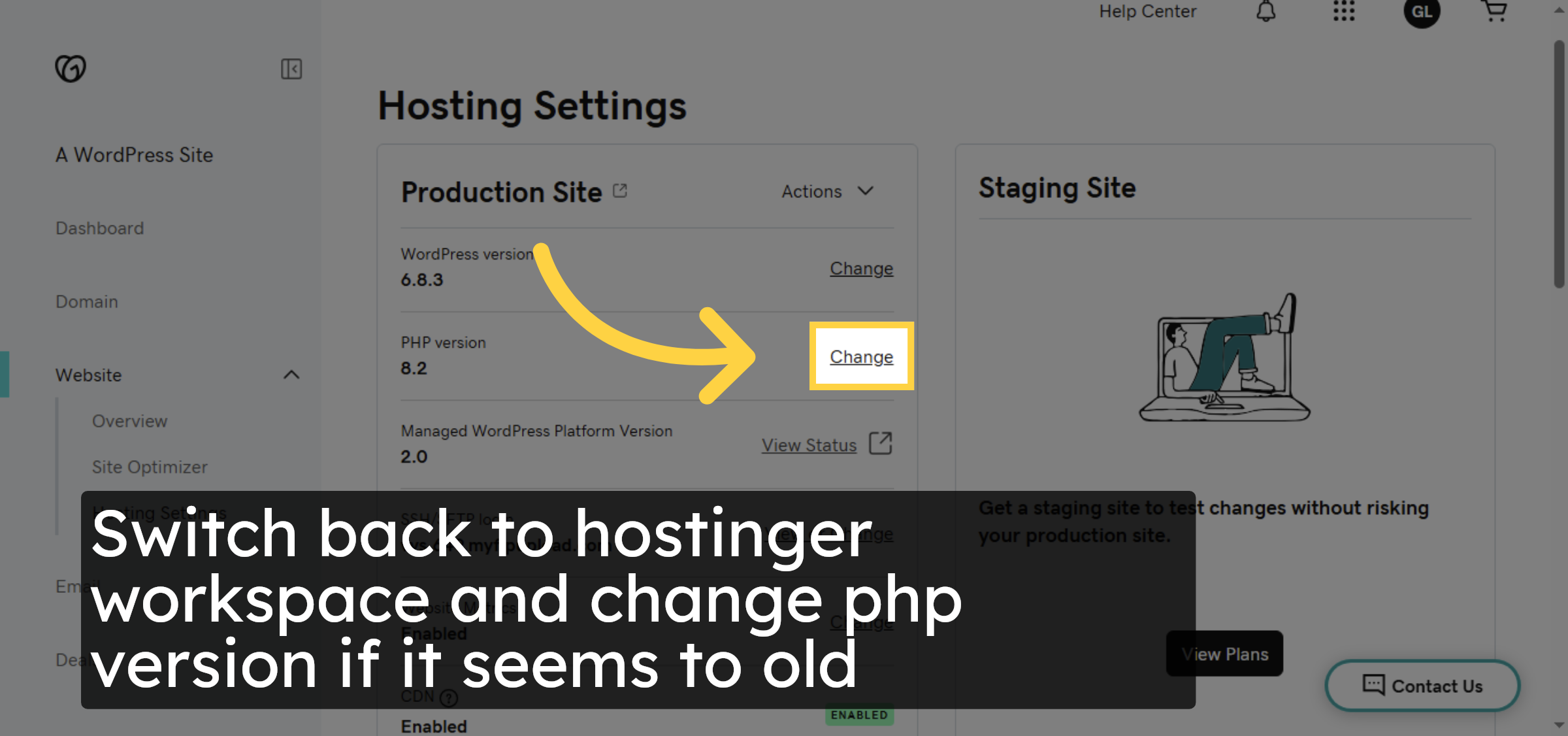
12. Click Change PHP Version


13. View PHP Version Options
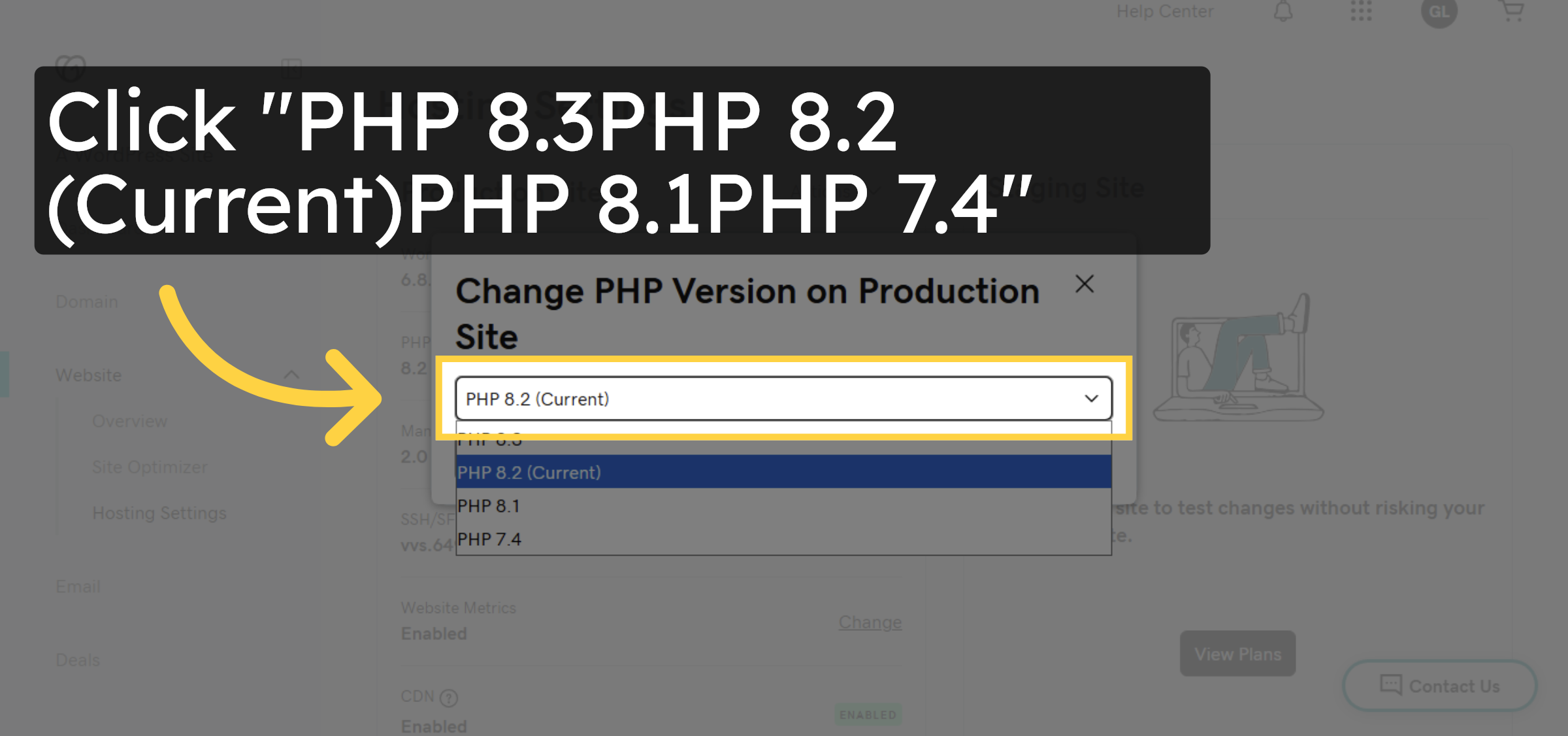
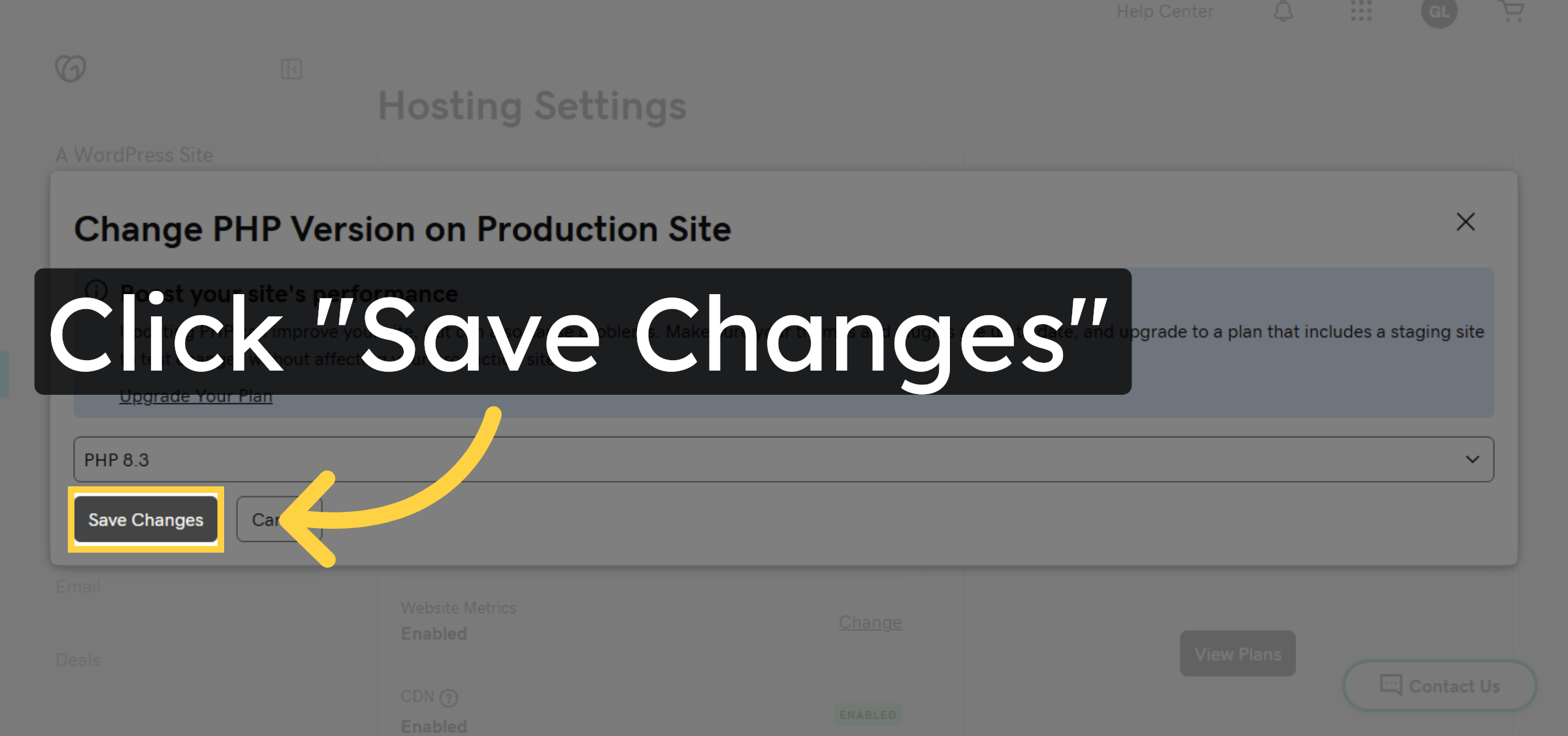
14. Save PHP Version Changes
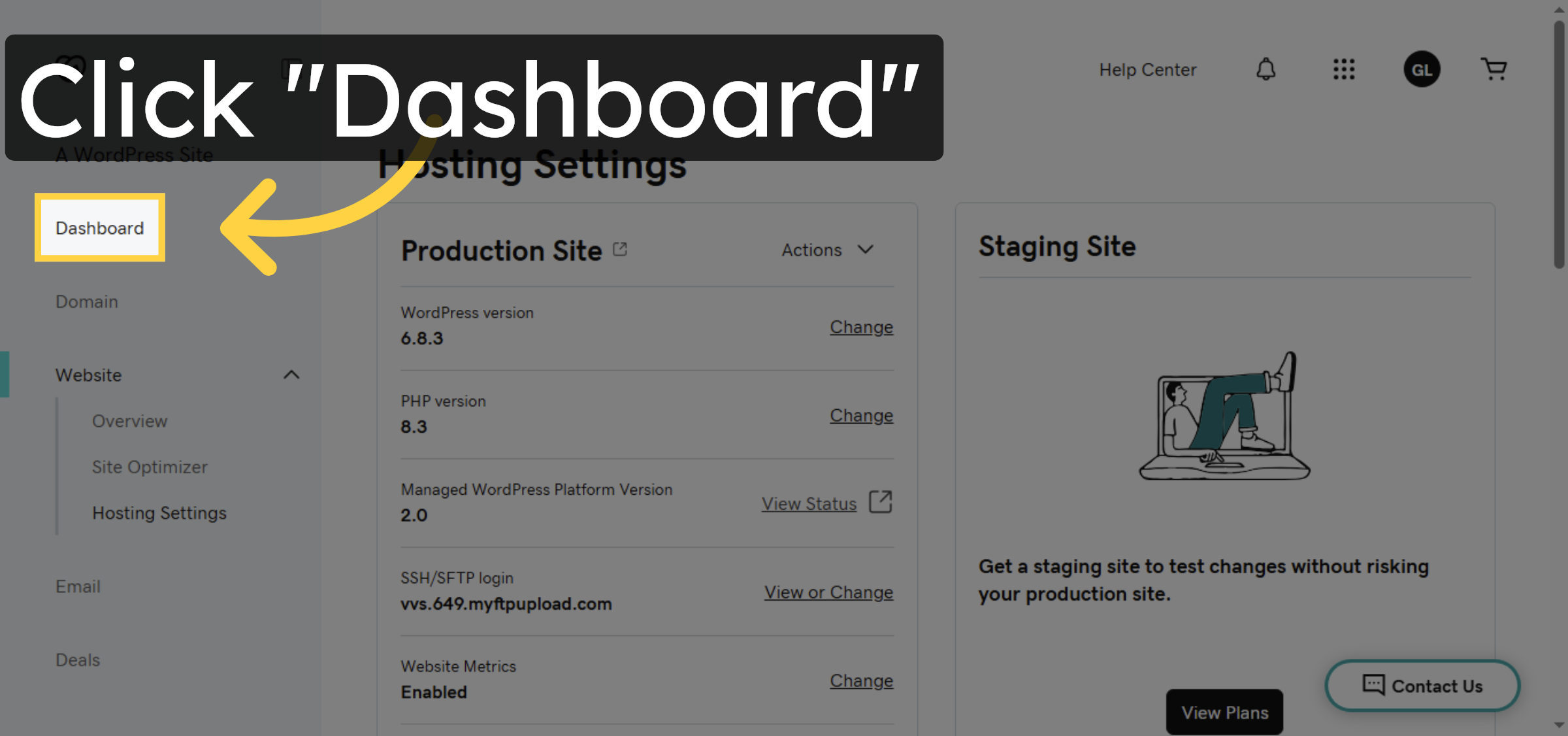
15. Navigate to Dashboard
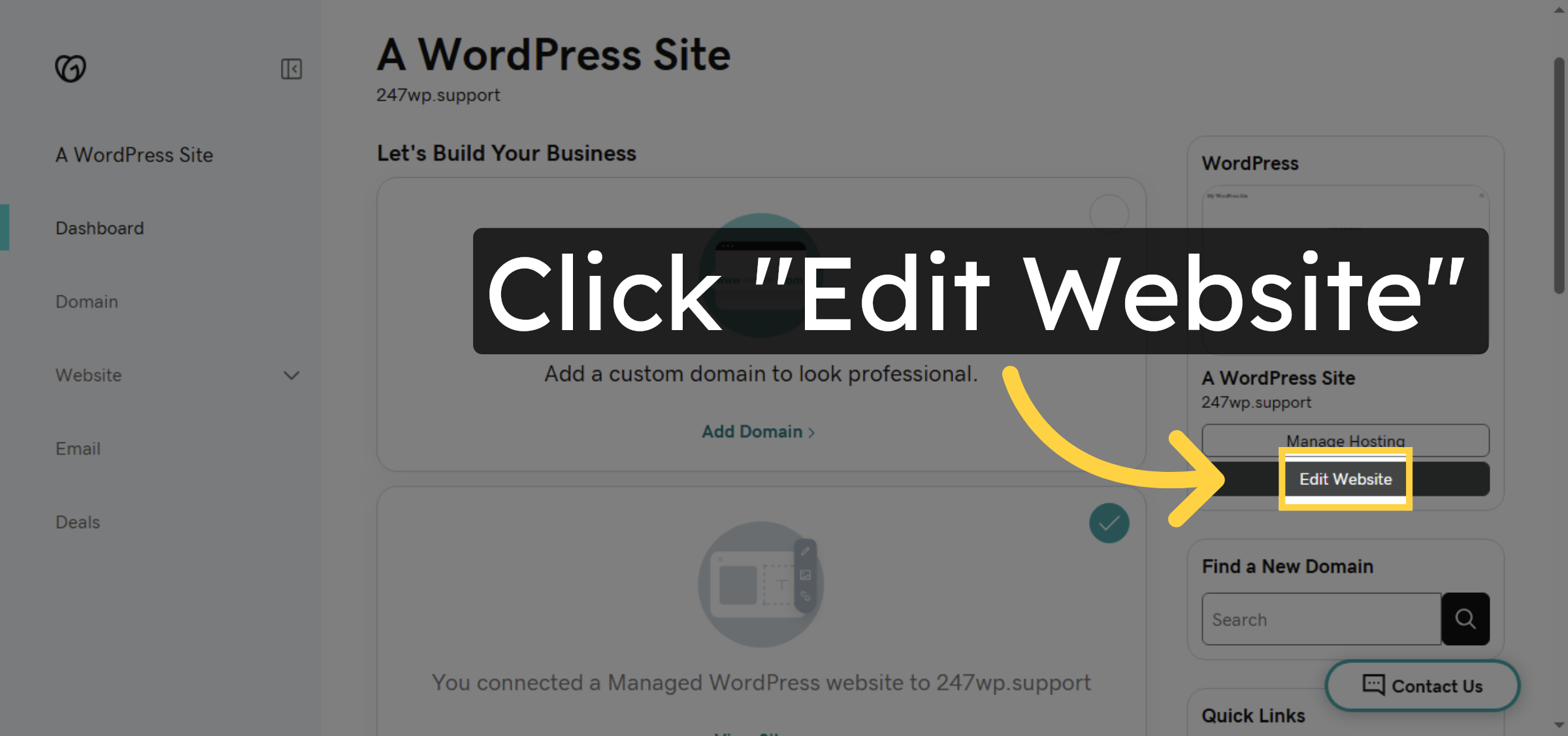
16. Edit Website
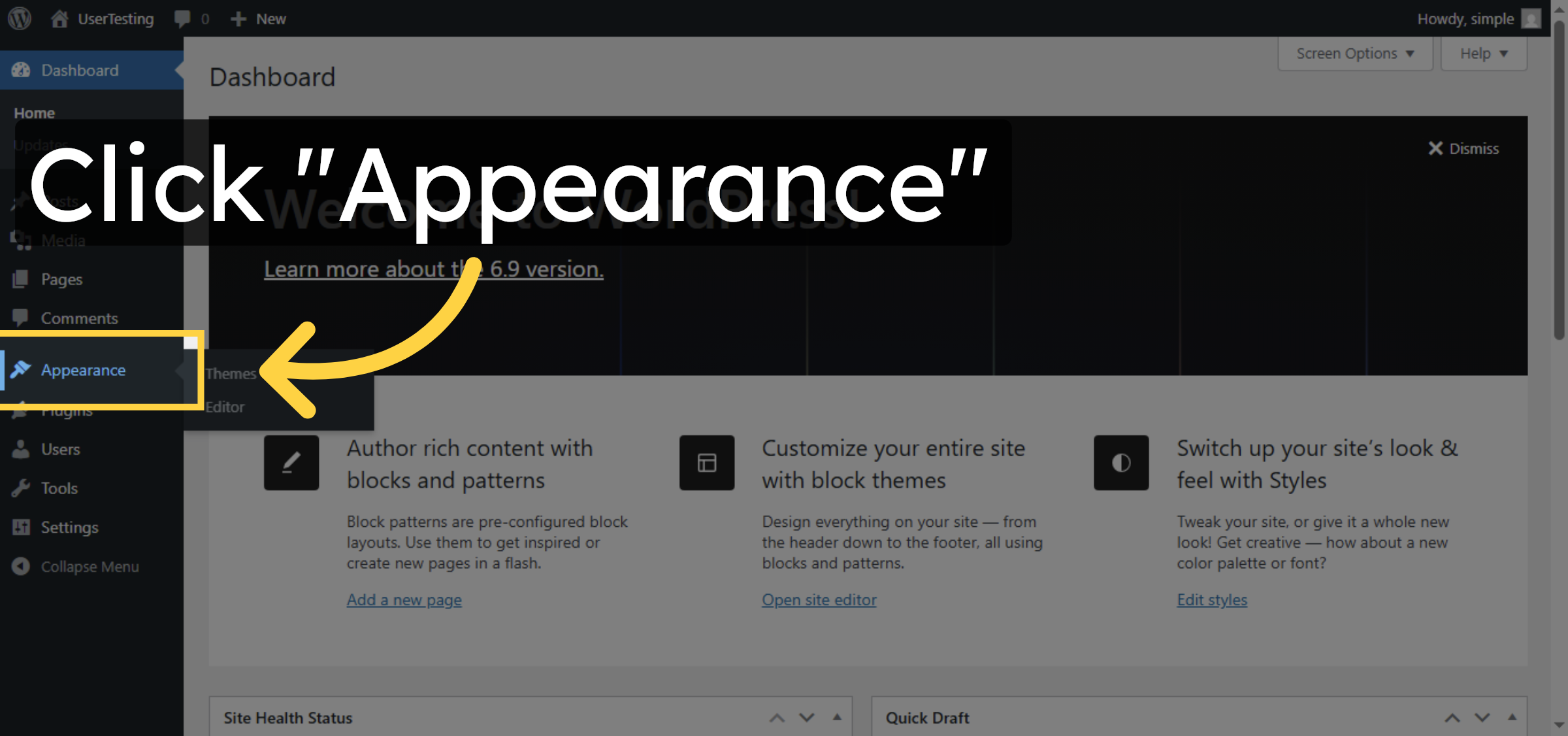
17. Open Appearance Menu
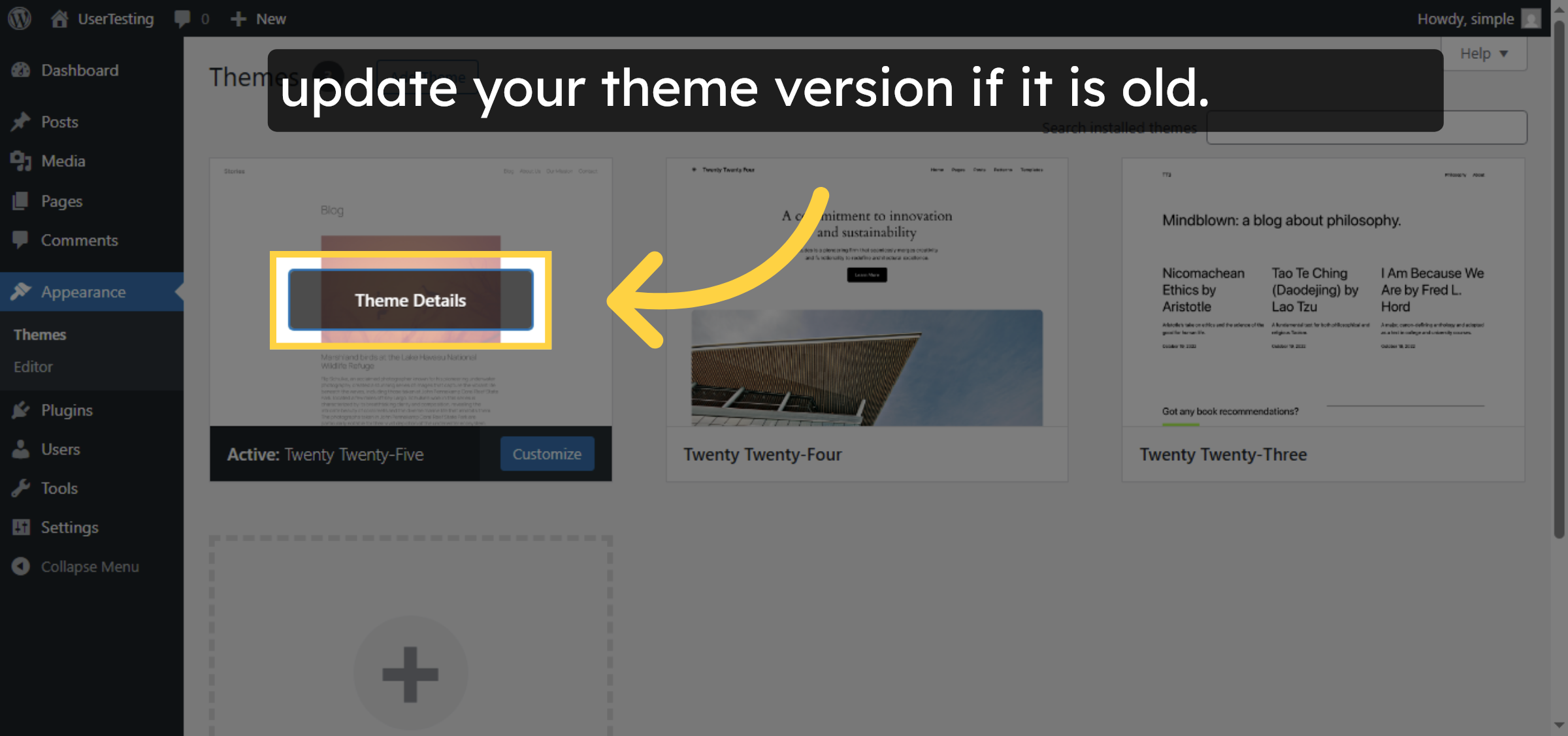
18. View Theme Details
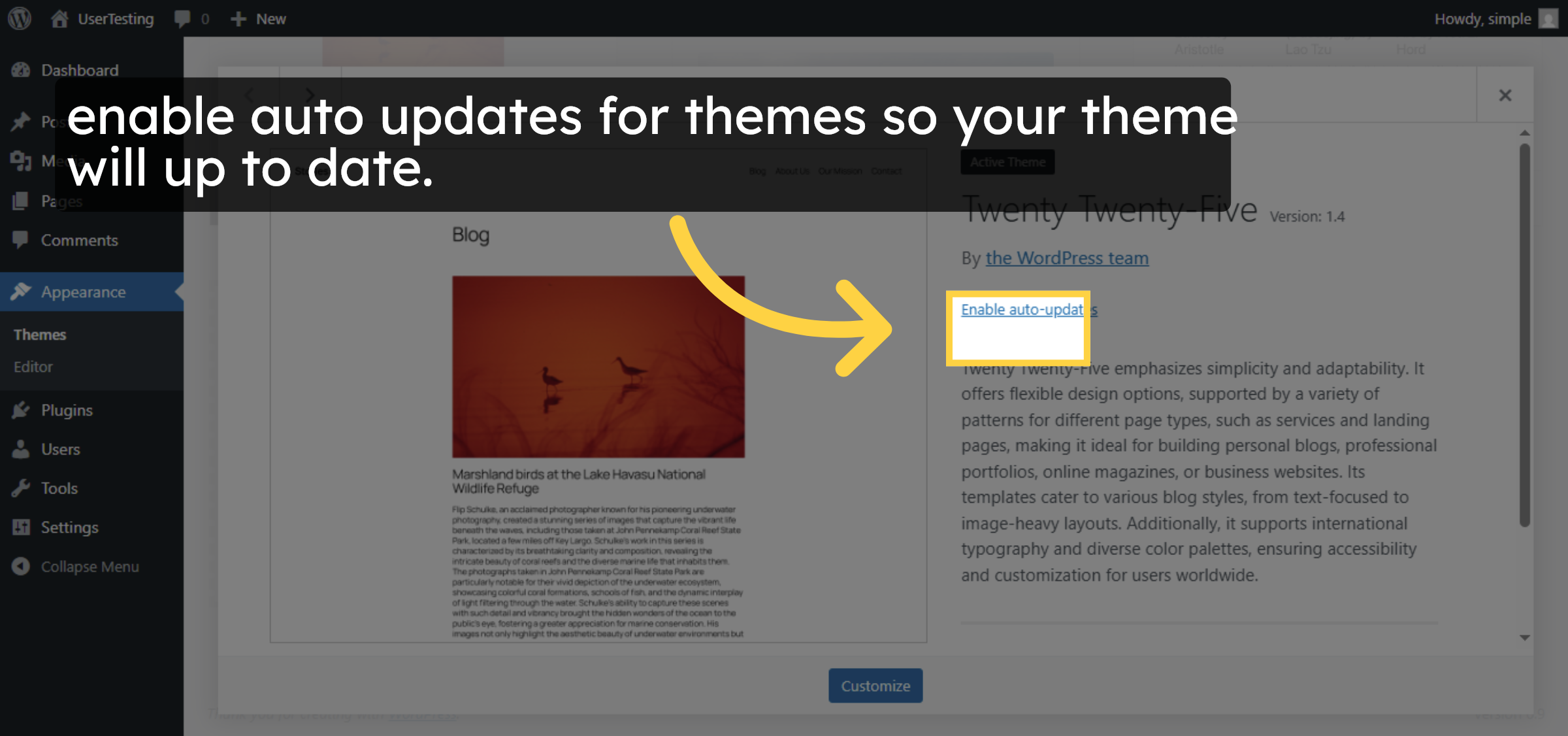
19. Access Active Theme Options
20. Open Plugins Menu
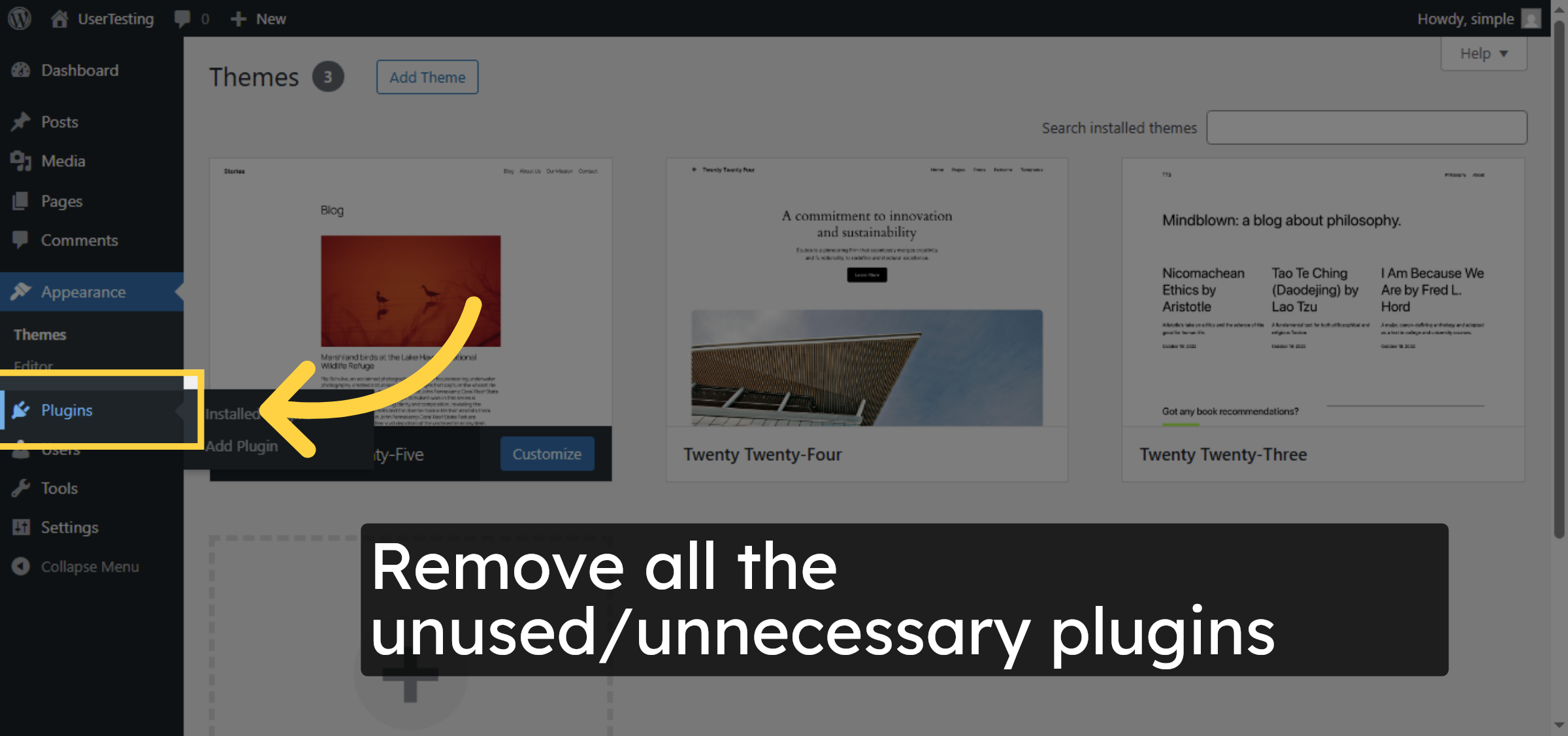
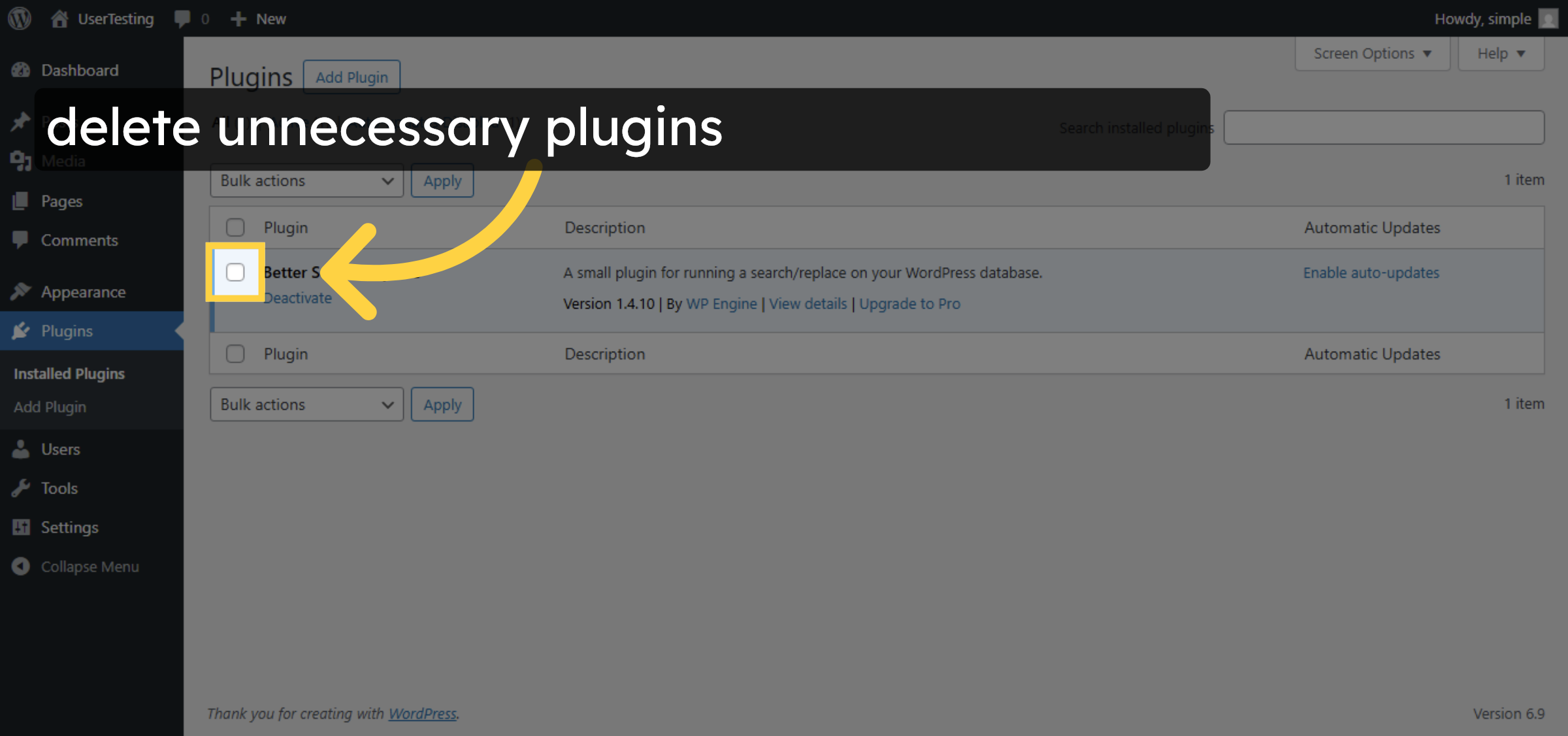
21. Delete unnecessary plugins.
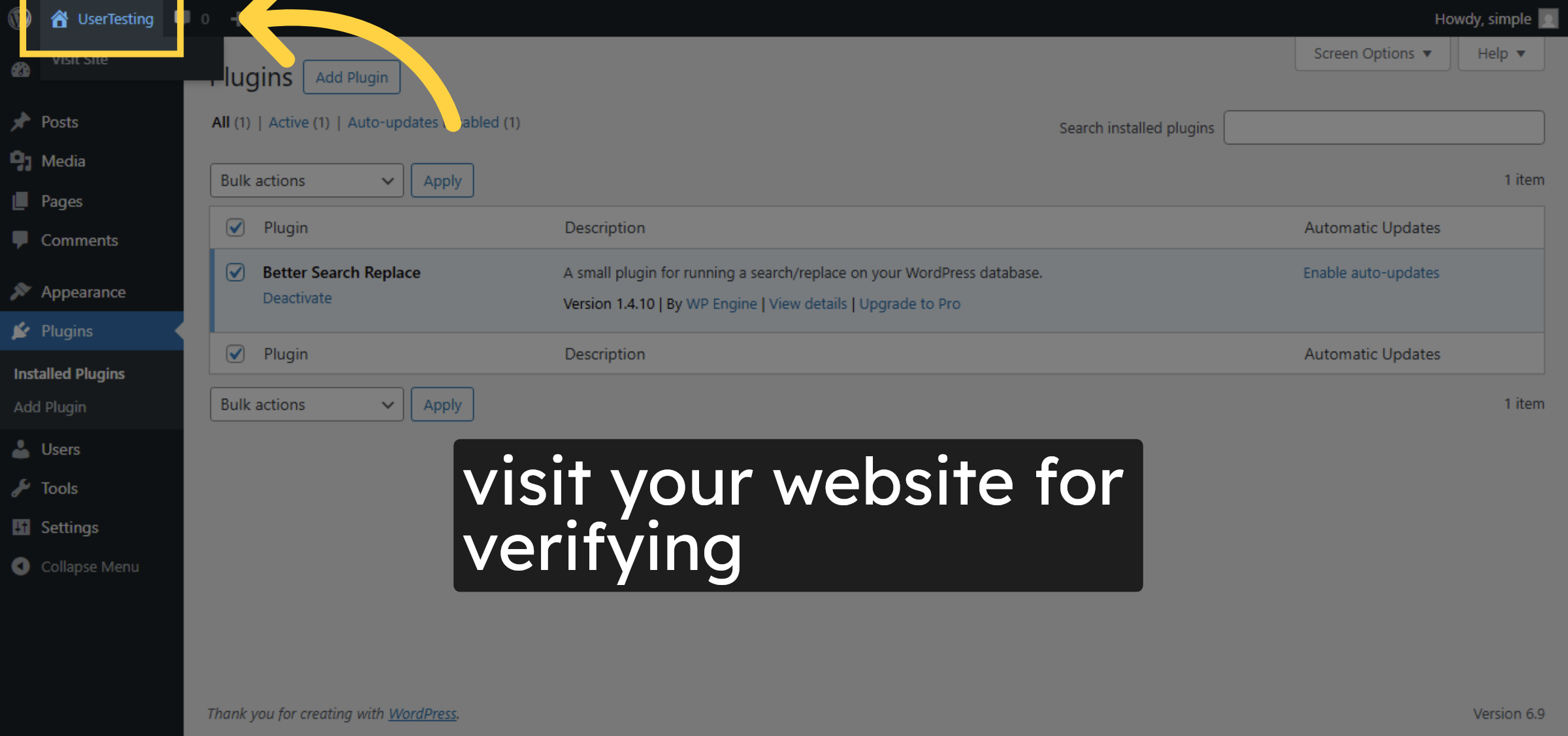
22. Visit your website
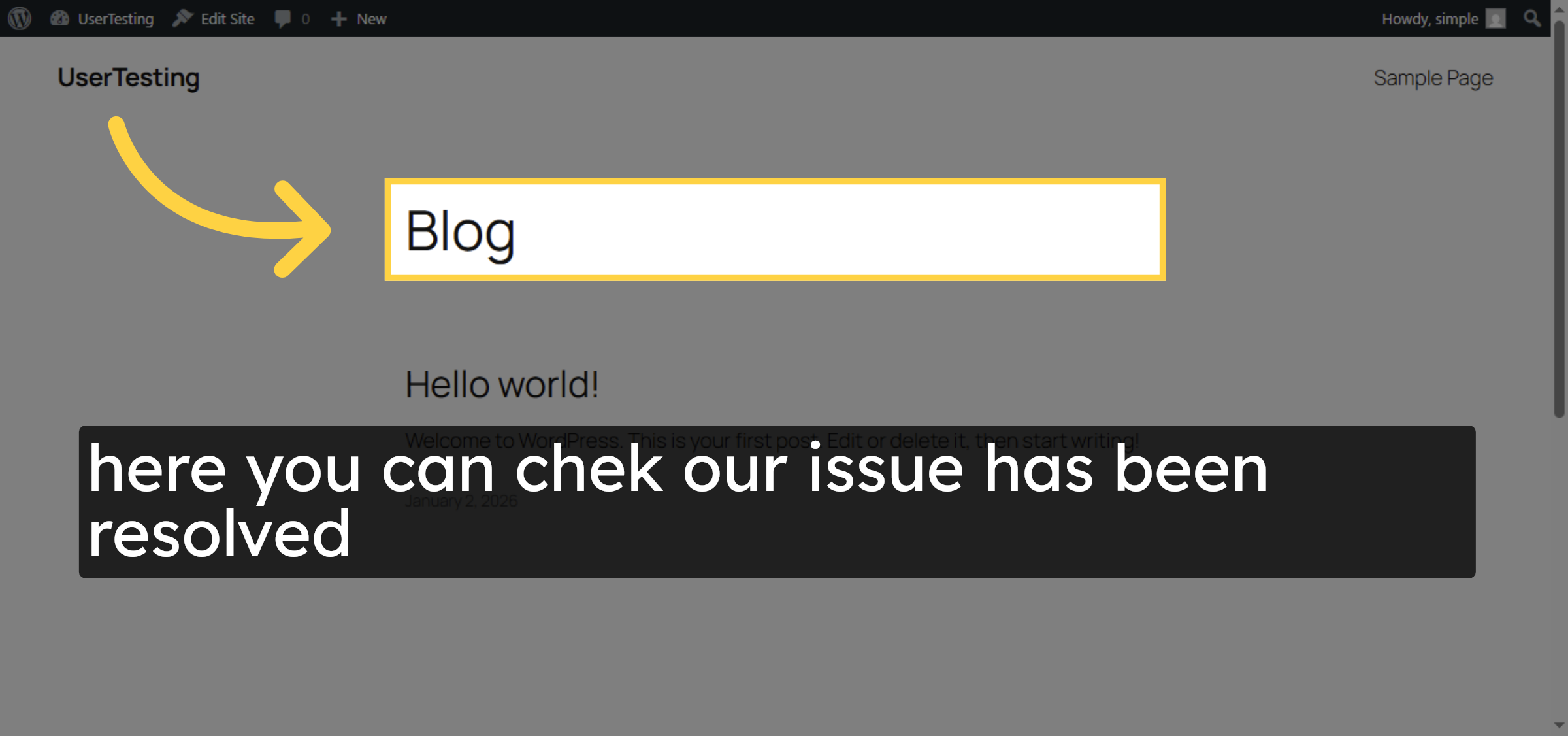
23. Verify site
Conclusion
By following the steps in this guide, you have successfully diagnosed and resolved the WordPress White Screen of Death on GoDaddy hosting. Enabling debug mode, updating the PHP version, keeping themes up to date, and removing unnecessary plugins help eliminate hidden errors and restore normal site functionality. Regular maintenance and updates can significantly reduce the chances of encountering this issue again.
-
Visit: https://www.woohelpdesk.com
-
Call Us Toll-Free: +1 888 602 0119 (US & Canada)
-
Get professional support for WordPress White Screen of Death fixes, GoDaddy hosting troubleshooting, PHP configuration, theme and plugin conflict resolution, and WooCommerce solutions



