
How to Create Professional Email Address On Bluehost WP Hosting
Introduction
A professional email address plays a vital role in establishing brand credibility, improving customer trust, and enhancing business communication. Using a domain-based email address—such as [email protected]—instead of a generic email service reflects professionalism and strengthens your online identity. Hosting providers such as Bluehost offer integrated email services that allow users to create and manage business email accounts directly from their hosting dashboard.
This guidde explains how to create a professional email address using Bluehost WordPress hosting. It provides step-by-step instructions for accessing the email management section, selecting a domain, setting up account credentials, securing the mailbox, and logging in through webmail. By following this guide, users can quickly set up reliable, branded email communication channels to support business operations and customer engagement.
1. Bluehost Hosting Dashboard
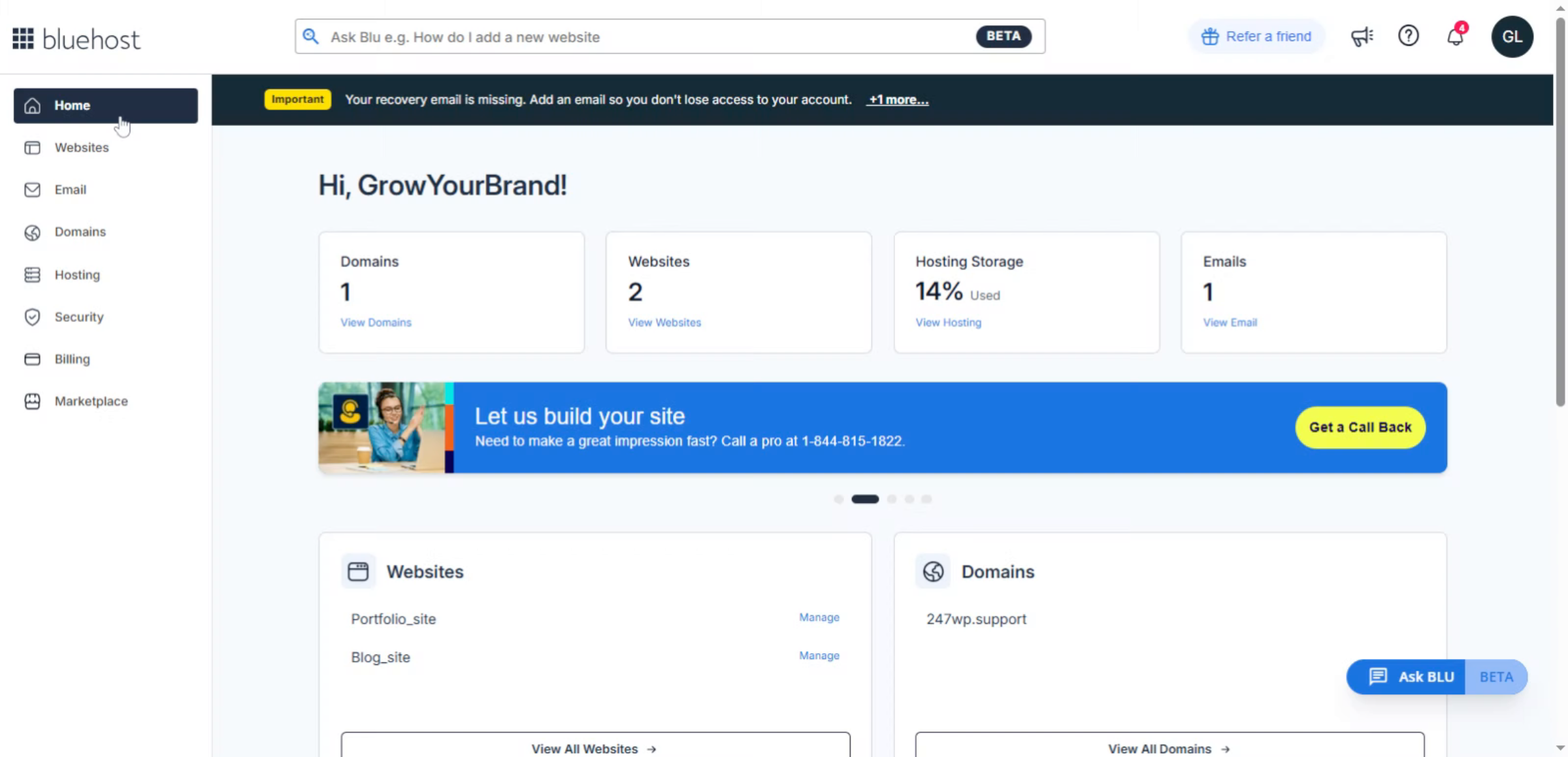
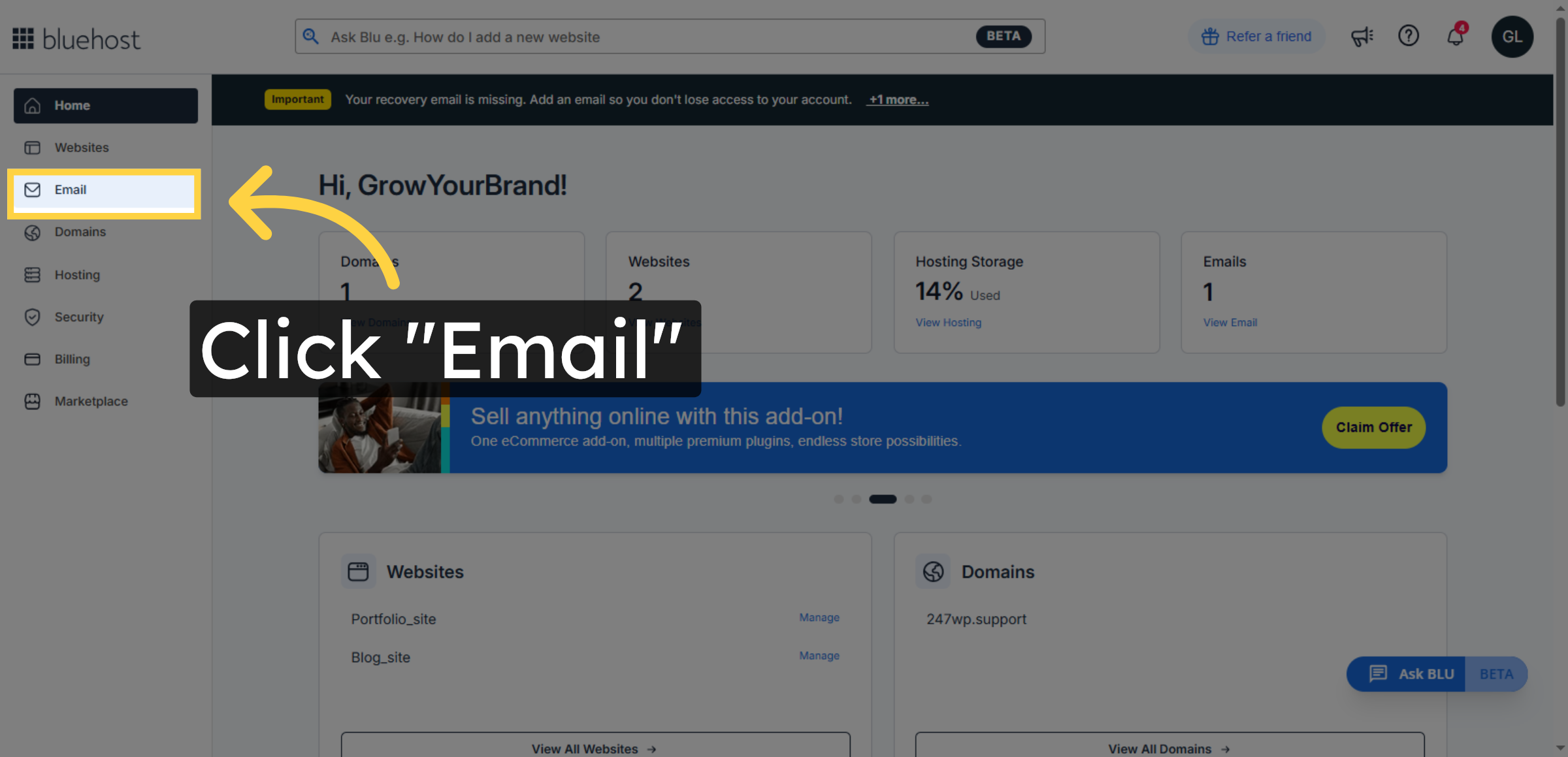
2. Access Email Section
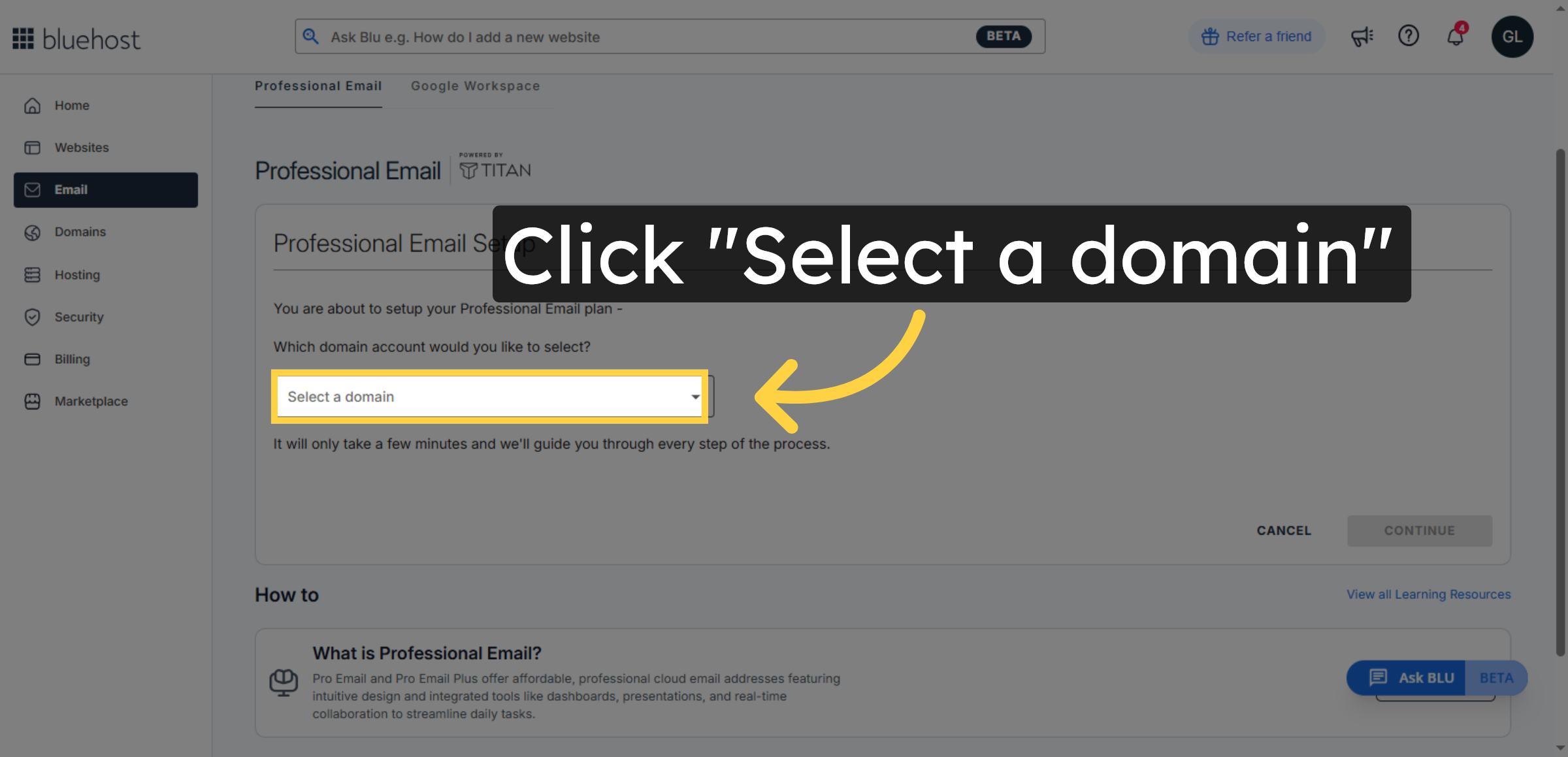
3. Select Domain Dropdown
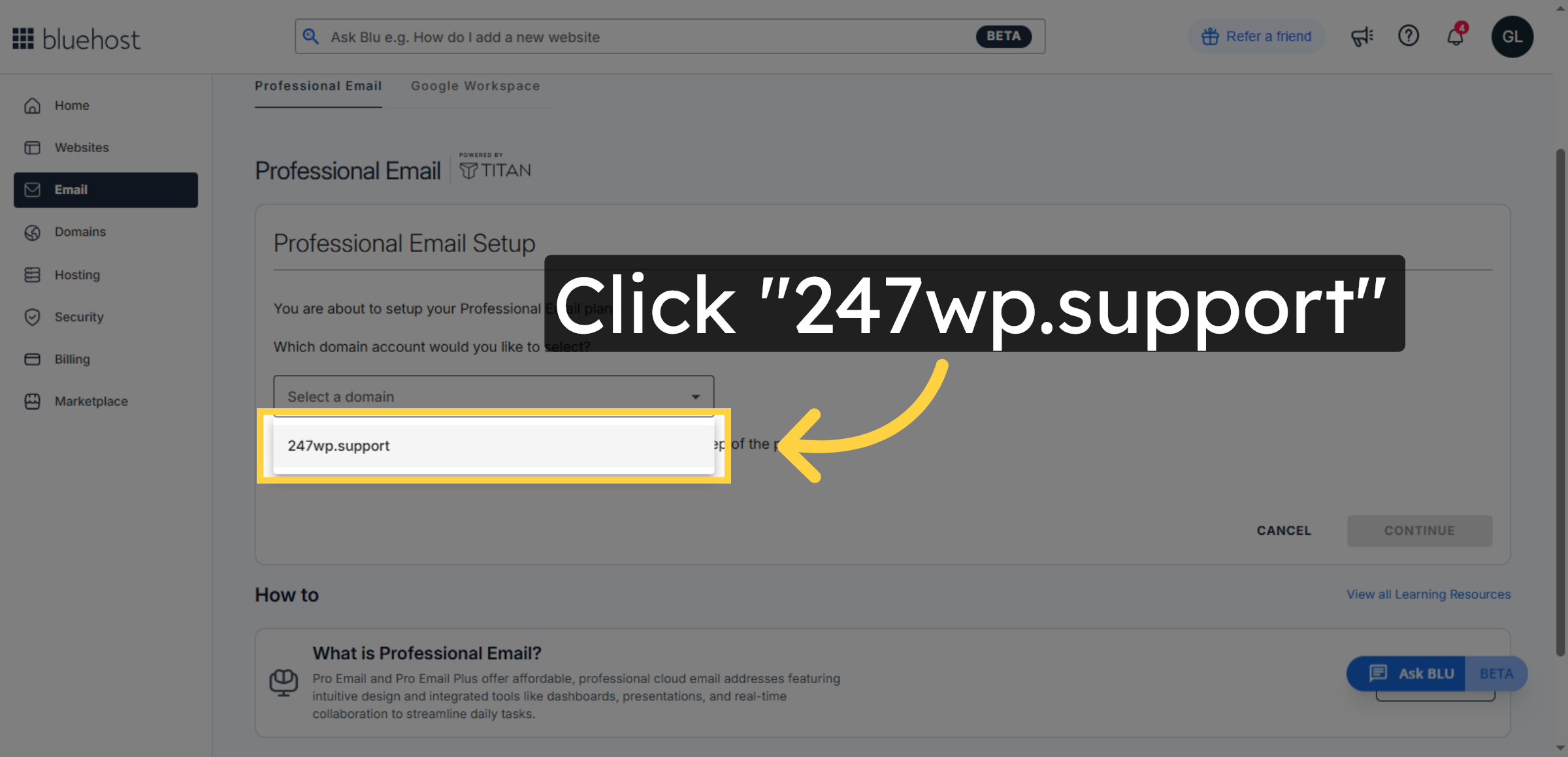
4. Choose Your Domain
5. Proceed to Next Step
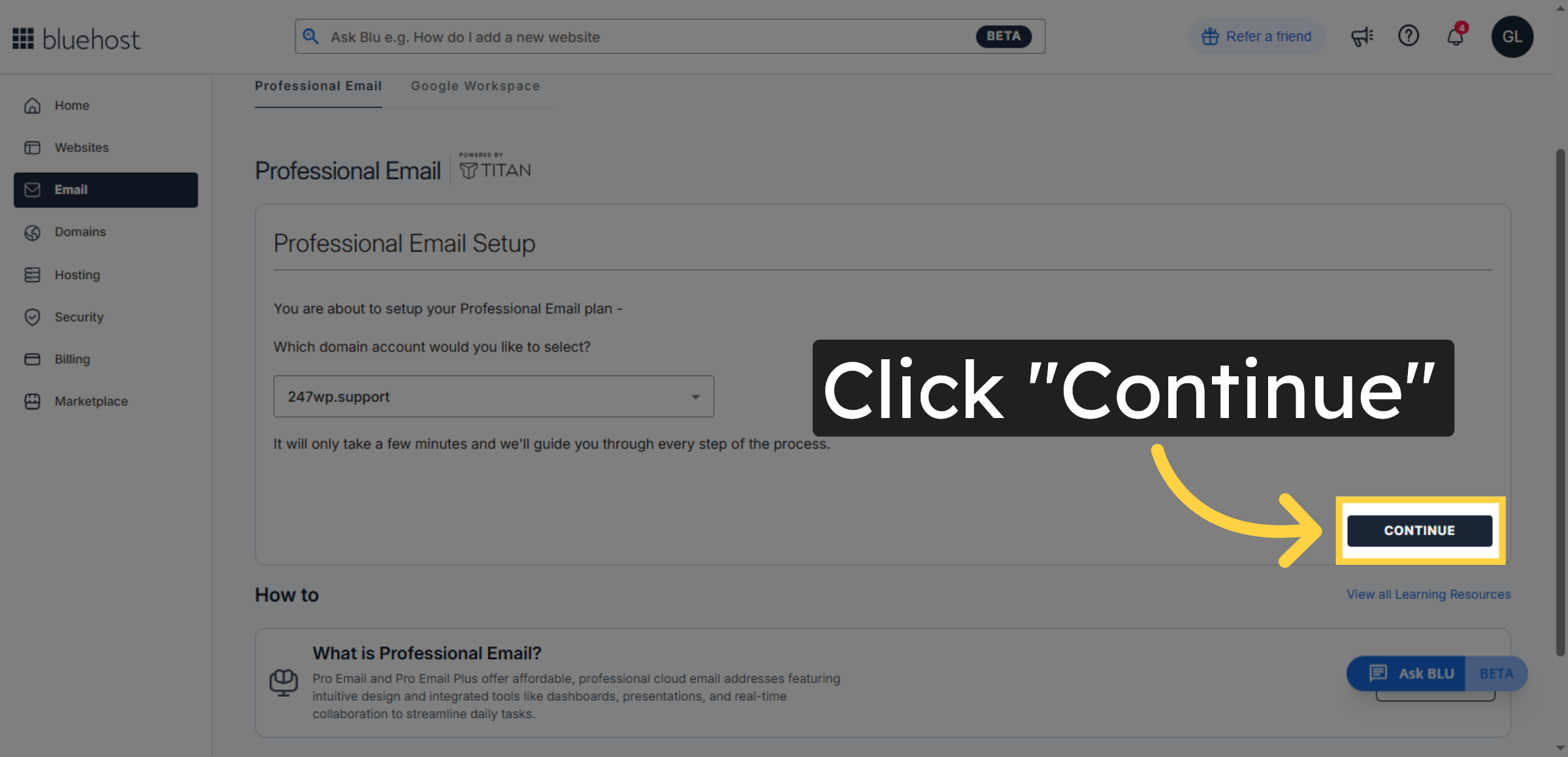
6. Open New Email Setup
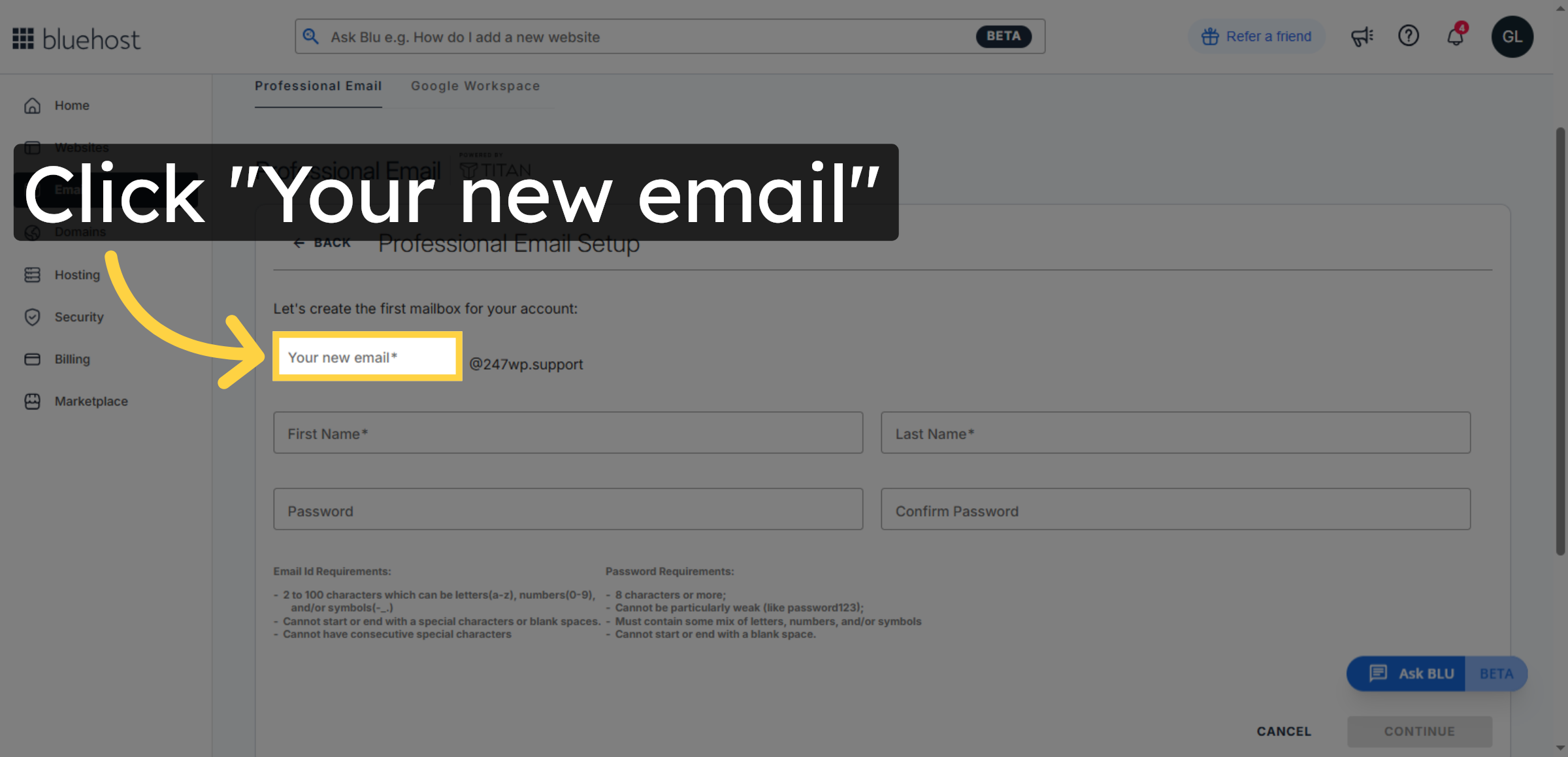
7. Enter Full First Name
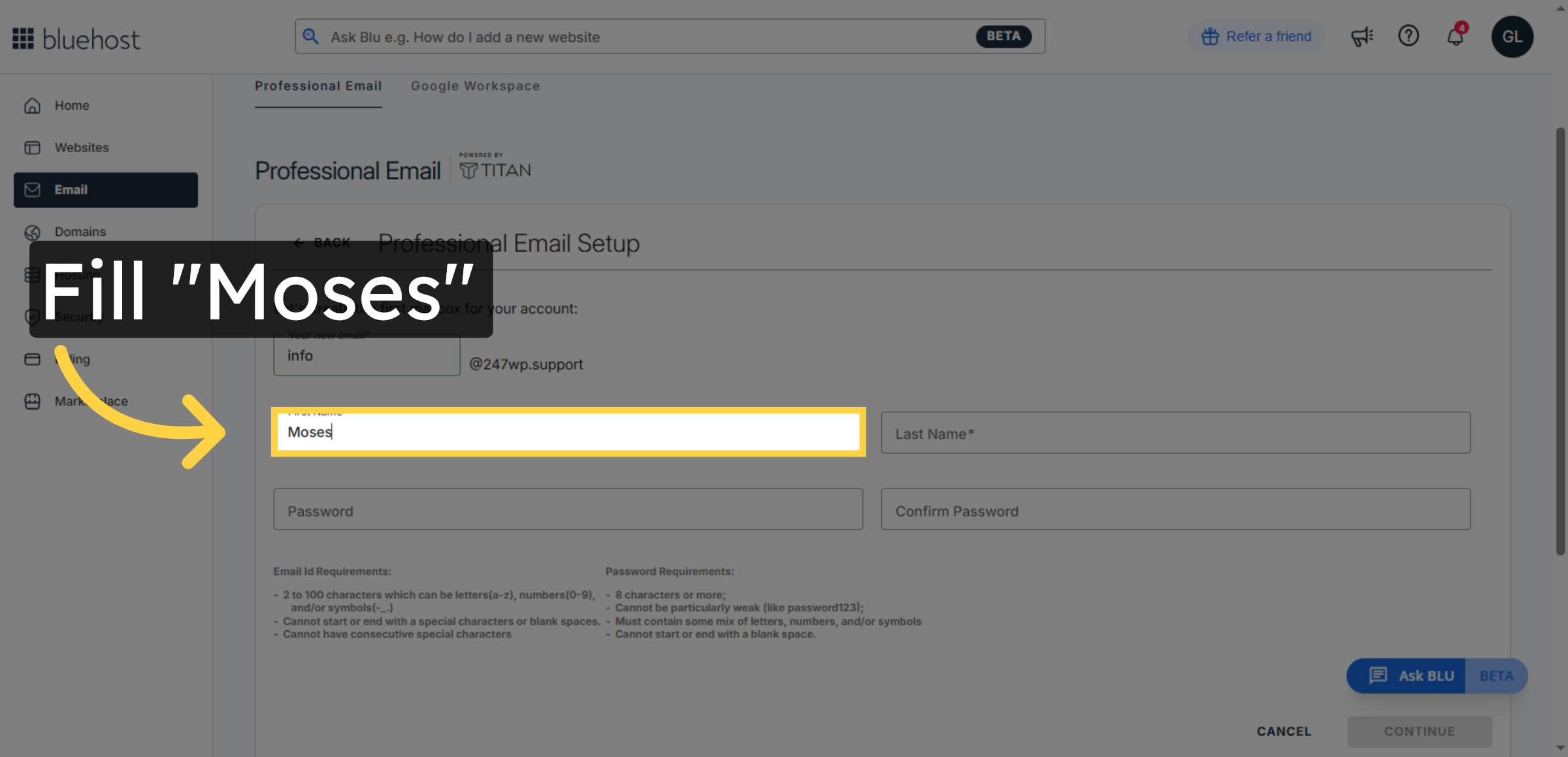
8. Enter Full Last Name
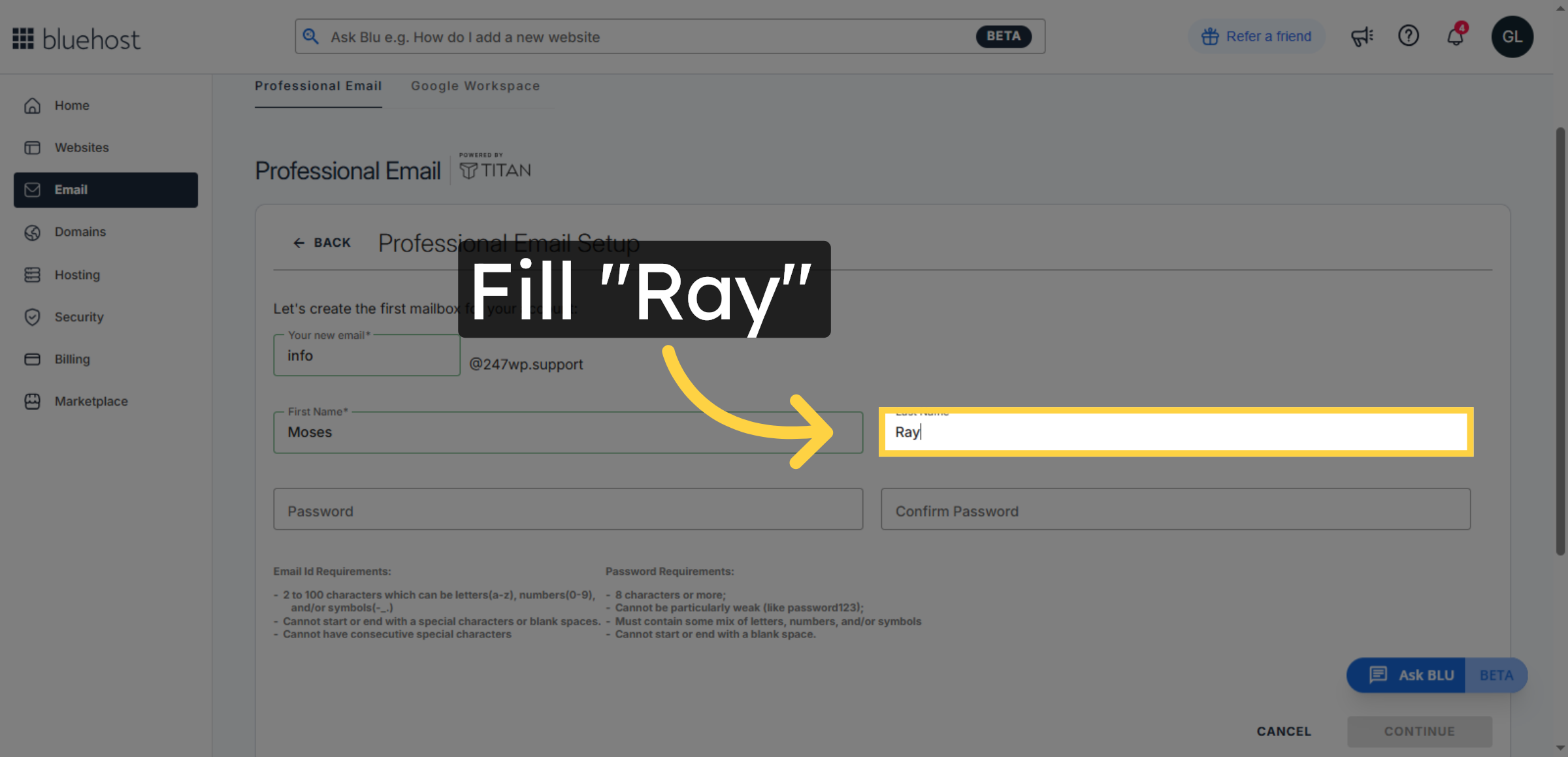
9. Set Email Account Password
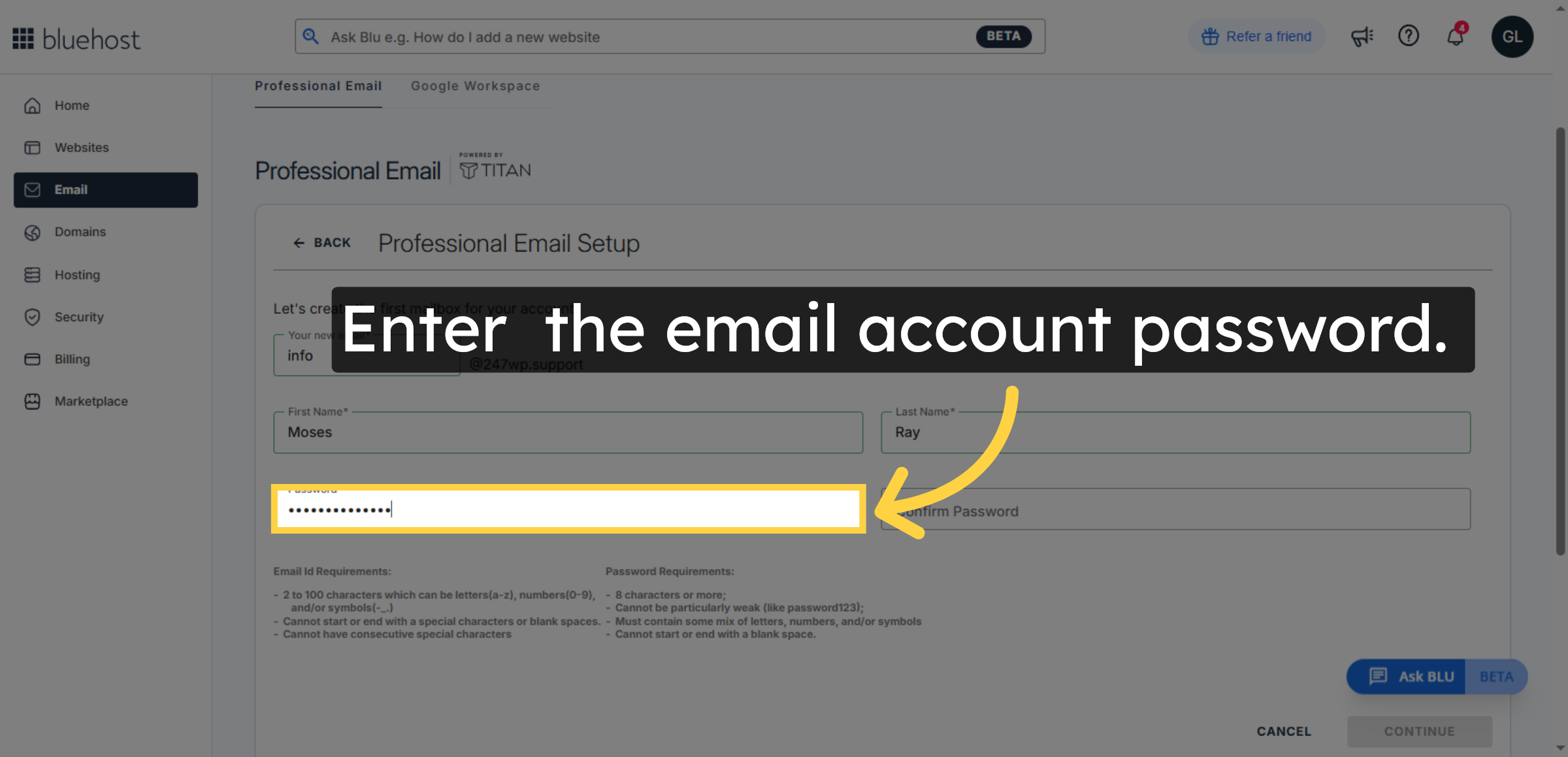
10. Confirm Password
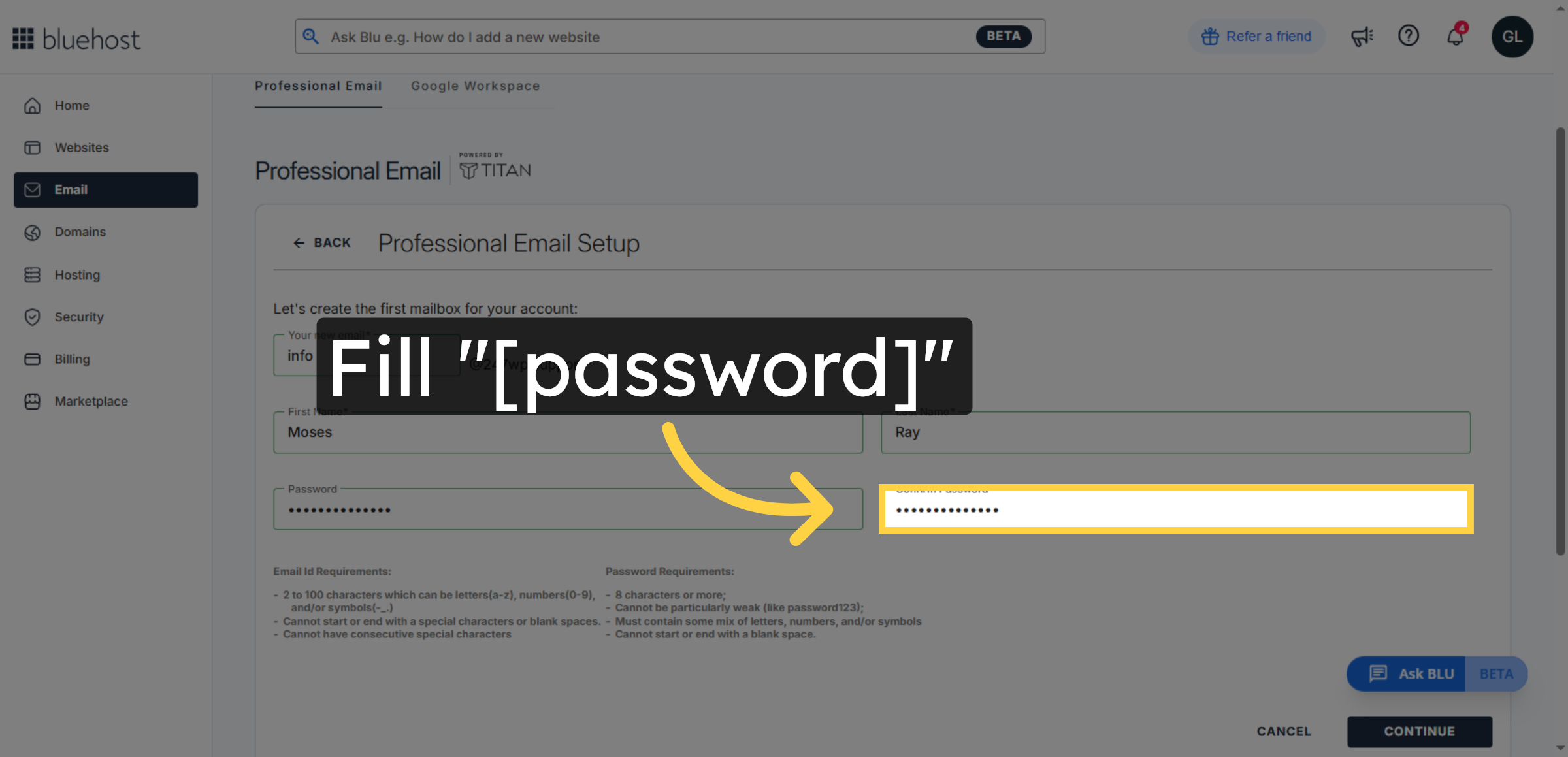
11. Continue Email Setup
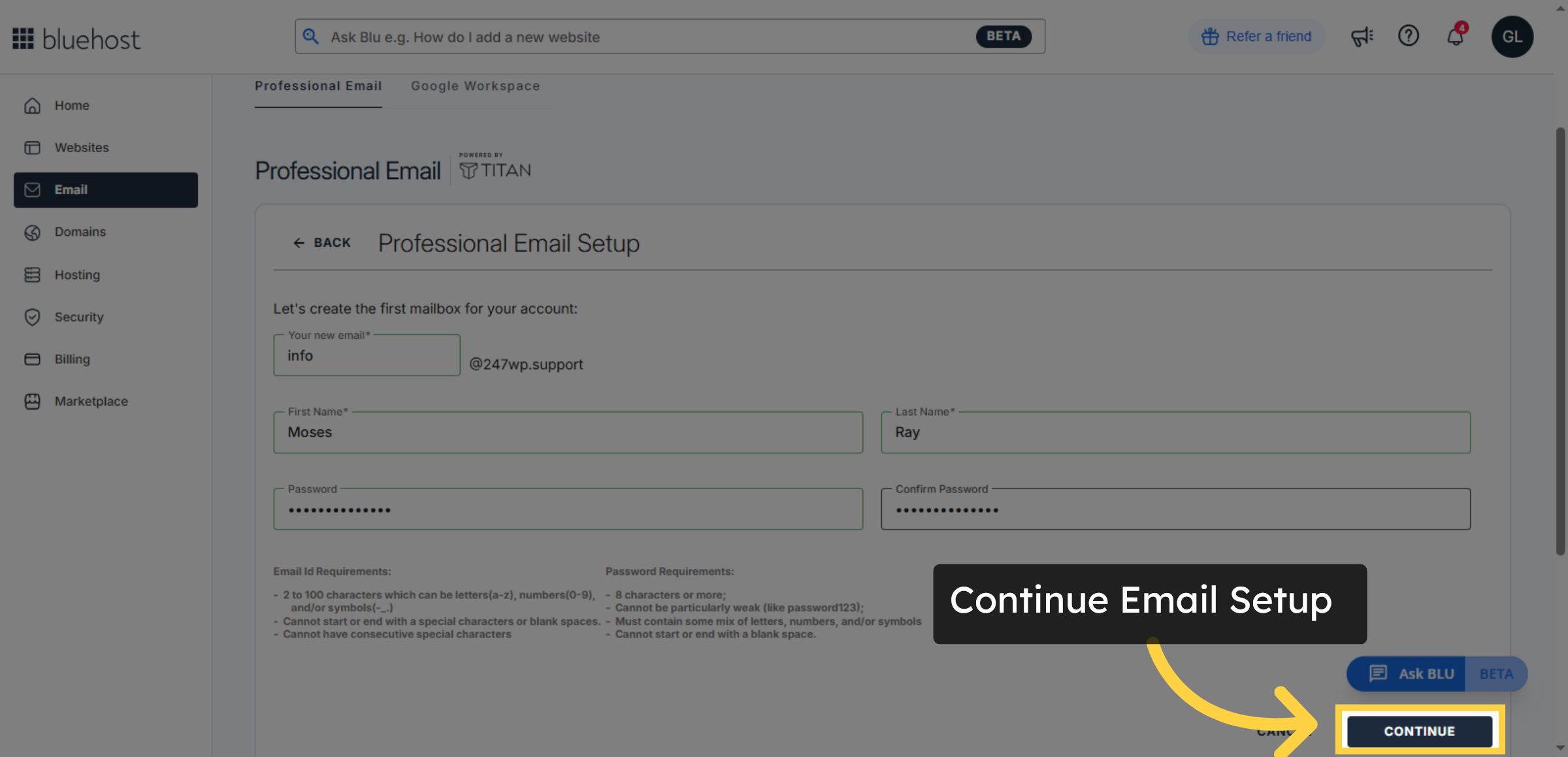
12. Login To Webmail
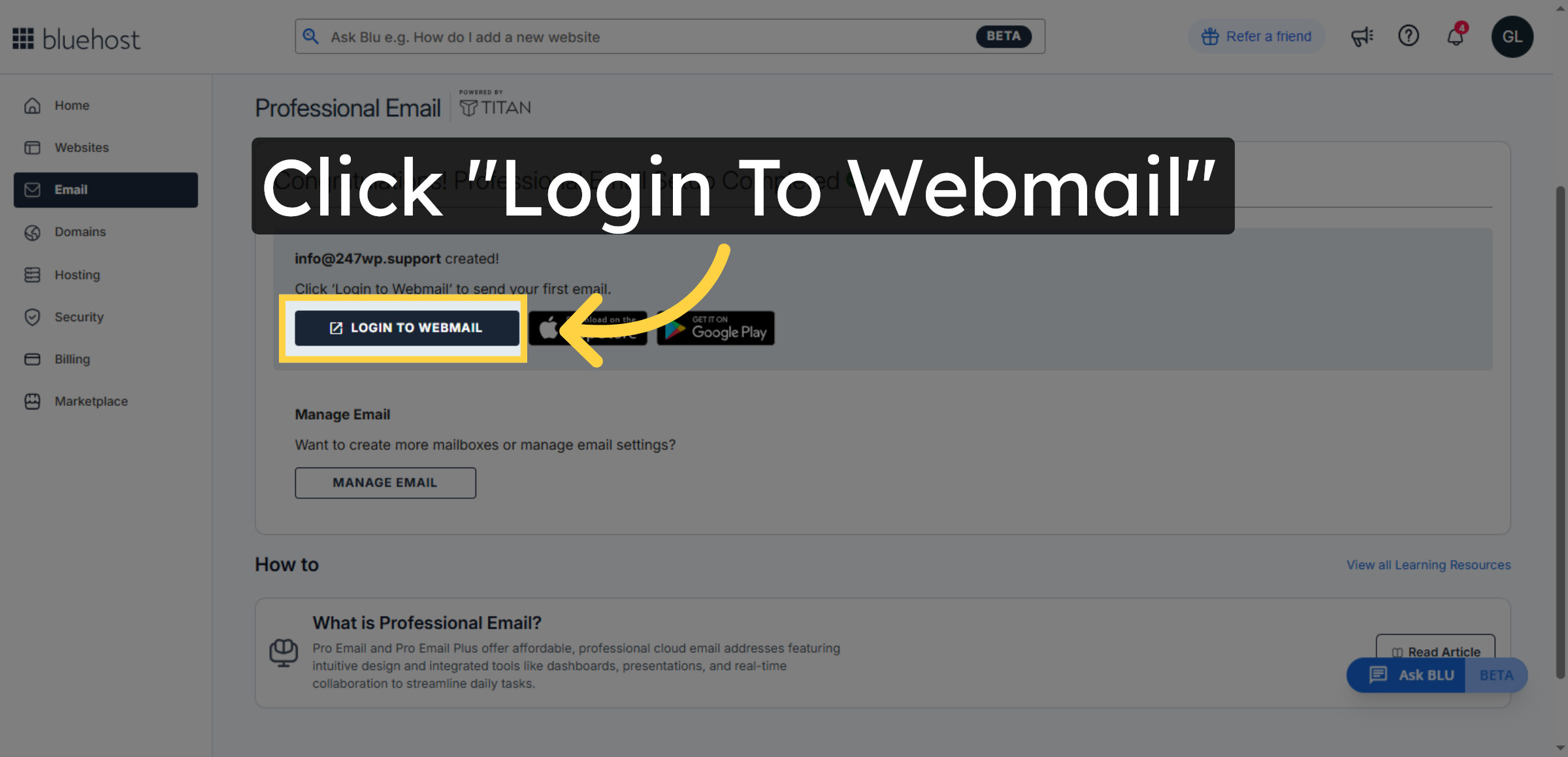
13. Enter your Email Address
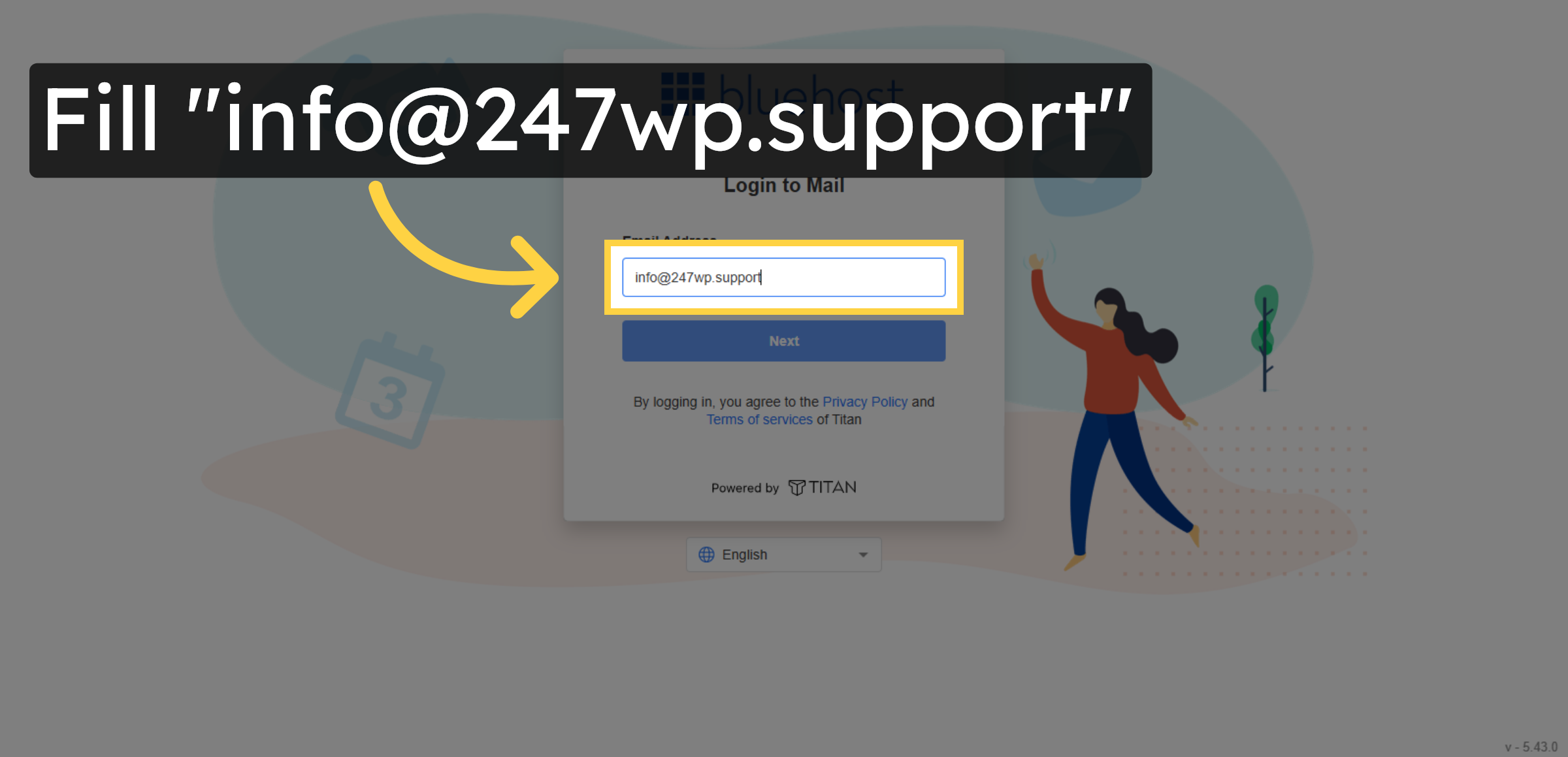
14. Proceed To Next Login Step
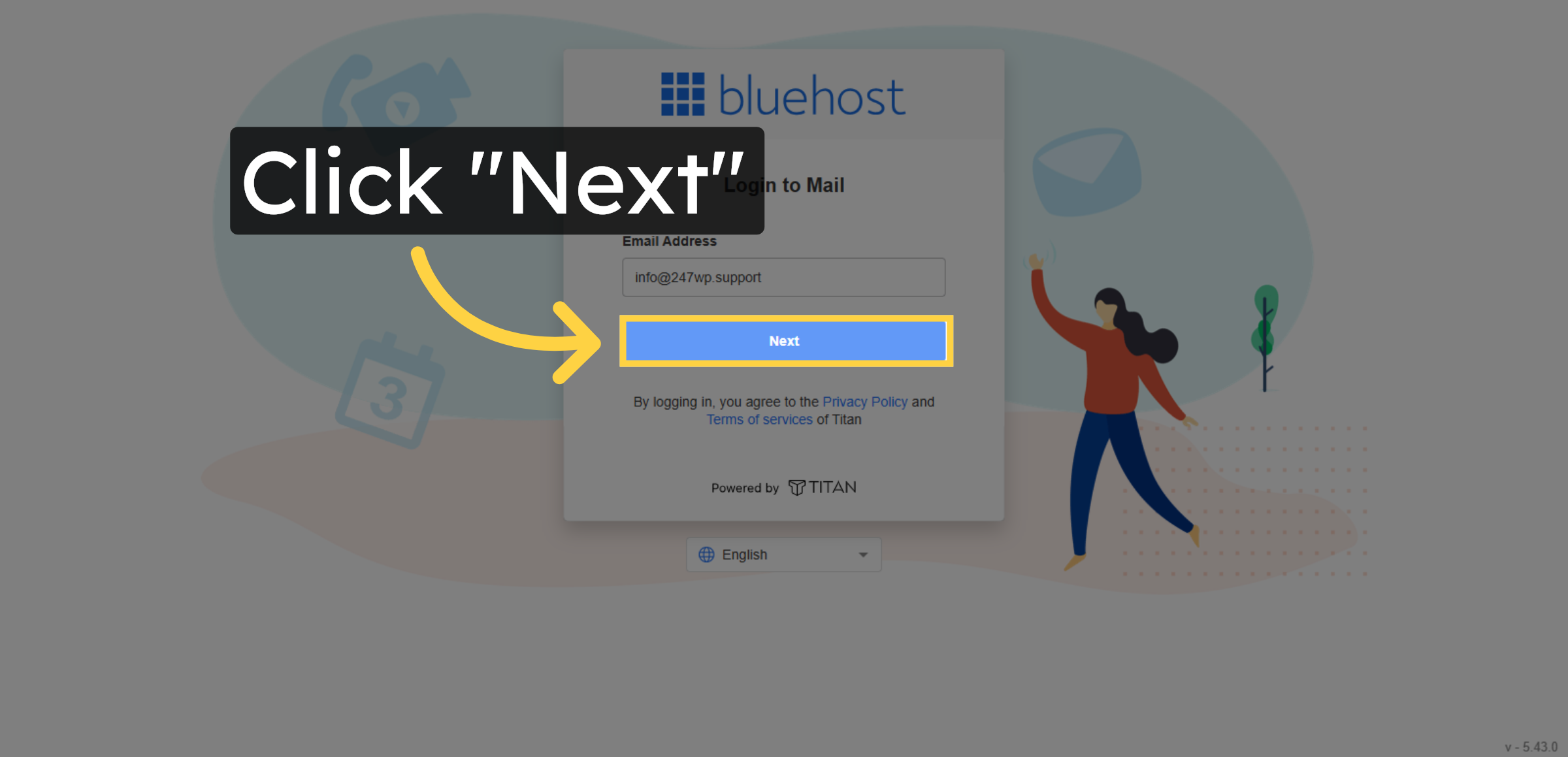


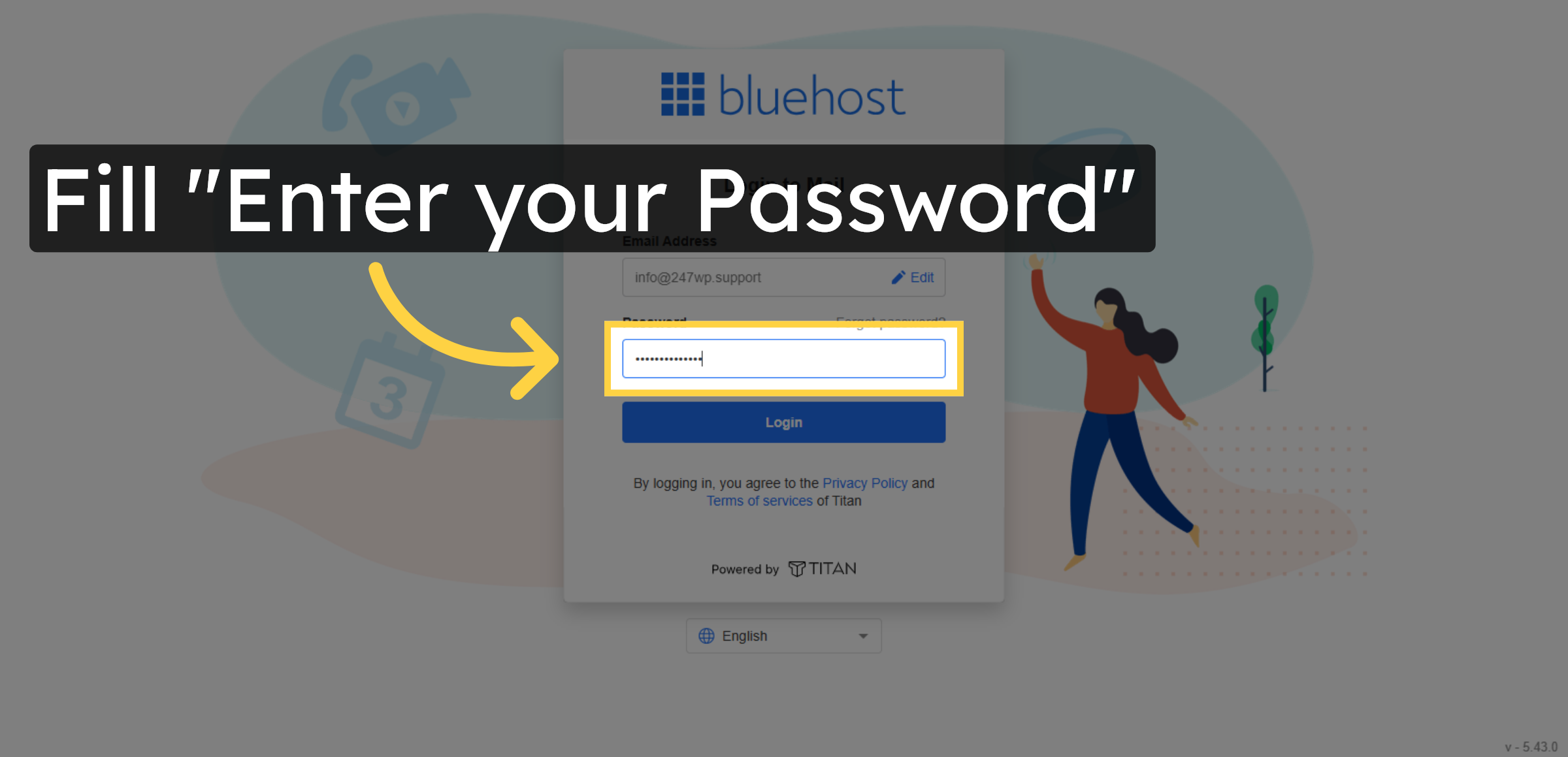
15. Enter Email Password
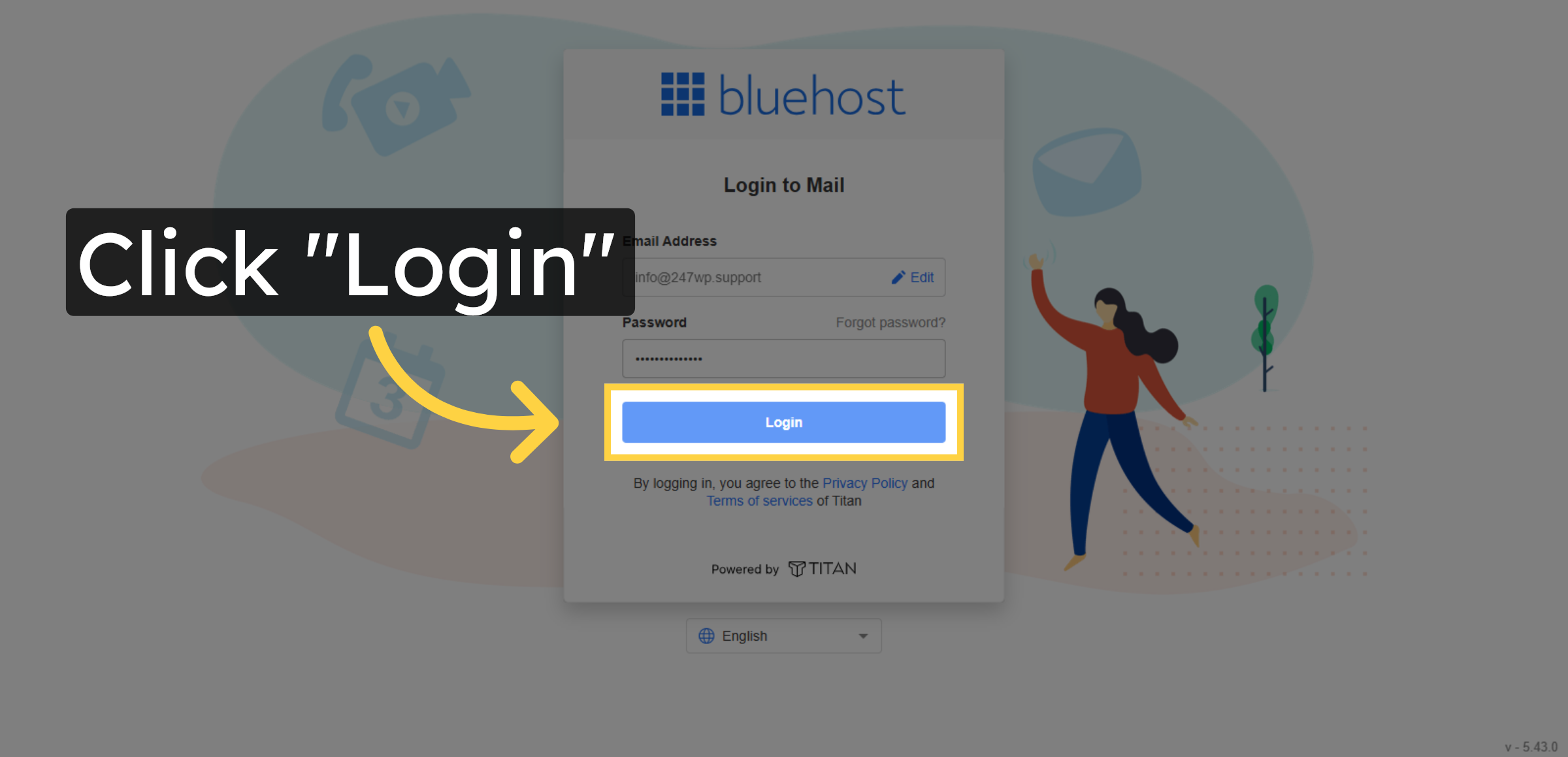
16. Submit Login Credentials
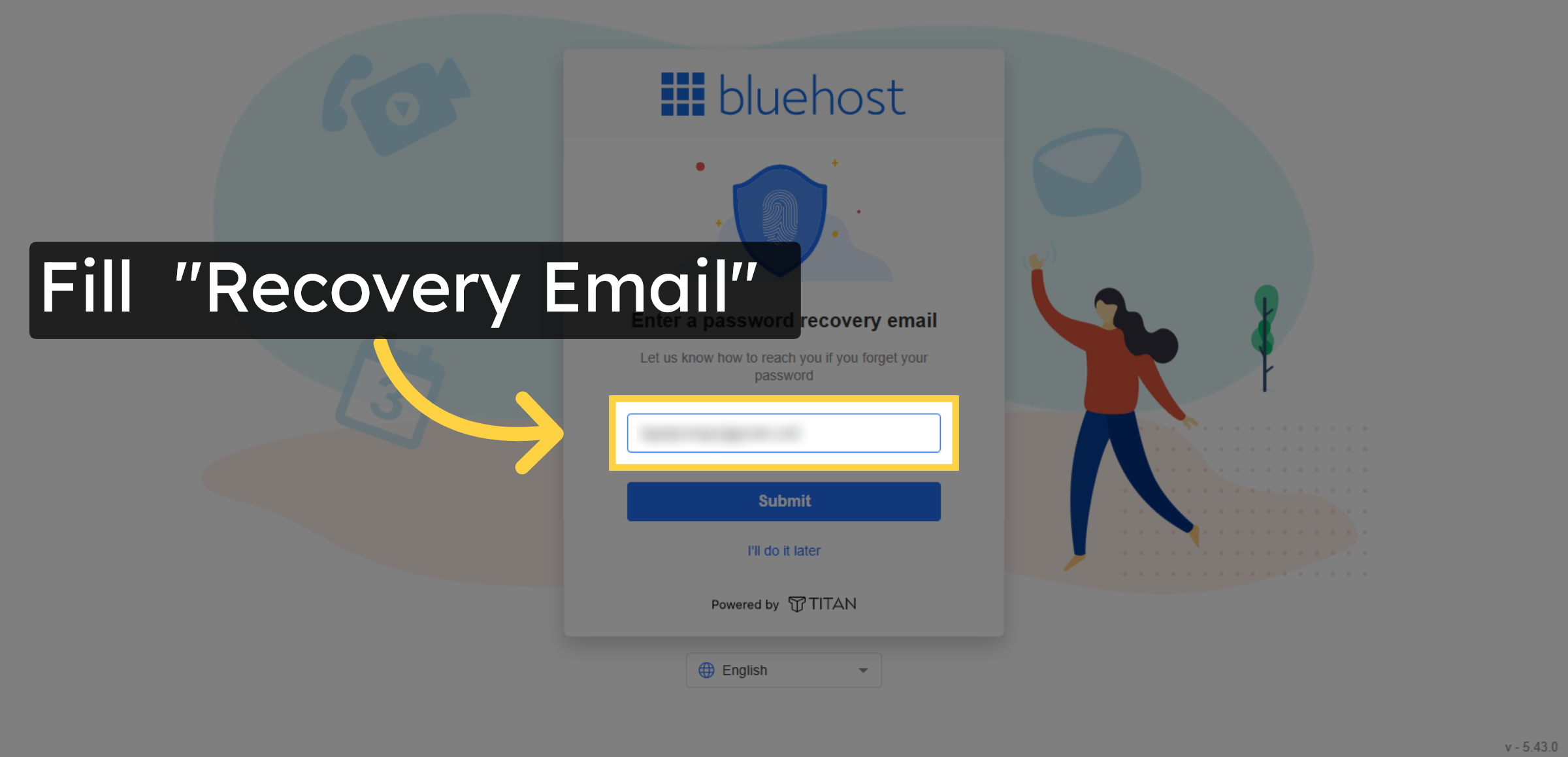
17. Fill Recovery Email
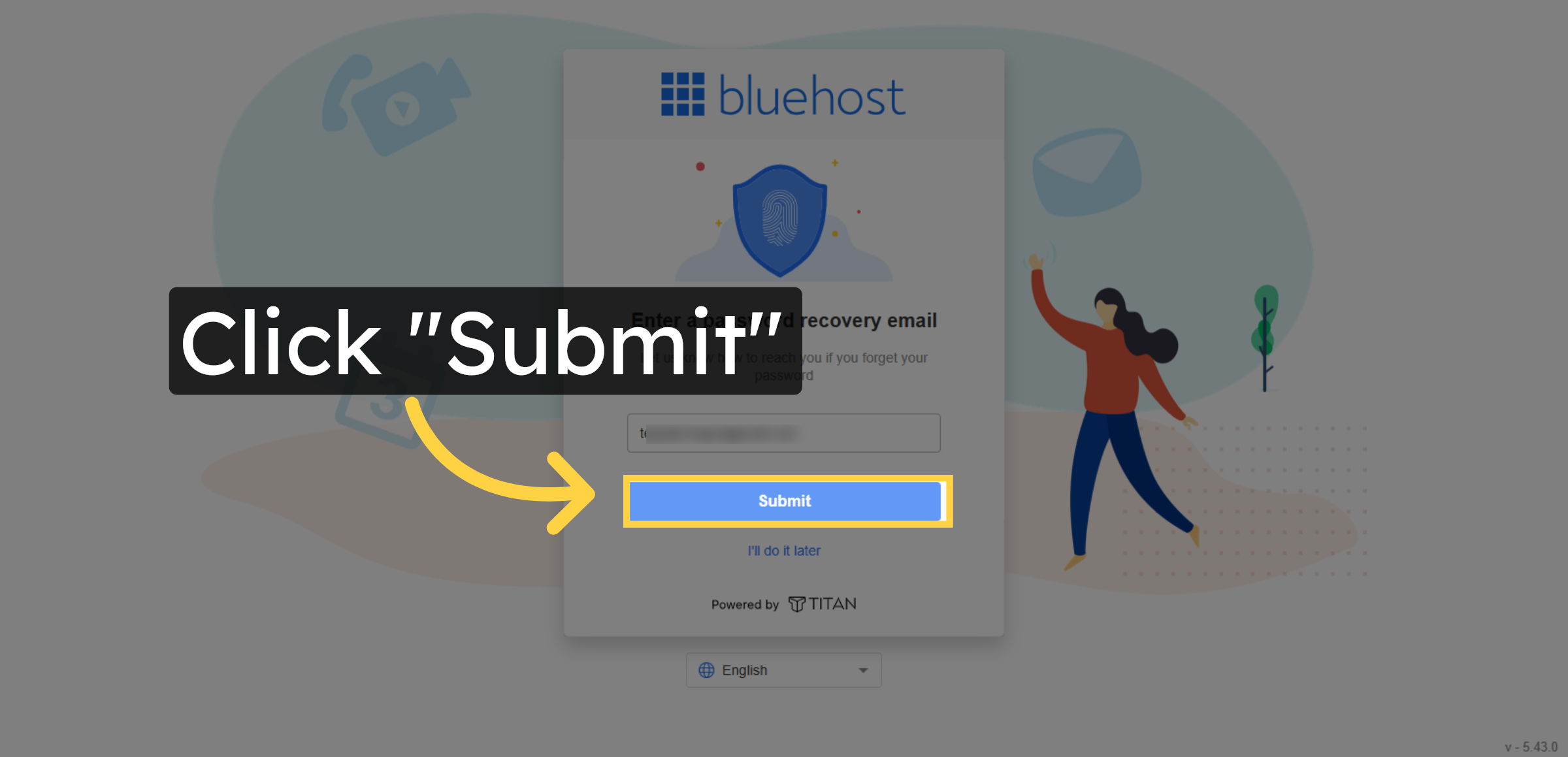
18. Submit Recovery Email
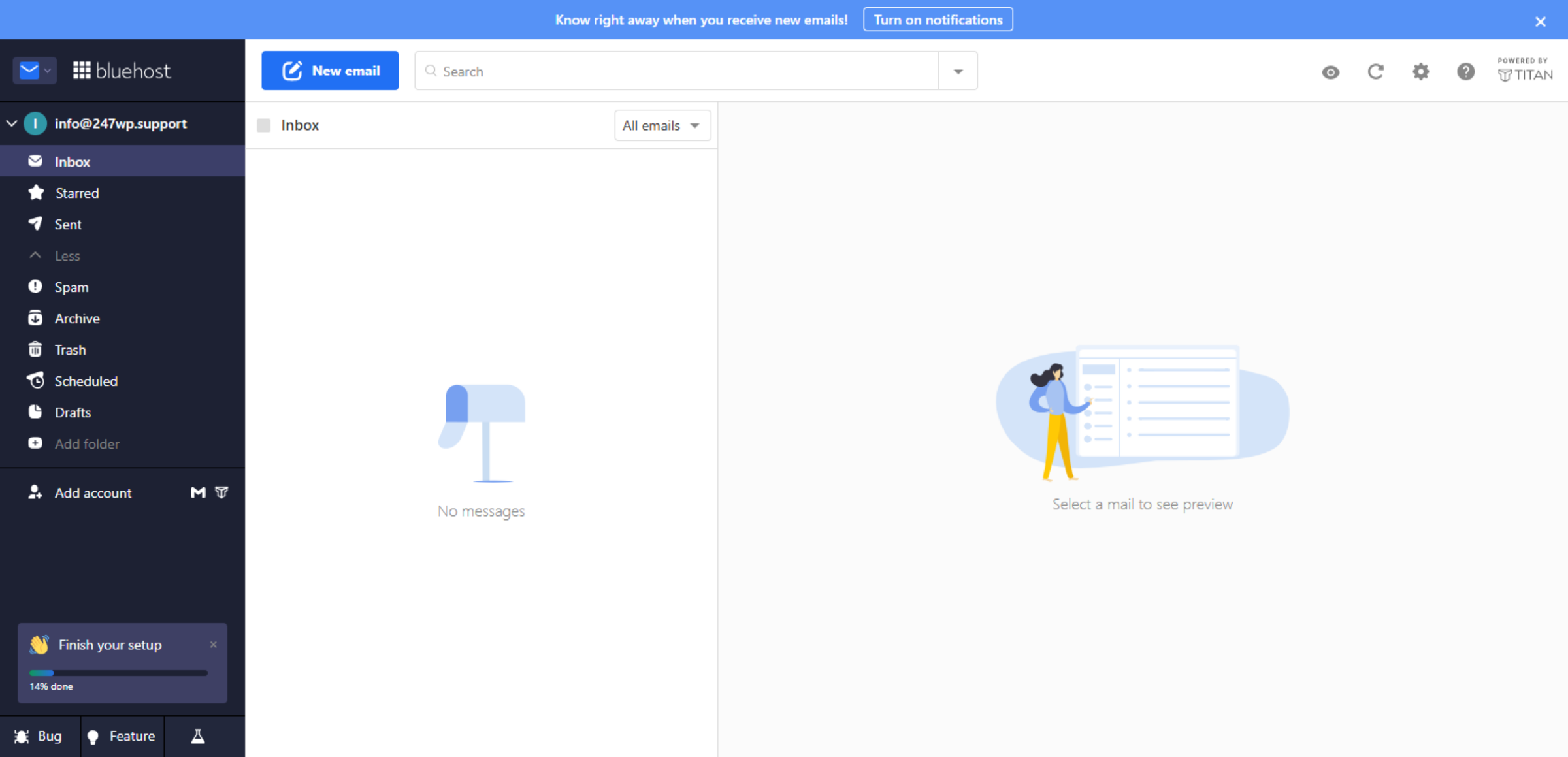
19. Professional Email Dashboard
Conclusion
Creating a professional email address is an important step toward building a trustworthy and organized online presence. By following the steps outlined in this guide, you have successfully created and accessed a domain-based email account through Bluehost hosting. This email account enables secure and professional communication with clients, partners, and website visitors.
To maintain email security and reliability, it is recommended to use strong passwords, configure recovery options, and regularly monitor mailbox activity. Periodic updates to account settings and spam filters further improve email management. With proper configuration and maintenance, your professional email account will remain secure, efficient, and aligned with your brand identity.
WooHelpDesk Support
Need professional assistance with business email setup, account security, hosting configuration, or email troubleshooting? WooHelpDesk provides expert technical support to help you manage your communication systems effectively.
Visit: https://www.woohelpdesk.com
Call Us Toll-Free: +1 888 602 0119 (US & Canada)
Secure Setup | Reliable Communication | Trusted Support
Contact WooHelpDesk today for dependable WordPress and Bluehost email support solutions.



