

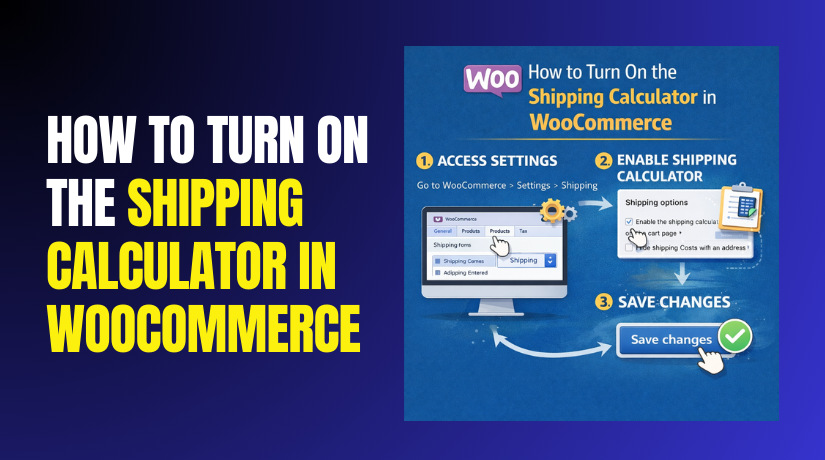
How to Turn On the Shipping Calculator in WooCommerce Step by Step?
Customers want to know shipping costs before they reach checkout. A visible calculator reduces doubt and improves buying confidence. This is why the WooCommerce shipping calculator matters for stores. It lets customers estimate shipping using their location and cart data....

Best PDF Invoice Plugins for WooCommerce to Generate Invoices Automatically
Running an online store needs clean billing for every order. Customers often ask for invoices after they complete payment. A PDF invoice for WooCommerce keeps that process fast and smooth. It helps you avoid manual work and repeated support replies....

Best Tax Plugin for WooCommerce to Calculate GST & VAT Automatically
Taxes affect pricing, trust, and your checkout success every day. If taxes are wrong, customers may abandon the cart quickly. A good WooCommerce tax plugin keeps your store compliant and clear. It also reduces manual work for you and your...
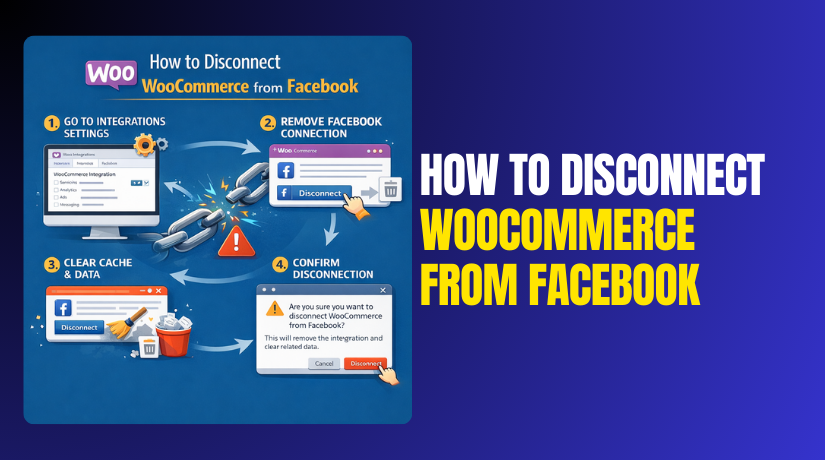
How to Disconnect WooCommerce from Facebook – Step-by-Step Guide
Many store owners connect WooCommerce with Facebook for product selling. This setup can push products to a Facebook catalog automatically. It can also track visitors with Pixel and event tools. Over time, setups change and problems can start appearing. You...

What is the Difference Between Web Hosting and WordPress Hosting?
Many website owners get confused during the hosting selection process. They see terms like web hosting vs wordpress hosting and assume both are the same. In reality, both options provide server space for your website, but they are not built...
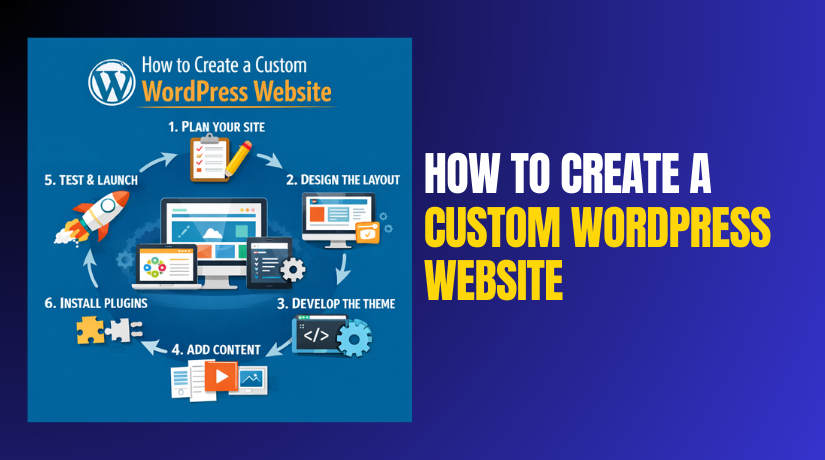
How to Create a Custom WordPress Website (Step by Step)
A custom WordPress website is built for your exact business needs. It does not rely only on a ready theme setup. It gives you better control over layout and features. It also helps your site feel unique and more professional....
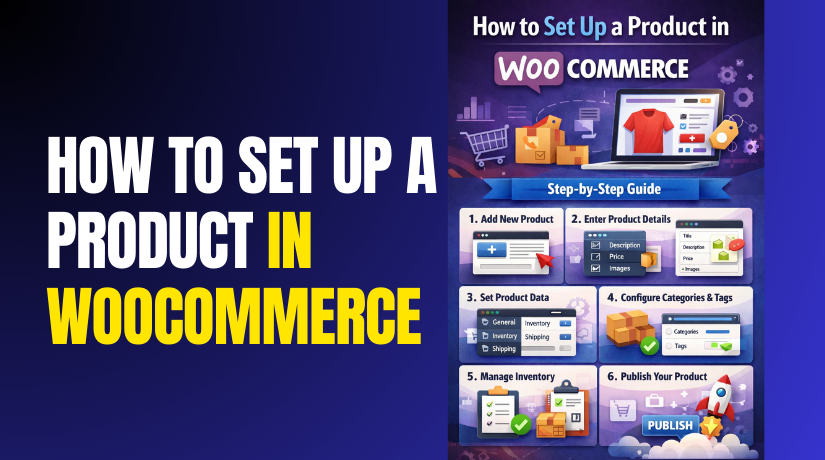
How to Set Up a Product in WooCommerce Step by Step?
Setting up products correctly is essential for every WooCommerce online store. Products control pricing, inventory, checkout behavior, and overall customer experience. Many beginners struggle while trying to add products in WooCommerce properly. Incorrect setup often causes pricing errors and checkout...
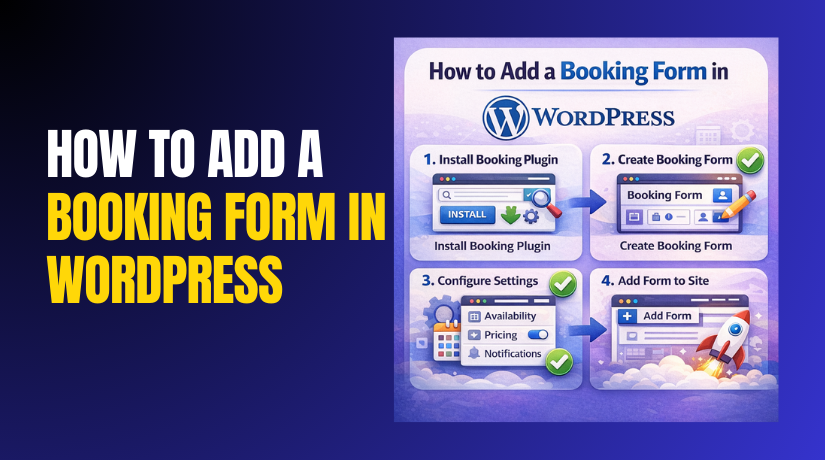
How to Add a Booking Form in WordPress Step by Step?
A booking system lets visitors reserve your services without calling you. It saves time, reduces errors, and improves the customer experience. A WordPress booking form works well on mobile and desktop devices. It can send emails, block time slots, and...

How to Manually Install Plugins in WordPress Step by Step?
A WordPress website grows faster when plugins handle key tasks. Plugins add features without changing your theme or core files. Many site owners install plugins from the dashboard quickly. But sometimes you must install plugins manually for better control. This...
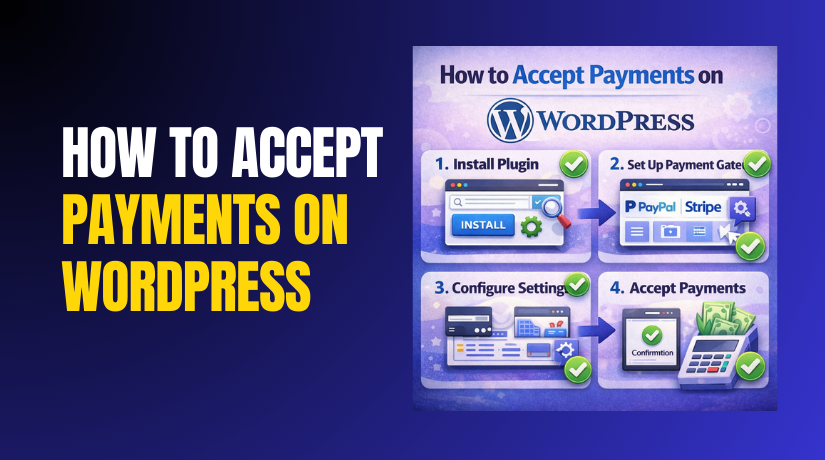
How to Accept Payments on WordPress Step by Step?
Getting paid on your website should feel fast and simple. Many visitors leave when payment steps feel confusing or slow. WordPress online payments help you sell anytime without manual follow ups. You can accept cards, UPI, wallets, and bank transfers...