
How To Fix WordPress Memory Limit Exhausted Error On GoDaddy Hosting
A fatal error or memory exhausted issue in WordPress usually occurs when your website does not have enough PHP memory...
3 mins read
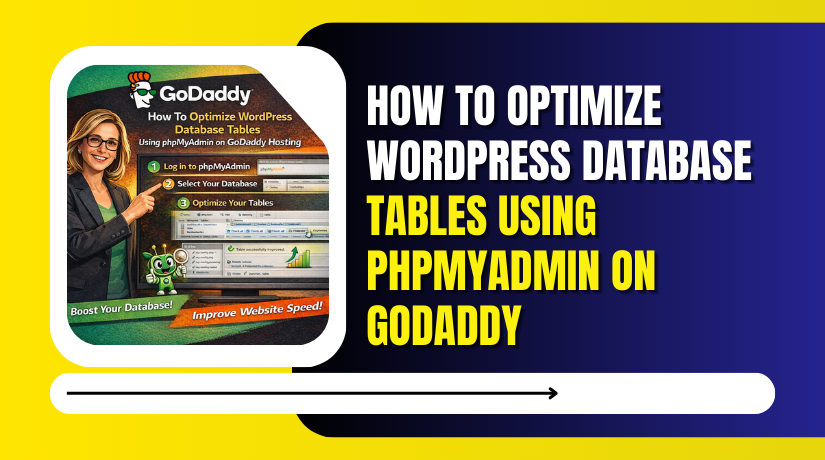
How To Optimize WordPress Database Tables Using phpMyAdmin On GoDaddy
Over time, a WordPress website’s database can accumulate unnecessary data such as overhead, transient records, and unused entries, which can...
2 mins read

How to Access WordPress Admin Panel From GoDaddy Hosting
Accessing the WordPress admin panel is essential for managing website content, themes, plugins, security settings, and overall site performance.
2 mins read

How to Set Up Automated WordPress Backups On Godaddy WP Hosting Via Plugin
Backing up your WordPress website is a critical step to protect your data from unexpected issues such as server failures,...
3 mins read

How To Back Up A WordPress Site On Godaddy WP Hosting From Plugin
Backing up your WordPress website is one of the most important steps to protect your data from accidental loss, hacking...
4 mins read

How To Use GoDaddy File Manager For WordPress Editing
The GoDaddy File Manager provides a simple and convenient way to manage your WordPress website files directly from your hosting...
2 mins read

How To Access GoDaddy File Manager Via FTP For WordPress
Managing WordPress files directly on your hosting server is an essential skill for website maintenance, troubleshooting, and customization. Whether you...
3 mins read

How To Enable And Disable WordPress Debug Mode On BlueHost Hosting
Enabling WordPress debug mode is an important step when troubleshooting errors, plugin conflicts, or theme-related issues on your website. BlueHost...
2 mins read

How to Connect External Domain to Bluehost WordPress Website
Connecting an external domain to your WordPress website is an important step in building a professional online presence.
3 mins read
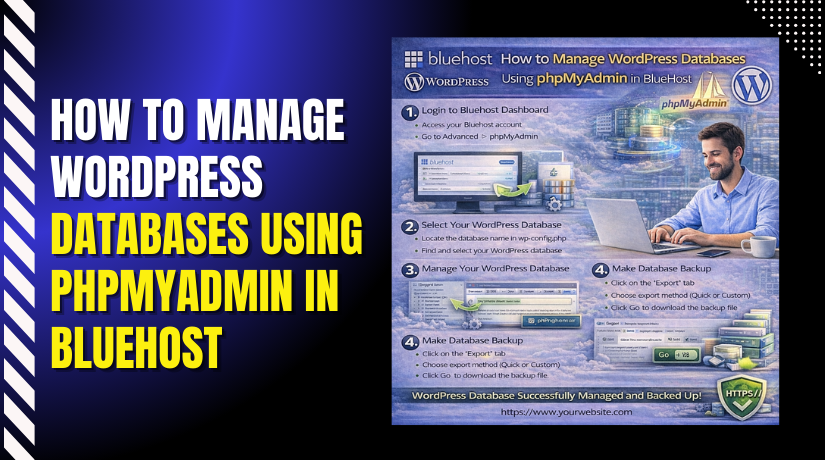
How to Manage WordPress Databases Using phpMyAdmin in Bluehost
Managing your WordPress database is essential for maintaining website performance, security, and data accuracy.
3 mins read