

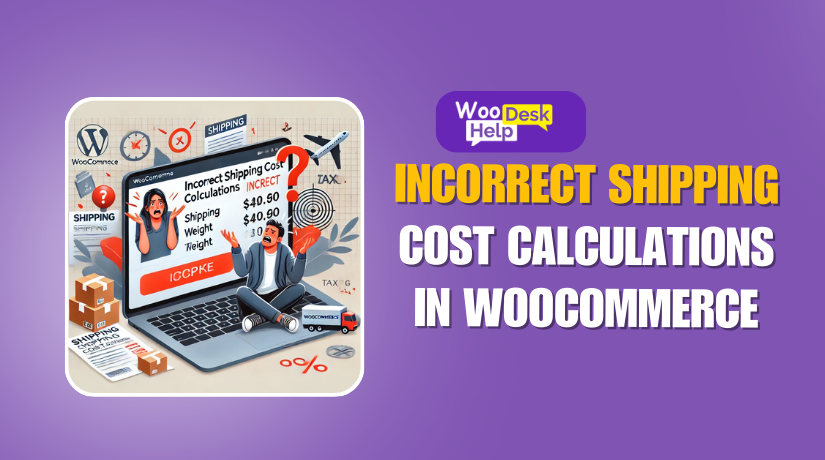
How to Fix Incorrect Shipping Cost Calculations in WooCommerce
WooCommerce is one of the most widely used eCommerce platforms, enabling store owners to sell products online efficiently. However, incorrect shipping cost calculations can lead to frustration for both sellers and customers. Imagine a consumer seeing unexpected shipping costs after...
WooCommerce Cart Page Not Updating: Causes, Fixes, and Best Practices
WooCommerce is one of the most used eCommerce plugins for WordPress. It makes it easier for companies to sell goods online. However, users occasionally run into problems that ruin their buying experience. One common problem is the cart page not...
The Ultimate Guide to Fixing Shipping Methods Not Displaying at Checkout in WooCommerce
Are you facing the issue where shipping methods are not displaying at checkout? This is a common WooCommerce problem that can significantly impact your sales. If a customer proceeds to checkout and sees “No shipping options showing at checkout”, they...
Fixing the Woocommerce Shipping Not Updating Issue: A Troubleshooting Guide
Shipping costs are a core aspect of any WooCommerce store. When WooCommerce shipping not updating, it creates confusion for customers and headaches for store owners. Imagine browsing a store, adding items to your cart, and discovering that the shipping fees...
Fixing WooCommerce Checkout Freezing and Crashing on Mobile: A Complete Guide
One of the most widely used eCommerce platforms nowadays is WooCommerce. Thousands of internet stores throughout the world are powered by it. A lot of entrepreneurs depend on it to market their goods. But occasionally, technological problems can cause the...

How to Fix WooCommerce Checkout Page Redirecting to Cart issue
WooCommerce is one of the most popular eCommerce solutions for WordPress. It provides a seamless shopping experience, allowing users to add products to their cart and complete purchases efficiently. However, store owners often encounter an issue where the WooCommerce checkout...
Fixing the Woocommerce Checkout Page Incorrect Product Total Issue
A smooth checkout process is essential for any online store. WooCommerce, as one of the most popular eCommerce platforms, powers millions of websites. But even the best platforms can run into technical issues. One common and frustrating problem is when...
Fixing WooCommerce Checkout Page Redirecting to Homepage Issues
A smooth checkout process is crucial for any WooCommerce store. When the checkout page doesn’t load correctly, it can seriously impact sales. Sometimes, the WooCommerce checkout page redirecting to homepage becomes an unexpected issue. Customers who are ready to pay...
Fixing WooCommerce Shipping & Billing Address Issues: Troubleshooting & Solutions
One of the most widely used eCommerce platforms is WooCommerce. It makes it simple for companies to sell goods online. However, many store owners face issues with shipping and billing addresses. These problems can cause order failures, customer frustration, and...

What to Do When Payment Gets Stuck on Processing in WooCommerce
What does “stuck on processing” mean in WooCommerce? When your WooCommerce store’s payment is stuck on processing, it means that after a customer completes their payment at checkout, the order never moves to the next status. Instead, it remains in...