


WooCommerce Google Pay Not Working? Here’s How to Fix It Fast
Google Pay is a fast and secure payment method. Many U.S. shoppers now prefer using it for online purchases. If you run a WooCommerce store, adding Google Pay can boost sales. It allows quick checkouts and fewer cart abandonments. But...

How to Fix Error Establishing a Database Connection in WordPress
When you see the error establishing a database connection in WordPress, it means WordPress cannot access the database it needs to load your website. This is a common issue that prevents WordPress from retrieving posts, pages, and other content. Normally,...
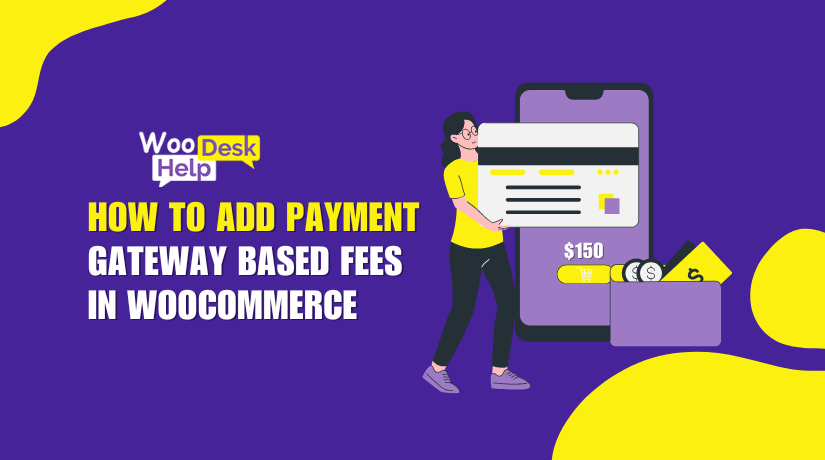
How to Add Payment Gateway Based Fees in WooCommerce
Every online store has different payment methods. Some are cheaper for store owners. Others come with higher transaction costs. WooCommerce by default does not allow charging extra fees based on payment methods. This is where the Payment Gateway Based Fees...
Easily Apply Discounts via Link: URL Coupons for WooCommerce Explained, Integration & Setup
Discount codes are common in online stores. But not every customer enjoys using them. Typing a code during checkout can feel annoying or confusing. Some shoppers even leave the site to search for a working code. Many never return. This...

WooCommerce Shop Page Not Showing Products? Here’s What’s Wrong
Running an online store is exciting until problems show up. One common issue many store owners face is the WooCommerce shop page showing blank. This can be confusing and frustrating. You visit your shop page expecting to see products, but...
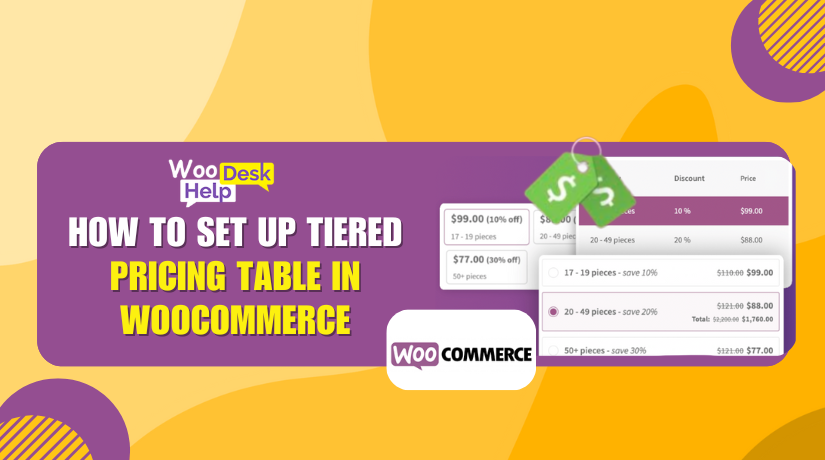
How to Set Up Tiered Pricing Table in WooCommerce
Selling more is every store owner’s goal. But how do you encourage customers to buy more at once? Tiered pricing is a smart way to do that. It offers discounts based on the quantity customers buy. The more they buy,...
Lottery for WooCommerce: The Best Plugin for Contests and Lucky Draws
Why Lotteries and Contests Work for Online Stores Running a lottery or contest can be a smart strategy. It adds fun to shopping. Customers enjoy the thrill of winning. This builds excitement and keeps them coming back. It also helps...
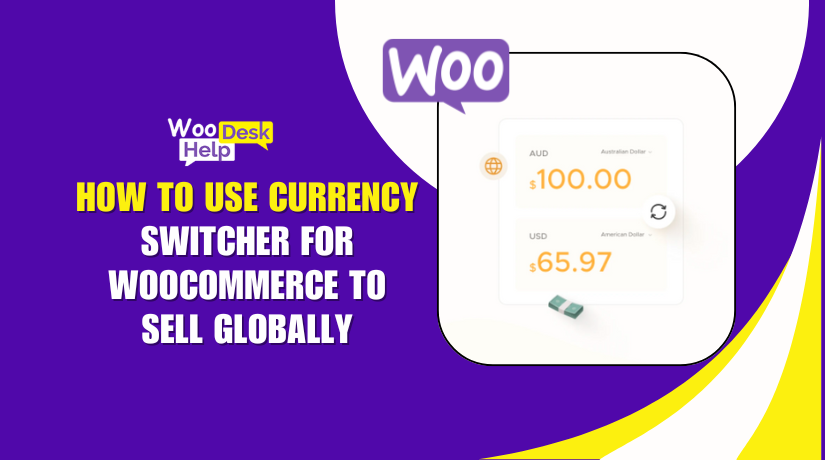
How to Use Currency Switcher for WooCommerce to Sell Globally
Running a global WooCommerce store brings big opportunities. But selling internationally also means one major challenge—currency differences. If your customers can't see prices in their own currency, they may leave your site. That’s where the Currency Switcher for WooCommerce plugin...
“Sorry, Your Session Has Expired” in WooCommerce – Causes and Solutions
The checkout page is the most important part of any online store. It’s where a customer decides to buy. But sometimes, this step fails due to a session error. One of the most frustrating messages store owners see is: “Sorry,...
Product Video for WooCommerce Plugin: Full Review + Setup Guide
Online shopping is all about visuals. A product image helps, but a video shows more. It gives buyers a better idea of what they are getting. This builds trust and improves the chance of a sale. Today, videos are a...