


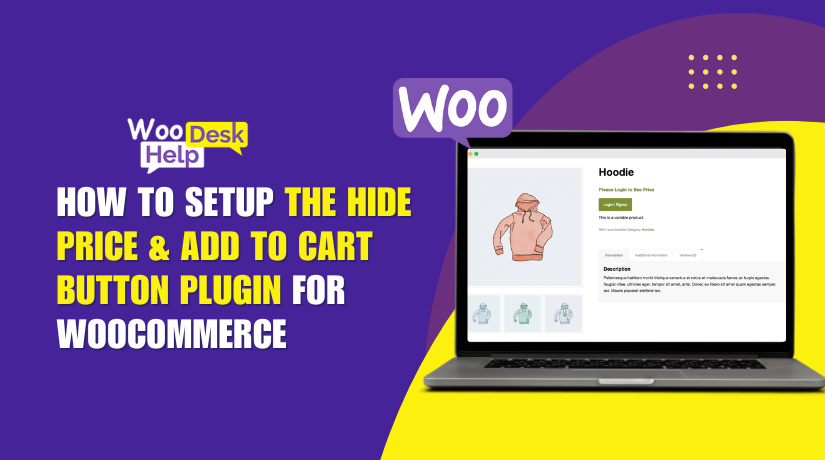
How to Setup the Hide Price & Add to Cart Button Plugin for WooCommerce
In online stores, showing or hiding product prices is a smart strategy. Sometimes, you want to keep prices visible for everyone. Other times, hiding them makes more sense. This is common in B2B, wholesale, or custom product stores. Additionally, hiding...

How to Set up “Tab Manager for WooCommerce” to Customize Product Pages Easily
Managing product pages in WooCommerce can be a challenge. You want to show key product details, but the default tabs are often too limited. That's where the Tab Manager for WooCommerce comes in. This plugin helps you take full control...

How to Use “Extra Fees for WooCommerce” Plugin to Add Custom Charges Easily
Running a WooCommerce store means thinking about more than just products. You may also need to add extra charges like handling fees, payment processing costs, or shipping surcharges. These costs help cover your store's real-world expenses and keep your profits...

How to Set up Product Dynamic Pricing and Discounts for WooCommerce
Running an online store today needs more than just good products. Shoppers expect deals, discounts, and special offers. Store owners need tools that can handle these expectations smartly. This is where dynamic pricing comes in. Dynamic pricing lets you offer...

WooCommerce Shop Page Not Responsive on Mobile? Here’s How to Fix It
WooCommerce is one of the most used eCommerce platforms on WordPress. It helps store owners sell products easily through their websites. But many users face mobile layout issues, especially on the shop page. These issues affect how customers view and...

How to Fix Product Sorting Not Working on Your WooCommerce Shop Page
If you run a WooCommerce store, product sorting is very important. Sorting helps your customers find what they need faster. It improves the shopping experience and boosts sales. Most WooCommerce shop pages show a sorting dropdown. It includes options like:...

How to Setup Product Options and Addons for WooCommerce to Customize Products Easily
Product customization has become a major trend in online shopping. Consumers today want items that are customized for them, not just things they can purchase. Whether it’s adding a name, uploading a design, or selecting features, people love having options....

How to Fix WooCommerce Shop Page Loading Issues and Boost Store Speed
Running a WooCommerce store is exciting but also demanding. One major issue many store owners face is a slow shop page. This is where your products are displayed. If it loads slowly, users may leave before buying anything. In 2025,...

How to Setup Mix and Match Products Work in WooCommerce
WooCommerce's Mix and Match Products plugin is a potent tool. It allows store owners to offer custom product boxes to their customers. Instead of buying pre-packed bundles, customers can choose what they want. As a result, shopping becomes more pleasurable...

How to Streamline Marketplace Selling with Multichannel for WooCommerce
Selling on just one platform limits your store’s growth. Today, customers shop across marketplaces like Amazon, eBay, Walmart, and Etsy. Separately managing each platform can be stressful and time-consuming. You have to update products, manage orders, and track stock on...