



Top WooCommerce Alternatives: Which Platform Is Better for Your Online Store?
WooCommerce is one of the most popular platforms for building online stores. As a WordPress plugin, it allows store owners to turn their websites into fully functional eCommerce stores. However, while WooCommerce works for many, it isn't the best choice...
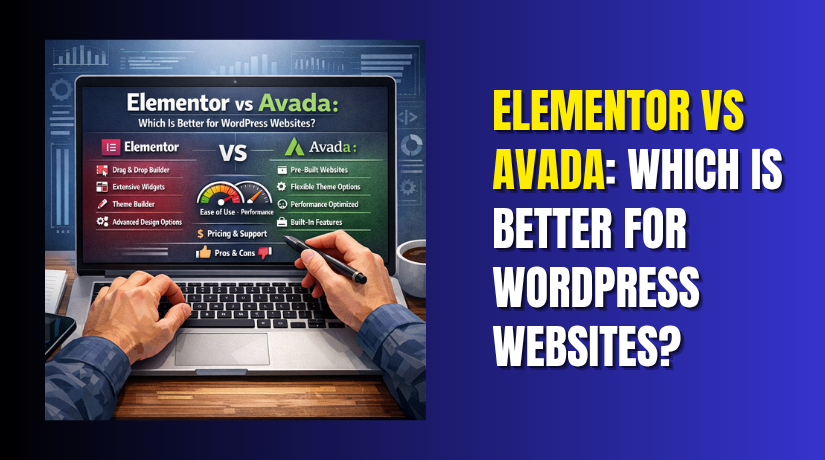
Elementor vs Avada: Which Is Better for WordPress Websites?
You're staring at two options. One is the best-selling WordPress theme of all time, with over 1 million sales and a near-perfect 4.8-star rating. The other is the most popular page builder plugin, powering more than 5 million websites globally....
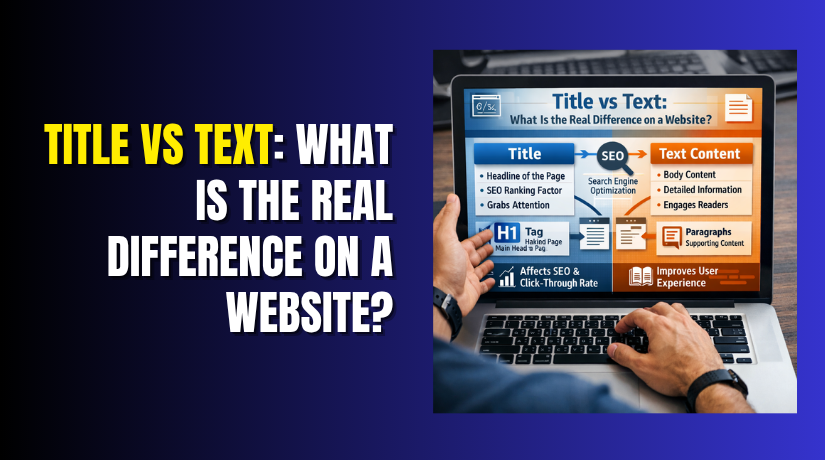
Title vs Text: What Is the Real Difference on a Website?
Many website owners think title and text mean the same thing. This confusion is very common, especially for beginners. Both appear on the same page. Both also help users understand the content. That is why people often mix them up....
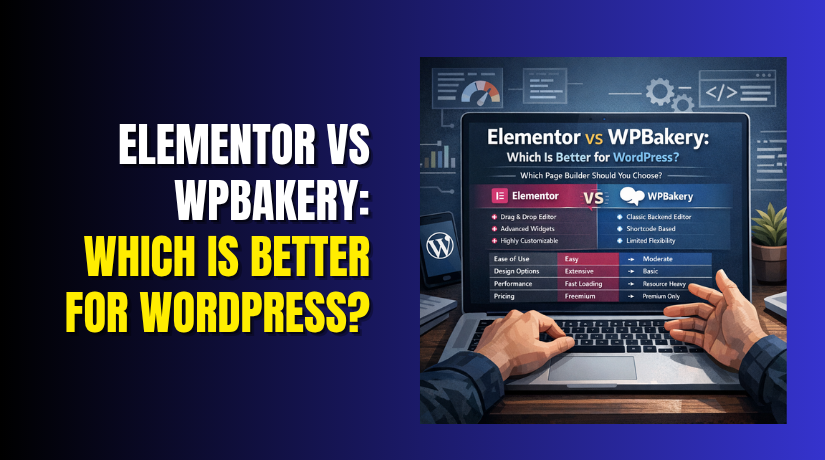
Elementor vs WPBakery: Which Is Better for WordPress?
Choosing the right page builder can shape your full website experience. Both tools help build pages without hard coding. Still, they do not feel the same during real work. That is why many users search for Elementor vs WPBakery before...
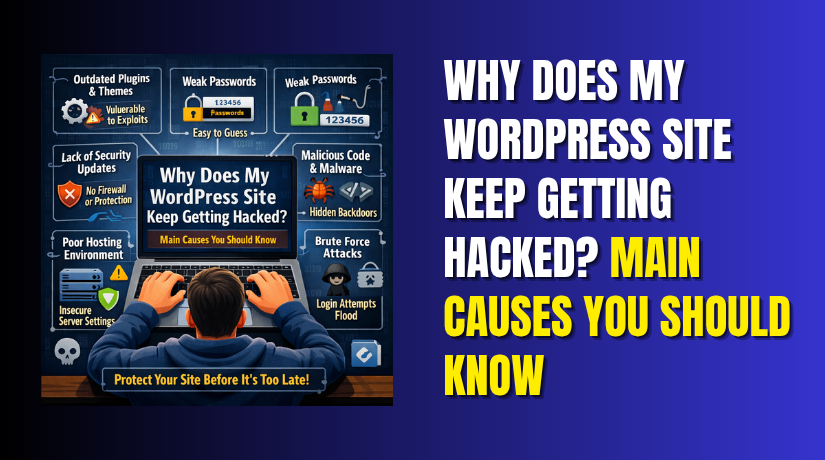
Why Does My WordPress Site Keep Getting Hacked? Main Causes You Should Know
If your website gets hacked once, that is serious enough. If it happens again, the real problem may still be there. Many site owners clean visible damage, then move on too fast. After that, the same weakness stays active inside...
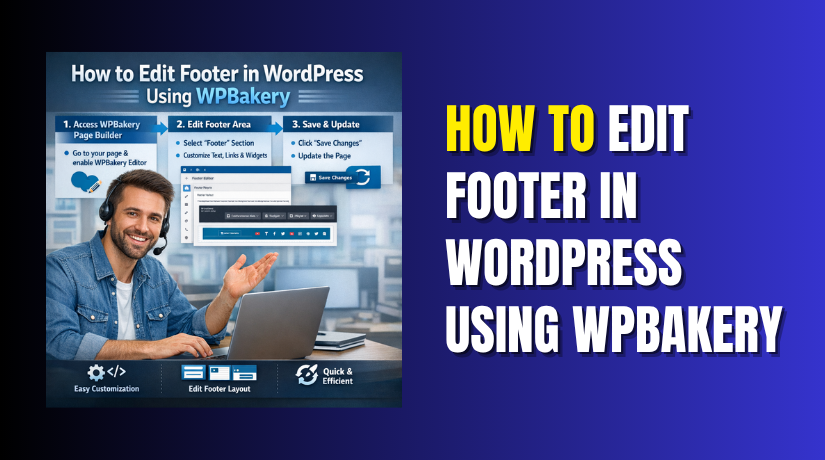
How to Edit Footer in WordPress Using WPBakery
Your website footer is more important than many users think. It often shows contact details, copyright text, menu links, social icons, and support information. When this area looks outdated, the whole site can feel less polished. That is why many...

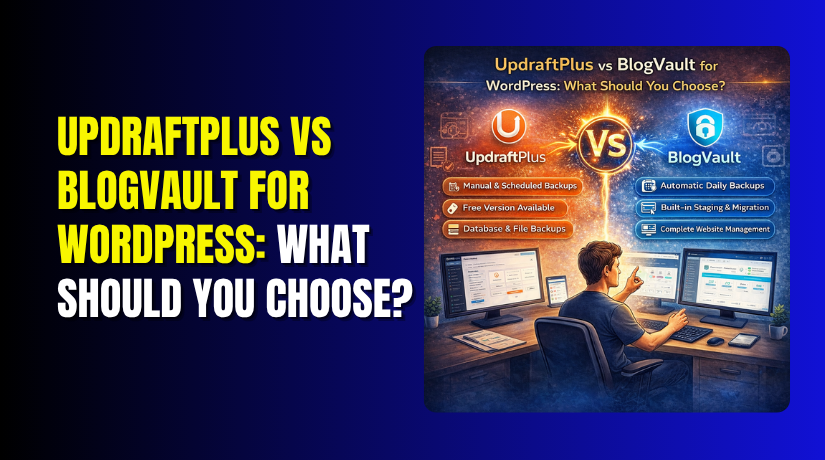
UpdraftPlus vs BlogVault for WordPress: What Should You Choose?
Your WordPress website is valuable. It represents hours of work, years of content, and potentially significant revenue. But how protected is it? Website disasters happen every day. A failed plugin update breaks your site. A hacker gains access. Your hosting...
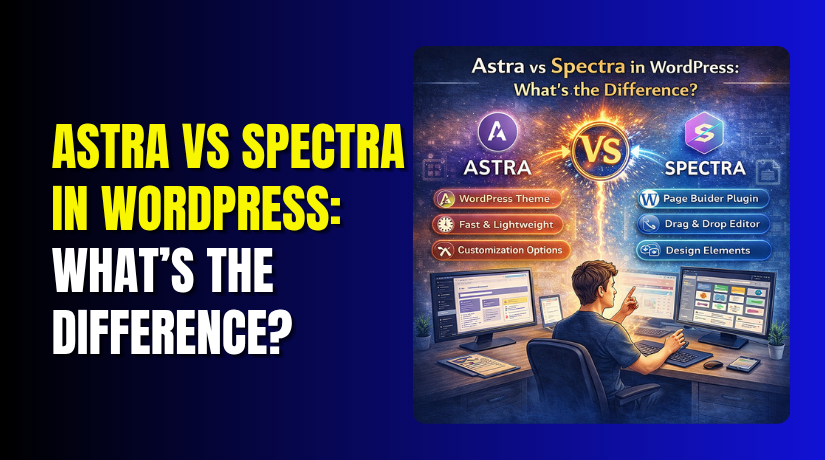
Astra vs Spectra in WordPress: What’s the Difference?
If you've ever browsed for WordPress themes or plugins, you've likely encountered Astra and Spectra. Brainstorm Force, the same company behind popular tools like Starter Templates, Convert Pro, and Schema Pro, develops both. They share a common ecosystem and work...
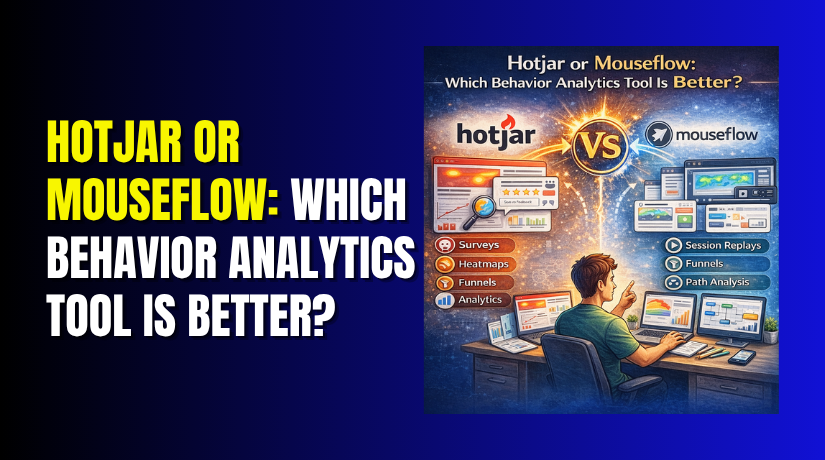
Hotjar or Mouseflow: Which Behavior Analytics Tool Is Better?
You need to understand how visitors use your website. Where do they click? Where do they hesitate? Why do they leave before buying? Heatmaps and session recordings promise answers. Two of the most popular tools are Hotjar and Mouseflow. At...