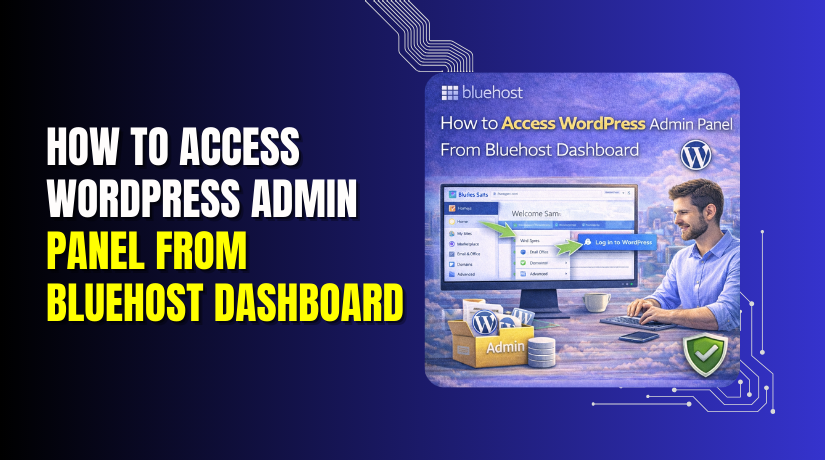
How to Access WordPress Admin Panel From Bluehost Dashboard
Introduction
Efficient access to the WordPress admin panel is essential for managing website content, themes, plugins, security settings, and overall site performance. Hosting providers such as Bluehost offer integrated management dashboards that allow users to access their WordPress sites without repeatedly entering login credentials. This streamlined access improves productivity and simplifies routine administrative tasks.
This guidde explains how to access the WordPress admin panel directly from the Bluehost dashboard. It provides step-by-step instructions for navigating the Bluehost control panel, locating the Websites section, and launching the WordPress dashboard with a single click. By following this guide, website administrators can securely and quickly manage their WordPress sites while maintaining centralized control over hosting and website settings.
1. Open Bluehost Dashboard
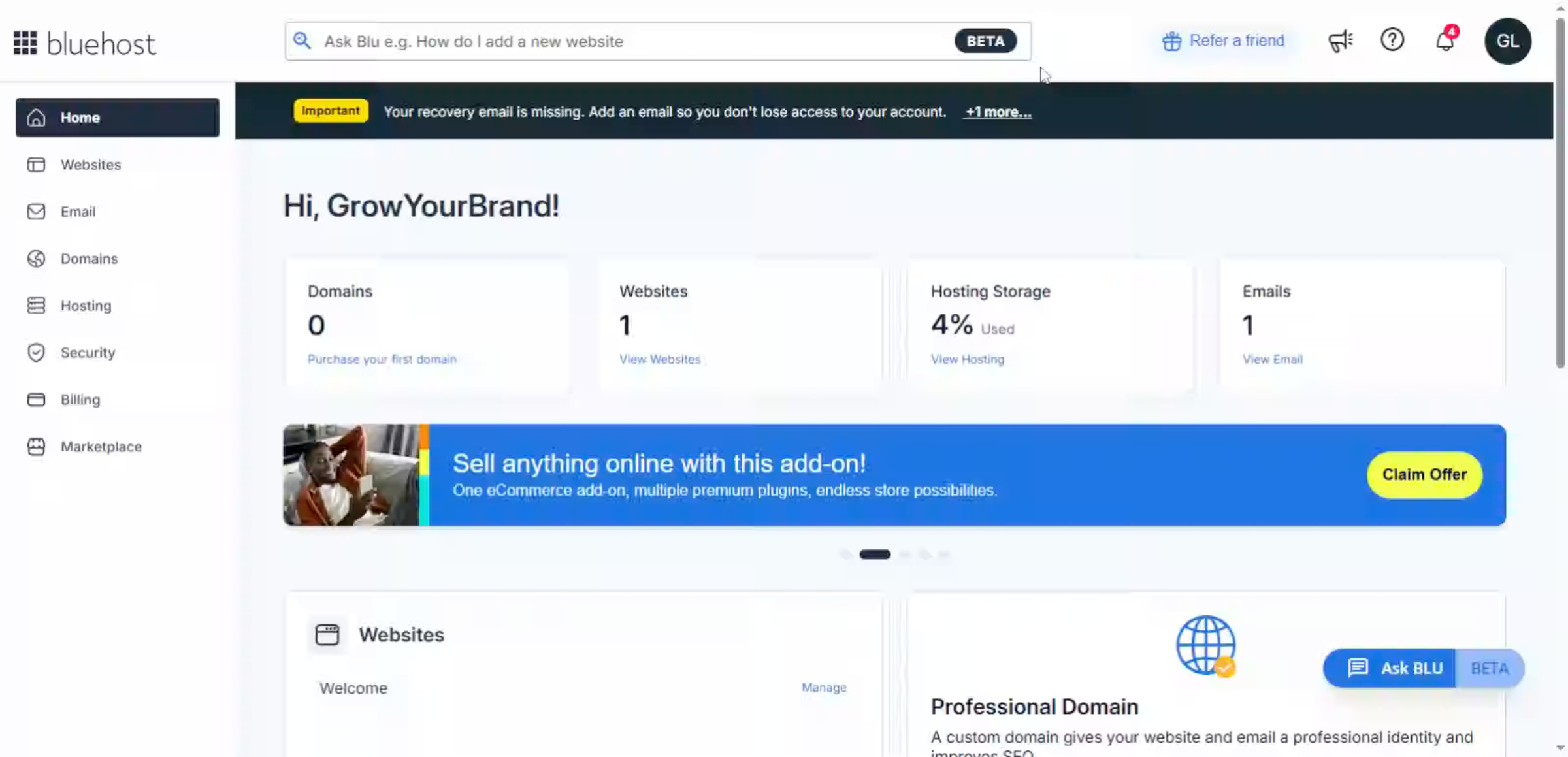
2. Go to Websites Section
3. Open WordPress Admin Panel
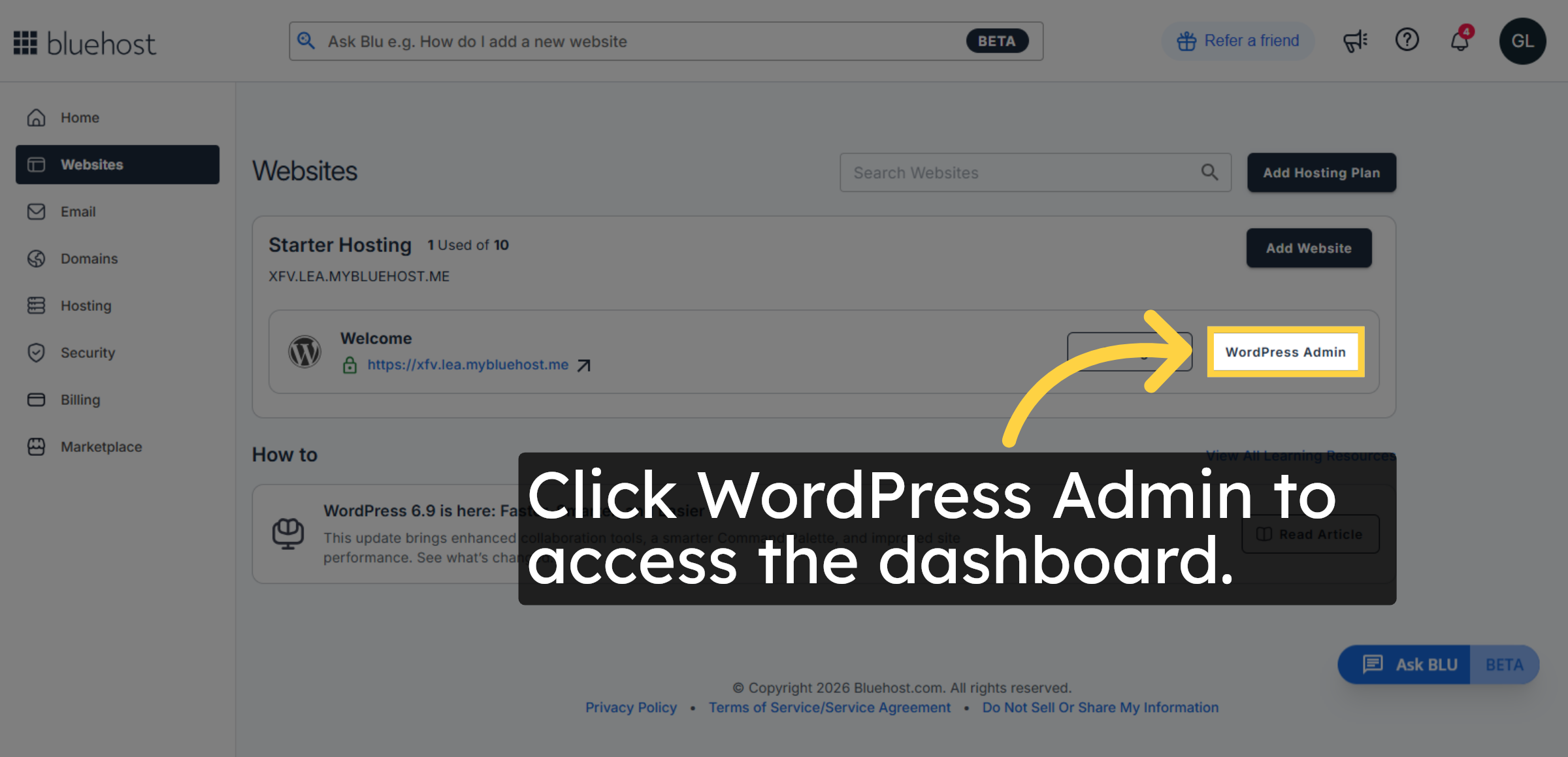
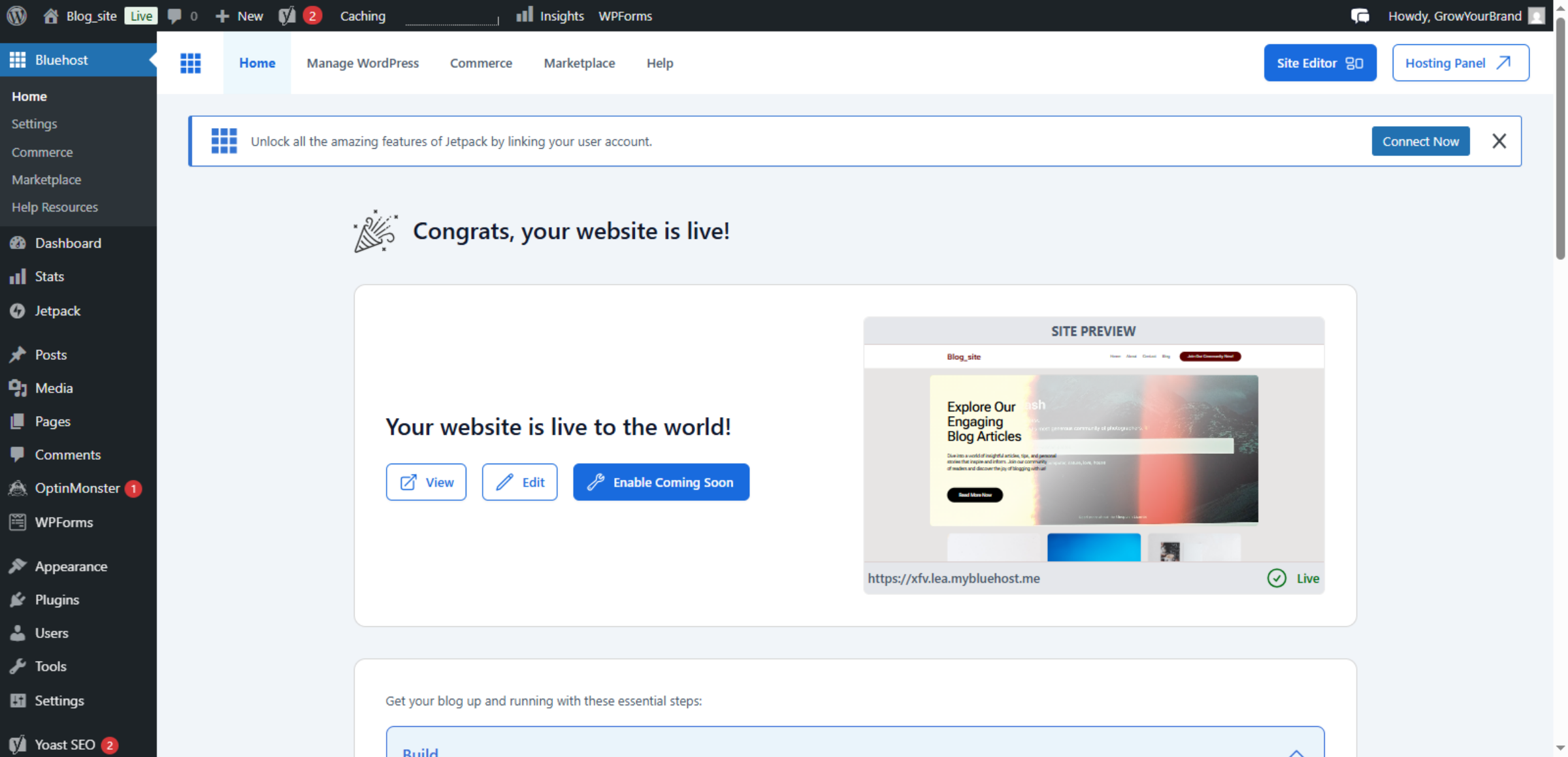
4. Switch To WordPress Admin Dashboard
Conclusion
Quick and secure access to the WordPress admin panel plays a vital role in effective website management. By following the steps outlined in this guide, you have successfully learned how to log in to your WordPress dashboard directly through the Bluehost control panel. This method reduces login complexity, saves time, and enhances administrative efficiency.


To ensure ongoing security and smooth operations, it is recommended to regularly review account access settings, update login credentials, and enable additional security features when available. Consistent monitoring and proper access management help protect your website from unauthorized entry. With these best practices in place, you can confidently manage your WordPress site through Bluehost’s integrated platform.
WooHelpDesk Support
Need professional assistance with WordPress management, hosting setup, dashboard access, or website optimization? WooHelpDesk provides expert technical support to help you manage your website with ease.
Visit: https://www.woohelpdesk.com
Call Us Toll-Free: +1 888 602 0119 (US & Canada)
Easy Management | Secure Access | Trusted Support
Contact WooHelpDesk today for reliable WordPress and hosting support solutions.