Skip to content
Get Expert WooCommerce & WordPress Support – Call Us Toll-Free: +1 888 602 0119 (US & Canada)
Live Chat
  • Home
  • Service
    • WordPress Service
    • Woocommerce Services
    • Dedicated WordPress Developer
    • Dedicated Woocommerce Developer
    • WordPress Development Services
    • WP Care Plan
  • Blog
    • WP Theme Club
    • WP Theme
  • Contact
    • Our Guarantee
    • Our Delivery Model
    • 24/7 WooCommerce Emergency Support
    • Safe Update Pipeline
    • Commerce-Safe
    • Guest Post
site mode button

WordPress

What Is Bricks Builder in WordPress? How to Install and Use It
  • WordPress

What Is Bricks Builder in WordPress? How to Install and Use It

2 months ago1 month ago Mike0
Continue Reading the Full Article
13 mins read
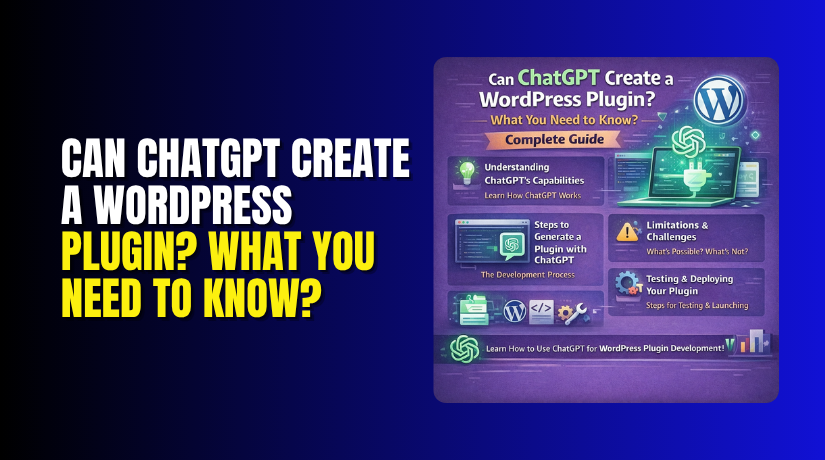
Can ChatGPT Create a WordPress Plugin? What You Need to Know? Complete Guide
  • WordPress

Can ChatGPT Create a WordPress Plugin? What You Need to Know? Complete Guide

2 months ago1 month ago Mike0
Continue Reading the Full Article
10 mins read
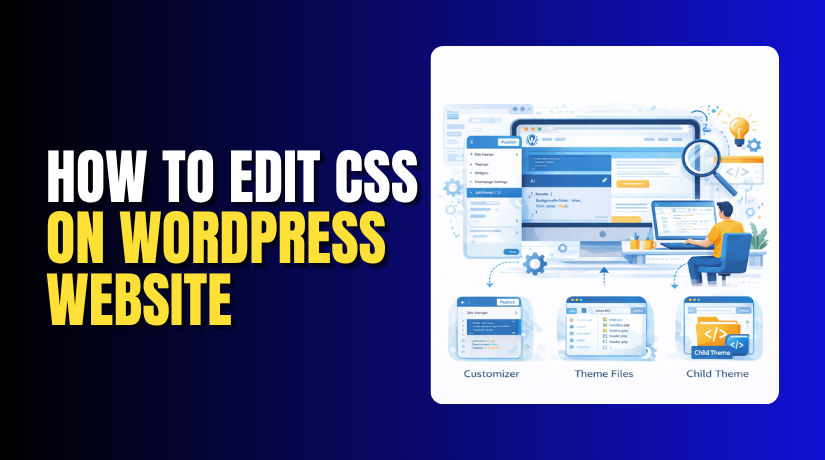
How to Edit CSS on WordPress Website
  • WordPress

How to Edit CSS on WordPress Website

2 months ago2 months ago Mike0Tagged Custom CSS, Web Design, WordPress CSS, WordPress Customization
Learn how to edit CSS on your WordPress website using the Customizer, child themes, plugins, and theme editors. Step-by-step guide...
Continue Reading the Full Article
18 mins read
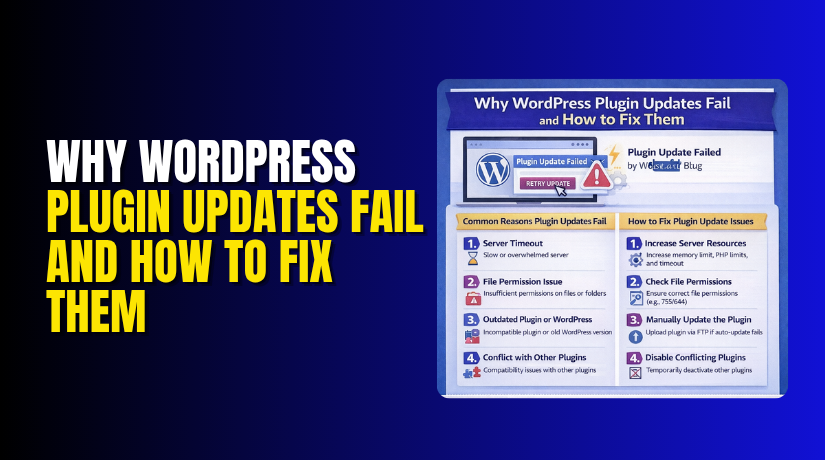
Why WordPress Plugin Updates Fail and How to Fix Them (Complete Guide)
  • WordPress

Why WordPress Plugin Updates Fail and How to Fix Them (Complete Guide)

2 months ago2 months ago Mike0Tagged Plugin Updates, WordPress Maintenance, WordPress Troubleshooting, WordPress Updates
Learn why WordPress plugin updates fail and how to fix common update errors including timeout issues, permission problems, and conflicts....
Continue Reading the Full Article
32 mins read
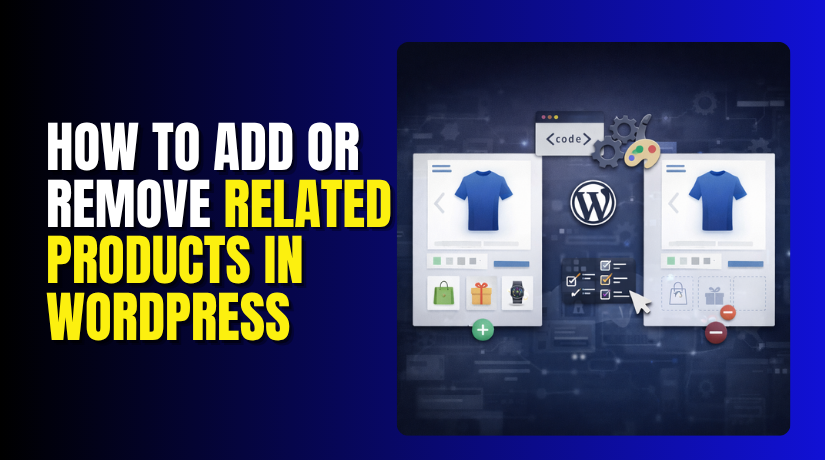
How to Add or Remove Related Products in WordPress (Step-by-Step Guide)
  • WordPress

How to Add or Remove Related Products in WordPress (Step-by-Step Guide)

2 months ago2 months ago Mike0Tagged Product Recommendations, Related Products, WooCommerce Upsells, WordPress Products
Learn how to add, remove, and customize related products in WordPress and WooCommerce with code snippets and plugins.
Continue Reading the Full Article
16 mins read
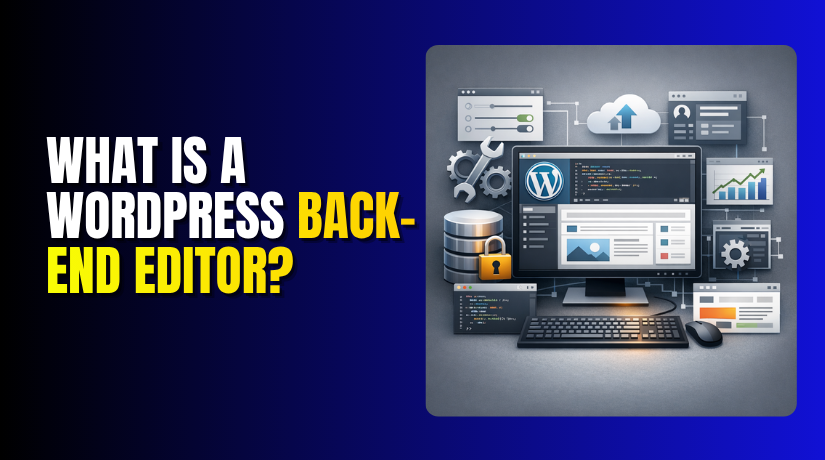
What Is a WordPress Back-End Editor?
  • WordPress

What Is a WordPress Back-End Editor?

2 months ago2 months ago Mike0Tagged Back-End Editor, Content Management, WordPress Admin, WordPress Editor
Learn what the WordPress back-end editor is, how it works, differences between Classic and Block editors, and tips for efficient...
Continue Reading the Full Article
15 mins read
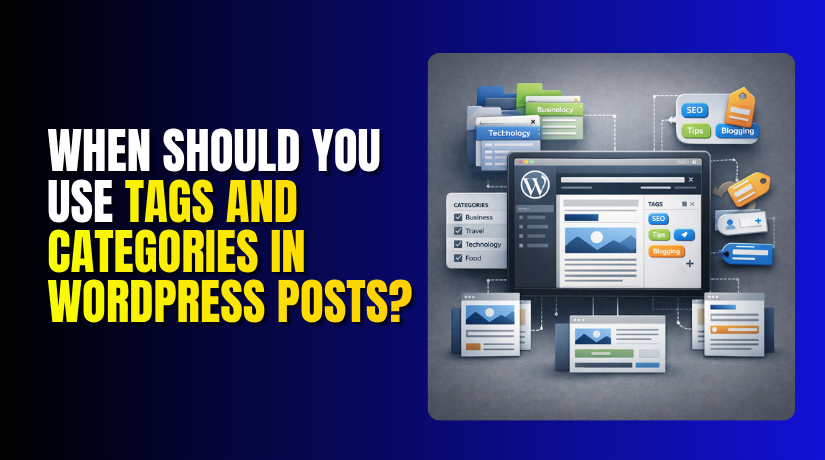
When Should You Use Tags and Categories in WordPress Posts?
  • WordPress

When Should You Use Tags and Categories in WordPress Posts?

2 months ago2 months ago Mike0Tagged Content Organization, WordPress Categories, WordPress SEO, WordPress Tags
Learn when to use tags vs categories in WordPress posts. Best practices for SEO, content organization, and taxonomy management.
Continue Reading the Full Article
11 mins read
How to Integrate Kajabi With WordPress: Step-by-Step Guide
  • WordPress

How to Integrate Kajabi With WordPress: Step-by-Step Guide

2 months ago2 months ago Mike0Tagged Kajabi, LMS Integration, Online Courses, WordPress Integration
Step-by-step guide to integrating Kajabi with WordPress for online courses, memberships, and digital products. Compare features and setup methods.
Continue Reading the Full Article
11 mins read
Does HubSpot Integrate With WordPress? How to Use HubSpot in WordPress? Complete Guide
  • WordPress

Does HubSpot Integrate With WordPress? How to Use HubSpot in WordPress? Complete Guide

2 months ago2 months ago Mike0Tagged HubSpot, HubSpot Integration, Marketing Automation, WordPress CRM
Complete guide to integrating HubSpot with WordPress. Learn setup, CRM features, marketing automation, and plugin configuration.
Continue Reading the Full Article
15 mins read
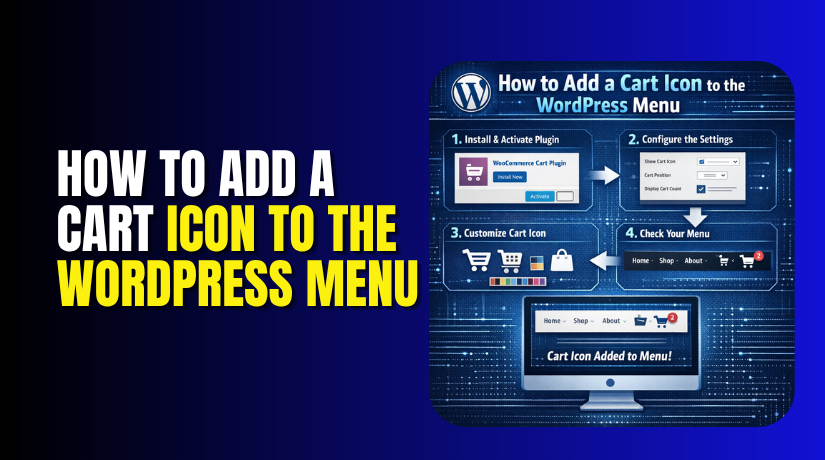
How to Add a Cart Icon to the WordPress Menu (Step-by-Step Guide)
  • WordPress

How to Add a Cart Icon to the WordPress Menu (Step-by-Step Guide)

2 months ago2 months ago Mike0Tagged Cart Icon, Menu Customization, WooCommerce Cart, WordPress Menu
Step-by-step guide to adding a cart icon to your WordPress menu with WooCommerce. Includes plugin and code methods with item...
Continue Reading the Full Article
26 mins read

Posts pagination

Previous 1 2 3 4 … 30 Next
Support Live Chat

Subscribe to Our Newsletter

Let’s Connect – Follow!

Get the latest updates on WordPress, WooCommerce, SEO, plugins, and more technical content to elevate your website!

Recent Posts

  • Clock Widgets and Online Timers Worth Running in Your Browser
  • Why Every Growing Business Needs a Professional Translation Agency
  • How to Display WooCommerce Reviews Outside of Tabs (Step-by-Step Guide)
  • How to Create a Custom Taxonomy in WooCommerce (Step-by-Step Guide)
  • How to Display Color Options and Size Chart in WooCommerce Products (Complete Guide)

Archives

  • May 2026
  • April 2026
  • March 2026
  • February 2026
  • January 2026
  • December 2025
  • November 2025
  • October 2025
  • September 2025
  • August 2025
  • July 2025
  • June 2025
  • May 2025
  • April 2025
  • March 2025
  • February 2025
  • January 2025
  • May 2024
  • October 2023

Categories

  • BlueHost
  • Development
  • Digital Marketing
  • GoDaddy
  • HostGator
  • Hosting
  • Hostinger
  • Payment Gateway
  • Plugin
  • SEO
  • Social Media
  • Software
  • WooCommerce
  • Woocommerce Integration
  • Woocommerce Issues
  • WooCommerce Plugin
  • WordPress
  • WordPress errors
  • WordPress Theme
  • WordPress Theme Club
Copyright © woohelpdesk 2026 Proudly powered by WordPress | Theme: ogma-blog by Mystery Themes.
  • Sample Page

Cookies remember your preferences and favorite content so that you don’t have to set them repeatedly, making your experience smoother.

Powered by  GDPR Cookie Compliance
Privacy Overview

This website uses cookies so that we can provide you with the best user experience possible. Cookie information is stored in your browser and performs functions such as recognising you when you return to our website and helping our team to understand which sections of the website you find most interesting and useful.

Strictly Necessary Cookies

Strictly Necessary Cookie should be enabled at all times so that we can save your preferences for cookie settings.