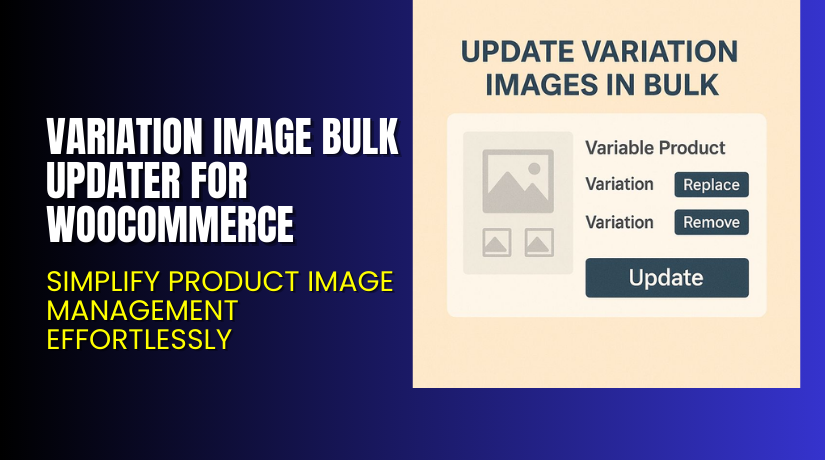
Variation Image Bulk Updater for WooCommerce – Simplify Product Image Management Effortlessly
Table of Contents
- Introduction
- What is the Variation Image Bulk Updater for WooCommerce?
- Features of the Variation Image Bulk Updater for WooCommerce
- How to Install and Configure Variation Image Bulk Updater for WooCommerce
- Variation Image Bulk Updater for WooCommerce – Pricing & Plans
- My Experience with the Variation Image Bulk Updater for WooCommerce
- Who Should Use This Plugin?
- Final Verdict
- FAQ
Introduction
Running a WooCommerce store means handling hundreds of product variations. Each variation often requires a unique image to help customers make better choices. Manually uploading or updating variation images can take hours, especially for large stores. It’s a time-consuming and repetitive process that can slow your workflow.
Many store owners face similar issues. They find it difficult to update product variation images in bulk. Some rely on manual uploads, while others struggle with limited tools. When you manage multiple variations, one small change can become a major task.
That’s where the Variation Image Bulk Updater for WooCommerce becomes essential. It simplifies bulk image management for variable products. Instead of editing each variation one by one, you can update them all together with just a few clicks.
In this article, we’ll explore what this plugin does, its features, installation process, pricing, pros and cons, and who should use it. You’ll learn how it helps WooCommerce store owners save time and maintain consistent product visuals.
👉 If you ever need help installing or troubleshooting any plugin or extension, please try our Installation & Troubleshooting Services.
What is the Variation Image Bulk Updater for WooCommerce?
Variation Image Bulk Updater for WooCommerce is a productivity plugin designed for WooCommerce stores. It helps store owners update product variation images in bulk without manually editing each variation. The plugin is developed by Flintop, a trusted name in WordPress and WooCommerce extensions.
This tool is ideal for store owners managing multiple products with several variations like color, size, or design. Instead of opening each variation to upload images, you can select multiple variations and assign images to them instantly.
It works directly within your WooCommerce dashboard, making the process simple and fast. You can upload, replace, or remove variation images in bulk. The plugin ensures that all variation images stay synchronized and organized.
There are both free and premium versions available. The premium version offers advanced options such as image replacement, multiple image uploads, and quick update features.
Official Plugin Page: https://flintop.com/product/variation-image-bulk-updater-for-woocommerce/
Support Page: https://flintop.com/support/
Features of the Variation Image Bulk Updater for WooCommerce
| Feature | Description | Why It Matters |
| Bulk Image Upload | Upload images for multiple variations in one step. | Helps store owners save hours of manual work. |
| Replace Existing Images | Quickly replace old images with new ones. | Keeps your product listings fresh and updated. |
| Multiple Image Assignment | Assign more than one image per variation. | Enhances visual appeal and helps customers view product details. |
| Quick Preview Option | Preview assigned images before saving changes. | Reduces errors and ensures correct image assignments. |
| Seamless Dashboard Integration | Works within the WooCommerce admin panel. | No need for complex tools or external uploads. |
How to Install and Configure Variation Image Bulk Updater for WooCommerce
- Download the plugin from the link.
- Go to WordPress Dashboard → Plugins → Add New → Upload Plugin.
- Choose the downloaded ZIP file and click Install Now.
- After installation, click Activate Plugin.
- Go to WooCommerce → Products → Variation Image Bulk Updater.
- Configure the basic settings according to your needs.
- Test it on a few products to confirm compatibility with your theme.
💡 If you face any configuration or compatibility issues, you can try our Installation & Troubleshooting Services.
Variation Image Bulk Updater for WooCommerce – Pricing & Plans
| 1 Year Plan | 2 Year Plan |
| $29 | $46.40 |
Subscription includes
|
Subscription includes
|
Buy Variation Image Bulk Updater for WooCommerce Now
Purchase Here → Buy Variation Image Bulk Updater Premium Now


💡 Your purchase supports the development team and helps create more tools that make WooCommerce management easier.
My Experience with the Variation Image Bulk Updater for WooCommerce
After testing the plugin on a live WooCommerce store, here’s what I noticed:
Pros
- Easy setup and intuitive interface.
- Works perfectly for variable products with many variations.
- Stable performance without slowing the dashboard.
- Reliable customer support from Flintop.
- Saves a significant amount of time for bulk uploads.
Cons
- Limited customization in the free version.
- No drag-and-drop interface for image sorting.
- Premium license required for advanced features.
Overall, it performs well and is worth the small investment if you manage multiple product variations regularly.
Who Should Use This Plugin?
- WooCommerce store owners managing multiple variation products.
- Agencies handling client eCommerce websites with frequent product updates.
- Beginners who need an easy, no-code solution for updating images.
- Designers and developers seeking a fast tool for managing variation galleries.
- Businesses that frequently change seasonal or promotional images.
This plugin fits anyone wanting to simplify and speed up product management in WooCommerce.
Useful Resources
- Official Plugin Page
- Official Plugin Support Page
- Developer Documentation
- WooHelpDesk Installation & Troubleshooting Services
Final Verdict
If you’re looking for a reliable WooCommerce plugin that simplifies bulk image management, Variation Image Bulk Updater for WooCommerce is worth trying. It saves valuable time and ensures your store looks consistent and professional.
Use the link below to unlock premium features and make managing variation images effortless.
👉 Buy Variation Image Bulk Updater Premium Now
💡 Need help installing or fixing it? Try our Installation & Troubleshooting Services.
FAQ
Q1. Is the Variation Image Bulk Updater for WooCommerce compatible with all WooCommerce themes?
Yes, it works with most standard WooCommerce themes. Always test before going live.
Q2. Can I use both free and premium versions?
No. You’ll need to deactivate the free version before installing the premium one.
Q3. How do I get support?
You can contact the official team through the Plugin Support Page.



