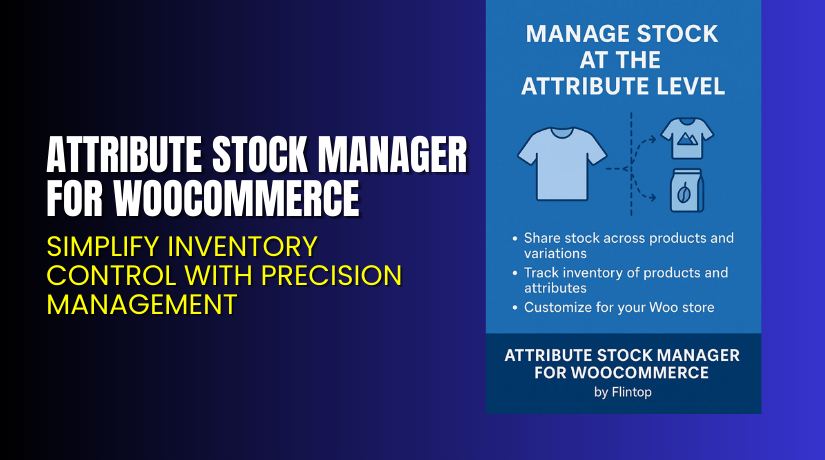
Attribute Stock Manager for WooCommerce – Simplify Inventory Control with Precision Management
Table of Contents
- Introduction
- What is Attribute Stock Manager for WooCommerce?
- Features of Attribute Stock Manager for WooCommerce
- How to Install and Configure Attribute Stock Manager for WooCommerce?
- Attribute Stock Manager for WooCommerce – Pricing & Plans
- My Experience with Attribute Stock Manager for WooCommerce
- Who Should Use This Plugin?
- Final Verdict
- FAQ
Introduction
Running a WooCommerce store is exciting but comes with many challenges. Managing products, tracking stock, and keeping everything accurate can be stressful. Many store owners face one big problem — how to handle product variations and stock correctly. When customers order different sizes, colors, or types of products, managing inventory becomes difficult.
Sometimes, you may have a single product with multiple variations but limited total stock. WooCommerce does not track stock by attributes by default. This means if you sell a shirt available in three sizes but only have 10 total in stock, WooCommerce cannot manage this automatically. You’ll have to track each variation manually, which takes time and increases the risk of overselling.
That’s where Attribute Stock Manager for WooCommerce helps. This plugin lets you manage stock at the attribute level, not just by product variation. It simplifies stock management, saves time, and prevents stock confusion.
In this article, you’ll learn what this plugin does, its features, pricing, setup steps, and benefits.
👉 If you ever need help installing or troubleshooting any plugin or extension, please try our Installation & Troubleshooting Services.
What is Attribute Stock Manager for WooCommerce?
Attribute Stock Manager for WooCommerce is a plugin that allows you to manage product stock by attributes rather than individual variations. It’s developed by Flintop and helps store owners control how much stock is available for specific attributes like size, color, or material.
Normally, WooCommerce tracks stock per variation, which can be hard to manage. For example, if you have a product with 10 small, 10 medium, and 10 large shirts, WooCommerce counts each separately. But what if you only have 20 shirts total, no matter the size? That’s where this plugin helps — it lets you assign a combined stock to all variations under one attribute.
It’s an essential tool for clothing, footwear, or product-based stores with multiple variations. You can also monitor, adjust, and sync stock quantities in one place.
Features of Attribute Stock Manager for WooCommerce
| Feature | Description | Why It Matters |
| Attribute-level stock control | Manage stock by attribute (like color or size) instead of variations. | Helps avoid overselling and keeps inventory accurate. |
| Global stock synchronization | Link multiple products or variations to the same attribute stock. | Saves time by updating all connected products automatically. |
| Custom stock rules | Define how stock behaves when certain attributes are combined. | Keeps your store flexible for complex product types. |
| Simple dashboard view | View all attribute stock data in one clean table. | Improves workflow and speeds up restocking. |
| Automatic deduction on purchase | The plugin reduces attribute stock when customers place orders. | Prevents manual updates and human errors. |
| Compatibility with variable products | Works seamlessly with WooCommerce variable products. | Makes it perfect for stores with multiple options per product. |
| REST API support | Integrate with external apps or systems through the API. | Useful for advanced stores managing stock externally. |
How to Install and Configure Attribute Stock Manager for WooCommerce?
- Download the plugin from the link.
- Go to your WordPress Dashboard → Plugins → Add New → Upload Plugin.
- Choose the downloaded file and click Install Now.
- Once installed, click Activate Plugin.
- Navigate to WooCommerce → Attribute Stock from your dashboard.
- Add stock levels for attributes like size, color, or material.
- Save settings and test your store by adding products to the cart.
Make sure to test the plugin with your current theme and other extensions.
💡 If you face any configuration or compatibility issues, you can try our Installation & Troubleshooting Services.
Attribute Stock Manager for WooCommerce – Pricing & Plans
| 1 Year Plan | 2 Year Plan |
| $49 | $78.40 |
Subscription includes
|
Subscription includes
|
Buy Attribute Stock Manager Now


Purchase Here → Buy Attribute Stock Manager Premium Now
💡 Your purchase supports the Flintop team and helps them continue improving this plugin for WooCommerce users worldwide.
My Experience with Attribute Stock Manager for WooCommerce
After testing this plugin on a live WooCommerce store, I found it to be very stable and reliable. The setup is simple, and the interface is beginner-friendly. It works well with variable products and helps prevent stock errors that can lead to canceled orders.
Pros
- Easy setup with simple configuration options.
- Works perfectly with most WooCommerce themes.
- Reduces manual work in stock tracking.
- Reliable and lightweight, it doesn’t slow your site.
- Great customer support and documentation.
Cons
- The free version has limited features.
- Missing advanced reports in some cases.
- Some themes may need extra testing for styling.
Who Should Use This Plugin?
- WooCommerce store owners who sell products with multiple variations.
- Agencies managing multiple client stores and needing fast inventory tools.
- Beginners who want a simple and effective stock management solution.
- Businesses are looking to prevent overselling and maintain accurate inventory.
Useful Resources
- Official Plugin Page
- Official Plugin Support Page
- Developer Documentation
- WooHelpDesk Installation & Troubleshooting Services
Final Verdict
If you’re struggling to manage product attributes or variations in WooCommerce, Attribute Stock Manager is a must-have tool. It provides precise control, saves time, and ensures your stock stays accurate.
Whether you’re managing clothing, accessories, or electronics, this plugin helps avoid confusion and improves your customer experience.
👉 Buy Attribute Stock Manager Premium Now
💡 Need help installing or fixing it? Try our Installation & Troubleshooting Services.
FAQ
Q1. Is Attribute Stock Manager compatible with all WooCommerce themes?
Yes, it works with most standard WooCommerce themes. Always test before going live.
Q2. Can I use both free and premium versions?
No, you’ll need to deactivate the free version before installing the premium.
Q3. How do I get support?
Contact the official team via the Support Page.



