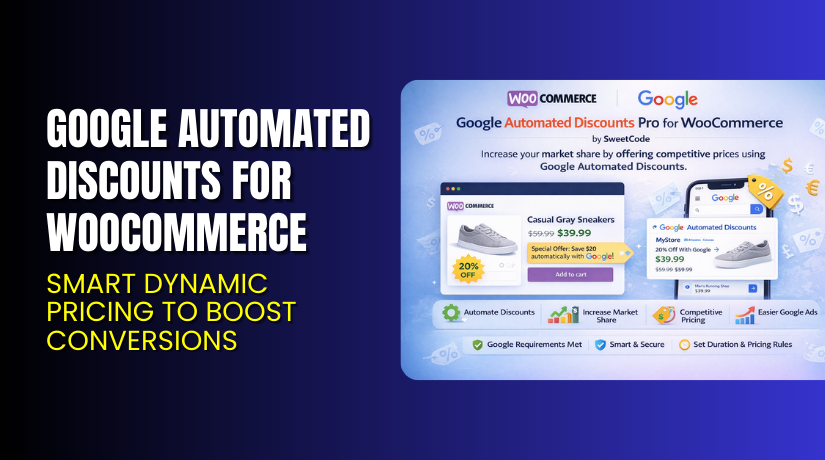
Google Automated Discounts for WooCommerce – Smart Dynamic Pricing to Boost Conversions
Table of Contents
- Introduction
- What is Google Automated Discounts for WooCommerce?
- Features of Google Automated Discounts for WooCommerce
- How to Install and Configure Google Automated Discounts for WooCommerce
- Google Automated Discounts Plugin – Pricing & Plans
- My Experience with Google Automated Discounts for WooCommerce
- Who Should Use This Plugin?
- Final Verdict
- FAQ
Introduction
Running a WooCommerce store means juggling many plugins and extensions. You install marketing tools, payment gateways, shipping modules, and many more. Sometimes it becomes hard to know which tool truly helps your business grow.
You might face pricing wars, constant competitor under-cutting, and low margins. You might struggle to maintain profit while staying competitive in Google Shopping ads. That’s where a smart discount system becomes necessary.
In this article, we’ll explore Google Automated Discounts for WooCommerce, its features, installation process, pros & cons, pricing, and how it stacks against alternatives. 👉 If you ever need help installing or troubleshooting any plugin or extension, please try our Installation & Troubleshooting Services.
What is Google Automated Discounts for WooCommerce?
Google Automated Discounts for WooCommerce is a plugin designed to automate price adjustments for your Google Shopping ads and store products. It helps your shop react to market changes without constant manual work. Developed by SweetCode, the plugin is available in both free and premium versions.
According to SweetCode, the plugin “solves the problem of fluctuating prices and the need for higher sales and profits by automating price adjustments.” It ensures that your store stays competitive, meets Google’s technical rules, and shows accurate discount pricing.
Official Plugin Page: https://sweetcode.com/plugins/gadwc
Support Page: https://sweetcode.com/support/
Features of Google Automated Discounts for WooCommerce
| Feature | Description | Why It Matters |
| Automated Minimum Price Setting | Let’s you set a lowest price below which discounts won’t go. | Protects profit margin even when price drops happen. |
| Real-time Discount Price Delivery | Passes the discounted price via URL so website shows same as the ad. | Maintains consistency between shopping ads and store page views. |
| Google Program Compliance | Validates merchant ID, currencies, variants, feed fields as per Google rules. | Ensures you meet Google’s requirements for automated discounts. |
How to Install and Configure Google Automated Discounts for WooCommerce
- Download the plugin from the [affiliate link].
- In your WordPress Dashboard → Plugins → Add New → Upload Plugin.
- Activate the plugin after installation.
- Open Settings → Automated Discounts (or the plugin settings name) → Configure basic options (e.g., enter your Google Merchant ID, set minimum price).
- Test the plugin to ensure compatibility with your theme and other extensions (especially caching).
Google Automated Discounts Plugin – Pricing & Plans
| Starter | Business | Agency | Agency Plus |
| $19/Monthly | $59/Monthly | $89/Monthly | $119/Monthly |
| $99/Annually | $289/Annually | $439/Annually | $589/Annually |
|
|
|
|
Buy Google Automated Discounts for WooCommerce Now
Purchase Here → Buy Google Automated Discounts Premium Now
💡 Your purchase supports the development team and helps me create more tutorials like this.
My Experience with Google Automated Discounts for WooCommerce
After testing the plugin on a live WooCommerce site, here’s what I found:
Pros
- Easy setup once you have the required feed data.
- Lightweight and doesn’t bloat your site performance.
- Helps maintain margin while being competitive.
- Strong support from SweetCode with good documentation.
Cons


- Requires other plugins (cost tracking, feed fields) to be fully effective.
- Some technical setup steps may challenge non-technical users.
- The price for premium version may be high for very small shops.
Who Should Use This Plugin?
- WooCommerce store owners want a simple yet powerful discount automation tool.
- Agencies managing multiple WordPress clients with Google Shopping campaigns.
- Beginners who want a reliable solution to keep ad pricing competitive without manual effort.
Useful Resources
- Official Plugin Page
- Official Support Page
- Developer Documentation
- Installation & Troubleshooting Services
Final Verdict
If you’re looking for a reliable WooCommerce plugin that delivers results without breaking your site, Google Automated Discounts for WooCommerce is definitely worth trying. Use the link below to get started and unlock premium features today.
👉 Buy Google Automated Discounts Premium Now (Affiliate Link)
💡 Need help installing or fixing it? Try our Installation & Troubleshooting Services.
FAQ
Q1. Is Google Automated Discounts for WooCommerce compatible with all WooCommerce themes?
Yes, it works with most standard WooCommerce themes. Always test before going live.
Q2. Can I use both free and premium versions?
You’ll need to deactivate the free version before installing the premium.
Q3. How do I get support?
Contact the official team via the Support Page.



