Skip to content
Get Expert WooCommerce & WordPress Support – Call Us Toll-Free: +1 888 602 0119 (US & Canada)
Live Chat
  • Home
  • Service
    • WordPress Service
    • Woocommerce Services
    • Dedicated WordPress Developer
    • Dedicated Woocommerce Developer
    • WordPress Development Services
    • WP Care Plan
  • Blog
    • WP Theme Club
    • WP Theme
  • Contact
    • Our Guarantee
    • Our Delivery Model
    • 24/7 WooCommerce Emergency Support
    • Safe Update Pipeline
    • Commerce-Safe
    • Guest Post
site mode button

February 2026

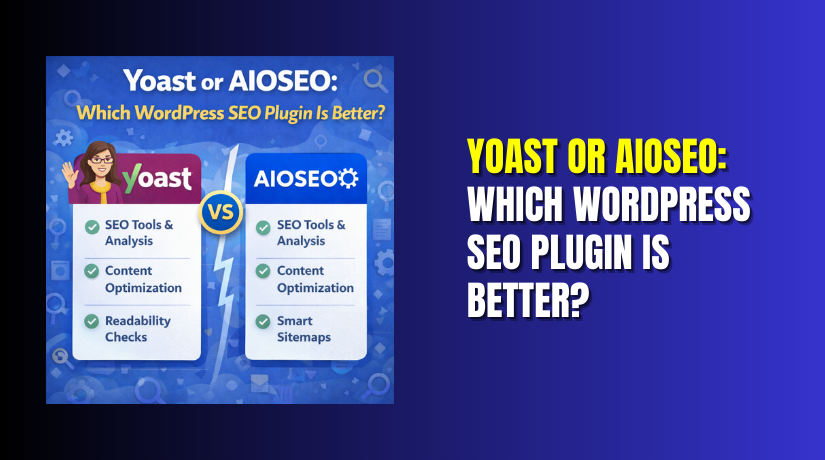
Yoast or AIOSEO: Which WordPress SEO Plugin Is Better?
  • WordPress

Yoast or AIOSEO: Which WordPress SEO Plugin Is Better?

4 months ago1 month ago Mike0

Choosing an SEO plugin can feel confusing for many website owners. Both tools promise better rankings, but results depend on setup. In this guide, we compare Yoast vs AIOSEO in a practical way. You will see what matters for real...
Continue Reading the Full Article
14 mins read
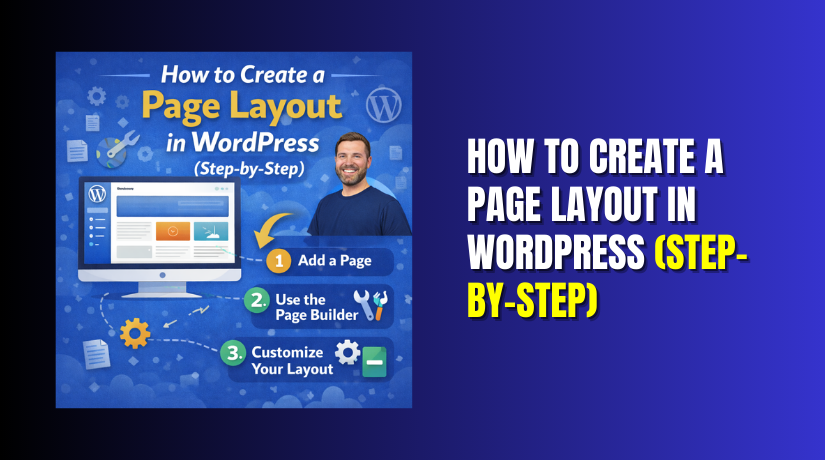
How to Create a Page Layout in WordPress (Step-by-Step)
  • WordPress

How to Create a Page Layout in WordPress (Step-by-Step)

4 months ago4 months ago Mike0

A page layout is the structure of a page. It controls how content is placed, spaced, and grouped. A good layout helps users read faster and take action. It also keeps your page clean on mobile screens. In this guide,...
Continue Reading the Full Article
25 mins read
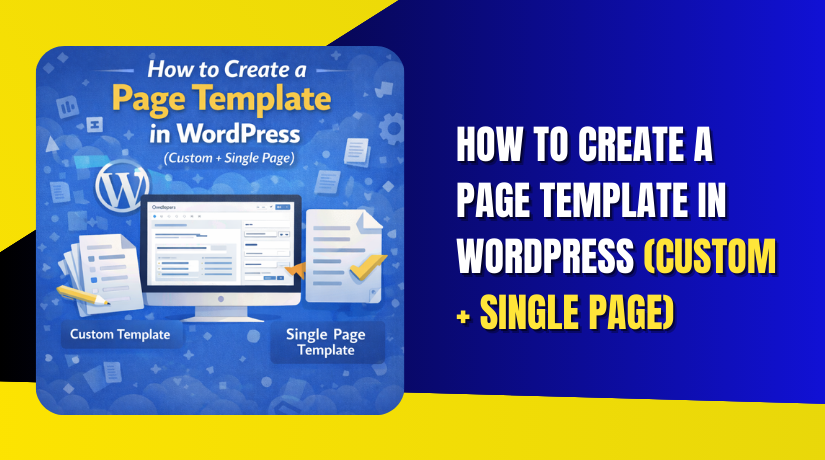
How to Create a Page Template in WordPress (Custom + Single Page)
  • WordPress

How to Create a Page Template in WordPress (Custom + Single Page)

4 months ago1 month ago Mike0

You are going to create page template in WordPress using your theme files. You will build two template types, based on your needs. The first type is a reusable template you can select. The second type is a page-specific layout...
Continue Reading the Full Article
13 mins read
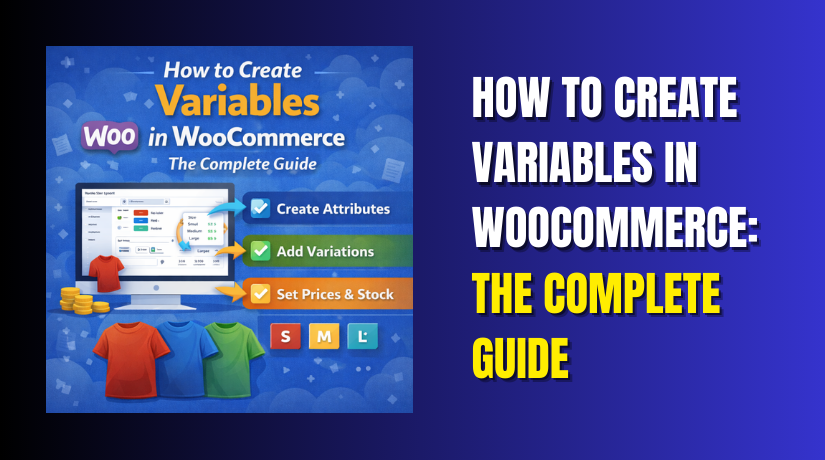
How to Create Variables in WooCommerce: The Complete Guide
  • WooCommerce

How to Create Variables in WooCommerce: The Complete Guide

4 months ago1 month ago Mike0

Selling products online often means offering choices. Customers want different sizes. Different colors. Different materials. Managing all these options separately creates catalog chaos. You would need dozens of product pages for one t-shirt. Inventory tracking becomes impossible. Customer experience suffers....
Continue Reading the Full Article
15 mins read
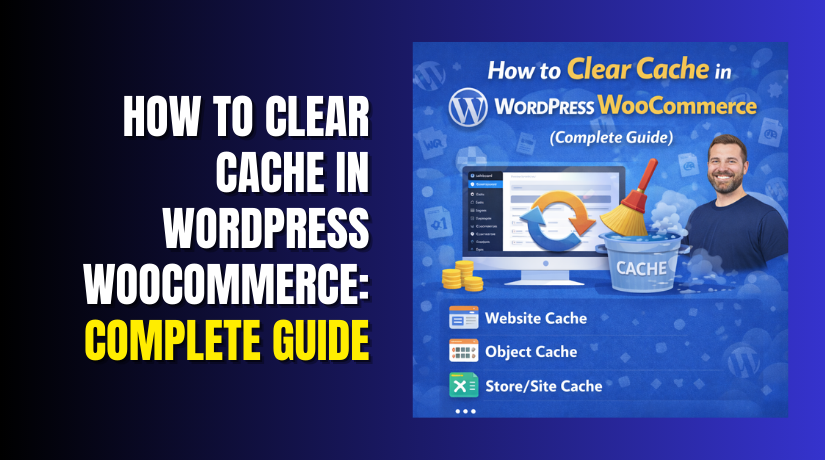
How to Clear Cache in WordPress WooCommerce: Complete Guide
  • WordPress

How to Clear Cache in WordPress WooCommerce: Complete Guide

4 months ago4 months ago Mike0

Your WooCommerce store loads slowly. Products take seconds to appear. Customers grow impatient. They leave before buying. The culprit is often outdated cache. Cached data accumulates over time. Old product information conflicts with new updates. Session data becomes corrupted. Your...

Continue Reading the Full Article
14 mins read
Where Is the .htaccess File in WordPress and How to Create It
  • WordPress

Where Is the .htaccess File in WordPress and How to Create It

4 months ago4 months ago Mike0

If your WordPress site runs on Apache or LiteSpeed, this file matters. The .htaccess file controls key rules on your website. It can affect how links open and how redirects work. It can also help block unsafe access attempts. Many...

Continue Reading the Full Article
21 mins read
WordPress or a Website Builder: Which Should You Choose?
  • WordPress

WordPress or a Website Builder: Which Should You Choose?

4 months ago4 months ago Mike0

Choosing a platform is the first big website decision. Many beginners ask, should I use WordPress or a website builder for my site? The right choice depends on your goals, time, and budget. It also depends on how much control...

Continue Reading the Full Article
16 mins read
Best Website Builders for WordPress: Build a Site Fast
  • WordPress

Best Website Builders for WordPress: Build a Site Fast

4 months ago4 months ago Mike0

Building a WordPress site can feel slow for many users. But it does not have to be hard. A website builder helps you create pages faster with visual tools. You can design layouts without writing code. You usually start with...
Continue Reading the Full Article
20 mins read
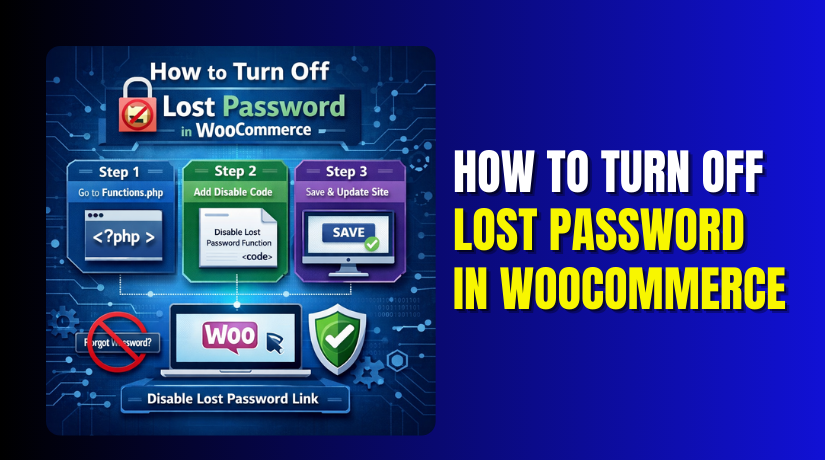
How to Turn Off Lost Password in WooCommerce (Step-by-Step Guide)
  • WooCommerce

How to Turn Off Lost Password in WooCommerce (Step-by-Step Guide)

4 months ago4 months ago Mike0

The WooCommerce login form includes a password recovery option. It appears as the “Lost your password?” link for users. When a customer forgets their password, they can request a reset email. This is helpful for most online stores and memberships....
Continue Reading the Full Article
19 mins read
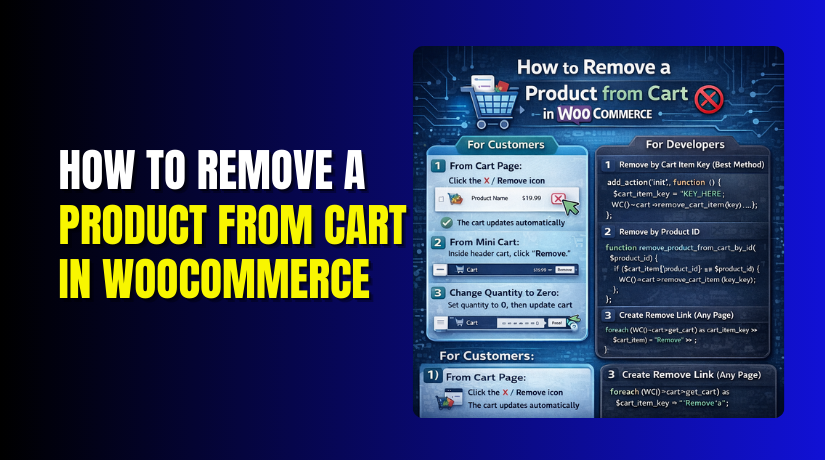
How to Remove a Product from Cart in WooCommerce (Step-by-Step Guide)
  • WooCommerce

How to Remove a Product from Cart in WooCommerce (Step-by-Step Guide)

4 months ago4 months ago Mike0

Many shoppers change their mind before placing an order. They may add extra items during browsing. Later, they want a quick way to remove them. This is why cart control is important for every store. In this guide, you will...

Continue Reading the Full Article
19 mins read

Posts pagination

Previous 1 2 3 4 … 27 Next
Support Live Chat

Subscribe to Our Newsletter

Let’s Connect – Follow!

Get the latest updates on WordPress, WooCommerce, SEO, plugins, and more technical content to elevate your website!

Recent Posts

  • Clock Widgets and Online Timers Worth Running in Your Browser
  • Why Every Growing Business Needs a Professional Translation Agency
  • How to Display WooCommerce Reviews Outside of Tabs (Step-by-Step Guide)
  • How to Create a Custom Taxonomy in WooCommerce (Step-by-Step Guide)
  • How to Display Color Options and Size Chart in WooCommerce Products (Complete Guide)

Archives

  • May 2026
  • April 2026
  • March 2026
  • February 2026
  • January 2026
  • December 2025
  • November 2025
  • October 2025
  • September 2025
  • August 2025
  • July 2025
  • June 2025
  • May 2025
  • April 2025
  • March 2025
  • February 2025
  • January 2025
  • May 2024
  • October 2023

Categories

  • BlueHost
  • Development
  • Digital Marketing
  • GoDaddy
  • HostGator
  • Hosting
  • Hostinger
  • Payment Gateway
  • Plugin
  • SEO
  • Social Media
  • Software
  • WooCommerce
  • Woocommerce Integration
  • Woocommerce Issues
  • WooCommerce Plugin
  • WordPress
  • WordPress errors
  • WordPress Theme
  • WordPress Theme Club
Copyright © woohelpdesk 2026 Proudly powered by WordPress | Theme: ogma-blog by Mystery Themes.
  • Sample Page

Cookies remember your preferences and favorite content so that you don’t have to set them repeatedly, making your experience smoother.

Powered by  GDPR Cookie Compliance
Privacy Overview

This website uses cookies so that we can provide you with the best user experience possible. Cookie information is stored in your browser and performs functions such as recognising you when you return to our website and helping our team to understand which sections of the website you find most interesting and useful.

Strictly Necessary Cookies

Strictly Necessary Cookie should be enabled at all times so that we can save your preferences for cookie settings.