Skip to content
Get Expert WooCommerce & WordPress Support – Call Us Toll-Free: +1 888 602 0119 (US & Canada)
Live Chat
  • Home
  • Service
    • WordPress Service
    • Woocommerce Services
    • Dedicated WordPress Developer
    • Dedicated Woocommerce Developer
    • WordPress Development Services
    • WP Care Plan
  • Blog
    • WP Theme Club
    • WP Theme
  • Contact
    • Our Guarantee
    • Our Delivery Model
    • 24/7 WooCommerce Emergency Support
    • Safe Update Pipeline
    • Commerce-Safe
    • Guest Post
site mode button

January 2026

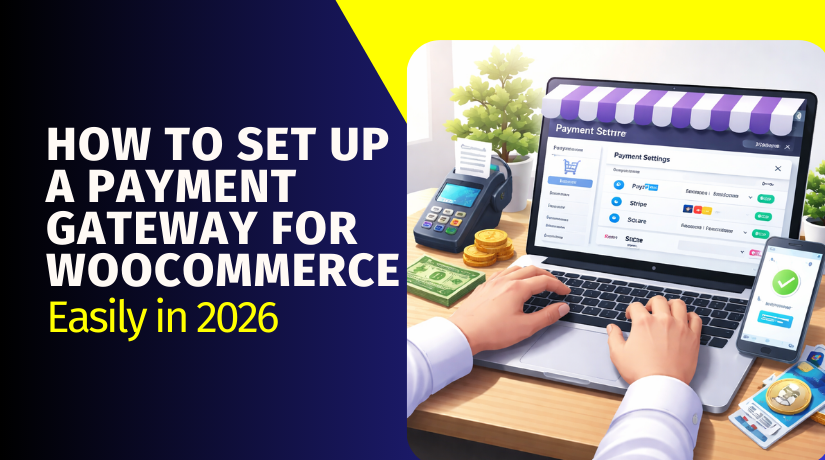
How to Set Up a Payment Gateway for WooCommerce Easily in 2026
  • Payment Gateway

How to Set Up a Payment Gateway for WooCommerce Easily in 2026

6 months ago5 months ago Sage0

Payment Gateway Basics (How WooCommerce Enables It) Step 1: Open Payments settings Go to: WP Admin → WooCommerce → Settings → Payments You will see all available payment methods here. This is where you enable and manage gateways. Step 2:...

Continue Reading the Full Article
8 mins read
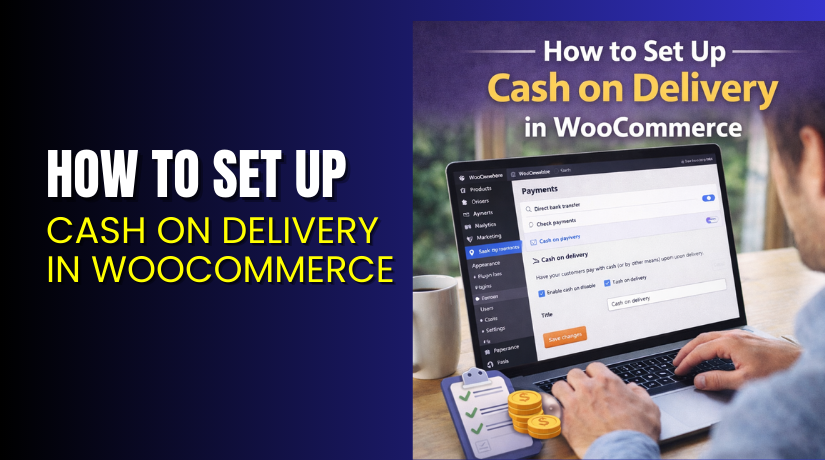
How to Set Up Cash on Delivery in WooCommerce Step by Step?
  • WooCommerce

How to Set Up Cash on Delivery in WooCommerce Step by Step?

6 months ago5 months ago Mike0
Continue Reading the Full Article
17 mins read
What Is the Best SEO Plugin for WooCommerce in 2026?
  • WooCommerce

What Is the Best SEO Plugin for WooCommerce in 2026?

6 months ago5 months ago Mike0

These are the five most practical options for store growth. They are widely used across WooCommerce environments. They also support core store needs like schema and sitemaps. Each option can be a Top SEO Plugin for WooCommerce pick. The best...
Continue Reading the Full Article
64 mins read
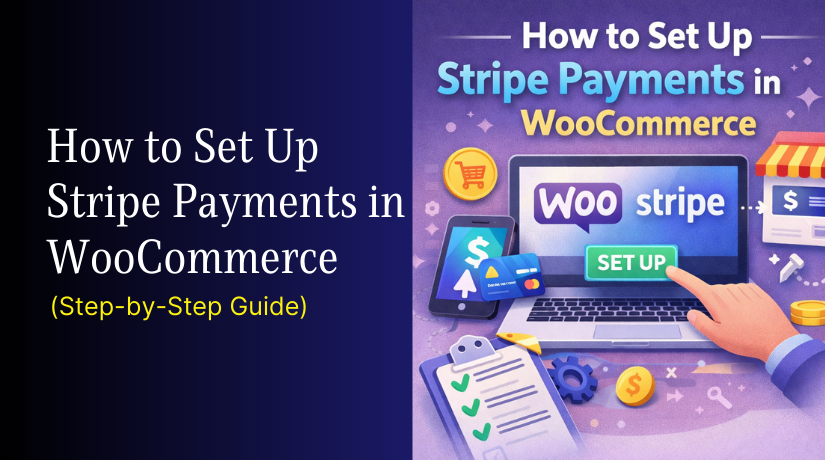
How to Set Up Stripe Payments in WooCommerce (Step-by-Step Guide)
  • Payment Gateway

How to Set Up Stripe Payments in WooCommerce (Step-by-Step Guide)

6 months ago5 months ago Mike0

Step 1: Install and Activate the Stripe Plugin Go to WordPress Admin → Plugins → Add New Search “WooCommerce Stripe Payment Gateway” and install it. Activate the plugin to enable Stripe options in WooCommerce. This begins your Stripe WooCommerce integration...
Continue Reading the Full Article
6 mins read
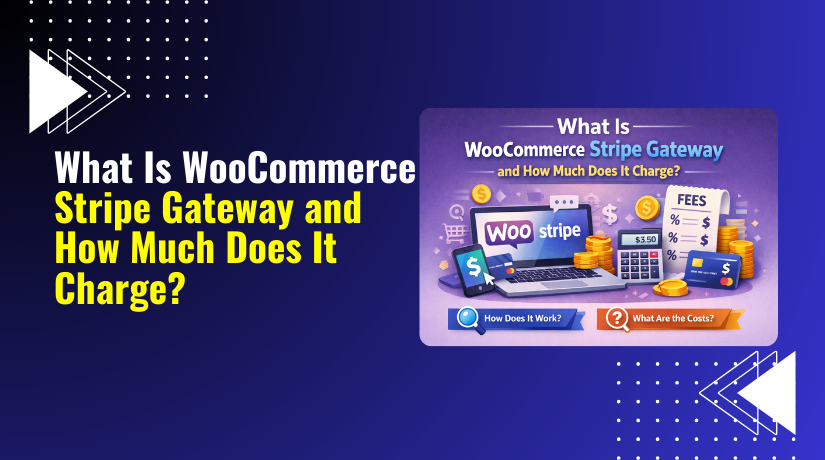
What Is WooCommerce Stripe Gateway and How Much Does It Charge?
  • Payment Gateway

What Is WooCommerce Stripe Gateway and How Much Does It Charge?

6 months ago5 months ago Mike0

Yes—Stripe is free to use with WooCommerce in the sense that there are no setup fees or monthly fees, and the official WooCommerce Stripe plugin is available free. Stripe uses pay-as-you-go pricing for online card payments. You pay per successful...
Continue Reading the Full Article
6 mins read
How to Set Up Square Payment Gateway in WordPress (Step-by-Step Guide)
  • Payment Gateway

How to Set Up Square Payment Gateway in WordPress (Step-by-Step Guide)

6 months ago5 months ago Mike0

Step 1: Install the WooCommerce Square Plugin Go to WordPress Dashboard → Plugins → Add New Search: “WooCommerce Square” Click Install Now → then Activate Confirm WooCommerce is already installed and active Step 2: Open Square Connection Settings in WooCommerce...
Continue Reading the Full Article
9 mins read
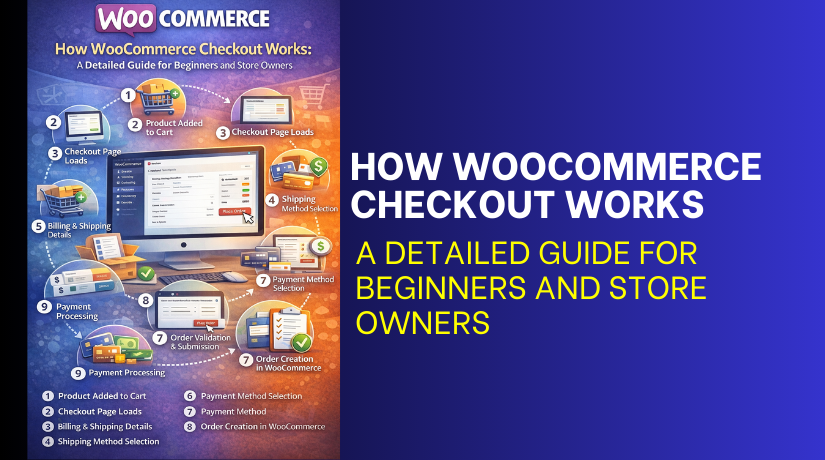
How WooCommerce Checkout Works: A Detailed Guide for Beginners and Store Owners
  • WooCommerce

How WooCommerce Checkout Works: A Detailed Guide for Beginners and Store Owners

6 months ago5 months ago Mike0

Product Added to Cart The customer opens a product page and clicks Add to cart. WooCommerce saves that product in the cart. It saves the product name, price, and quantity. If the product has options, those details save too. This...
Continue Reading the Full Article
6 mins read
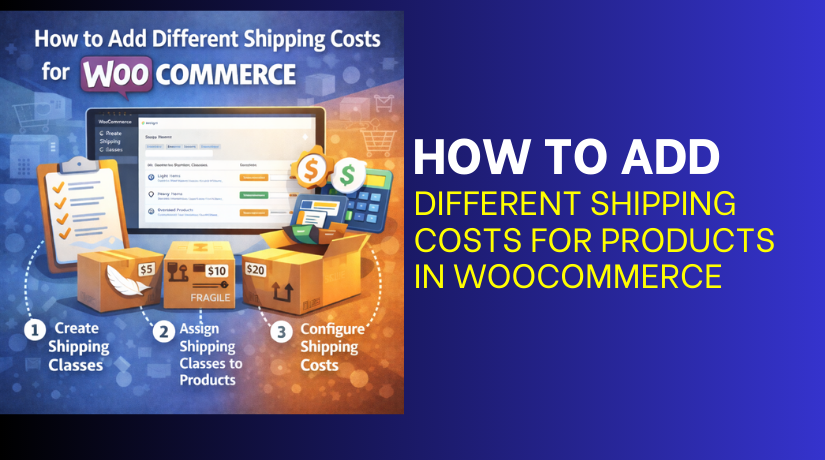
How to Add Different Shipping Costs for Products in WooCommerce
  • WooCommerce

How to Add Different Shipping Costs for Products in WooCommerce

6 months ago5 months ago Mike0

There are 3 main methods you can use to set product-wise shipping in WooCommerce. Each method works for a different store need. Method 1: Product-Specific Shipping Using Shipping Classes Shipping classes are a built-in WooCommerce feature. They help you group...
Continue Reading the Full Article
21 mins read
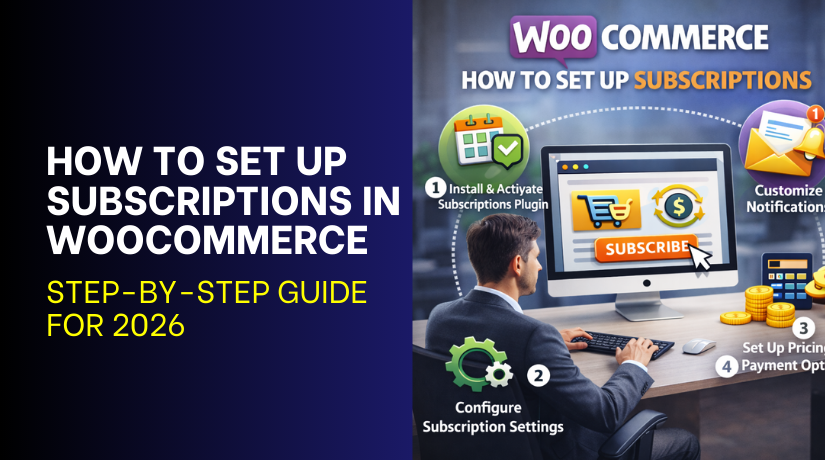
How to Set Up Subscriptions in WooCommerce: Step-by-Step Guide for 2026
  • WooCommerce

How to Set Up Subscriptions in WooCommerce: Step-by-Step Guide for 2026

6 months ago5 months ago Mike0

Step 1: Choose the Right WooCommerce Subscription Plugin A subscription plugin adds features WooCommerce does not include. This is why a WooCommerce subscription plugin is required for subscriptions. Start by listing your needs before comparing any plugin options. Choose a...
Continue Reading the Full Article
10 mins read
Shopify vs WooCommerce: Which Is Better, Safer, and Worth Switching in 2026?
  • WooCommerce

Shopify vs WooCommerce: Which Is Better, Safer, and Worth Switching in 2026?

6 months ago5 months ago Mike0

WooCommerce  WooCommerce runs on WordPress. It works as a plugin inside your WordPress website. This means your store and content stay in one place. It helps when you want a blog and store together. This is a key factor in...

Continue Reading the Full Article
9 mins read

Posts pagination

Previous 1 … 14 15 16 … 18 Next
Support Live Chat

Subscribe to Our Newsletter

Let’s Connect – Follow!

Get the latest updates on WordPress, WooCommerce, SEO, plugins, and more technical content to elevate your website!

Recent Posts

  • Cage Colocation: what it is and when businesses need it
  • Clock Widgets and Online Timers Worth Running in Your Browser
  • Why Every Growing Business Needs a Professional Translation Agency
  • How to Display WooCommerce Reviews Outside of Tabs (Step-by-Step Guide)
  • How to Create a Custom Taxonomy in WooCommerce (Step-by-Step Guide)

Archives

  • June 2026
  • May 2026
  • April 2026
  • March 2026
  • February 2026
  • January 2026
  • December 2025
  • November 2025
  • October 2025
  • September 2025
  • August 2025
  • July 2025
  • June 2025
  • May 2025
  • April 2025
  • March 2025
  • February 2025
  • January 2025
  • May 2024
  • October 2023

Categories

  • BlueHost
  • Development
  • Digital Marketing
  • GoDaddy
  • HostGator
  • Hosting
  • Hostinger
  • Payment Gateway
  • Plugin
  • SEO
  • Social Media
  • Software
  • WooCommerce
  • Woocommerce Integration
  • Woocommerce Issues
  • WooCommerce Plugin
  • WordPress
  • WordPress errors
  • WordPress Theme
  • WordPress Theme Club
Copyright © woohelpdesk 2026 Proudly powered by WordPress | Theme: ogma-blog by Mystery Themes.
  • Sample Page

Cookies remember your preferences and favorite content so that you don’t have to set them repeatedly, making your experience smoother.

Powered by  GDPR Cookie Compliance
Privacy Overview

This website uses cookies so that we can provide you with the best user experience possible. Cookie information is stored in your browser and performs functions such as recognising you when you return to our website and helping our team to understand which sections of the website you find most interesting and useful.

Strictly Necessary Cookies

Strictly Necessary Cookie should be enabled at all times so that we can save your preferences for cookie settings.