Skip to content
Get Expert WooCommerce & WordPress Support – Call Us Toll-Free: +1 888 602 0119 (US & Canada)
Live Chat
  • Home
  • Service
    • WordPress Service
    • Woocommerce Services
    • Dedicated WordPress Developer
    • Dedicated Woocommerce Developer
    • WordPress Development Services
    • WP Care Plan
  • Blog
    • WP Theme Club
    • WP Theme
  • Contact
    • Our Guarantee
    • Our Delivery Model
    • 24/7 WooCommerce Emergency Support
    • Safe Update Pipeline
    • Commerce-Safe
    • Guest Post
site mode button

January 2026

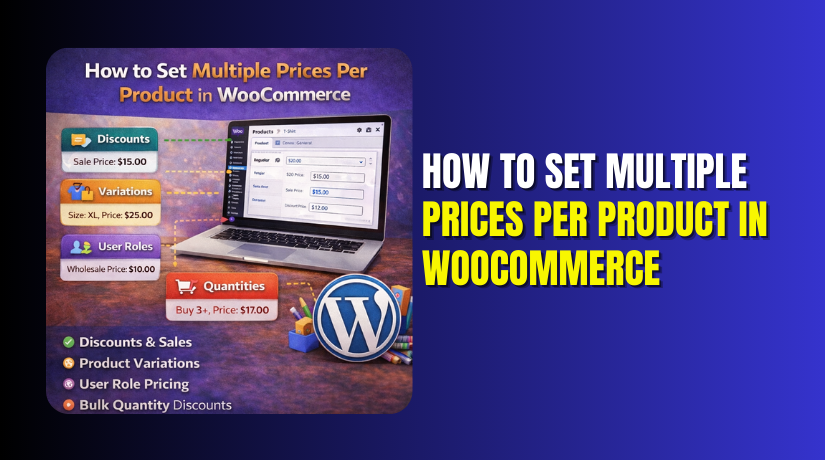
How to Set Multiple Prices Per Product in WooCommerce Step by Step?
  • WooCommerce

How to Set Multiple Prices Per Product in WooCommerce Step by Step?

6 months ago2 months ago Sage0

This section shows the simplest method that works without plugins. The native approach is variation pricing on variable products. It is best for option based pricing like size and pack. It is also ideal for clear WooCommerce product price options....
Continue Reading the Full Article
29 mins read
How to Create and Sell Vouchers in WooCommerce
  • WordPress

How to Create and Sell Vouchers in WooCommerce

6 months ago2 months ago Mike0

Vouchers in WooCommerce are prepaid digital credits that customers can purchase and use later. They are commonly used as gift cards, store credits, or prepaid service access. A voucher always contains a unique code and a defined value. Customers enter...
Continue Reading the Full Article
7 mins read
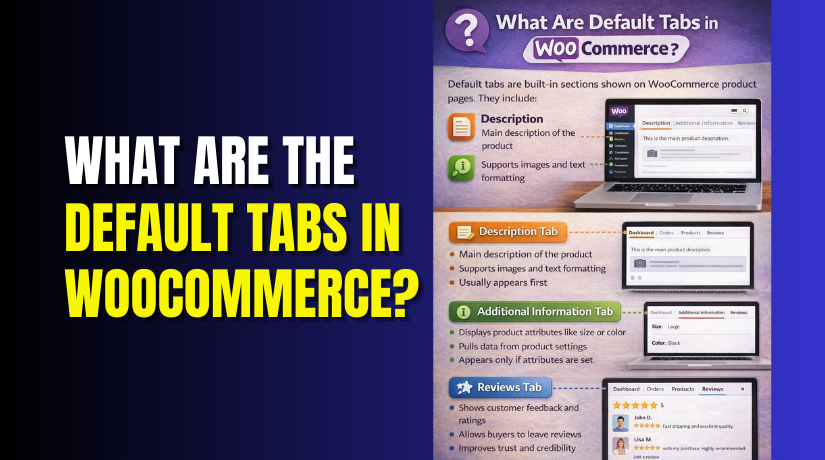
What Are the Default Tabs in WooCommerce?
  • WooCommerce

What Are the Default Tabs in WooCommerce?

6 months ago5 months ago Mike0

WooCommerce product tabs help organize information on product pages. They display important details in a clean layout. Customers can quickly find what they need without scrolling too much. Tabs improve readability and keep product pages easy to understand. They also...
Continue Reading the Full Article
9 mins read
What is the difference between a custom website and a WordPress website?
  • WordPress

What is the difference between a custom website and a WordPress website?

6 months ago5 months ago Mike0

Your website serves as your brand's initial impression in the modern digital age. It speaks for your company before you do. Whether you run a small company or a global brand, your website shapes how customers see you. When planning...
Continue Reading the Full Article
11 mins read
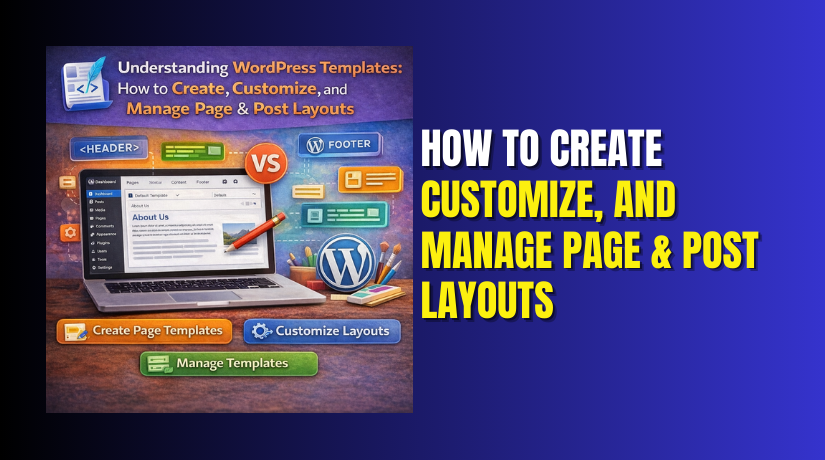
Understanding WordPress Templates: How to Create, Customize, and Manage Page & Post Layouts
  • WordPress

Understanding WordPress Templates: How to Create, Customize, and Manage Page & Post Layouts

6 months ago5 months ago Mike0

Every WordPress website is built on templates. They define how each page, post, or section of a site appears to visitors. Templates control layout, color structure, and placement of elements like headers, content, and sidebars. Without them, every page would...

Continue Reading the Full Article
16 mins read
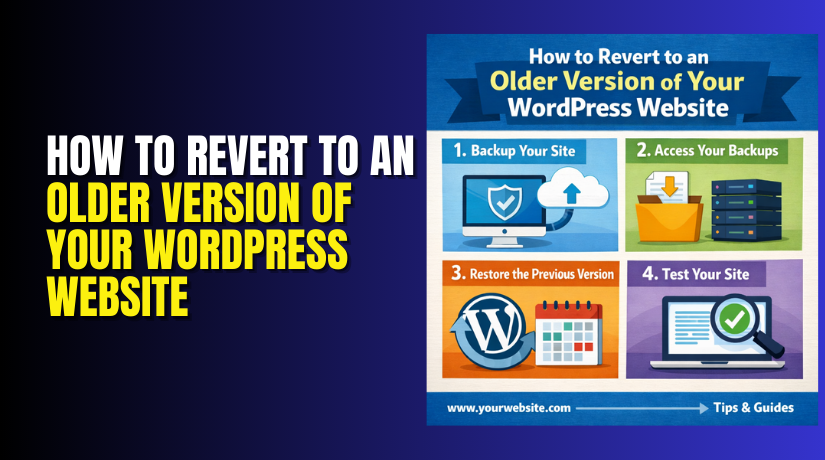
How to Revert to an Older Version of Your WordPress Website
  • WordPress

How to Revert to an Older Version of Your WordPress Website

6 months ago5 months ago Mike0

Sometimes a WordPress site works perfectly for months. Then one update happens and everything changes. The design breaks. The checkout stops working. The admin shows a critical error. Or the site feels slower than before. In these situations, reverting to...
Continue Reading the Full Article
15 mins read
What Is the Difference Between a Blog and a Website on WordPress?
  • WordPress

What Is the Difference Between a Blog and a Website on WordPress?

6 months ago5 months ago Mike0

Getting started with WordPress can feel a bit overwhelming at first. Many new users often ask — "Should I create a blog or a website?" It's a typical query, particularly for content producers, freelancers, and small business owners. WordPress is...
Continue Reading the Full Article
8 mins read
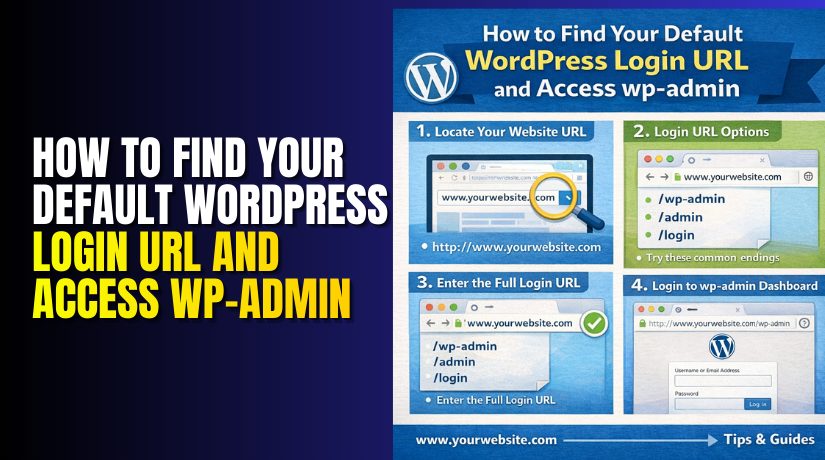
How to Find Your Default WordPress Login URL and Access wp-admin
  • WordPress

How to Find Your Default WordPress Login URL and Access wp-admin

6 months ago5 months ago Mike0

If you use WordPress, you need to access the admin dashboard. This is where you manage everything — pages, posts, themes, plugins, and settings. To reach it, you must log in using the correct login URL. "Where is the WordPress...
Continue Reading the Full Article
9 mins read
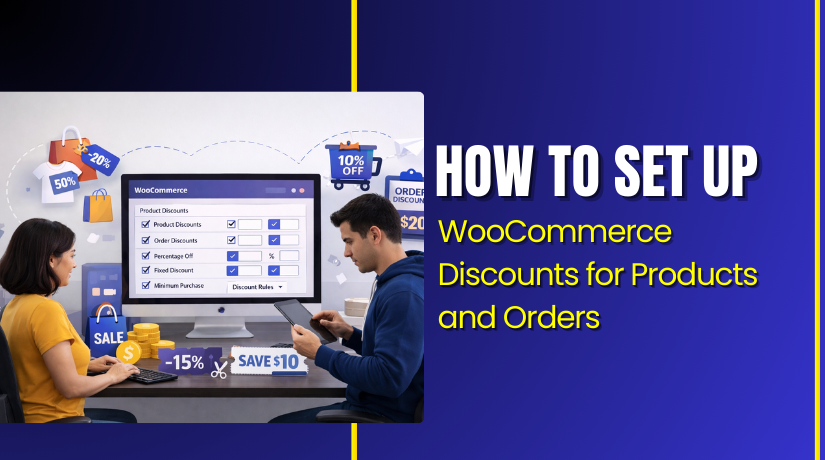
How to Set Up WooCommerce Discounts for Products and Orders
  • WooCommerce

How to Set Up WooCommerce Discounts for Products and Orders

6 months ago5 months ago Sage0

WooCommerce gives you a simple coupon system for discounts. You can create percent, fixed cart, and fixed product offers. This method is best for a clean WooCommerce discount setup. You can also track coupon usage inside your WooCommerce reports. Follow...

Continue Reading the Full Article
23 mins read
Best WooCommerce Theme to Increase Sales, Speed & User Experience
  • WooCommerce

Best WooCommerce Theme to Increase Sales, Speed & User Experience

6 months ago2 months ago Sage0

Choosing the best WooCommerce theme depends on your store needs. The list below covers trusted WooCommerce themes for most stores. Each WooCommerce WordPress theme is easy to start and scale. Use this list to pick the best theme for WooCommerce...

Continue Reading the Full Article
30 mins read

Posts pagination

Previous 1 … 12 13 14 … 18 Next
Support Live Chat

Subscribe to Our Newsletter

Let’s Connect – Follow!

Get the latest updates on WordPress, WooCommerce, SEO, plugins, and more technical content to elevate your website!

Recent Posts

  • Cage Colocation: what it is and when businesses need it
  • Clock Widgets and Online Timers Worth Running in Your Browser
  • Why Every Growing Business Needs a Professional Translation Agency
  • How to Display WooCommerce Reviews Outside of Tabs (Step-by-Step Guide)
  • How to Create a Custom Taxonomy in WooCommerce (Step-by-Step Guide)

Archives

  • June 2026
  • May 2026
  • April 2026
  • March 2026
  • February 2026
  • January 2026
  • December 2025
  • November 2025
  • October 2025
  • September 2025
  • August 2025
  • July 2025
  • June 2025
  • May 2025
  • April 2025
  • March 2025
  • February 2025
  • January 2025
  • May 2024
  • October 2023

Categories

  • BlueHost
  • Development
  • Digital Marketing
  • GoDaddy
  • HostGator
  • Hosting
  • Hostinger
  • Payment Gateway
  • Plugin
  • SEO
  • Social Media
  • Software
  • WooCommerce
  • Woocommerce Integration
  • Woocommerce Issues
  • WooCommerce Plugin
  • WordPress
  • WordPress errors
  • WordPress Theme
  • WordPress Theme Club
Copyright © woohelpdesk 2026 Proudly powered by WordPress | Theme: ogma-blog by Mystery Themes.
  • Sample Page

Cookies remember your preferences and favorite content so that you don’t have to set them repeatedly, making your experience smoother.

Powered by  GDPR Cookie Compliance
Privacy Overview

This website uses cookies so that we can provide you with the best user experience possible. Cookie information is stored in your browser and performs functions such as recognising you when you return to our website and helping our team to understand which sections of the website you find most interesting and useful.

Strictly Necessary Cookies

Strictly Necessary Cookie should be enabled at all times so that we can save your preferences for cookie settings.