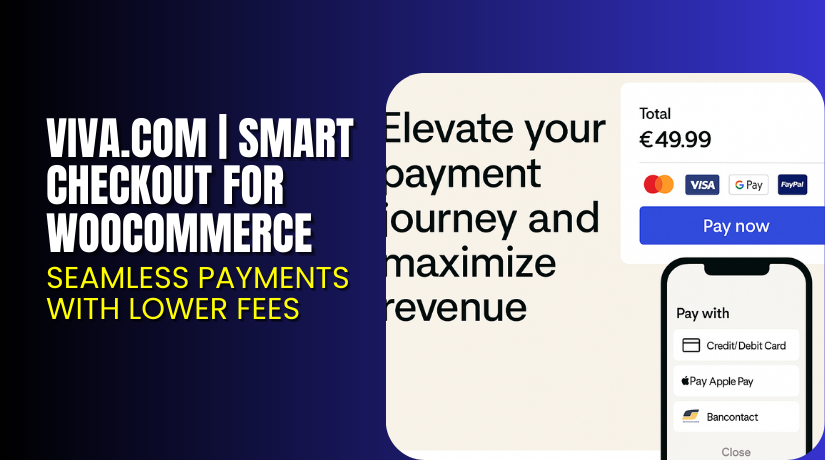
Viva.com | Smart Checkout for WooCommerce – Seamless Payments with Lower Fees
Table of Contents
- Introduction
- What is viva.com Smart Checkout for WooCommerce?
- Key Features of viva.com Smart Checkout
- How to Install and Configure viva.com Smart Checkout?
- Pricing & Fees (Based on Official Viva.com Rates)
- My Experience with viva.com Smart Checkout
- Who Should Use This Plugin?
- Final Verdict
- FAQ
Introduction
Selling online is about more than having a great product. You also need fast, secure, and affordable payment options. Many WooCommerce store owners lose money on high fees or poor checkout experiences that confuse buyers.
That’s where viva.com | Smart Checkout for WooCommerce comes in. It offers a frictionless payment experience and some of the lowest fees in the EU. Plus, it’s fully optimized for WooCommerce and supports all major cards and payment methods.
In this guide, you’ll learn how the plugin works, how to set it up, pricing details, pros and cons, and where to get support if needed.
Need help installing or fixing the plugin? Try our Installation & Troubleshooting Services.
What is viva.com Smart Checkout for WooCommerce?
viva.com Smart Checkout is a payment gateway plugin for WooCommerce. It allows you to accept payments online and in person through a single account. The plugin connects your store to viva.com’s smart payment platform.
You can accept:
- Visa, Mastercard, and American Express
- Apple Pay and Google Pay
- Bank transfers and local payment methods
- Over-the-phone and card-present payments
viva.com is regulated and licensed in Europe. It supports multiple currencies and local payment systems, making it ideal for EU-based stores.
The plugin was developed by viva.com, one of the fastest-growing fintech companies in Europe.
- Plugin Page: viva.com WooCommerce Smart Checkout
- Documentation: Integration Guide
- Contact Page: Support Contact Form
Key Features of viva.com Smart Checkout
| Feature | Description | Why It Matters |
| Smart Payment Routing | Automatically selects best payment route | Helps reduce failed transactions |
| EU Regulatory Compliance | Fully PSD2 and GDPR compliant | Keeps your store legally safe |
| One-Click Checkout | Simplifies repeat purchases | Improves customer experience |
Additional features include:
- Support for online, phone, and card-present payments
- Multi-currency and multi-language support
- Real-time analytics and transaction reporting
- Built-in 3D Secure and fraud protection
- Payment links and QR codes for flexible selling
How to Install and Configure viva.com Smart Checkout?
Here’s how to install the plugin on your WooCommerce store:
- Download the plugin from viva.com WooCommerce page.
- In your WordPress dashboard, go to Plugins → Add New → Upload Plugin.
- Upload the ZIP file and click Install Now.
- Activate the plugin.
- Navigate to WooCommerce → Settings → Payments.
- Enable viva.com Smart Checkout and enter your Merchant ID and API credentials.
- Configure accepted payment methods and redirect URLs.
- Test the payment flow using viva.com’s sandbox before going live.
You can find detailed setup steps in their Official Documentation.
Need technical help? Use our Installation & Troubleshooting Services
Pricing & Fees (Based on Official Viva.com Rates)
viva.com offers transparent and low fees, especially for EU-based merchants.
Online + Phone Payments (per transaction)
- 2.19% + €0.24
Card Present Transactions (POS or Viva Wallet App)
- 1.69%
- Minimum fee: €0.03
Special Rate for Small Transactions (up to €20, domestic cards)
- 0.50% flat rate
(In line with Law 5167/2024, Article 50 Amendment)
These rates are highly competitive compared to Stripe or PayPal. There’s no monthly subscription fee — you only pay per transaction.
For the most up-to-date rates, visit viva.com Pricing Page.
Buy viva.com Smart Checkout Now


Want to reduce fees and improve your WooCommerce checkout?
Download Plugin → viva.com Smart Checkout for WooCommerce
Enjoy faster checkouts, lower costs, and full EU compliance — all in one.
My Experience with viva.com Smart Checkout
We implemented viva.com on a WooCommerce fashion store. The goal was to lower fees and streamline the payment process.
Pros:
- Very low processing fees, especially for card-present sales
- Easy to set up with clear documentation
- Payment flow is smooth and fast for users
- Fraud detection and 3D Secure work as expected
- Supports refunds and recurring payments
Cons:
- Support response time could be improved
- Limited branding customization in the hosted checkout
- Best suited for EU-based businesses only
Overall, viva.com offers excellent value and is easy to recommend.
Who Should Use This Plugin?
viva.com Smart Checkout is ideal for:
- EU merchants looking for lower transaction fees
- WooCommerce stores offering online and in-person sales
- Startups that want a fast and secure payment system
- Businesses selling low-ticket items (under €20)
- Store owners needing PCI-compliant payment tools
Useful Resources
- Plugin Information and Download
- Smart Checkout Integration Docs
- viva.com Contact Page
- WooHelpDesk Plugin Setup Services
Final Verdict
If you want to cut payment processing costs and offer a fast, secure checkout, viva.com Smart Checkout for WooCommerce is a smart move. With low fees, EU support, and easy integration, it’s a top contender for payment plugins.
Whether you sell online, over the phone, or in person — this plugin offers the flexibility modern businesses need.
→ Install viva.com Smart Checkout Now
Need expert help? Try our WooCommerce Support Services
FAQ
Q1. What countries does viva.com support?
viva.com is primarily available across the European Economic Area.
Q2. Can I accept payments over the phone?
Yes, viva.com supports MOTO (Mail Order / Telephone Order) transactions.
Q3. Does it support refunds and recurring billing?
Yes, full and partial refunds are supported. Recurring billing is also available.



