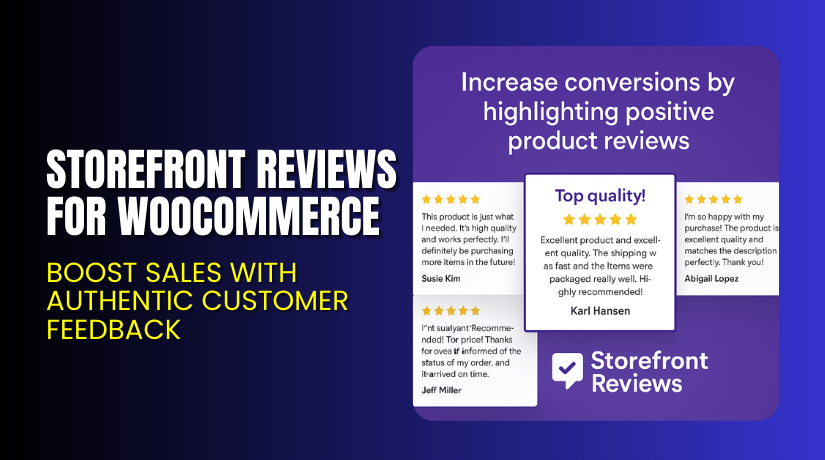
Storefront Reviews for WooCommerce – Boost Sales with Authentic Customer Feedback
Table of Contents
- Introduction
- What is Storefront Reviews for WooCommerce?
- Features of Storefront Reviews for WooCommerce
- How to Install and Configure Storefront Reviews for WooCommerce
- Storefront Reviews for WooCommerce – Pricing & Plans
- My Experience with Storefront Reviews for WooCommerce
- Who Should Use This Plugin?
- Final Verdict
- FAQ
Introduction
Running a WooCommerce store can be challenging. Every store owner wants trust, engagement, and better sales. But most customers hesitate to buy when they don’t see real feedback. Lack of customer reviews can hurt conversions and lower credibility. Visitors want assurance before they purchase a product. That’s where a reliable review system becomes essential.
Storefront Reviews for WooCommerce helps you collect and display real customer feedback beautifully. It turns your product pages into trust-building tools. With this plugin, shoppers can rate products and share experiences easily. It enhances transparency and encourages new buyers to complete their purchases confidently.
Many store owners struggle to manage reviews or style them properly. This plugin removes that hassle by integrating seamlessly with the Storefront theme. It improves both functionality and design without slowing down your site.
In this article, we’ll explore Storefront Reviews for WooCommerce, its features, installation steps, pricing, pros, and cons. You’ll also learn how it compares to alternatives and why it’s a must-have extension.
👉 If you ever need help installing or troubleshooting any plugin, try our Installation & Troubleshooting Services.
What is Storefront Reviews for WooCommerce?
Storefront Reviews for WooCommerce is a powerful plugin designed to collect and showcase customer feedback. It enhances your Storefront theme with a structured, easy-to-use review layout.
Developed by WooCommerce, this plugin ensures compatibility with the official Storefront theme. It helps merchants display verified reviews in an attractive and credible way. With this tool, your customers can rate products, leave comments, and even upload photos if allowed.
This review integration improves user engagement and encourages new visitors to trust your store. Customer opinions appear in an elegant format that matches your theme’s design. The plugin helps build authenticity, boost conversions, and improve SEO through fresh user-generated content.
Available through WooCommerce’s official marketplace, it comes with developer support and documentation.
Features of Storefront Reviews for WooCommerce
| Feature | Description | Why It Matters |
| Seamless Storefront Integration | Designed specifically for the Storefront theme. | Ensures consistent styling and seamless appearance across your store. |
| Customizable Review Layouts | Choose how reviews appear on your product pages. | Helps you create a unique brand experience. |
| Verified Buyer Tags | Marks reviews from actual purchasers. | Builds authenticity and customer trust. |
| Sorting & Filtering Options | Customers can filter reviews by rating or date. | Improves user experience and helps buyers make quick decisions. |
| Responsive Design | Looks perfect on all devices. | Enhances accessibility and mobile shopping experience. |
These features make the plugin ideal for business owners who value design, trust, and engagement.
How to Install and Configure Storefront Reviews for WooCommerce
- Download the plugin from the link.
- Go to your WordPress Dashboard → Plugins → Add New → Upload Plugin.
- Upload the ZIP file and click Install Now.
- After installation, click Activate Plugin.
- Navigate to WooCommerce → Settings → Products → Reviews.
- Enable product reviews and adjust the display options.
- Customize how reviews appear using the Storefront settings panel.
- Test the layout on desktop and mobile to ensure full compatibility.
💡 If you face configuration or theme conflicts, try our Installation & Troubleshooting Services.
Storefront Reviews for WooCommerce – Pricing & Plans
| Monthly | Annually |
| $1.59 | $19 |
Subscription includes
|
Subscription includes
|
Buy Storefront Reviews for WooCommerce Now


Purchase Here → Buy Storefront Reviews Premium Now
💡 Your purchase supports the official WooCommerce team and helps improve ongoing plugin development.
My Experience with Storefront Reviews for WooCommerce
After testing the plugin on a live Storefront site, I noticed impressive results.
Pros
- Easy to install and configure.
- Works perfectly with the Storefront theme.
- Enhances user trust and engagement.
- Lightweight and fast performance.
- Excellent support from WooCommerce.
Cons
- Works best only with the Storefront theme.
- Limited advanced styling for custom themes.
- Premium version required for full customization.
Overall, it’s an excellent addition for anyone using the Storefront theme. It’s simple, efficient, and reliable.
Who Should Use This Plugin?
- WooCommerce store owners who use the Storefront theme.
- Agencies managing Storefront-based eCommerce sites.
- Beginners who want a ready-to-use review system.
- Businesses are focusing on credibility and customer trust.
- Site owners who want better conversions through verified reviews.
Useful Resources
- Official Plugin Page
- Official Plugin Support Page
- Developer Documentation
- WooHelpDesk Installation & Troubleshooting Services
Final Verdict
If you want a review system that blends perfectly with your Storefront theme, Storefront Reviews for WooCommerce is the best choice. It enhances customer interaction and builds strong trust with potential buyers.
With verified buyer tags and customizable layouts, you can make your store more professional. It’s lightweight, effective, and improves overall user experience.
👉 Buy Storefront Reviews for WooCommerce Premium Now
💡 Need installation help? Try our Installation & Troubleshooting Services.
FAQ Section
Q1. Is Storefront Reviews for WooCommerce compatible with all themes?
It’s mainly designed for the Storefront theme. For other themes, testing is recommended.
Q2. Can I use both free and premium versions together?
No, you’ll need to deactivate the free version before activating premium.
Q3. How do I get support?
You can contact the official WooCommerce team via the Support Page.



