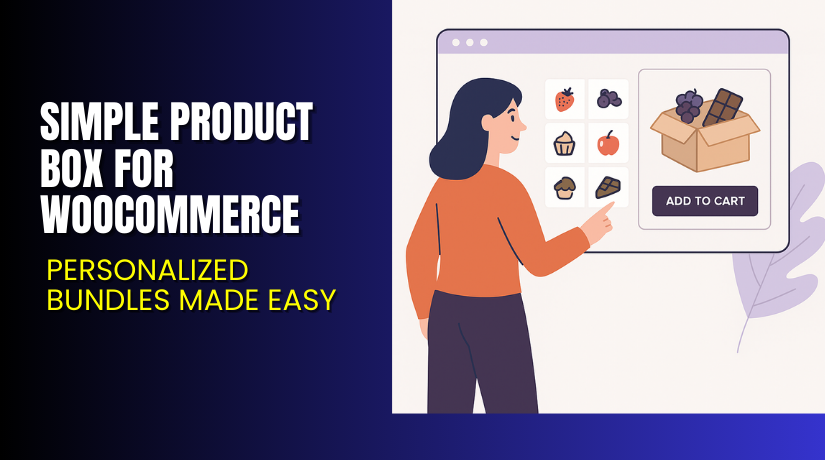
Simple Product Box for WooCommerce – Personalized Bundles Made Easy
Table of Contents
- Introduction
- What is Simple Product Box for WooCommerce?
- Key Features of Simple Product Box
- How to Install and Configure the Plugin?
- Pricing & Plans
- My Experience with Simple Product Box
- Who Should Use This Plugin?
- Final Verdict
- FAQ
Introduction
Personalization is the new standard in eCommerce. Customers want products tailored to their needs. If your WooCommerce store sells items like chocolates, cookies, fruits, or pastries — customers expect flexibility.
But WooCommerce doesn’t offer built-in features to create personalized boxes. This is where the Simple Product Box for WooCommerce plugin helps.
It allows your shoppers to build their own product boxes. You set the limits — customers pick the products. This not only increases average order value but also improves the shopping experience.
In this article, we’ll explain what this plugin does, how to set it up, what it costs, and why it could be a game-changer for your store.
Need help setting it up? Try our Installation & Troubleshooting Services.
What is Simple Product Box for WooCommerce?
Simple Product Box for WooCommerce is a powerful plugin developed by WP1. It allows store owners to create product boxes that shoppers can fill with simple products of their choice.
It’s ideal for:
- Food stores selling chocolates, cakes, or fruit boxes
- Gift shops offering curated bundles
- Subscription box businesses
- DIY beauty, snack, or clothing kits
The plugin gives store owners the flexibility to:
- Set box sizes (capacity limits)
- Choose which products go into each box
- Allow users to select quantities and variations
The result? A smooth, user-friendly way to offer mix-and-match product bundles.
- Official Plugin Page: View on WooCommerce
- Support Page: WooCommerce Contact
- Documentation: Official Docs
Key Features of Simple Product Box
| Feature | Description | Why It Matters |
| Customizable Box Sizes | Set limits on how many products can be added | Controls costs and bundle sizes |
| Grid and Table Layouts | Choose between 3 box styles | Matches your site’s design |
| Display in Cart and Checkout | Customers see their selections clearly | Reduces order errors |
| Email Notifications | Send order details with boxed items | Improves post-purchase experience |
| Mobile Responsive | Works well on smartphones and tablets | Important for mobile users |
| Admin Controls | Manage box settings easily from the backend | Simple for non-technical users |
You can choose between these layouts:
- Grid
- Grid with small thumbnails
- Table
This helps store owners tailor the look to match their product pages.
How to Install and Configure the Plugin?
To get started, follow these steps:
- Visit the Simple Product Box plugin page on WooCommerce
- Click Buy Now and complete the purchase
- Download the ZIP file from your WooCommerce account
- Go to WordPress Dashboard → Plugins → Add New → Upload Plugin
- Upload the ZIP and click Install Now
- Activate the plugin
- Go to WooCommerce → Products → Simple Product Box Settings
- Create a new product box and assign eligible products
- Choose a layout and configure capacity limits
- Test it on your site to confirm everything works as expected
Minimum Requirements:
- WordPress 6.7+
- WooCommerce 3.3.0+
- PHP 7.2+
Note: This plugin only works with Simple Product types. It does not support:
- Variable products
- Inventory management
- WooCommerce Product Add-ons plugin
Need expert help? Visit our Installation & Troubleshooting Services.
Pricing & Plans
| Plan | Price | Includes |
| 1-Year Plan | $29/year | Plugin updates, customer support, 30-day money-back guarantee |
This is a flat, affordable price point for a feature-rich WooCommerce extension.
- $2.42/month (billed annually at $29)
- No hidden charges
- No free version is available
Get started here → Buy Simple Product Box for WooCommerce
My Experience with Simple Product Box
We tested the plugin on a WooCommerce site selling snacks and gift packs. The results were promising.


Pros
- Easy setup and simple configuration
- Custom layouts fit well on product pages
- Great for increasing average cart size
- Mobile-ready and responsive
- In-cart display of box contents is clear
- Affordable pricing for small and medium stores
Cons
- Only works with simple products
- No stock tracking or inventory control
- Not compatible with other product add-on plugins
- No advanced styling options or drag-and-drop UI
Despite a few limitations, it delivers what it promises.
Who Should Use This Plugin?
This plugin is a great fit for:
- Small and mid-sized eCommerce stores
- Store owners looking to increase product combinations
- Shops offering seasonal or gift bundles
- Businesses that want to boost engagement and order value
- Non-technical users who want a simple solution
Useful Resources
For further help and learning:
- Official Plugin Page – WooCommerce
- Plugin Documentation – WooCommerce Docs
- WooCommerce Contact Support
- Our Installation & Troubleshooting Help
Final Verdict
The Simple Product Box for WooCommerce is a powerful tool to boost sales and engagement. It lets your customers create the bundles they want — and you stay in control of pricing and products.
It’s ideal for stores that offer:
- Food items
- Gift sets
- Subscription boxes
- Customized bundles
With an affordable price and intuitive setup, this plugin is a must-try if you’re aiming to offer custom box experiences.
Use this link to get started: Buy Simple Product Box Now
Need help installing it? Try our Installation & Troubleshooting Services
FAQ
Q1. Can I use variable products inside the box?
No, this plugin supports only simple products at this time.
Q2. Does it track inventory?
No, it does not manage inventory for items inside the box.
Q3. Is this plugin compatible with other product add-on extensions?
No, it doesn’t work with the WooCommerce Product Add-ons plugin.
Q4. How do I get help?
Contact WooCommerce via the official support page or use our WooHelpDesk services.



