


How to Install WordPress: Step-by-Step Guide for Beginners (2026)
Installing WordPress correctly is the foundation of a stable website. Many beginners start quickly without understanding the installation process. This often creates issues like errors, slow speed, or security risks later. A proper installation ensures your website runs smoothly from...
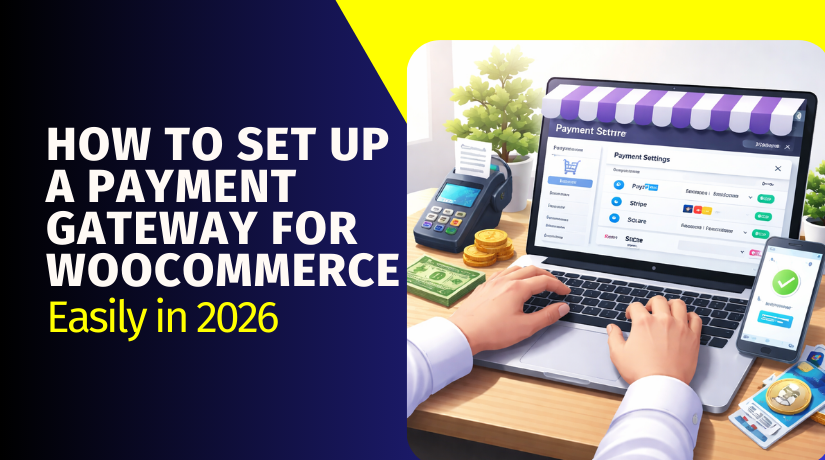
How to Set Up a Payment Gateway for WooCommerce Easily in 2026
Payment Gateway Basics (How WooCommerce Enables It) Step 1: Open Payments settings Go to: WP Admin → WooCommerce → Settings → Payments You will see all available payment methods here. This is where you enable and manage gateways. Step 2:...

What Is the Best SEO Plugin for WooCommerce in 2026?
These are the five most practical options for store growth. They are widely used across WooCommerce environments. They also support core store needs like schema and sitemaps. Each option can be a Top SEO Plugin for WooCommerce pick. The best...
How to Set Up Stripe Payments in WooCommerce (Step-by-Step Guide)
Step 1: Install and Activate the Stripe Plugin Go to WordPress Admin → Plugins → Add New Search “WooCommerce Stripe Payment Gateway” and install it. Activate the plugin to enable Stripe options in WooCommerce. This begins your Stripe WooCommerce integration...
What Is WooCommerce Stripe Gateway and How Much Does It Charge?
Yes—Stripe is free to use with WooCommerce in the sense that there are no setup fees or monthly fees, and the official WooCommerce Stripe plugin is available free. Stripe uses pay-as-you-go pricing for online card payments. You pay per successful...
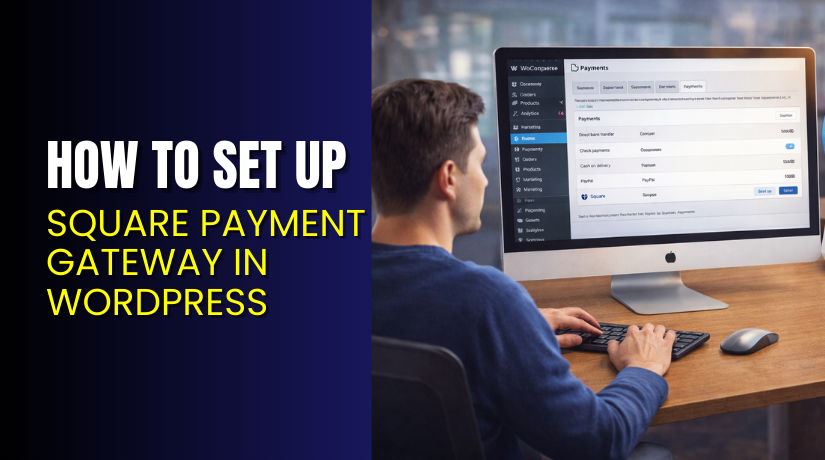
How to Set Up Square Payment Gateway in WordPress (Step-by-Step Guide)
Step 1: Install the WooCommerce Square Plugin Go to WordPress Dashboard → Plugins → Add New Search: “WooCommerce Square” Click Install Now → then Activate Confirm WooCommerce is already installed and active Step 2: Open Square Connection Settings in WooCommerce...
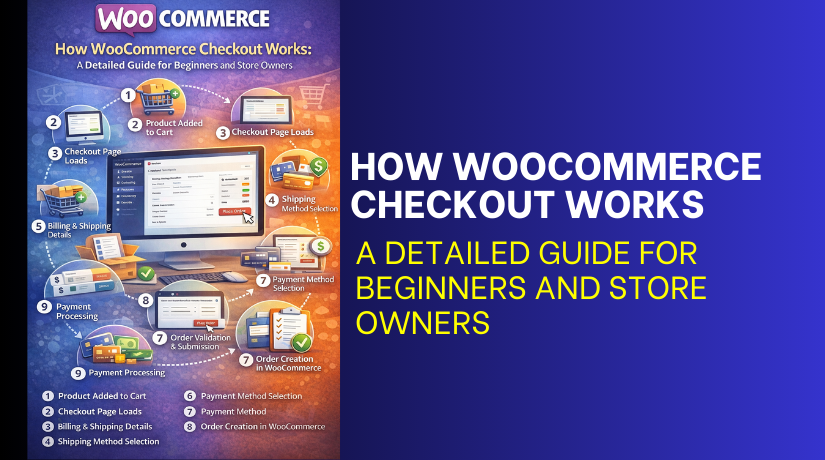
How WooCommerce Checkout Works: A Detailed Guide for Beginners and Store Owners
Product Added to Cart The customer opens a product page and clicks Add to cart. WooCommerce saves that product in the cart. It saves the product name, price, and quantity. If the product has options, those details save too. This...
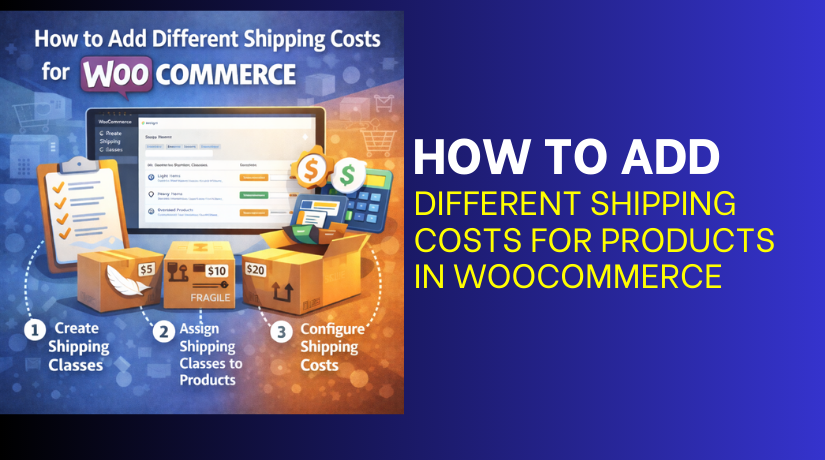
How to Add Different Shipping Costs for Products in WooCommerce
There are 3 main methods you can use to set product-wise shipping in WooCommerce. Each method works for a different store need. Method 1: Product-Specific Shipping Using Shipping Classes Shipping classes are a built-in WooCommerce feature. They help you group...
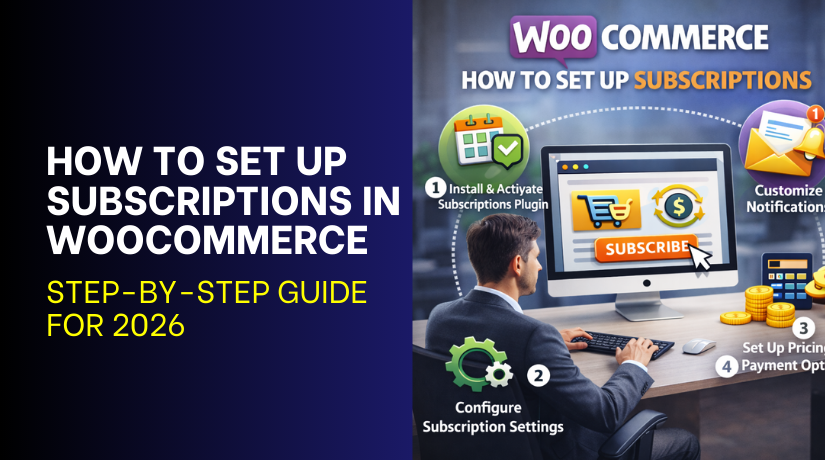
How to Set Up Subscriptions in WooCommerce: Step-by-Step Guide for 2026
Step 1: Choose the Right WooCommerce Subscription Plugin A subscription plugin adds features WooCommerce does not include. This is why a WooCommerce subscription plugin is required for subscriptions. Start by listing your needs before comparing any plugin options. Choose a...