

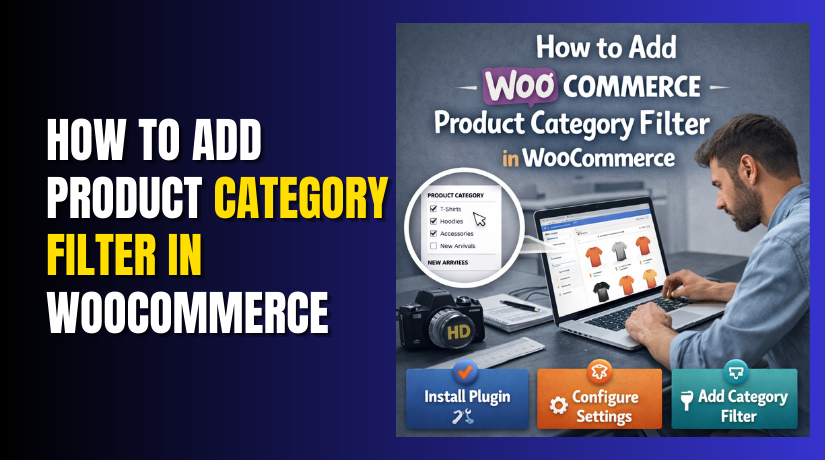
How to Add Product Category Filter in WooCommerce Step by Step?
This section starts the step-by-step implementation. Part 1 focuses on the easiest built-in method first. You can set it up without code and without paid plugins. This method supports most themes used with WooCommerce. It is the best starting point...
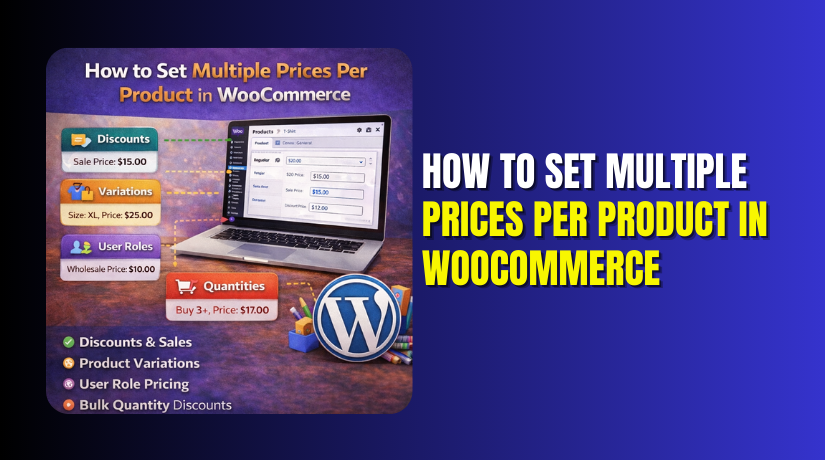
How to Set Multiple Prices Per Product in WooCommerce Step by Step?
This section shows the simplest method that works without plugins. The native approach is variation pricing on variable products. It is best for option based pricing like size and pack. It is also ideal for clear WooCommerce product price options....
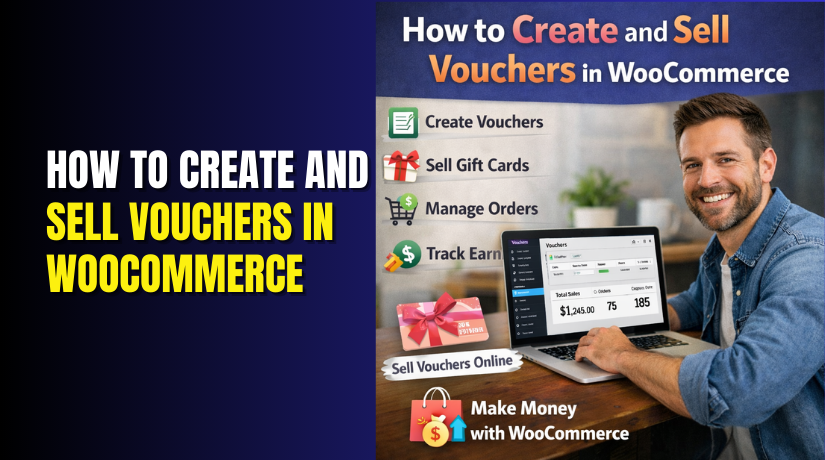
How to Create and Sell Vouchers in WooCommerce
Vouchers in WooCommerce are prepaid digital credits that customers can purchase and use later. They are commonly used as gift cards, store credits, or prepaid service access. A voucher always contains a unique code and a defined value. Customers enter...
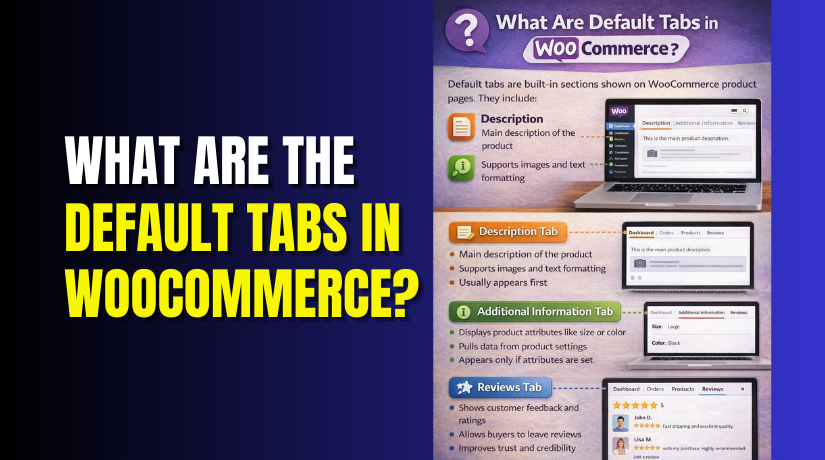
What Are the Default Tabs in WooCommerce?
WooCommerce product tabs help organize information on product pages. They display important details in a clean layout. Customers can quickly find what they need without scrolling too much. Tabs improve readability and keep product pages easy to understand. They also...
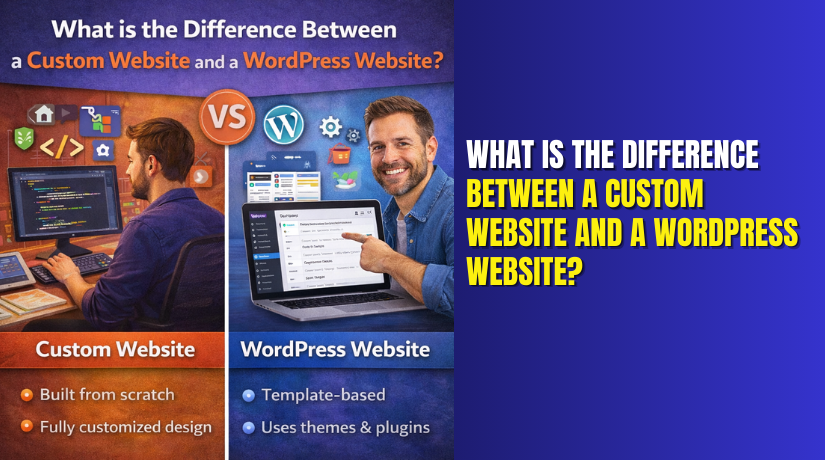
What is the difference between a custom website and a WordPress website?
Your website serves as your brand's initial impression in the modern digital age. It speaks for your company before you do. Whether you run a small company or a global brand, your website shapes how customers see you. When planning...
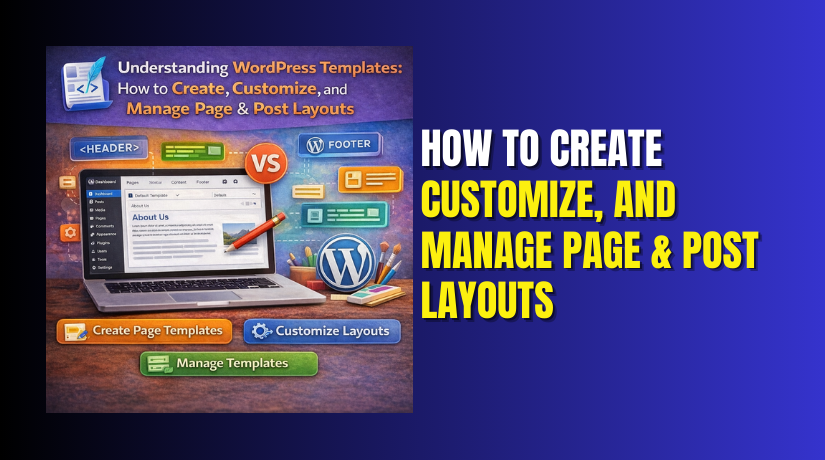
Understanding WordPress Templates: How to Create, Customize, and Manage Page & Post Layouts
Every WordPress website is built on templates. They define how each page, post, or section of a site appears to visitors. Templates control layout, color structure, and placement of elements like headers, content, and sidebars. Without them, every page would...

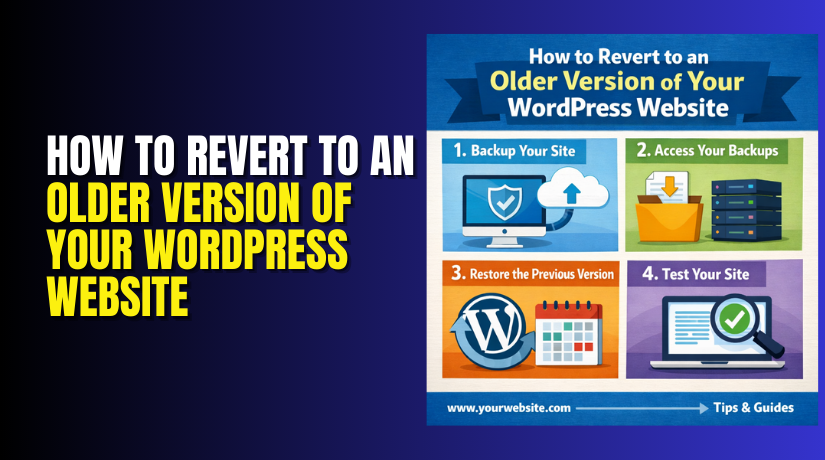
How to Revert to an Older Version of Your WordPress Website
Sometimes a WordPress site works perfectly for months. Then one update happens and everything changes. The design breaks. The checkout stops working. The admin shows a critical error. Or the site feels slower than before. In these situations, reverting to...
What Is the Difference Between a Blog and a Website on WordPress?
Getting started with WordPress can feel a bit overwhelming at first. Many new users often ask — "Should I create a blog or a website?" It's a typical query, particularly for content producers, freelancers, and small business owners. WordPress is...
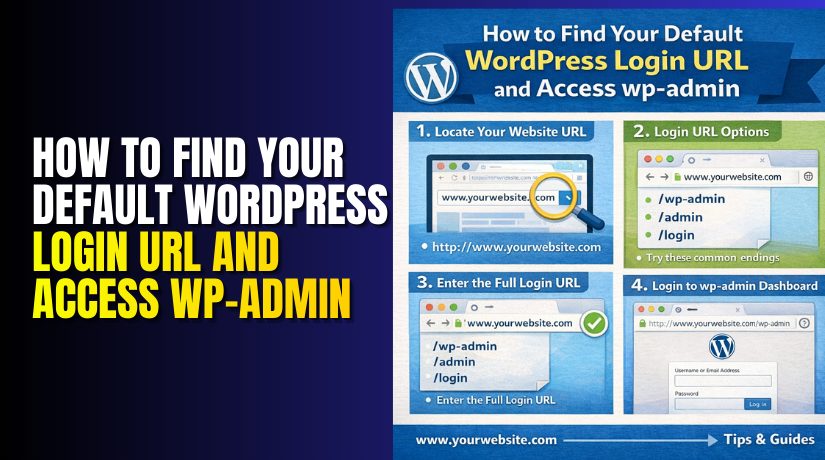
How to Find Your Default WordPress Login URL and Access wp-admin
If you use WordPress, you need to access the admin dashboard. This is where you manage everything — pages, posts, themes, plugins, and settings. To reach it, you must log in using the correct login URL. "Where is the WordPress...
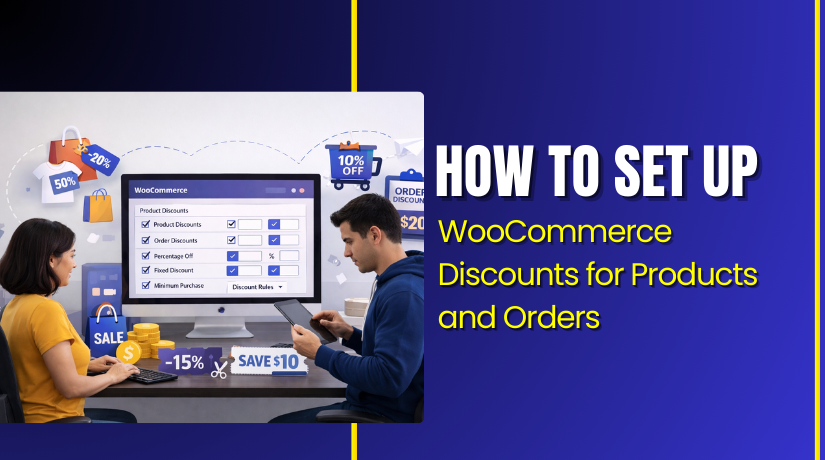
How to Set Up WooCommerce Discounts for Products and Orders
WooCommerce gives you a simple coupon system for discounts. You can create percent, fixed cart, and fixed product offers. This method is best for a clean WooCommerce discount setup. You can also track coupon usage inside your WooCommerce reports. Follow...