

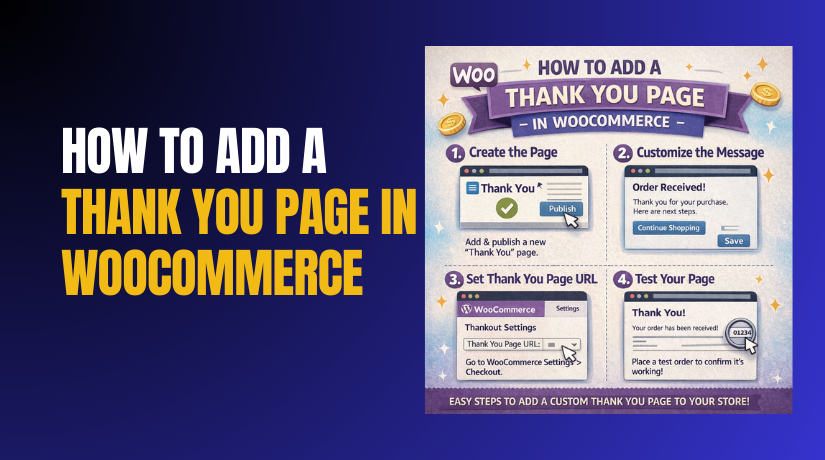
How to Add a Thank You Page in WooCommerce Step by Step?
A strong checkout flow does not end after payment success. The last page customers see shapes their final impression. That last page is the WooCommerce thank you page for most stores. It confirms the order and reduces customer doubt quickly....
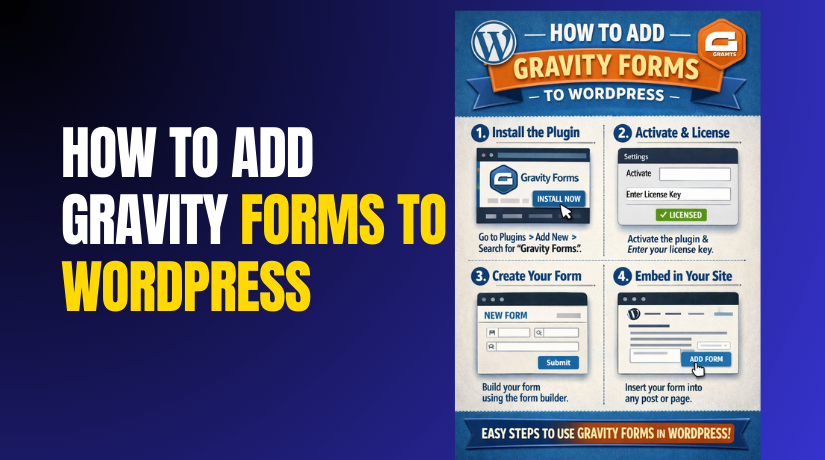
How to Add Gravity Forms to WordPress and Is Gravity Form Free?
Forms power most important actions on a WordPress website today. They capture leads, support requests, quotes, and bookings fast. They also collect payments, files, and customer data securely. This is why many users choose Gravity Forms WordPress. It is a...
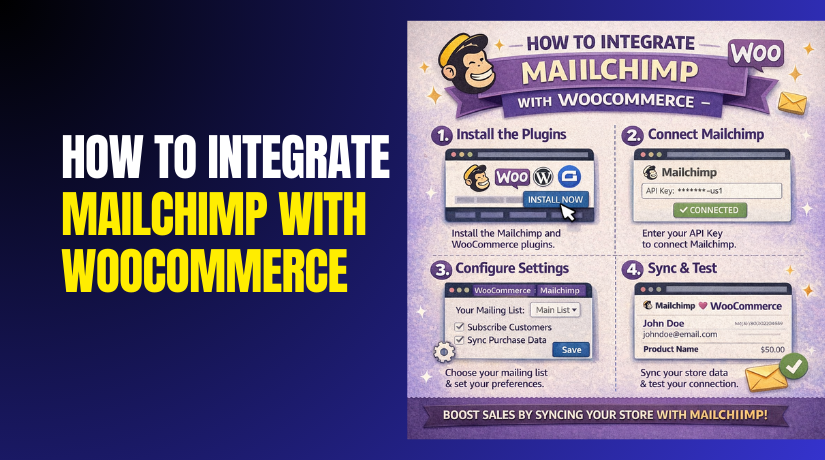
How to Integrate Mailchimp with WooCommerce: Step-by-Step Guide
Email marketing helps you stay connected with every WooCommerce customer. It brings buyers back to your store for repeat orders. With Mailchimp WooCommerce integration, you can automate emails and track sales. You can send welcome emails, cart reminders, and order...
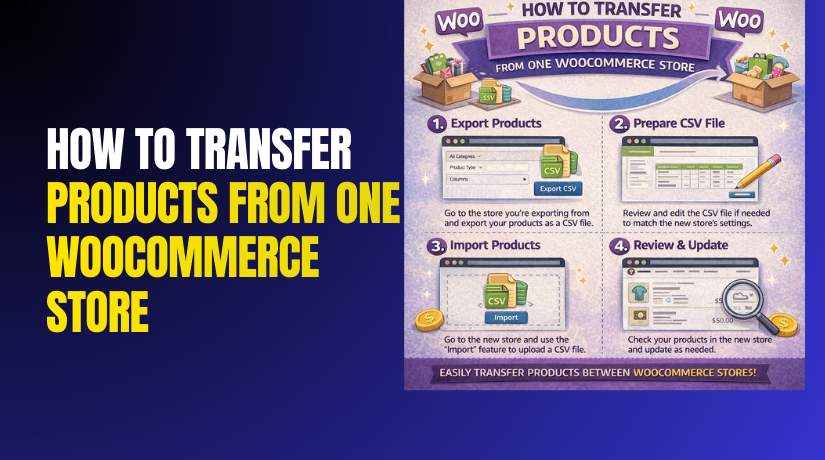
How to Transfer Products From One WooCommerce Store to Another Easily (Complete Guide)
When you transfer products from one WooCommerce to another, you copy product data safely. This process is also called WooCommerce product migration in many guides. Your goal is to shift product pages from one store to another. You may want...
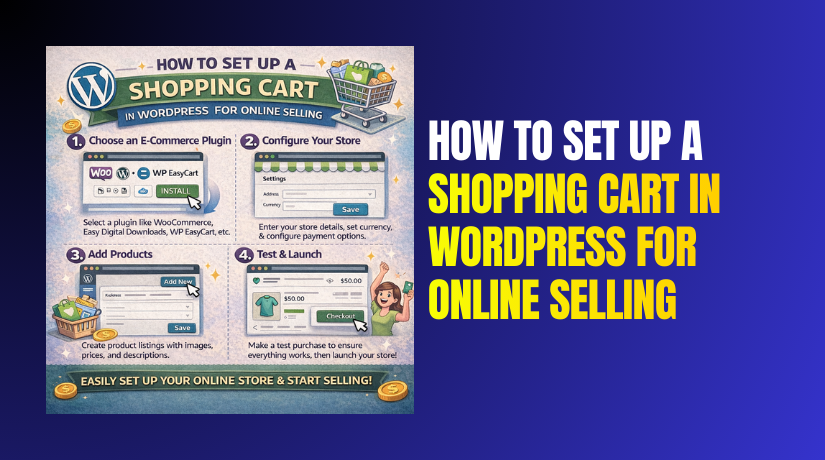
How to Set Up a Shopping Cart in WordPress for Online Selling
A shopping cart helps you sell products directly from your website. Many WordPress sites start as blogs or service pages first. Later, owners want to sell products, plans, or downloads. That is where a shopping cart in WordPress becomes important....

What Are the Best Shopping Cart for WordPress: Complete Guide for Online Stores
Choosing the best shopping cart for WordPress is a big decision. It affects how people buy from your site. A slow cart can reduce orders and trust. A clean cart can boost sales and repeat customers. Many site owners pick...
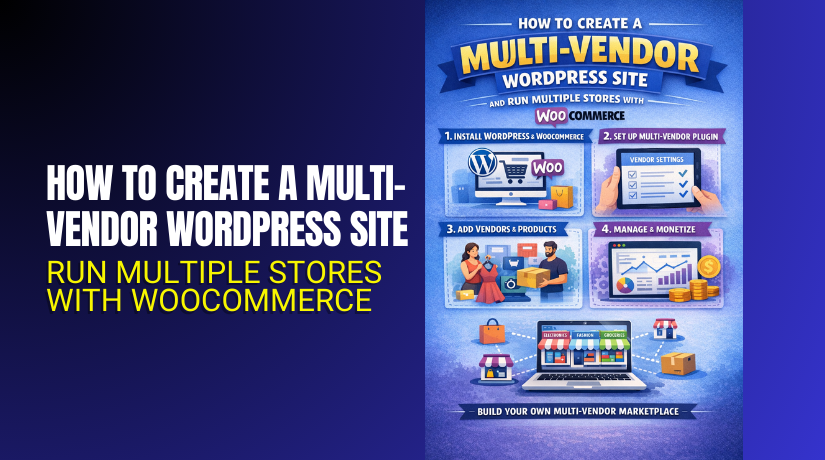
How to Create a Multi-Vendor WordPress Site and Run Multiple Stores with WooCommerce?
A Multi-vendor WordPress marketplace lets many sellers sell together online. You run one platform, while vendors manage their own stores. This model grows faster than a single store selling alone. You earn commissions while vendors handle products and daily operations....
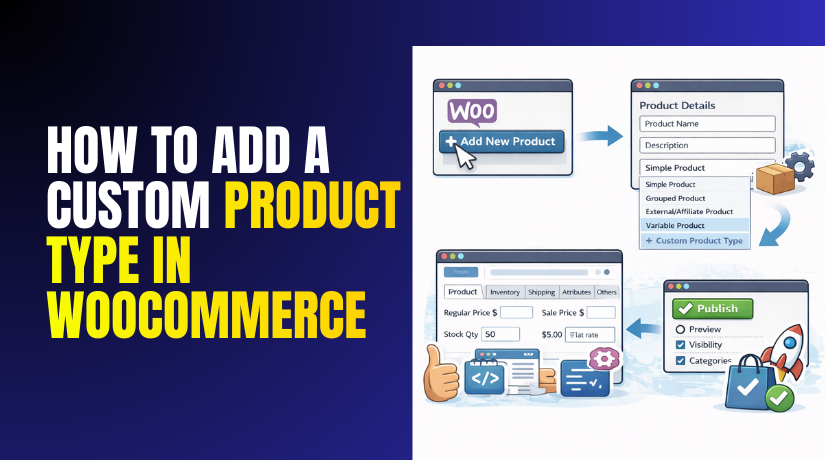
How to Add a Custom Product Type in WooCommerce
WooCommerce supports different product types for different selling needs. Most stores use Simple or Variable products daily. But some stores need extra fields and rules. That is where a WooCommerce custom product type helps most. It lets you add your...
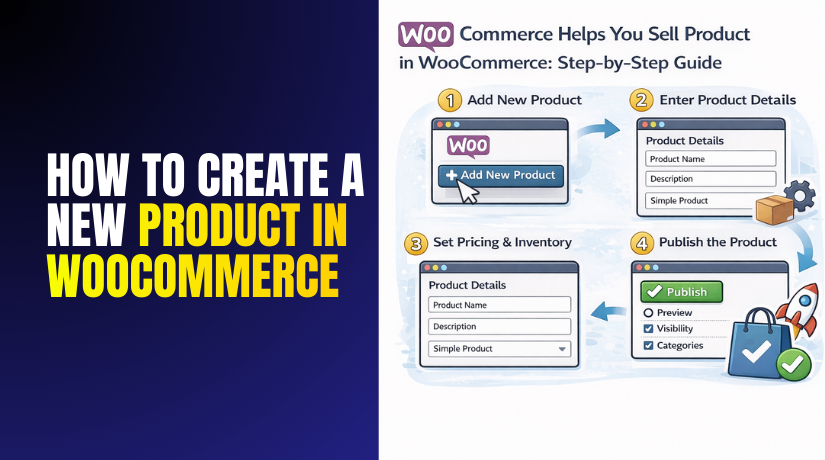
How to Create a New Product in WooCommerce: Step-by-Step Guide
WooCommerce helps you sell products using your WordPress dashboard. It gives you a full product editor where you control pricing, images, stock, and shipping settings. When you create product in woocommerce, you are building a complete product page that customers...
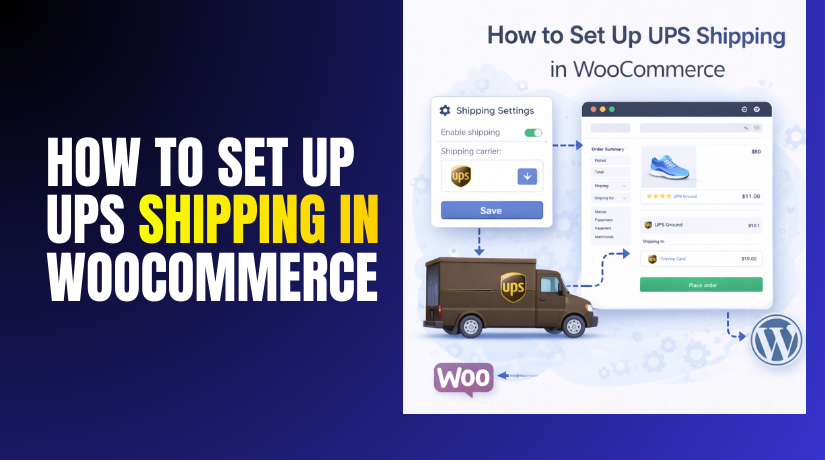
How to Set Up UPS Shipping in WooCommerce Easily Step-by-Step
You want fast, trusted shipping options in your WooCommerce store. UPS is a popular choice for many online sellers. This guide explains UPS shipping WooCommerce in simple, clear steps. You will learn what UPS shipping means inside WooCommerce. You will...