

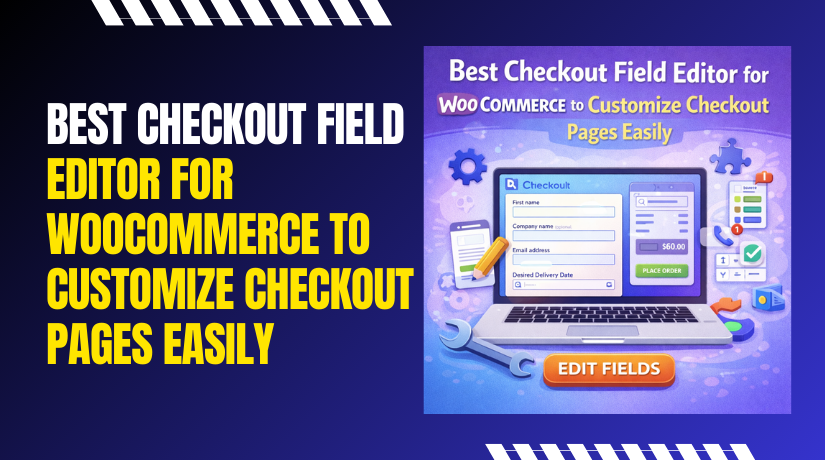
Best Checkout Field Editor for WooCommerce to Customize Checkout Pages Easily
Checkout is where most sales get won or lost. A long checkout can push buyers away fast. Many stores need extra details from real customers. Some stores also need fewer fields for faster orders. That is why a best checkout...

Best Checkout Plugin for WooCommerce to Improve Sales & User Experience
Checkout is the final step before a customer pays you. Many stores lose buyers at this last step. The cart looks fine, but checkout feels confusing. A slow checkout page can reduce your daily sales quickly. A messy form can...
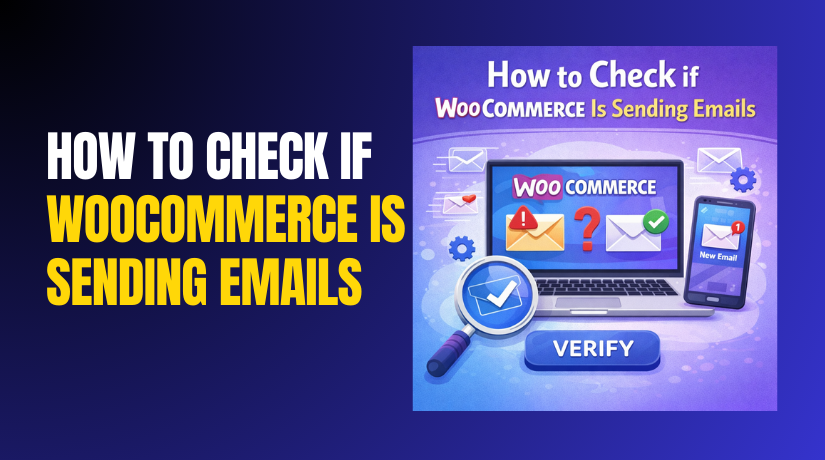
How to Check if WooCommerce Is Sending Emails (Step-by-Step Guide)
WooCommerce emails confirm orders and reduce customer support tickets. Customers expect instant proof after placing a paid order. These emails also build trust and improve repeat purchases. WooCommerce triggers emails, but WordPress delivers them from hosting. That is why settings...

What is the difference between shared, managed, and WordPress hosting?
Selecting the best hosting company is one of the first choices you'll have to make while creating a website. The performance of your website can be greatly impacted by the sort of hosting you choose. Three common hosting options—managed hosting,...

SMS API Integration in WordPress WooCommerce: Step-by-Step Complete Guide
Customers want fast updates after placing an order online. Emails can land in spam or get ignored quickly. SMS reaches users faster and always feels more personal always. That is why many stores choose SMS API integration in WordPress WooCommerce....
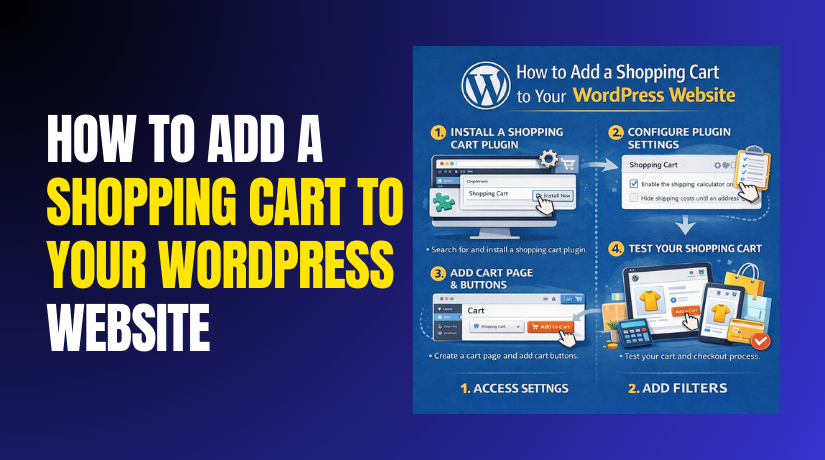
How to Add a Shopping Cart to Your WordPress Website Step by Step?
A shopping cart is the base of every WordPress eCommerce store. It allows customers to select products and review them easily. The cart helps users understand prices, quantities, and totals clearly. Without a proper cart, online selling becomes confusing and...
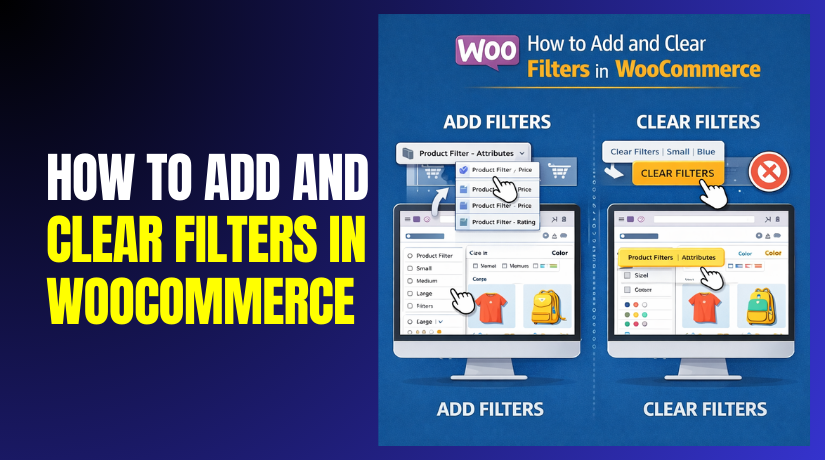
How to Add and Clear Filters in WooCommerce Step by Step?
WooCommerce stores often contain many products and categories. Customers need quick ways to find relevant products. Browsing without filters becomes confusing and time-consuming. WooCommerce product filters help customers narrow product results easily. Filters allow users to sort products by attributes,...
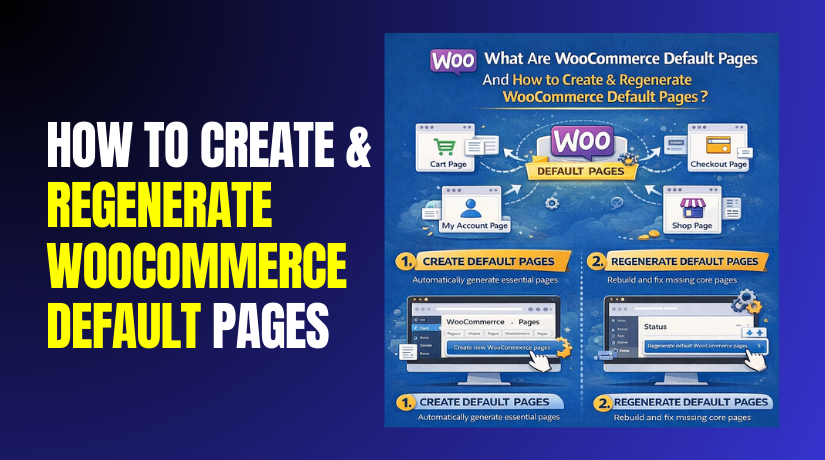
What Are WooCommerce Default Pages And How to Create & Regenerate WooCommerce Default Pages?
WooCommerce is powerful, but it needs correct core pages. These pages control your shop flow and checkout path. WooCommerce creates these pages automatically during setup. But pages can get deleted, changed, or mismatched later. This causes cart errors, checkout issues,...

Best Affiliate Plugin for WordPress for Affiliate Marketing Success
Affiliate plugins are tools that add affiliate tracking to WordPress. They help you create and run an affiliate program on your site. You can invite partners to promote your products or services. Those partners use special referral links to share...
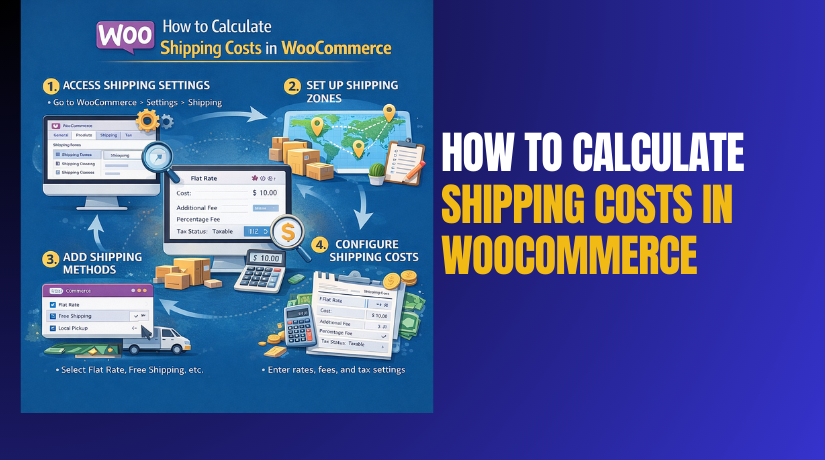
How to Calculate Shipping Costs in WooCommerce: Formulas and Best Practices?
Shipping decides whether a customer completes checkout or abandons cart. Even a good product fails when shipping feels unclear. That is why WooCommerce shipping cost setup must be planned. You must price shipping to cover costs and stay competitive. You...