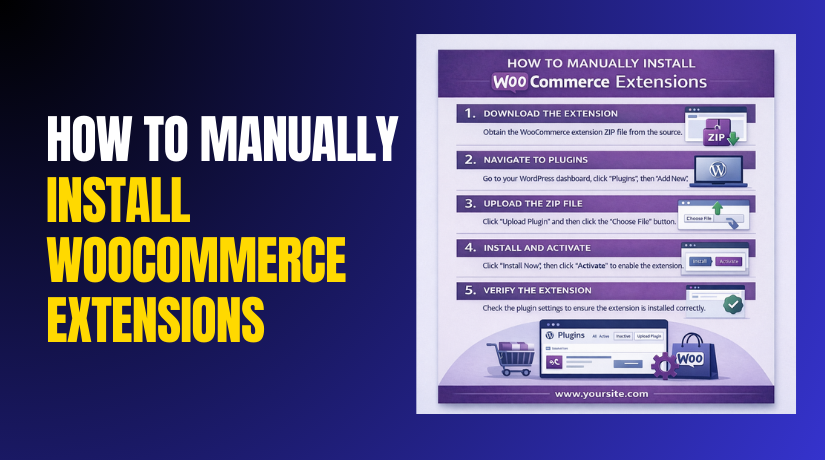
How to Manually Install WooCommerce Extensions (Step-by-Step Guide)
WooCommerce stores often need extra features for smooth selling. These extra features come through extensions and add-ons. Sometimes, you cannot install them with one click. In those cases, you must Manually Install WooCommerce Extensions. This guide explains the basics in...

What Is Gutenberg Block Development in WordPress? A Beginner-Friendly Guide
WordPress has changed how people build pages and posts. The editor now uses blocks instead of one long text field. This shift makes content building faster and more flexible. It also helps beginners design pages without advanced coding skills. For...

Can I Use WordPress for Commercial Use? Clear Answer for Business Site
Most business owners ask one common question before building a site. They ask, can I use wordpress for commercial use without legal trouble. This doubt happens because WordPress has two common meanings. Some people mean the WordPress software. Others mean...
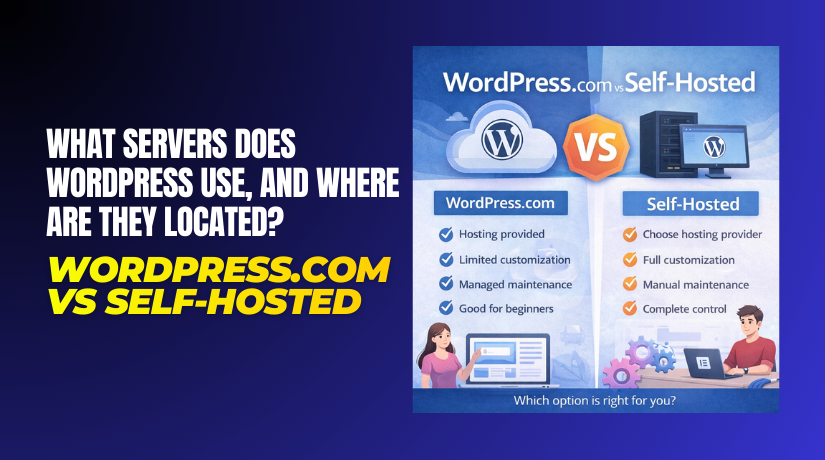
What Servers Does WordPress Use, and Where Are They Located? WordPress.com vs Self-Hosted
Your website runs on a server that stores site files. A server is a powerful computer in a data center. When someone visits your site, their device requests data. The server sends pages, images, and scripts back fast. This is...
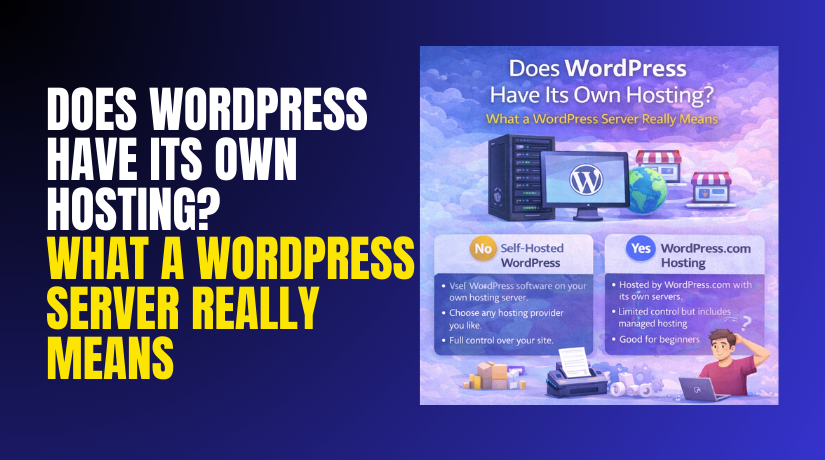
Does WordPress Have Its Own Hosting? What a WordPress Server Really Means
Many beginners ask one common question about WordPress hosting. They build a site and assume WordPress stores everything. This confusion is normal and very common today. You may also see ads for “WordPress hosting” everywhere. That makes the question feel...
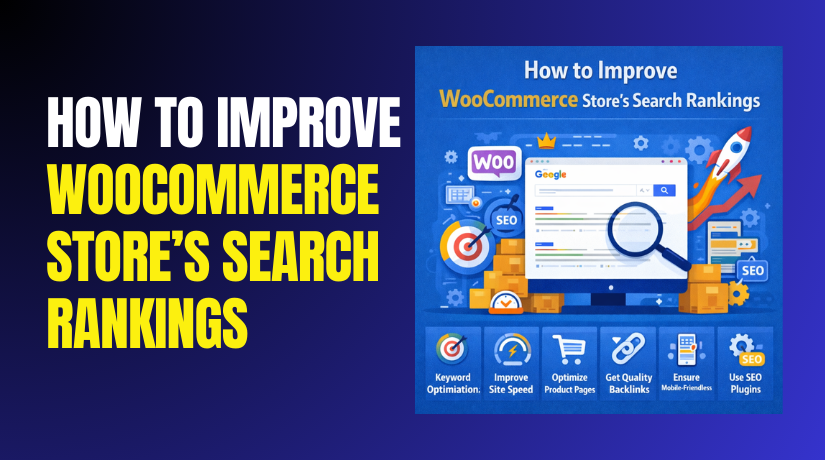
WooCommerce SEO: How to Improve WooCommerce Store’s Search Rankings?
Ranking a WooCommerce store is not only about adding products. You must help Google understand your pages clearly and fast. That is where WooCommerce SEO becomes a daily business advantage. With a smart structure, you can attract free traffic every...
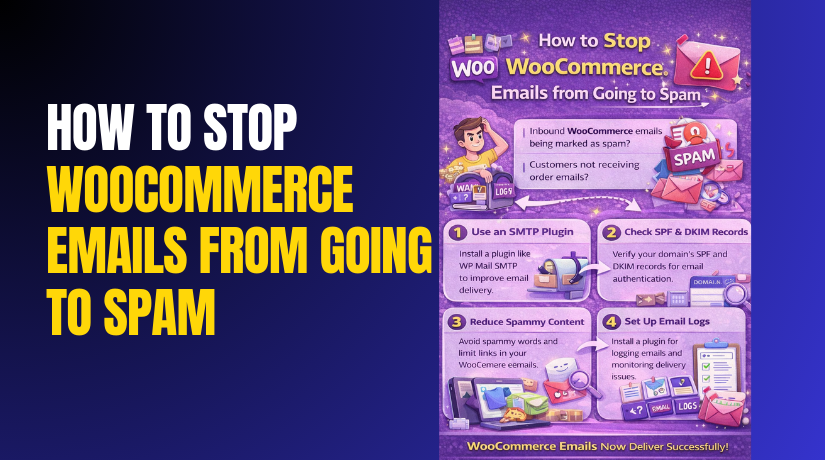
How to Stop WooCommerce Emails from Going to Spam Step by Step?
WooCommerce emails are critical for every online store. Order updates, invoices, and password resets build customer trust. But many store owners face one common problem. WooCommerce emails going to spam can hurt sales quickly. Customers miss order confirmations and think...
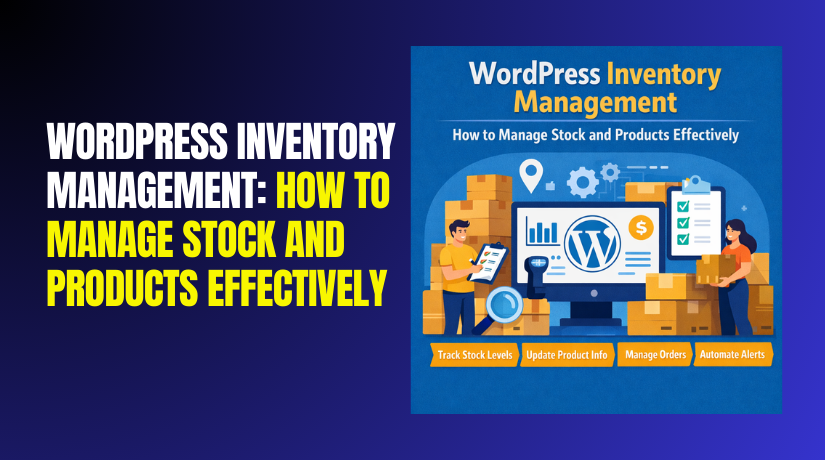
WordPress Inventory Management: How to Manage Stock and Products Effectively?
Inventory problems can quietly destroy store profits and customer trust. One wrong stock number can create backorders and refunds fast. One missing product update can confuse buyers and increase support tickets. This is why WordPress inventory management matters for every...
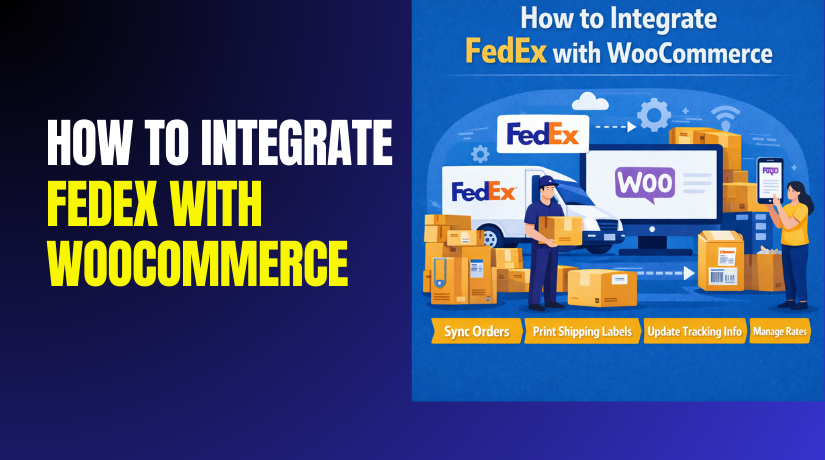
How to Integrate FedEx with WooCommerce Step by Step?
Fast shipping can decide if a customer buys or leaves. Many WooCommerce stores lose sales due to unclear delivery costs. You can fix this with FedEx shipping tools and rates. Shipping is not just delivery, it is also trust. Customers...
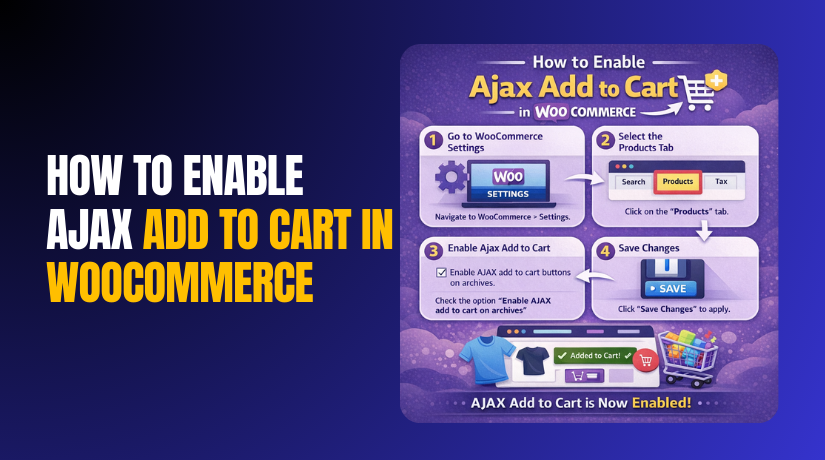
How to Enable Ajax Add to Cart in WooCommerce for Faster Shopping Experience
Shoppers want quick actions without waiting for page reloads. AJAX add to cart makes this possible on many pages. It keeps users browsing while the cart updates instantly. This improves flow and reduces user drop-offs during shopping. It also helps...