

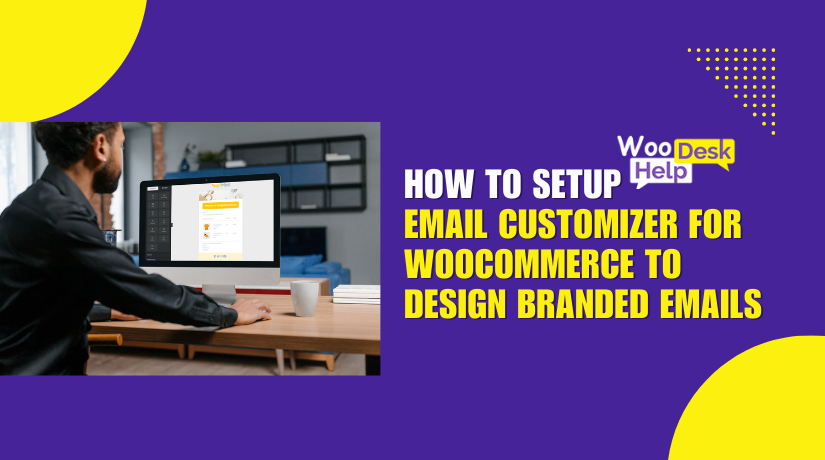
How to Setup Email Customizer for WooCommerce to Design Branded Emails
When customers place an order, they expect clear email updates. WooCommerce sends default emails for order updates, invoices, and more. However, these emails frequently have a simple, unbranded appearance. Generic emails don't build trust or reflect your brand style. A...
Product Filters Not Working on WooCommerce Shop Page? Here’s How to Fix It
Product filters are a big part of online shopping. They help users narrow down products quickly. With a few clicks, customers can find what they want. Filters improve user experience and increase sales. So, when filters stop working, it can...
WooCommerce Shop Page Images Not Displaying? Here’s How to Fix It
Your online store's shop page serves as its public face. All of your products are shown in one location. This page helps customers browse and choose what to buy. The product images here are more important than you may think....
How to Set Up Lightspeed POS with WooCommerce
Managing both in-store and online sales can be hard. When inventory updates happen in one place, they need to reflect everywhere. That’s where the Lightspeed POS for WooCommerce plugin comes in. This plugin connects your WooCommerce store to your Lightspeed...

How to Fix Shop Page Pagination Error in WooCommerce
WooCommerce is a popular tool for building online stores with WordPress. It's trusted by small shops and large brands alike. It offers powerful features and is easy to manage. But even simple features can sometimes stop working. One of the...
How to Fix “This Site Ahead Contains Harmful Programs” in WordPress
The phrase "This site ahead contains harmful programs" is a warning shown by Google Chrome and other web browsers. It appears when Google detects that a website may harm users or their devices. This warning is part of the Google...
How to Set Up Custom Fields in WooCommerce Using the “Custom Fields for WooCommerce” Plugin
Running a WooCommerce store means meeting many customer needs. Sometimes, the default product or checkout fields just aren’t enough. Whether you're selling to individuals or businesses, collecting extra details becomes important. That’s where the Custom Fields for WooCommerce plugin helps....
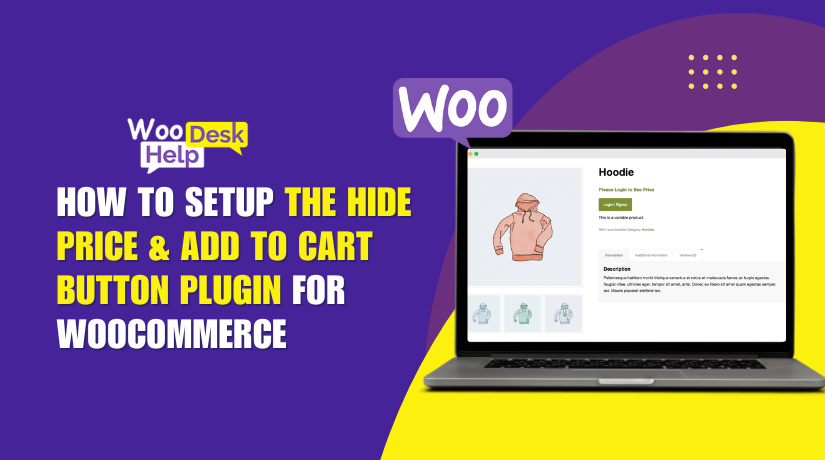
How to Setup the Hide Price & Add to Cart Button Plugin for WooCommerce
In online stores, showing or hiding product prices is a smart strategy. Sometimes, you want to keep prices visible for everyone. Other times, hiding them makes more sense. This is common in B2B, wholesale, or custom product stores. Additionally, hiding...

How to Set up “Tab Manager for WooCommerce” to Customize Product Pages Easily
Managing product pages in WooCommerce can be a challenge. You want to show key product details, but the default tabs are often too limited. That's where the Tab Manager for WooCommerce comes in. This plugin helps you take full control...

How to Use “Extra Fees for WooCommerce” Plugin to Add Custom Charges Easily
Running a WooCommerce store means thinking about more than just products. You may also need to add extra charges like handling fees, payment processing costs, or shipping surcharges. These costs help cover your store's real-world expenses and keep your profits...