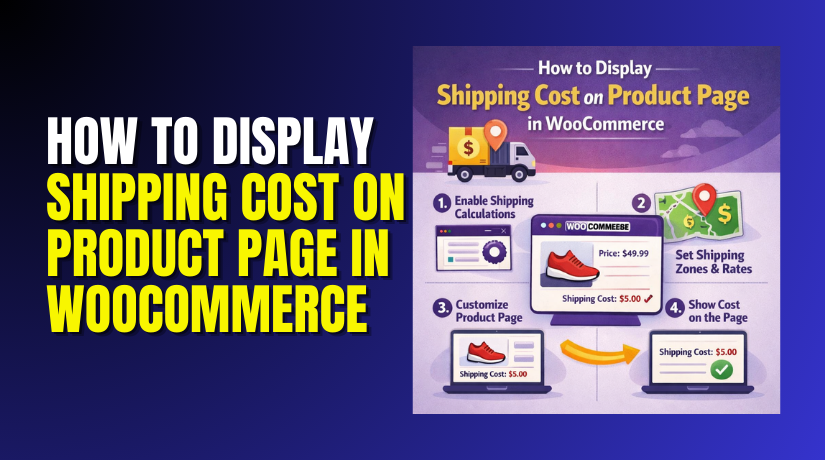

How to Set Up Force Sells for WooCommerce to Boost Cart Value
Running a WooCommerce store means offering a smooth shopping experience. Customers should be able to find what they need fast. But sometimes, they miss important...
Common WooCommerce PayPal Currency Mismatch Errors
If you run a WooCommerce store, PayPal is likely your go-to gateway. It’s trusted, easy to use, and widely accepted. But sometimes, things don’t go...

How to Fix WooCommerce PayPal Incorrect API Credentials Error
If you’re using PayPal with WooCommerce, API errors can be frustrating. These issues often happen when your PayPal API credentials are incorrect or misconfigured. As...
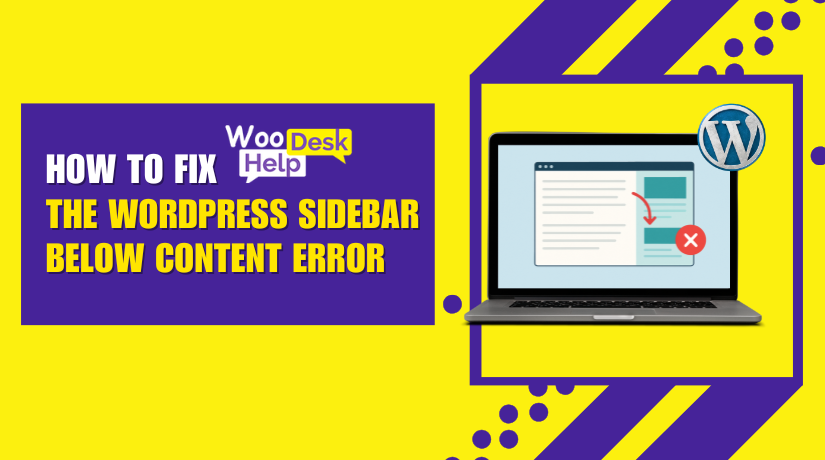
How to Fix the WordPress Sidebar Below Content Error (Step-by-Step Guide)
A sidebar in WordPress is a critical element on your website. It typically appears alongside your main content area, providing valuable additional information. Sidebars commonly...
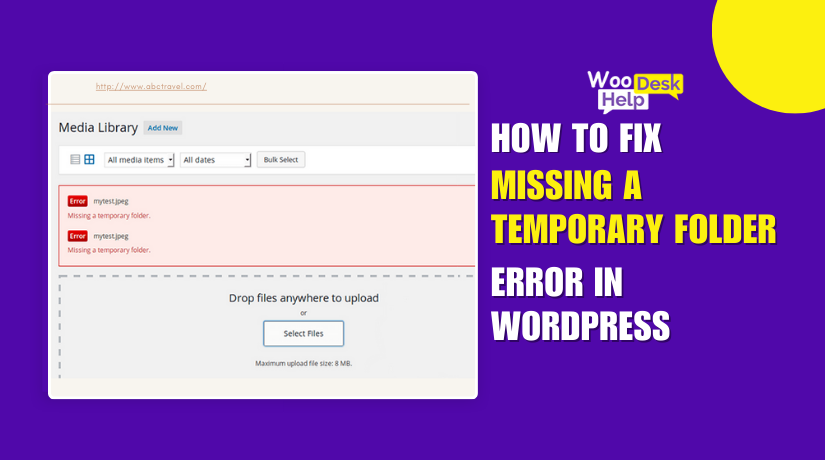
How to Fix “Missing a Temporary Folder” Error in WordPress
If you’re using WordPress, you might see a strange upload issue. The error “WordPress Missing a Temporary Folder” is what this is called. It can...
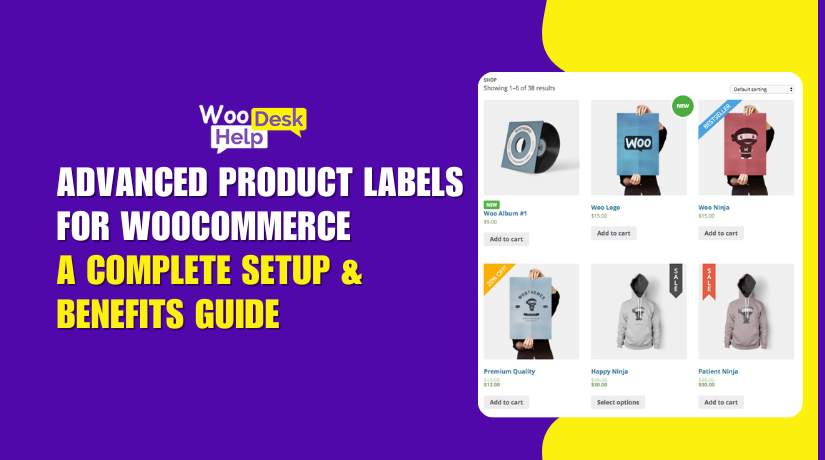
Advanced Product Labels for WooCommerce: A Complete Setup & Benefits Guide
In a crowded online store, standing out is everything. With so many products listed, customers often overlook the best deals. This is where Advanced Product...
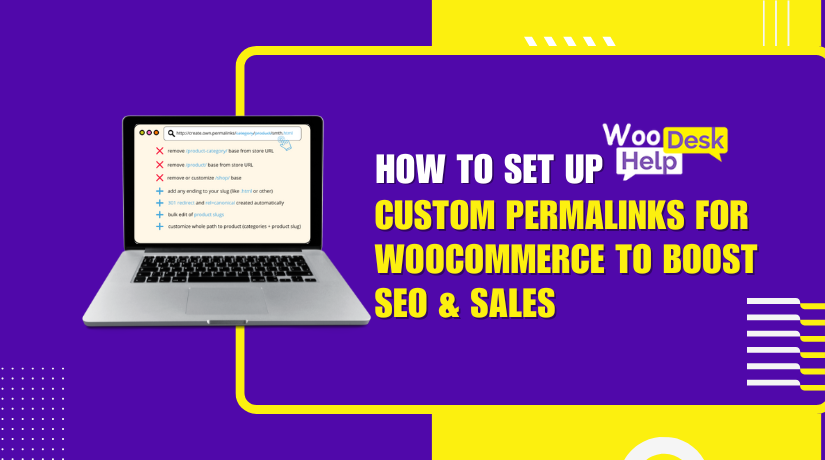
How to Set Up Custom Permalinks for WooCommerce to Boost SEO & Sales
The permanent URLs for the information on your website are called permalinks. In WooCommerce, they are used for product pages, categories, and tags. By default,...
How to Set Up CRM Integration Zoho for WooCommerce to Automate Your Store
Running an online store is not just about selling products. It’s about managing data, customers, and orders with ease. Many store owners use WooCommerce, one...
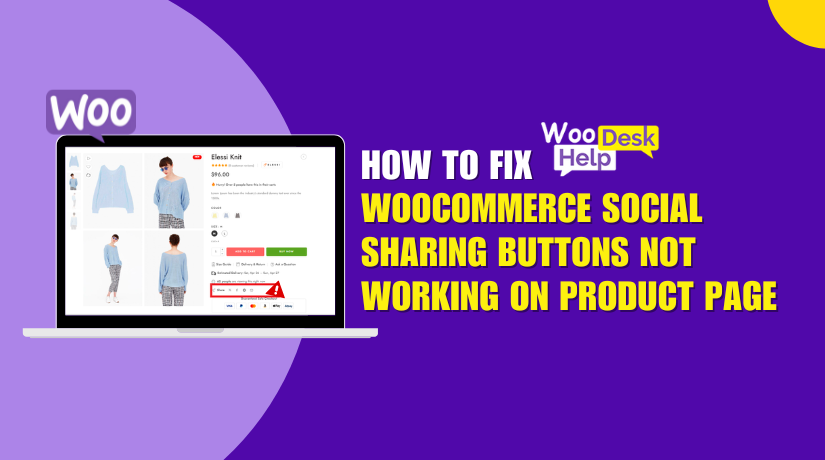
WooCommerce Social Sharing Buttons Not Working on Product Page? Here’s How to Fix It
Social sharing is a must for online stores today. It helps you reach more people. With a simple click, users can share your products with...
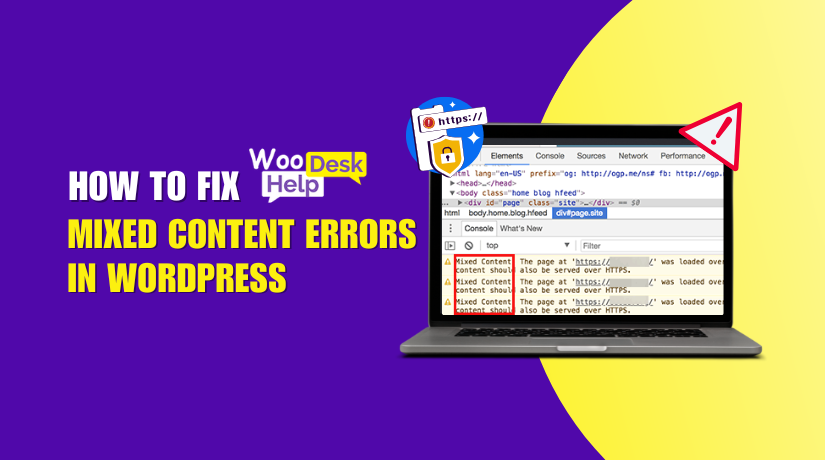
How to Fix Mixed Content Errors in WordPress
When resources (such as photos, scripts, or stylesheets) loaded over HTTP are included in a website delivered over HTTPS, the WordPress Mixed Content Error happens....