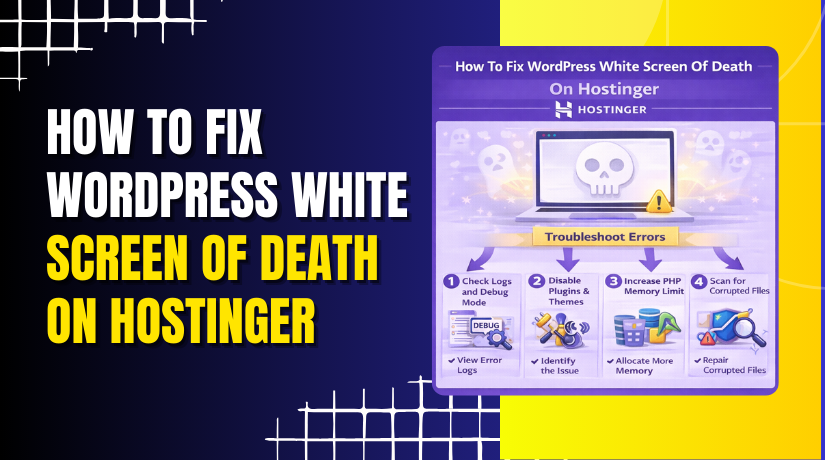
How To Fix WordPress White Screen Of Death On Hostinger
Introduction
A white screen issue in WordPress, often referred to as the “White Screen of Death,” can occur due to PHP errors, insufficient memory limits, outdated PHP versions, or theme and plugin conflicts. When this issue appears, your website may load as a blank page without any error message, making it difficult to identify the root cause. On Hostinger, resolving this issue involves enabling WordPress debug mode, adjusting PHP configuration settings, and ensuring your themes and system settings are up to date. In this guide, you’ll learn how to enable debugging through the wp-config.php file, increase PHP execution time and memory limits, update the PHP version, and refresh WordPress settings. Following these steps helps accurately diagnose and fix the white screen issue while restoring your website’s functionality.
1. White Screen

2. check the issue
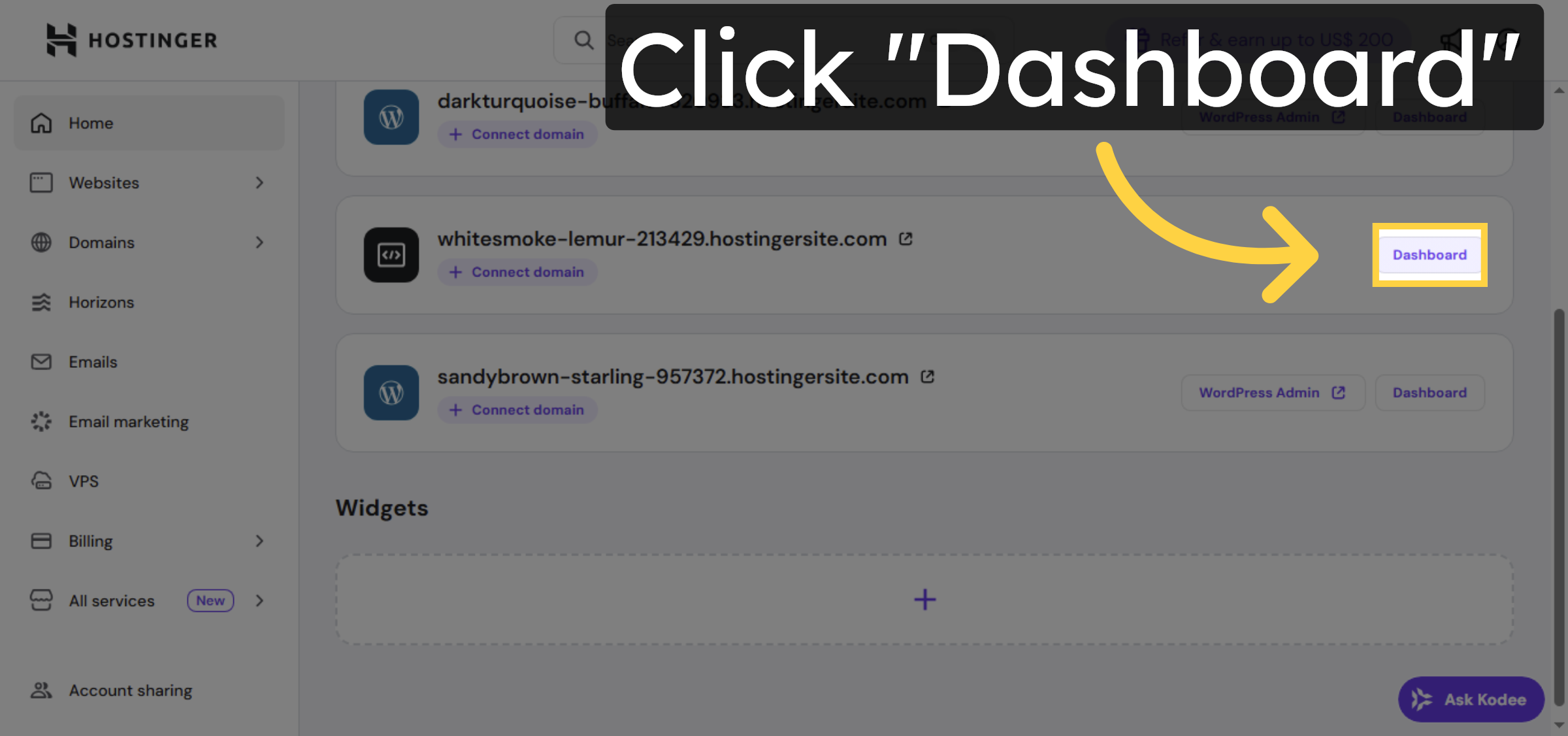
3. Navigate to Dashboard
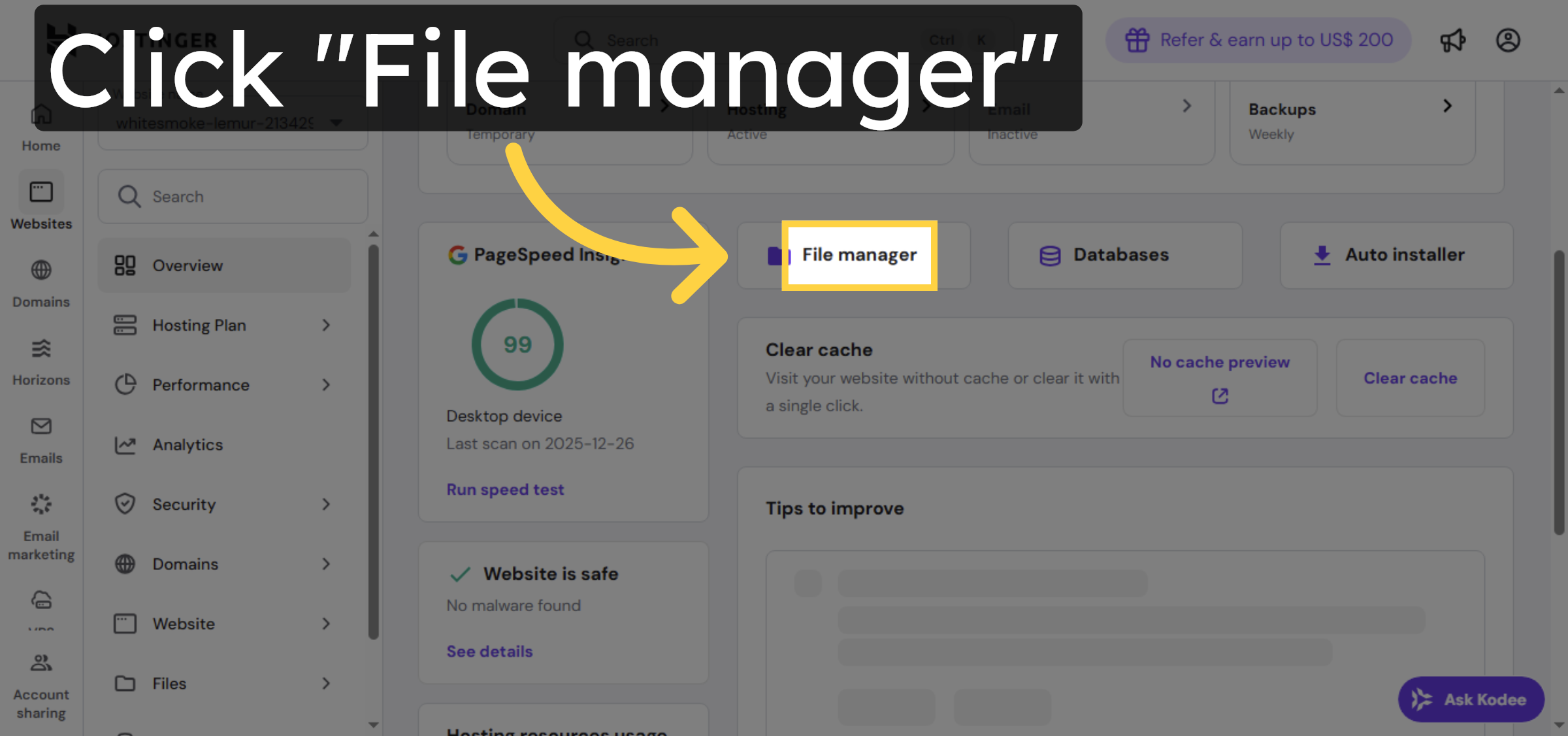
4. Open File Manager
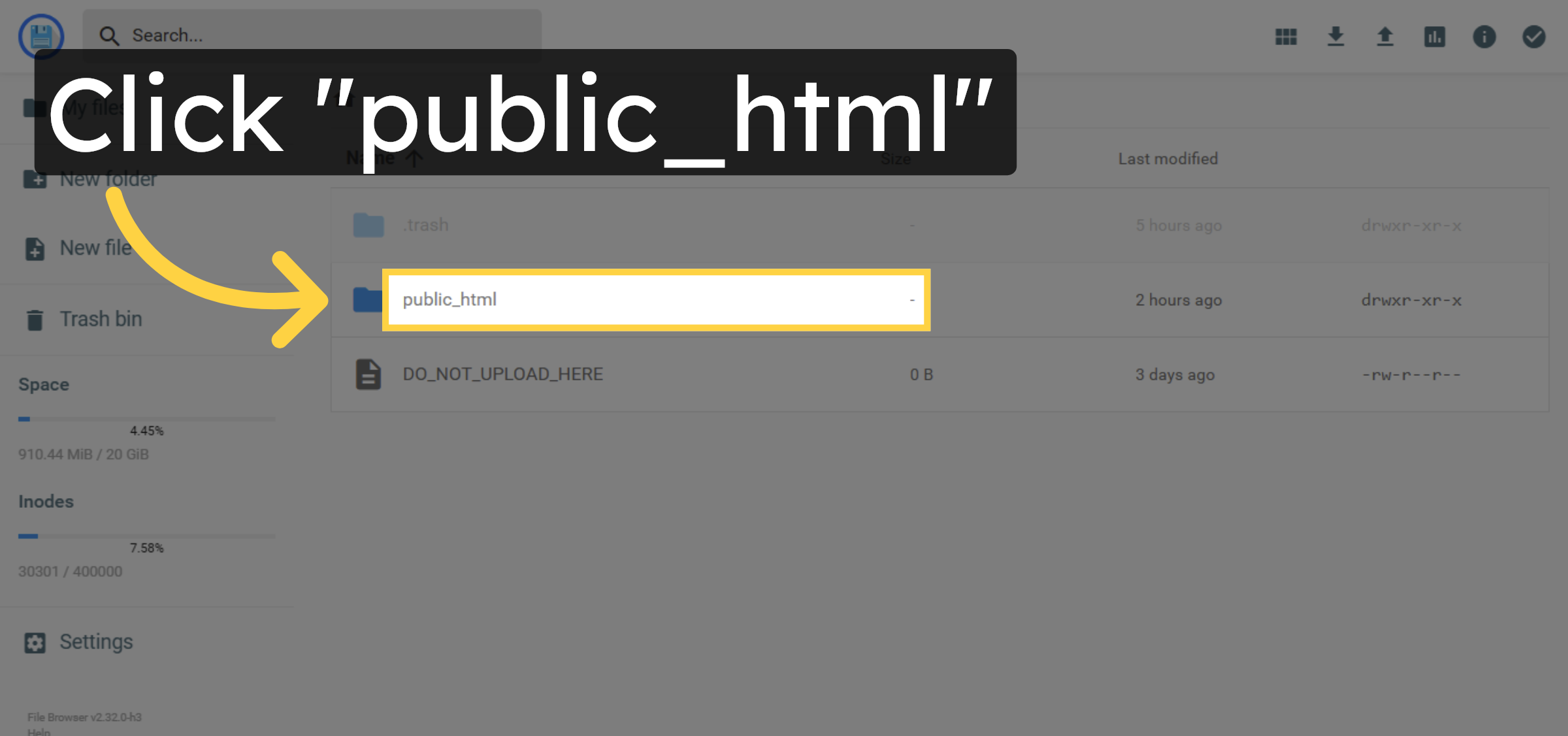
5. Open Public HTML Folder
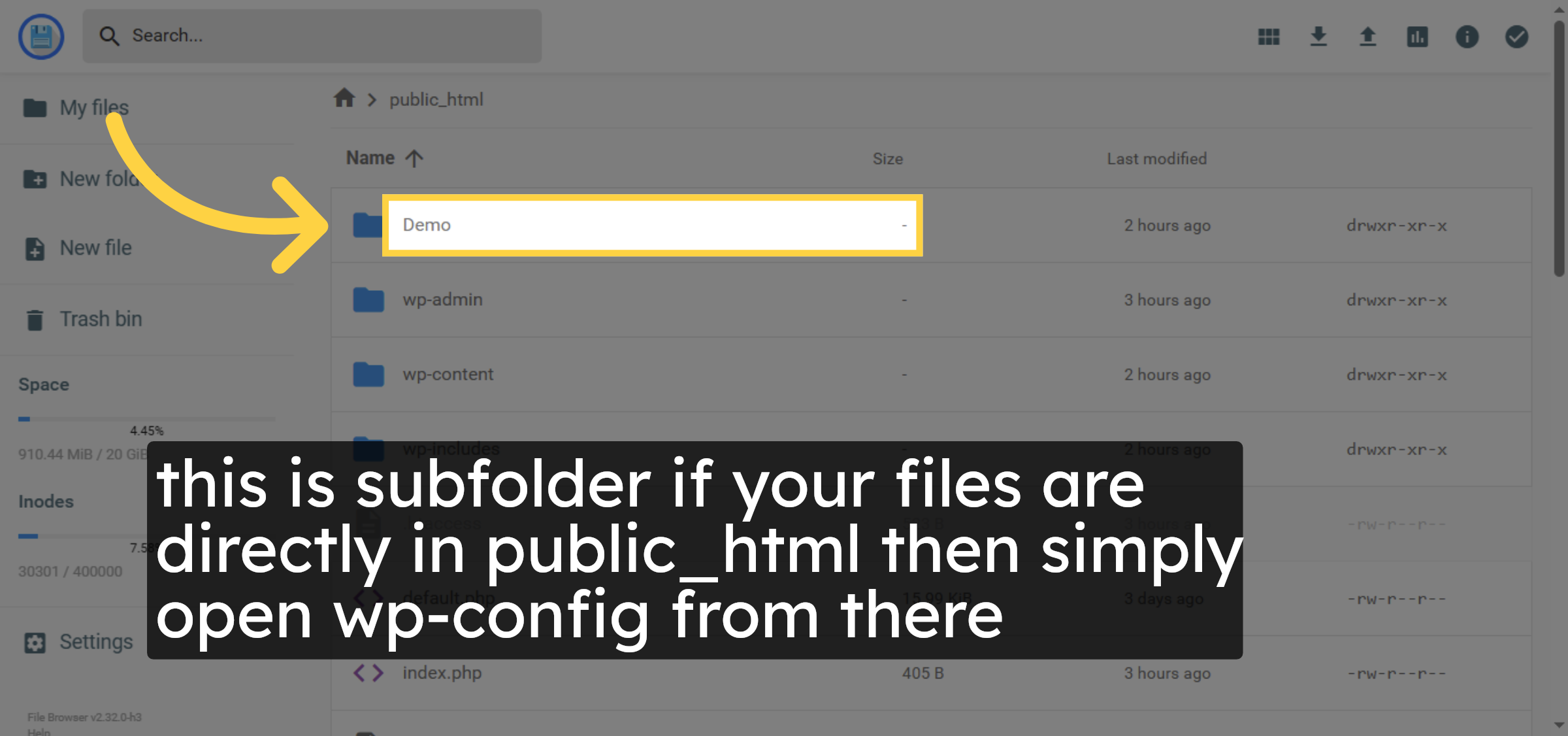
6. Open Demo Folder
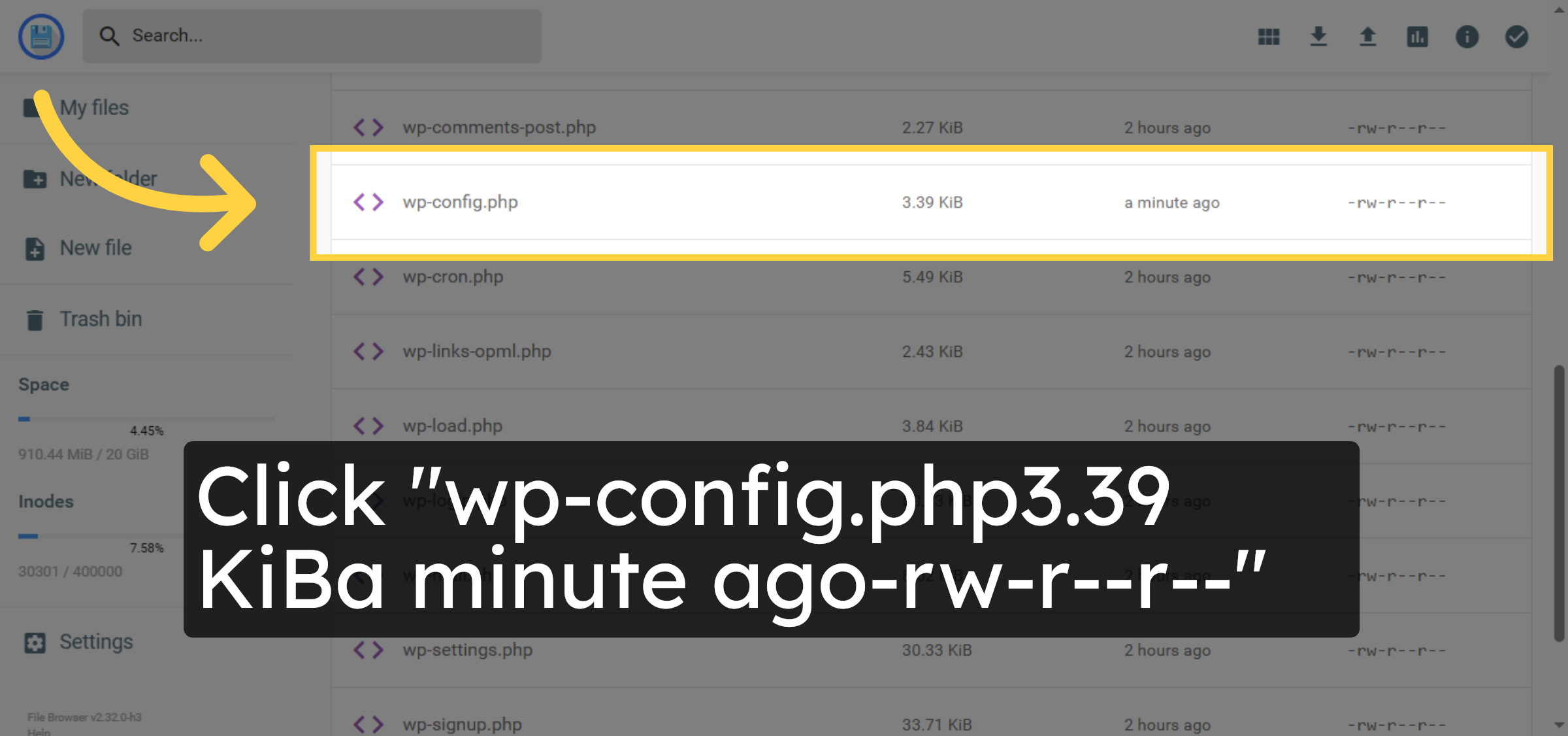
7. Select wp-config.php File
8. Locate Debugging Section
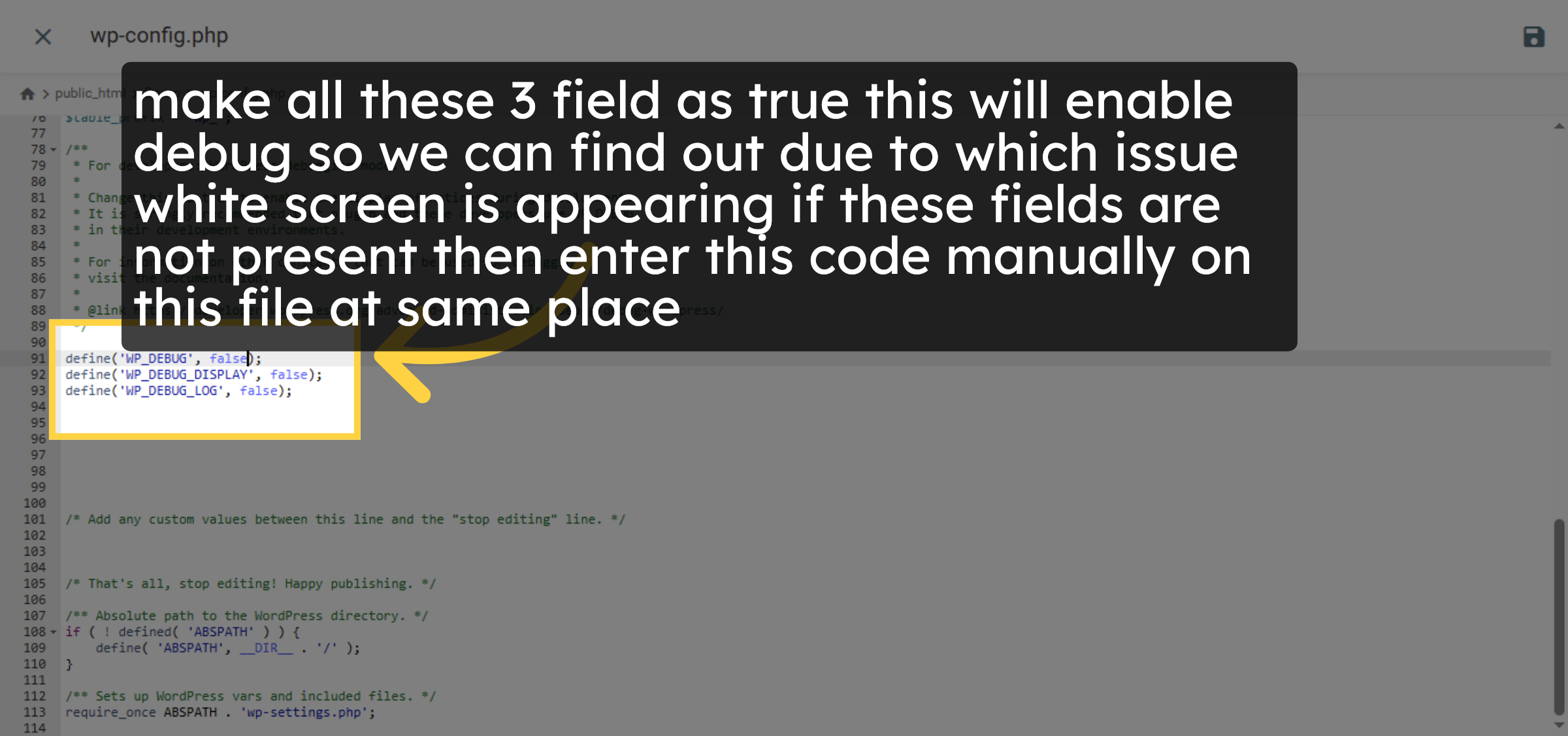
9. Save wp-config.php Changes
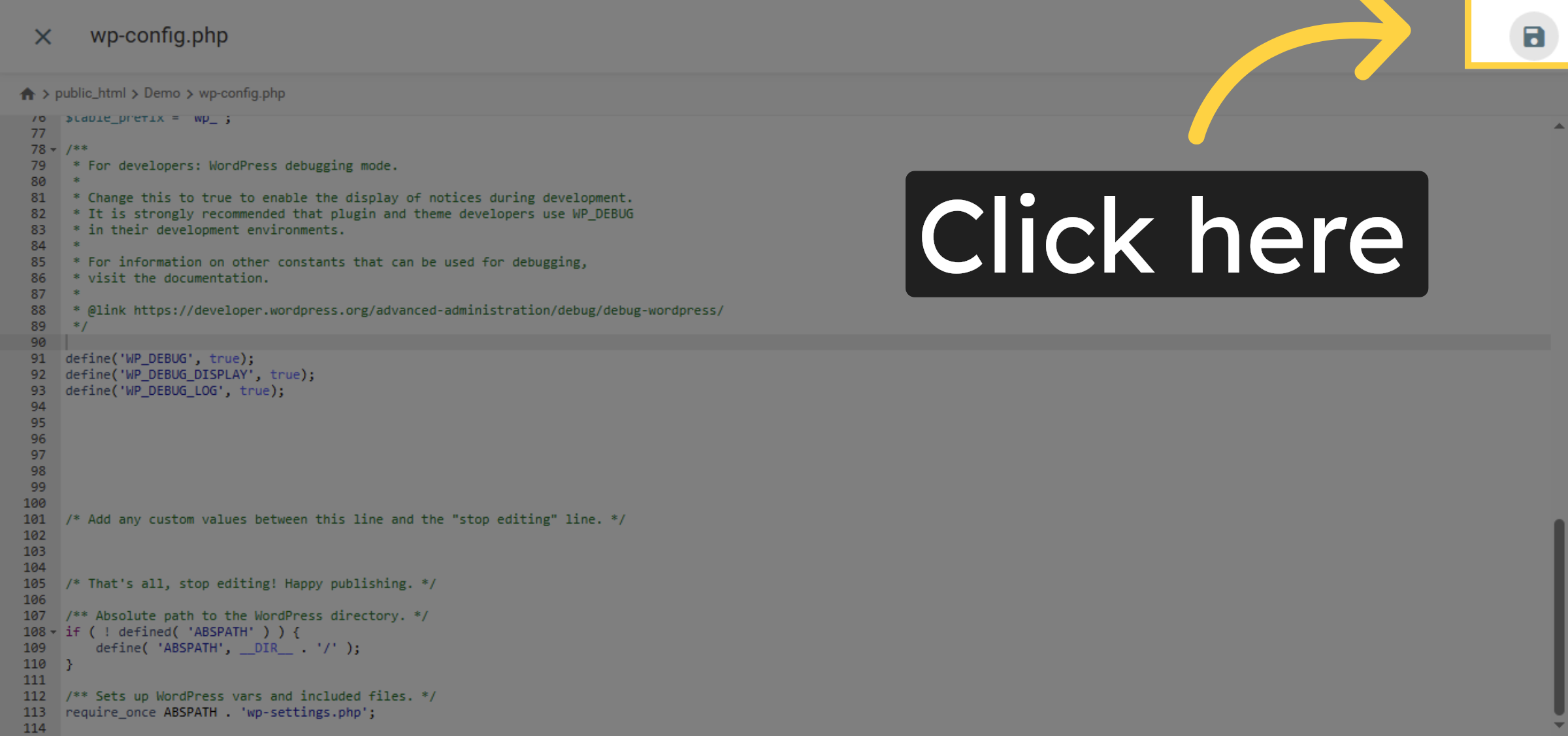
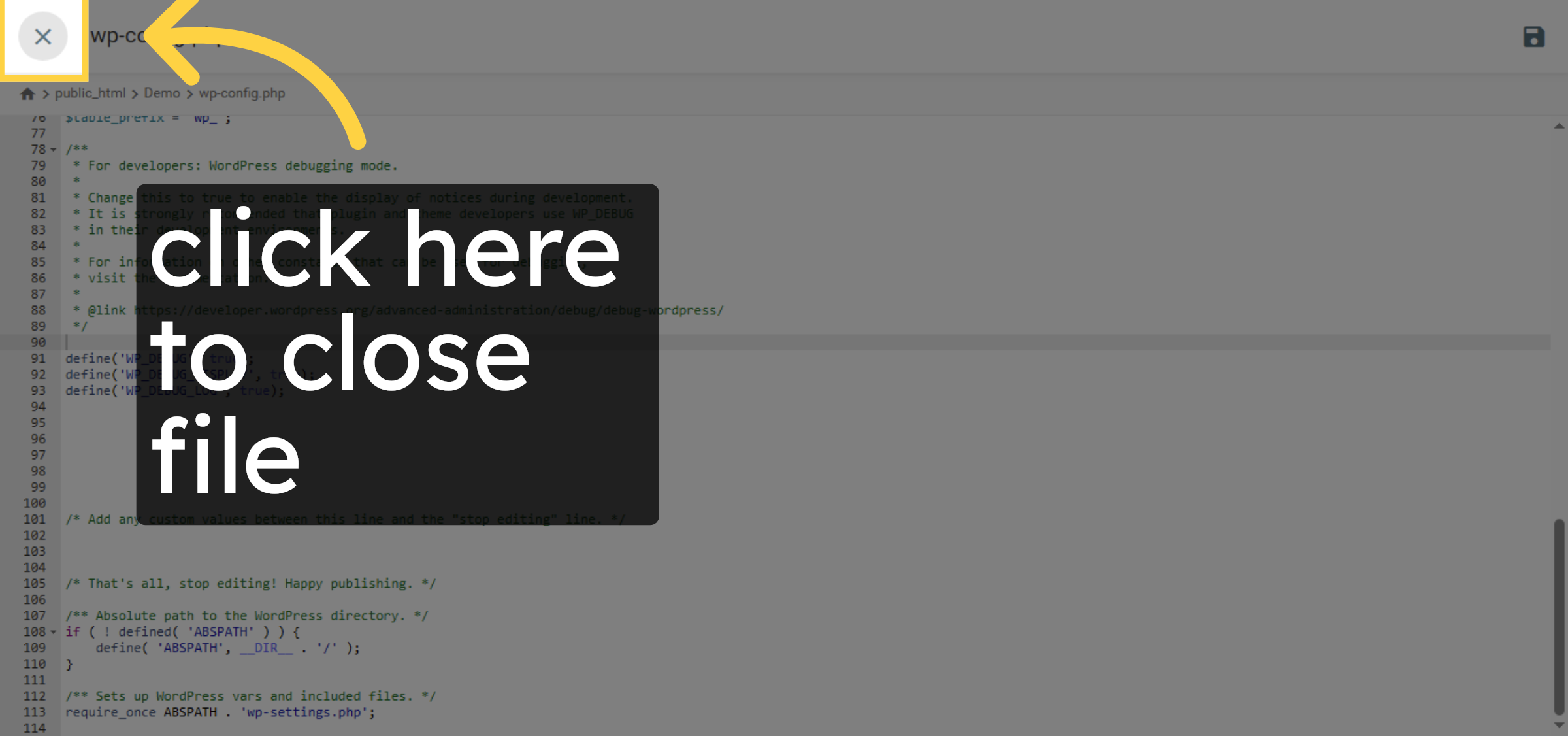
10. Close file
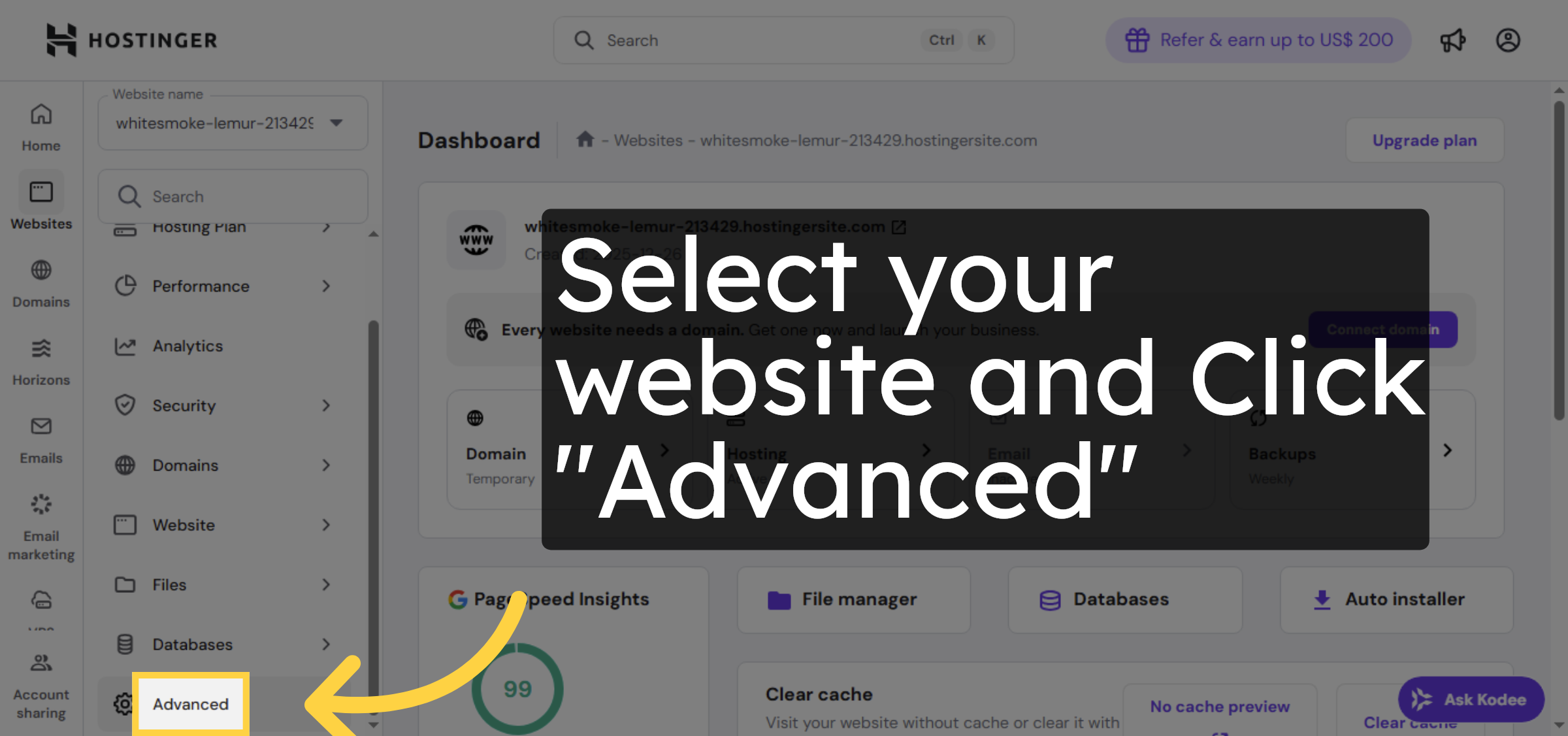
11. Access Advanced Settings
12. Open PHP Configuration
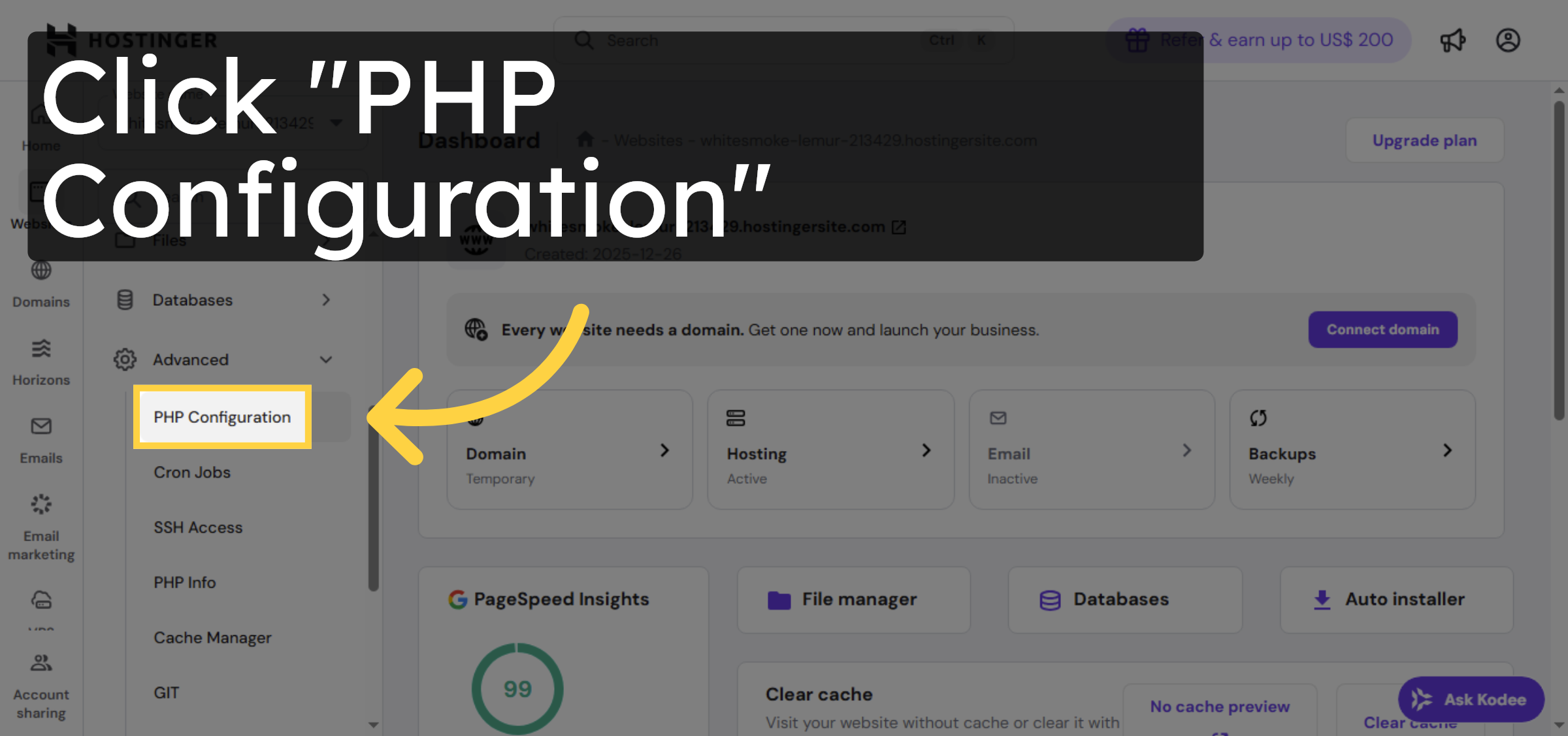
13. Select PHP Options
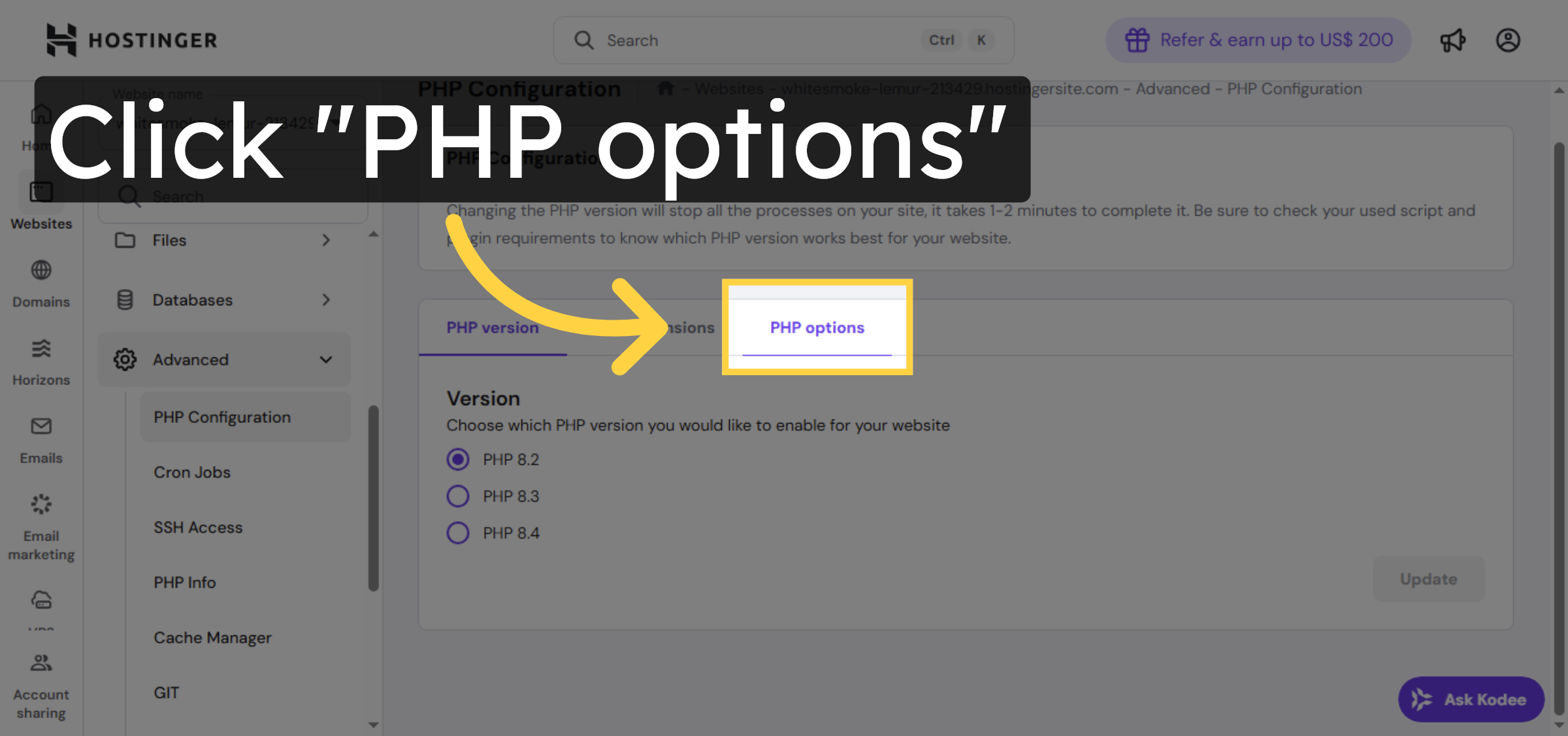
14. Adjust max_execution_time
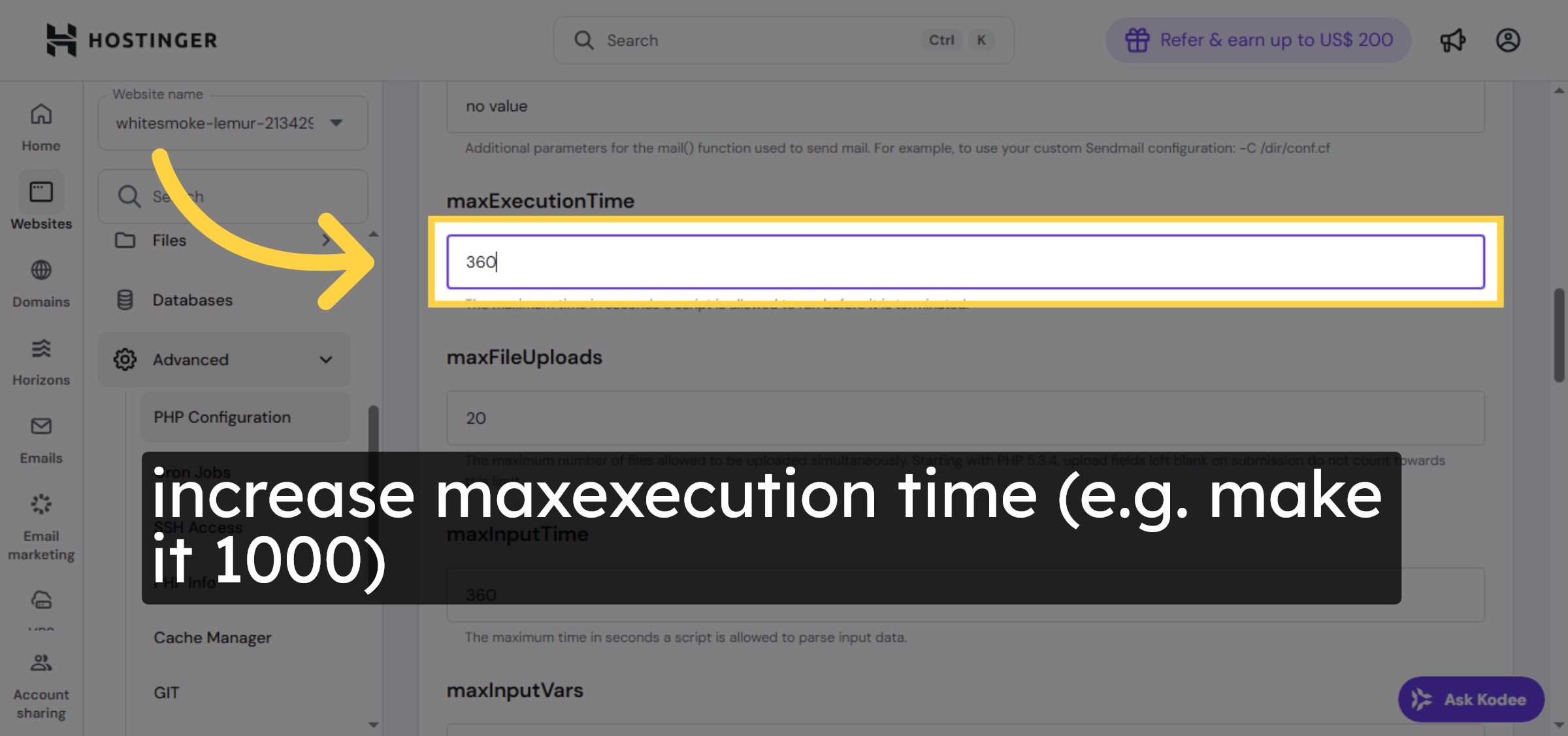
15. Increase PHP Memory Limit
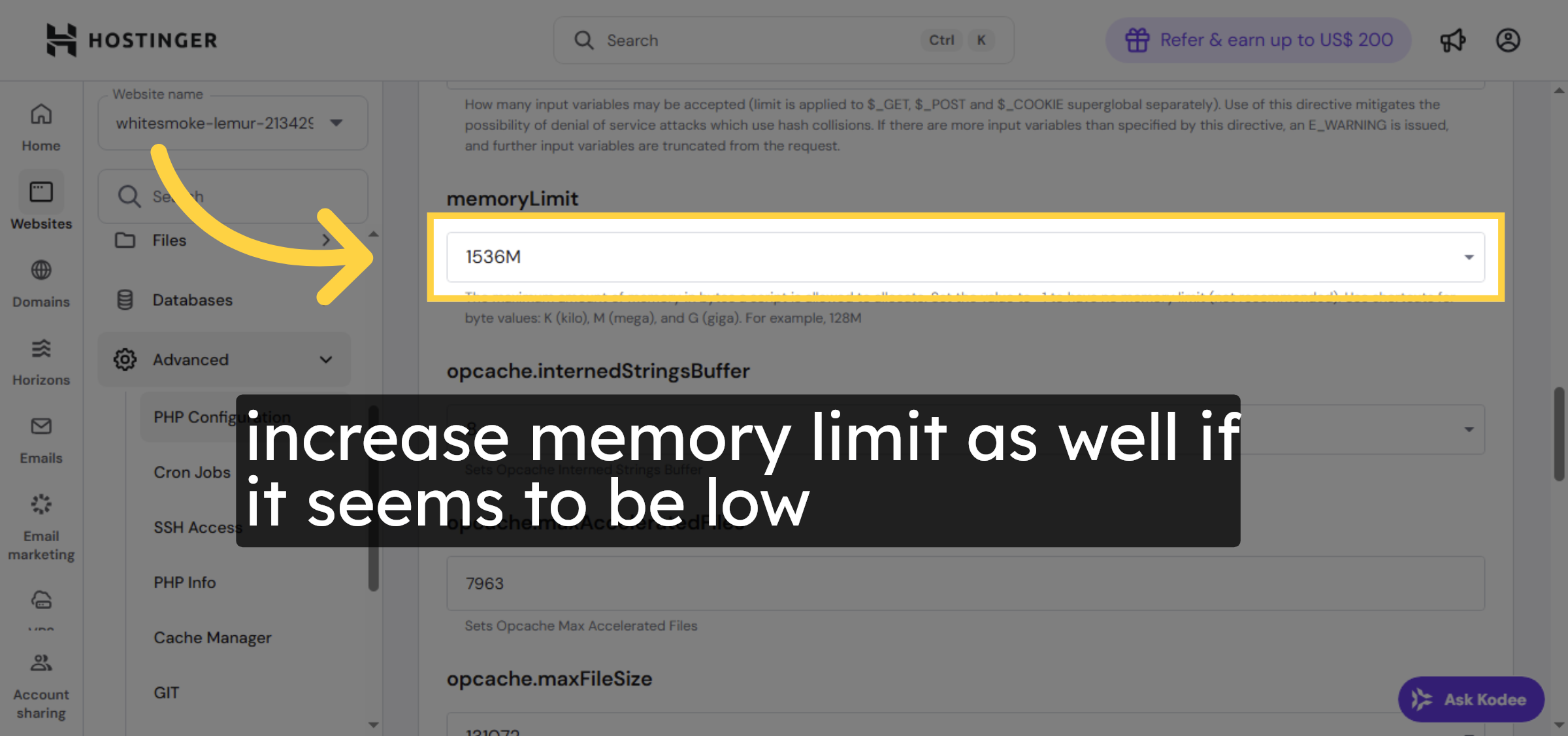


16. Save PHP Configuration
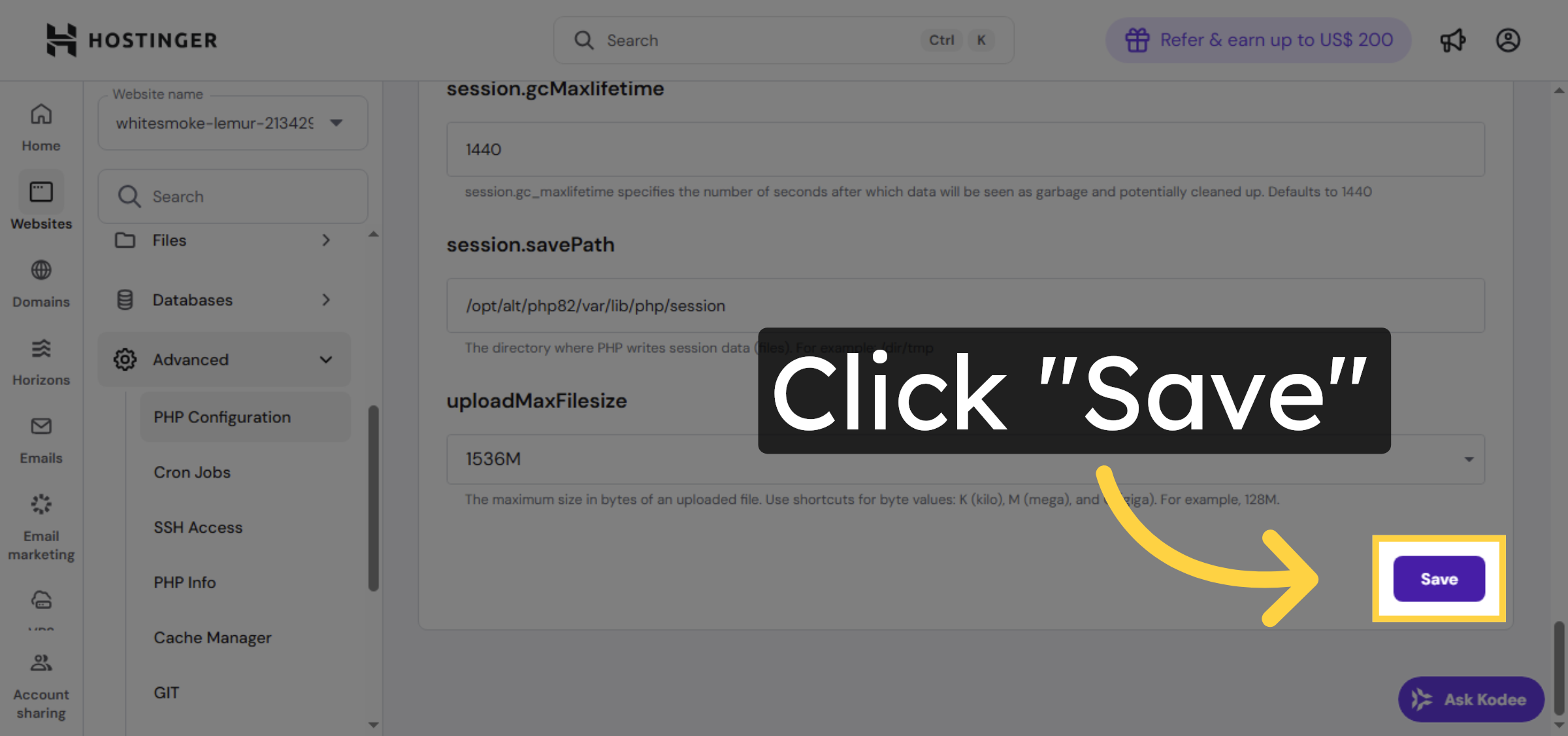
17. Open PHP Version Settings
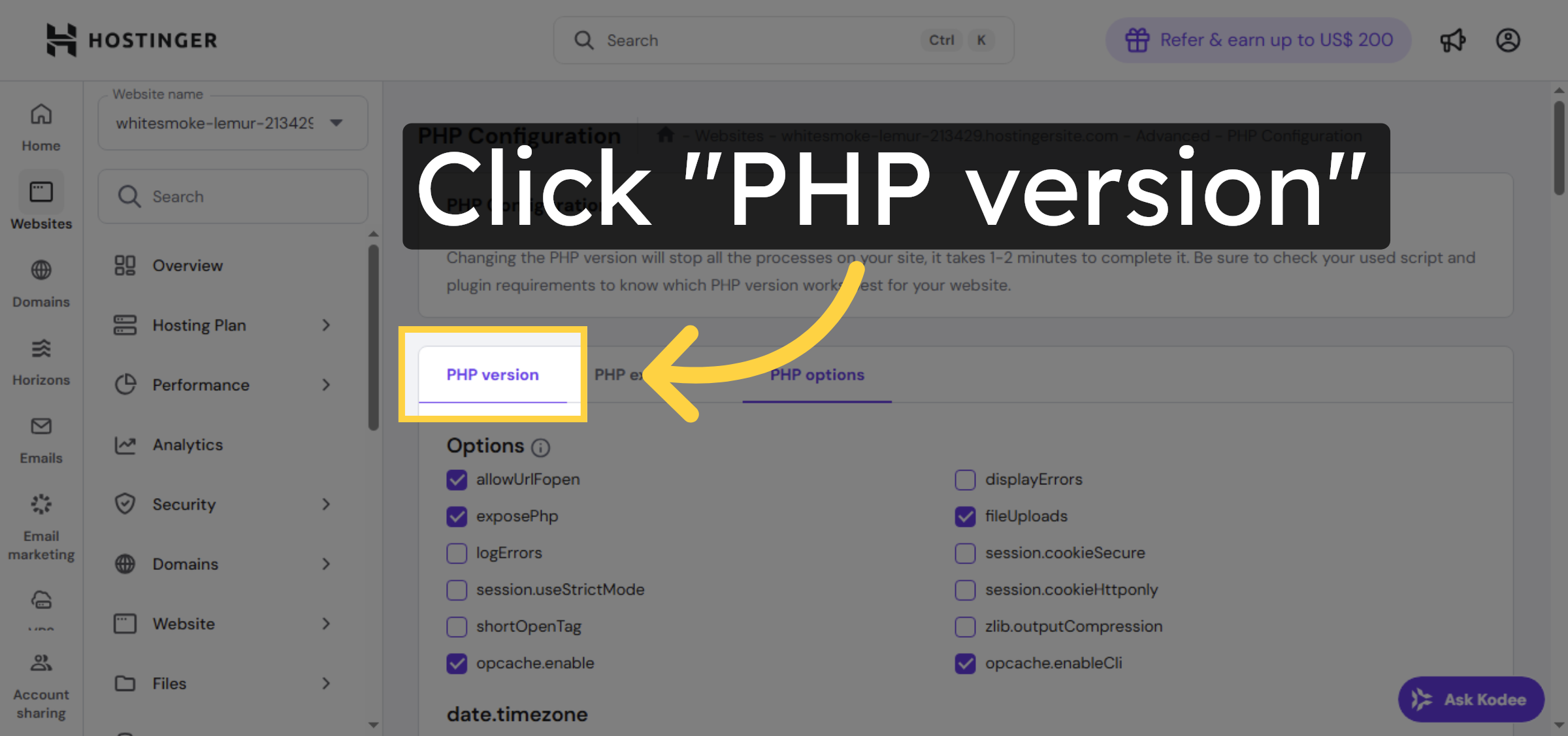
18. Select PHP Version Dropdown
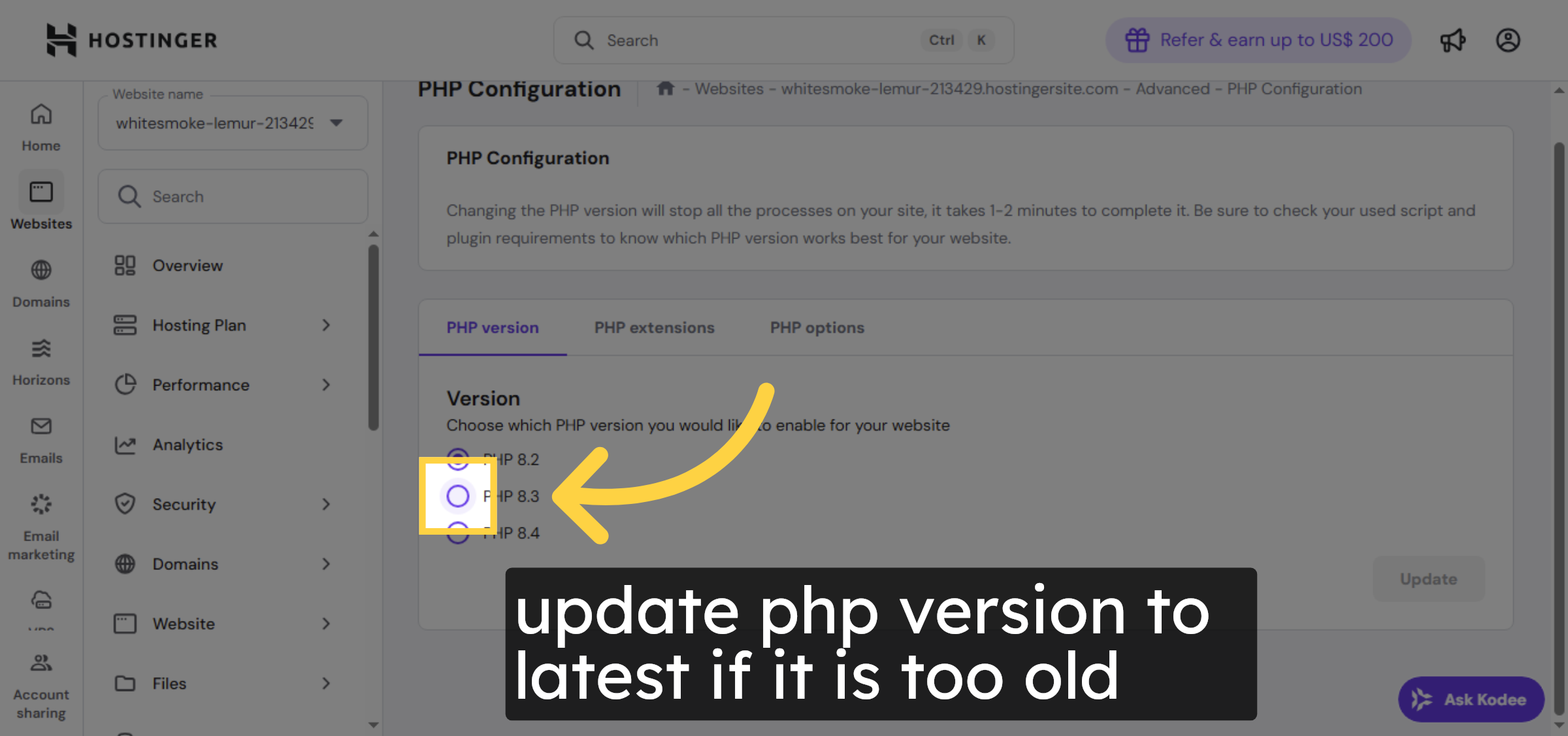
19. Update PHP Version
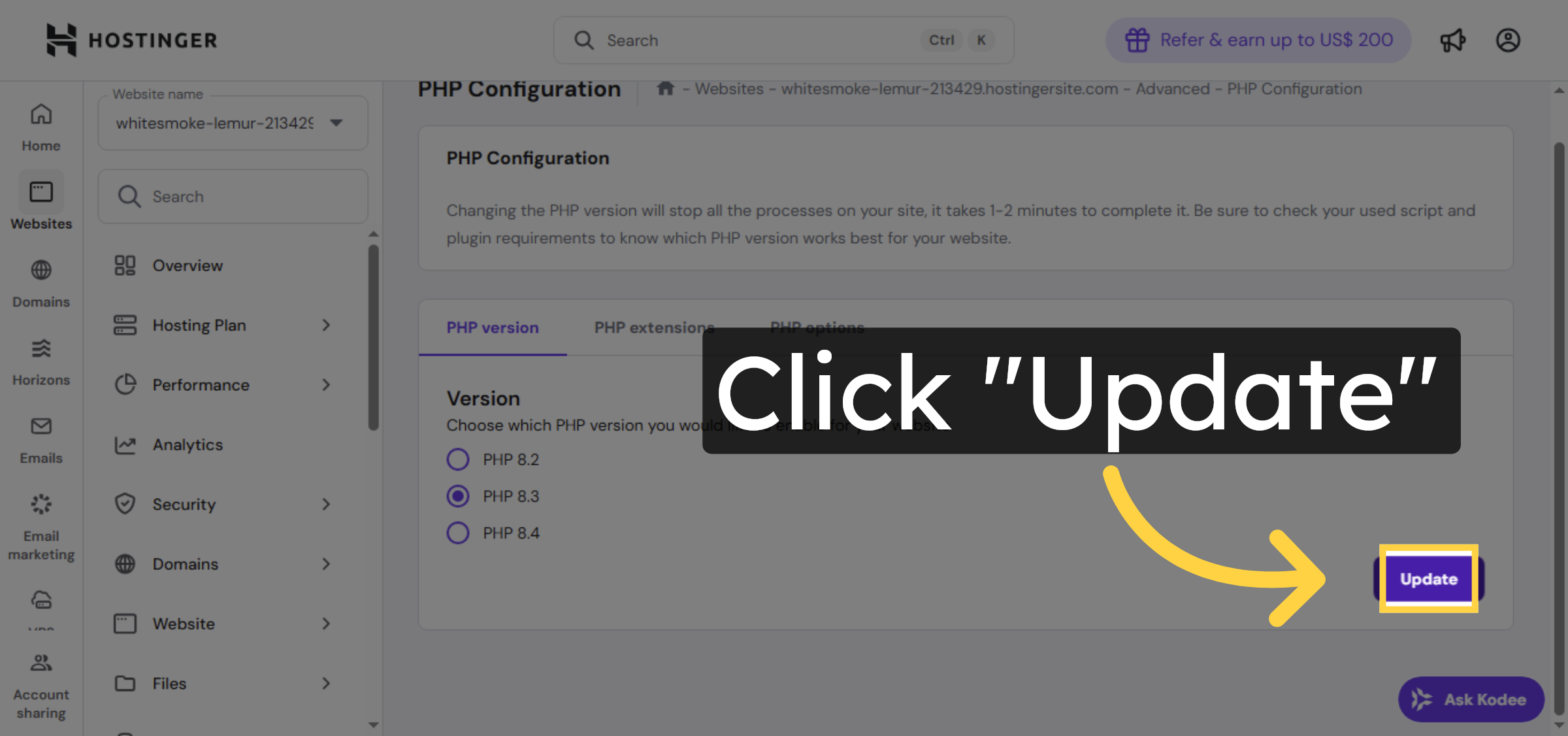
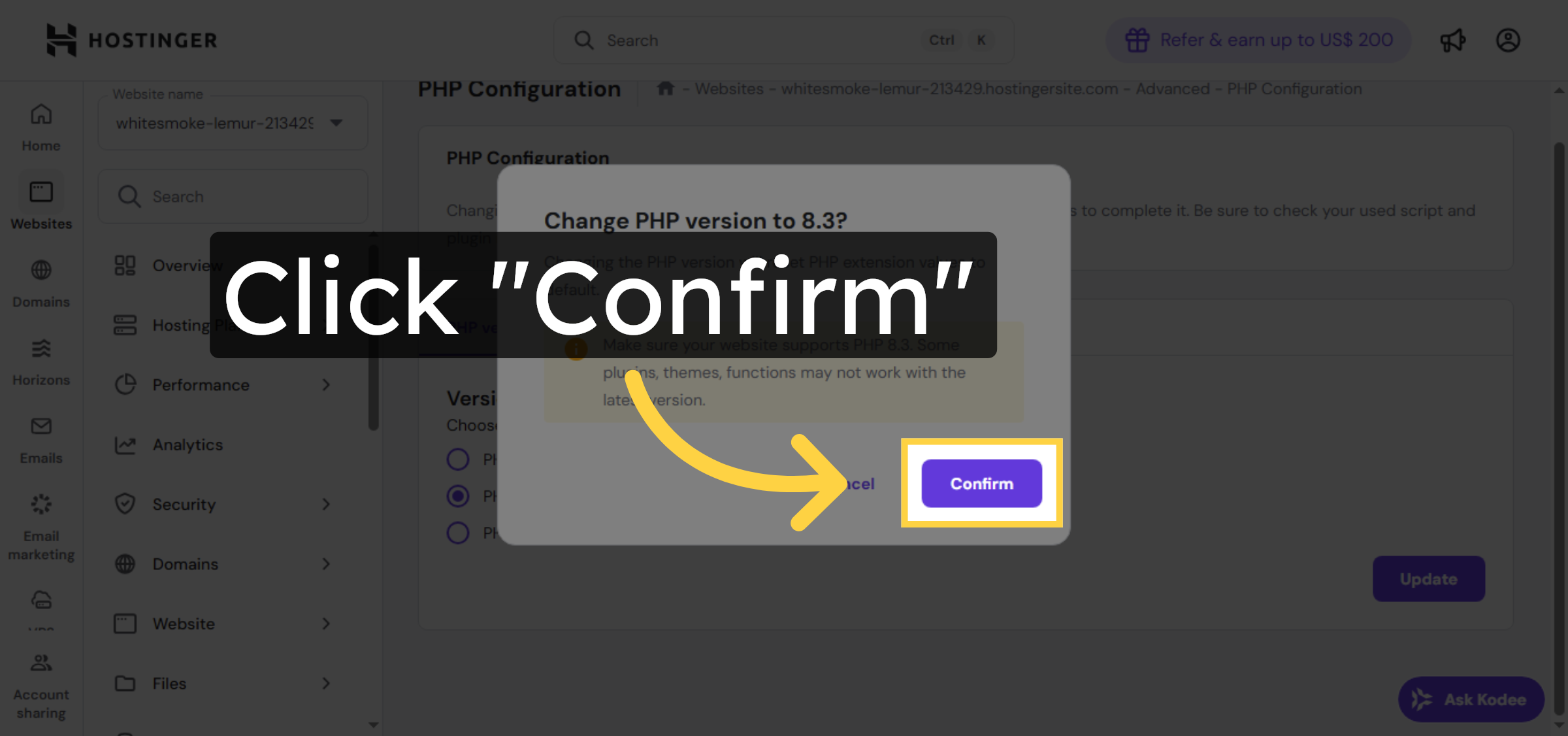
20. Confirm PHP Update
21. Return to WordPress Site
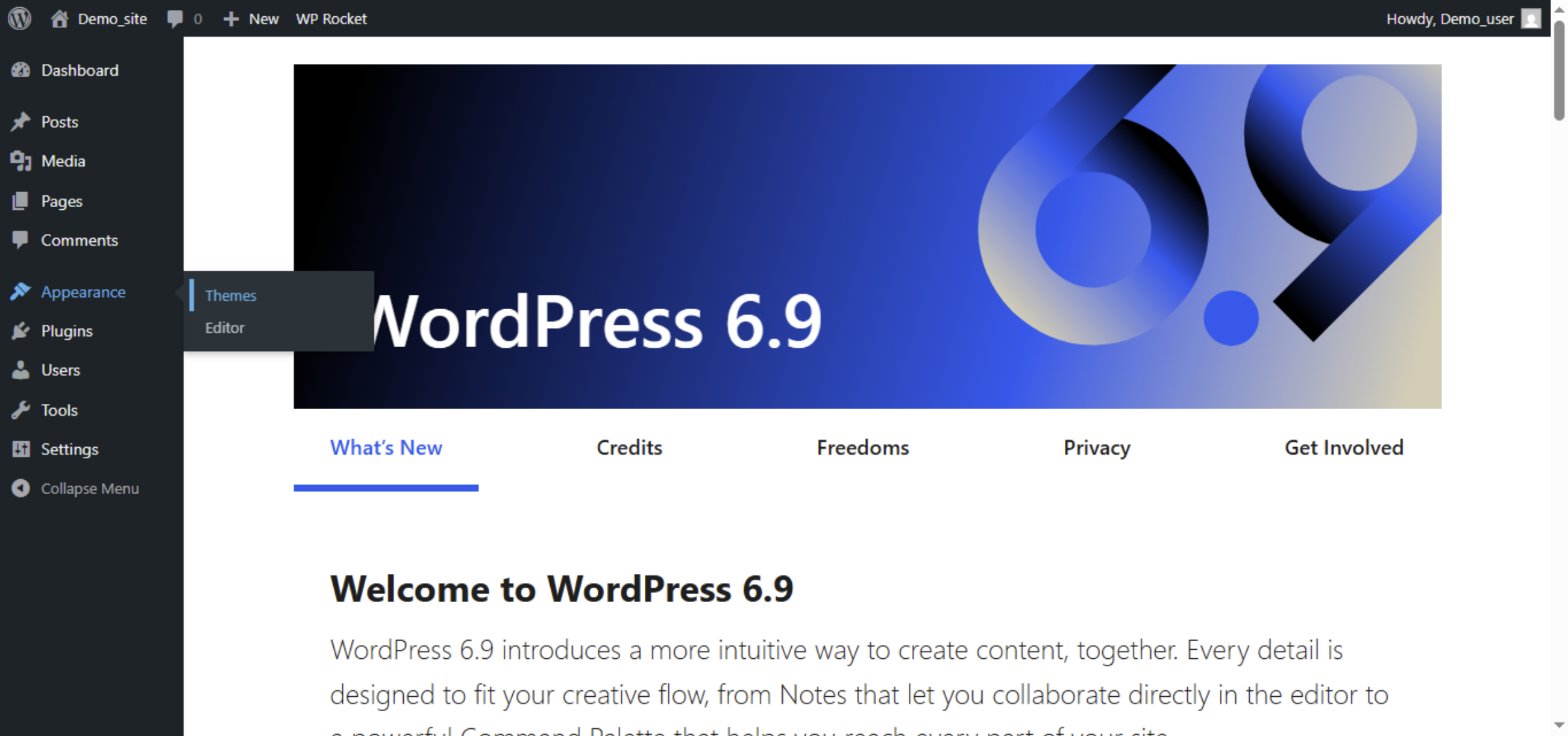
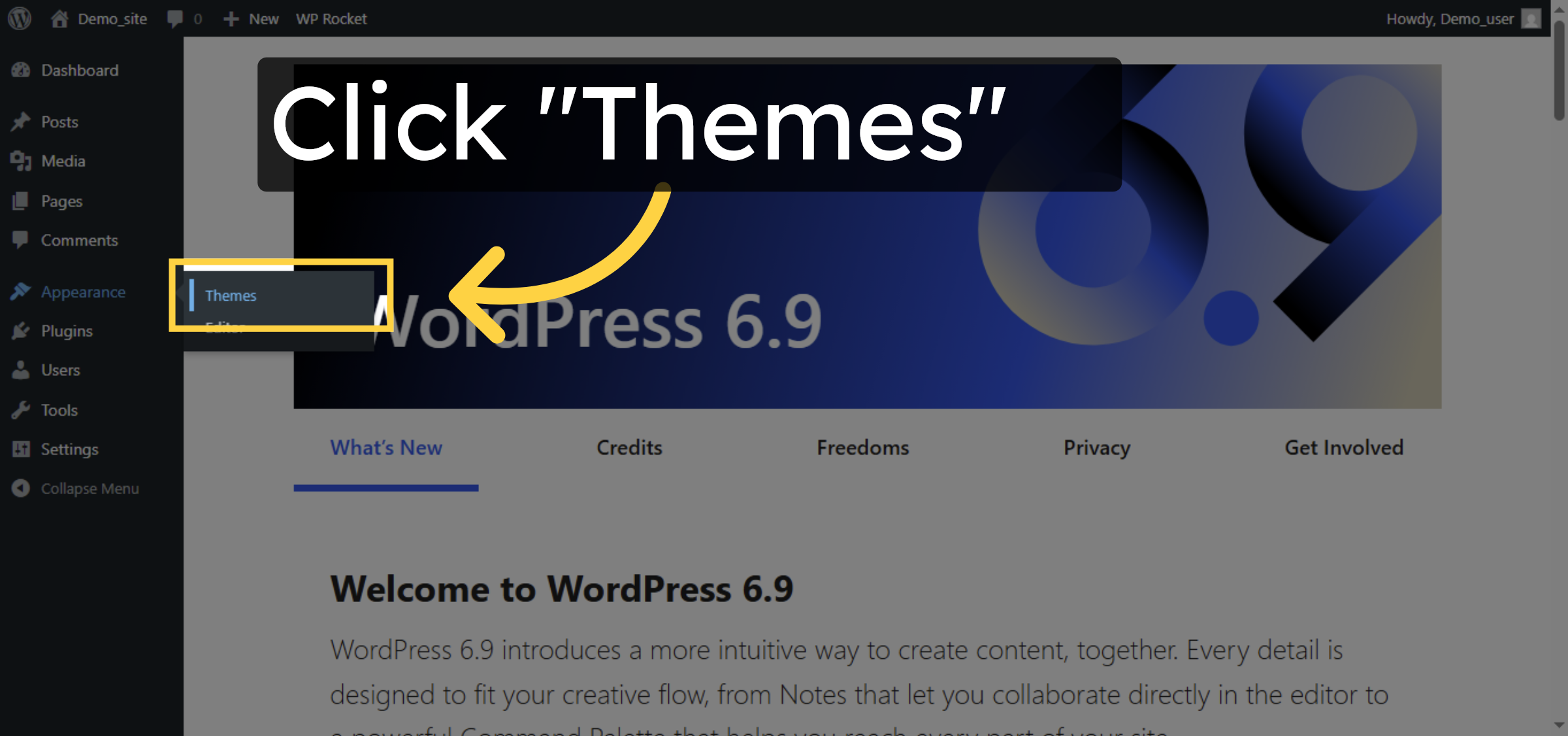
22. Open Themes Section
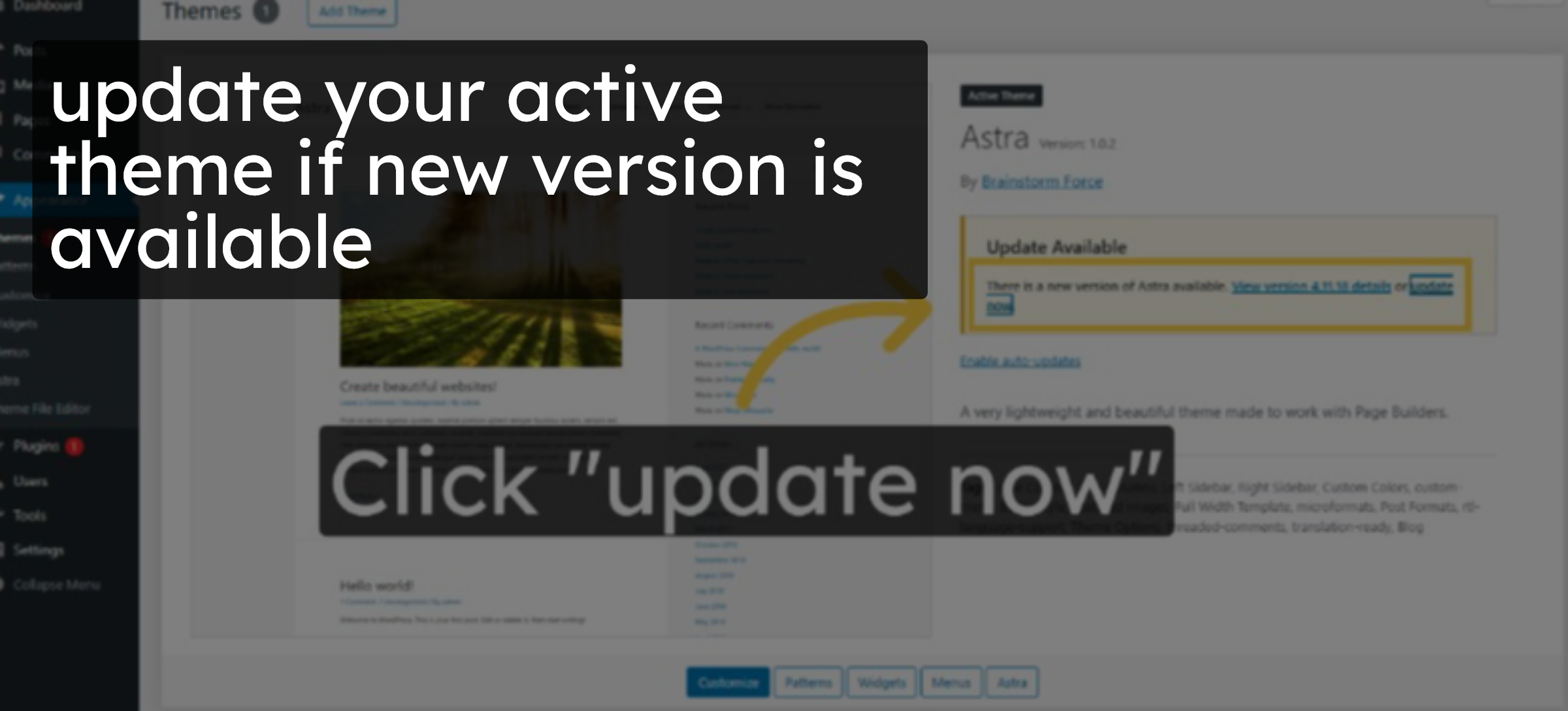
23. update your theme
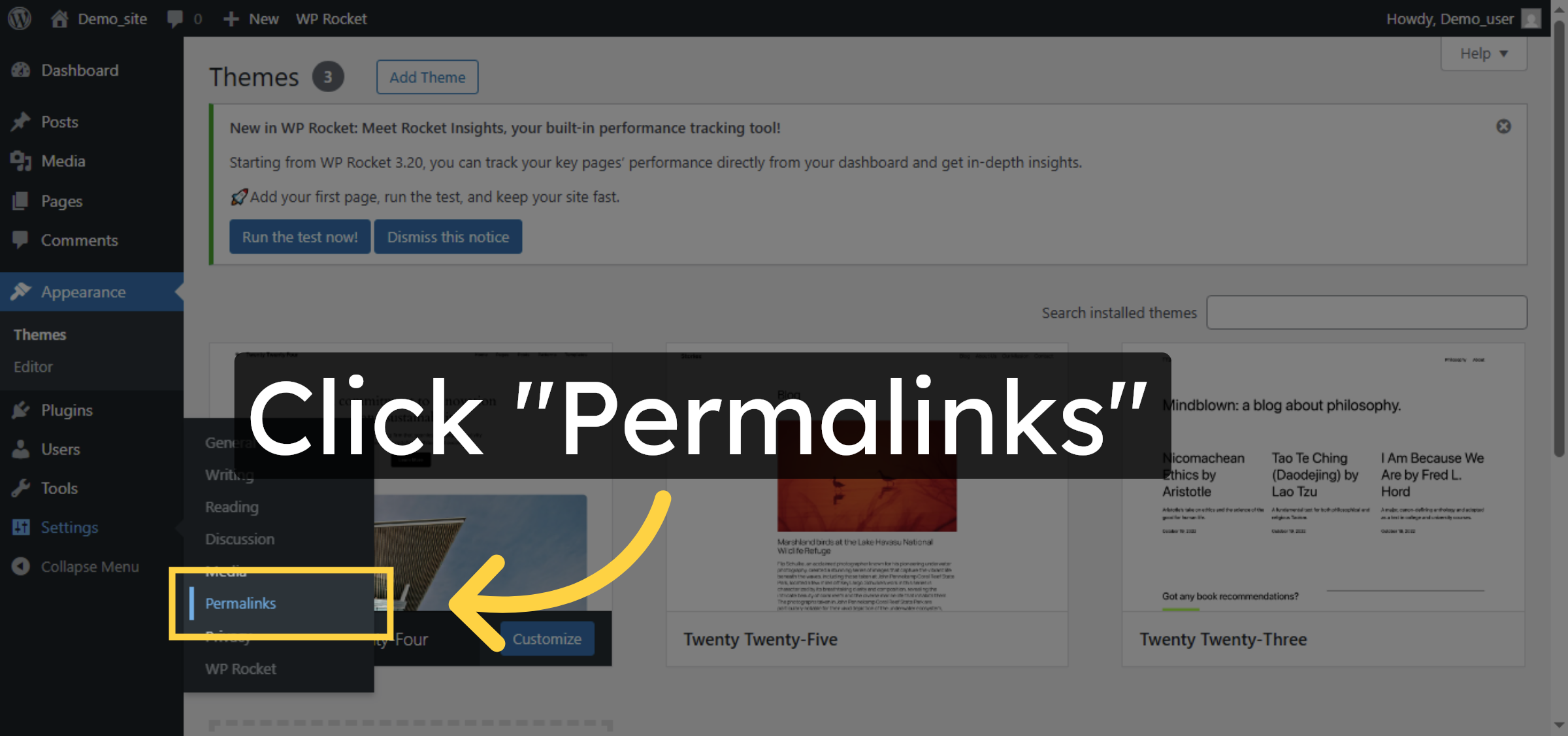
24. Access Permalink Settings
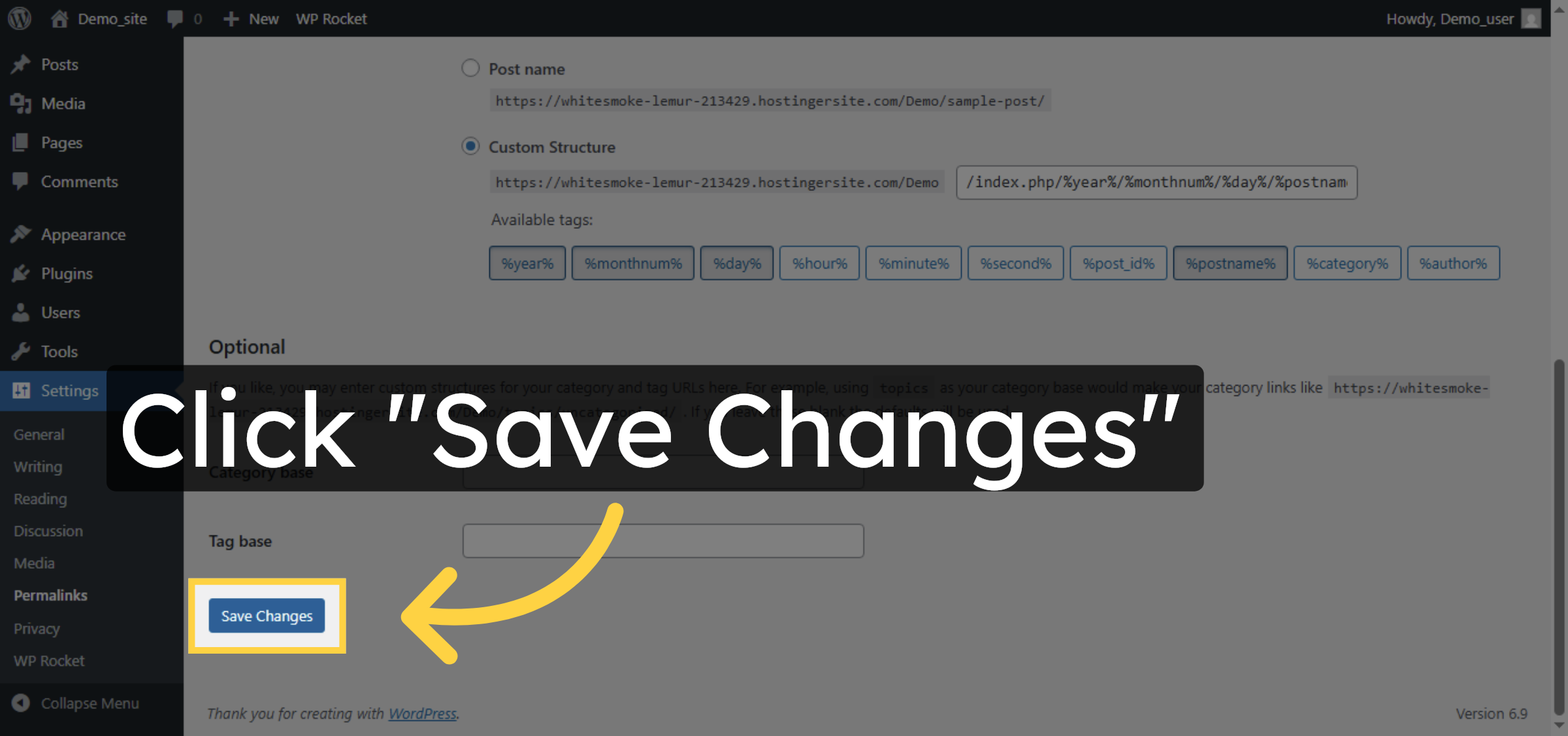
25. Save Permalink Changes
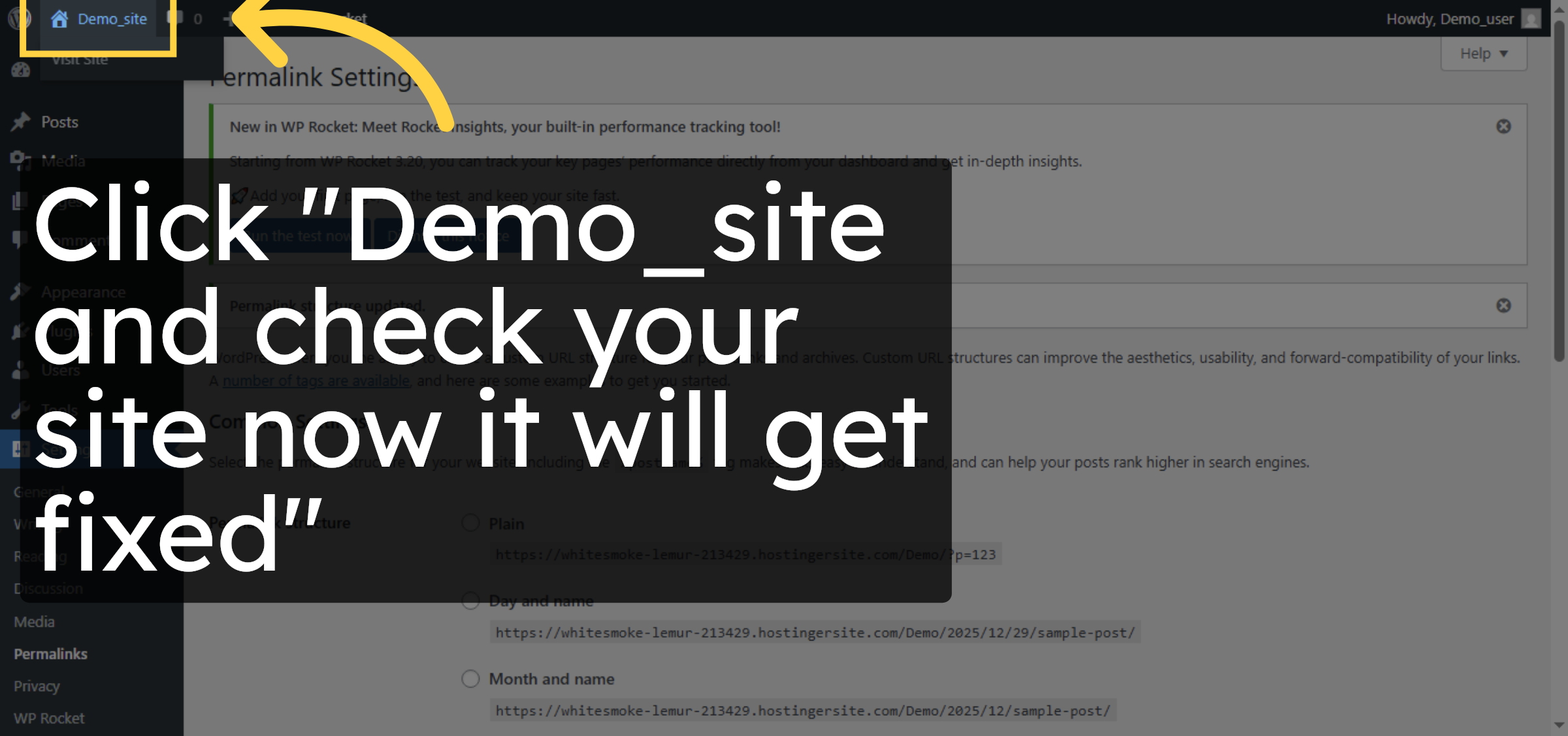
26. Return to Site Dashboard
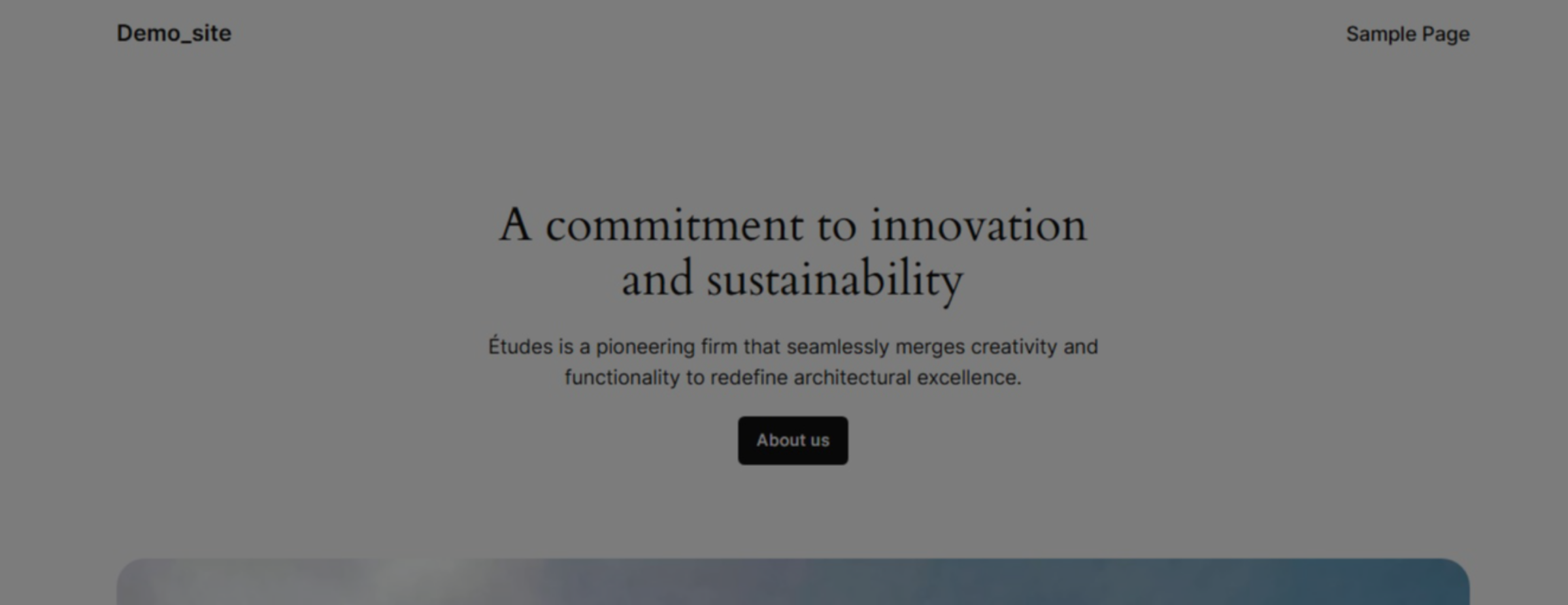
27. error resolved
Conclusion
By following the steps outlined in this guide, you can successfully diagnose and resolve the WordPress white screen issue on Hostinger. Enabling debug mode, adjusting PHP settings, updating PHP versions, and keeping themes up to date helps eliminate common causes of blank screen errors. Regular maintenance and proper configuration are best practices for preventing similar issues and ensuring a stable WordPress website.
Visit: https://www.woohelpdesk.com
Call Us Toll-Free: +1 888 602 0119 (US & Canada)
Get professional support for WordPress configuration, hosting management, performance optimization, and troubleshooting.