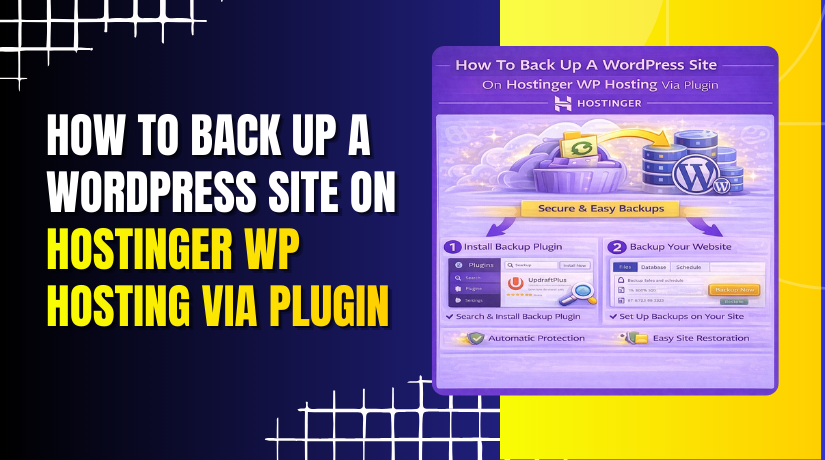
How To Back Up A WordPress Site On Hostinger Wp Hosting Via Plugin.
Creating regular backups is one of the most important practices for protecting your WordPress website from data loss, accidental changes,...
2 mins read
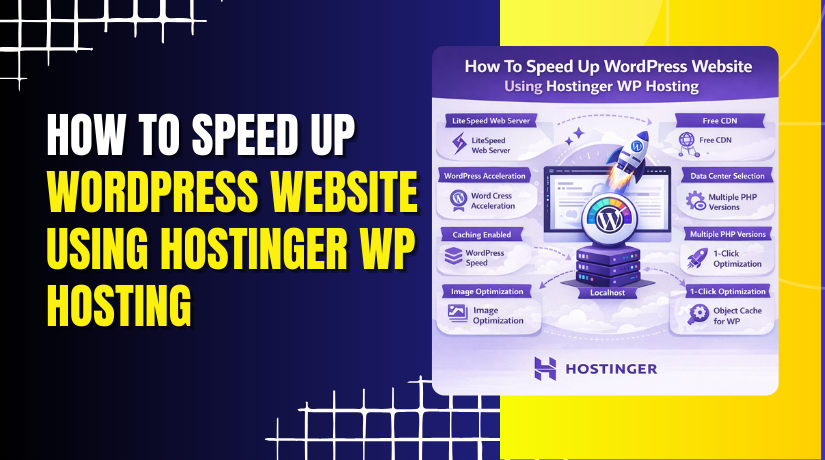
How To Speed Up WordPress Website Using Hostinger WP Hosting
Website speed plays a critical role in user experience, search engine rankings, and overall site performance. A slow-loading WordPress website...
5 mins read
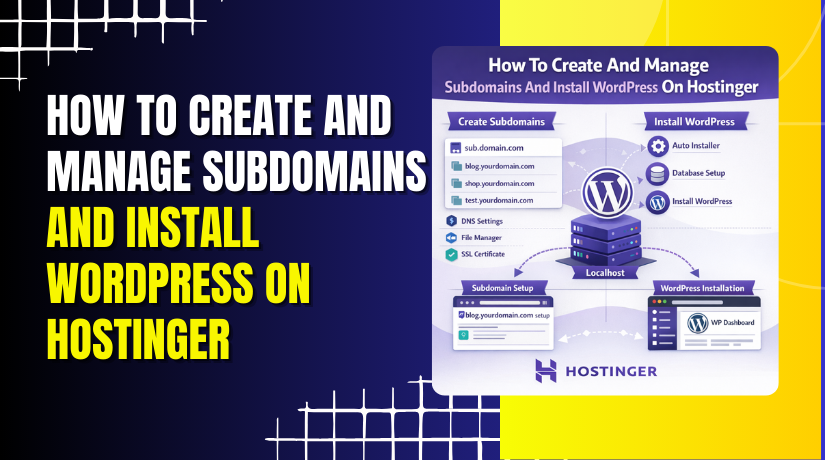
How To Create And Manage Subdomains And Install WordPress On Hostinger
Creating a subdomain and installing WordPress on it is a great way to launch a separate website, test new features,...
3 mins read
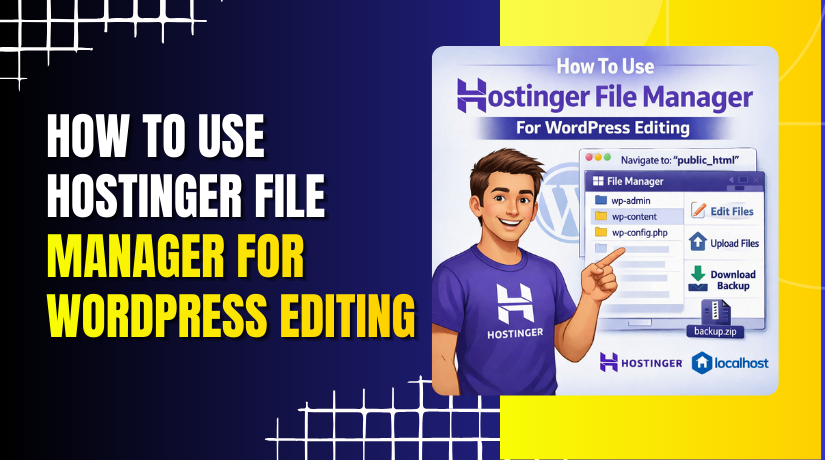
How To Use Hostinger File Manager For WordPress Editing
Managing website files efficiently is a fundamental skill for anyone working with WordPress or custom PHP projects. Hostinger’s built-in File...
3 mins read
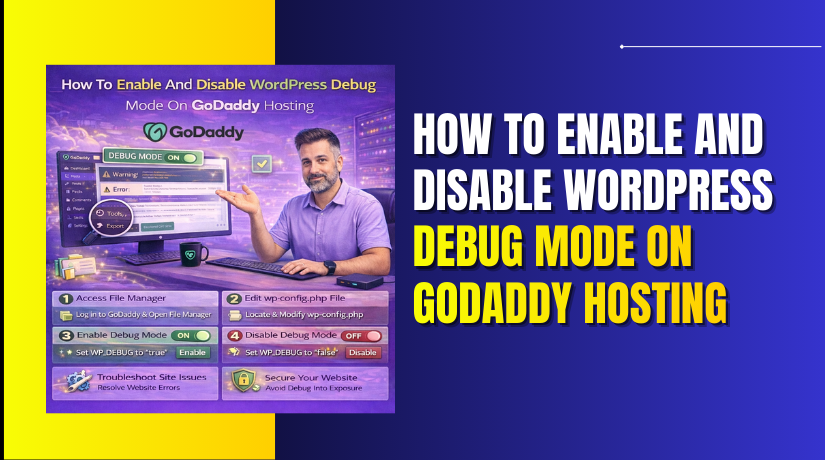
How To Enable And Disable WordPress Debug Mode On GoDaddy Hosting
Enabling WordPress debug mode is an essential step when diagnosing errors, warnings, or unexpected behavior on your website. On GoDaddy...
2 mins read
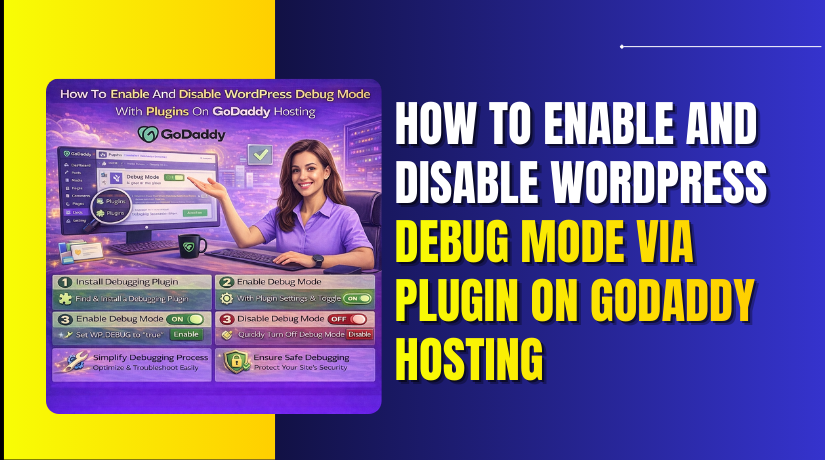
How To Enable And Disable WordPress Debug Mode Via Plugin On GoDaddy Hosting
Debugging WordPress issues on GoDaddy Managed WordPress hosting can be challenging, especially when direct access to core configuration files is...
2 mins read
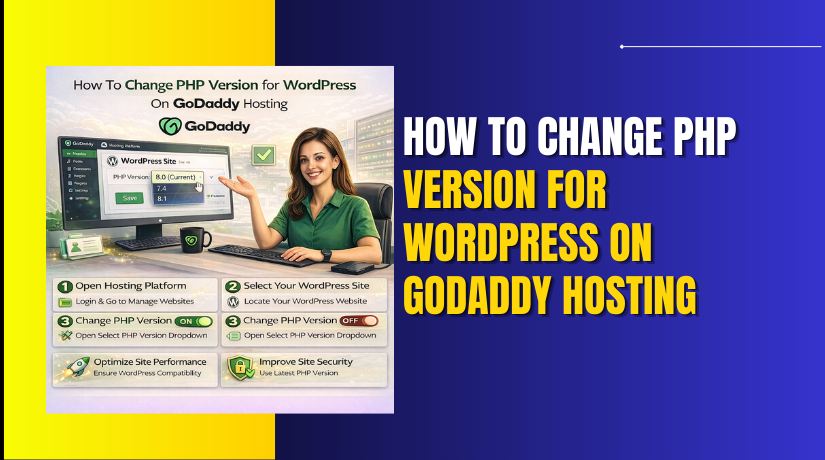
How To Change PHP Version for WordPress On GoDaddy Hosting
Changing the PHP version is an essential step in maintaining the performance, security, and compatibility of your WordPress website on...
2 mins read
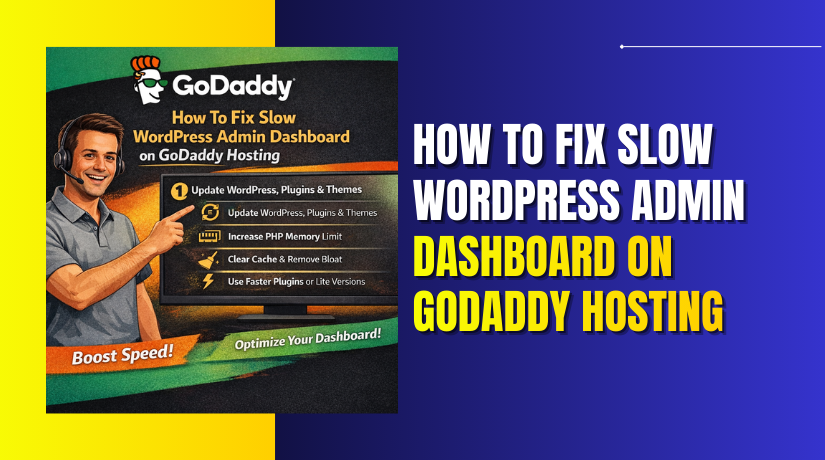
How To Fix Slow WordPress Admin Dashboard On GoDaddy Hosting
A slow WordPress admin dashboard can significantly affect productivity and make website management frustrating. This issue usually occurs when server...
5 mins read
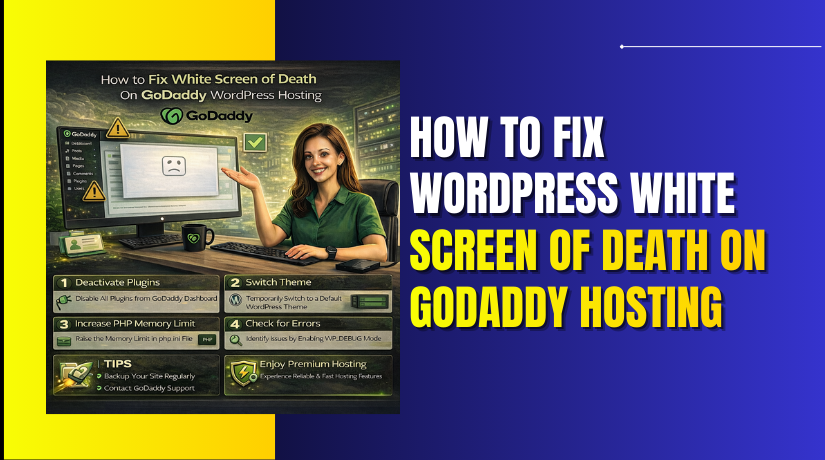
How To Fix WordPress White Screen Of Death On GoDaddy Hosting
The WordPress White Screen of Death is a common but frustrating issue where your website displays a blank white page...
3 mins read
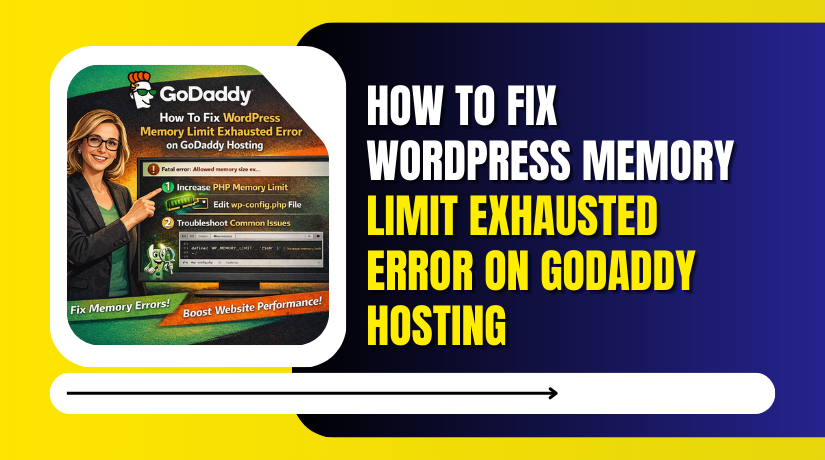
How To Fix WordPress Memory Limit Exhausted Error On GoDaddy Hosting
A fatal error or memory exhausted issue in WordPress usually occurs when your website does not have enough PHP memory...
3 mins read