February 2026
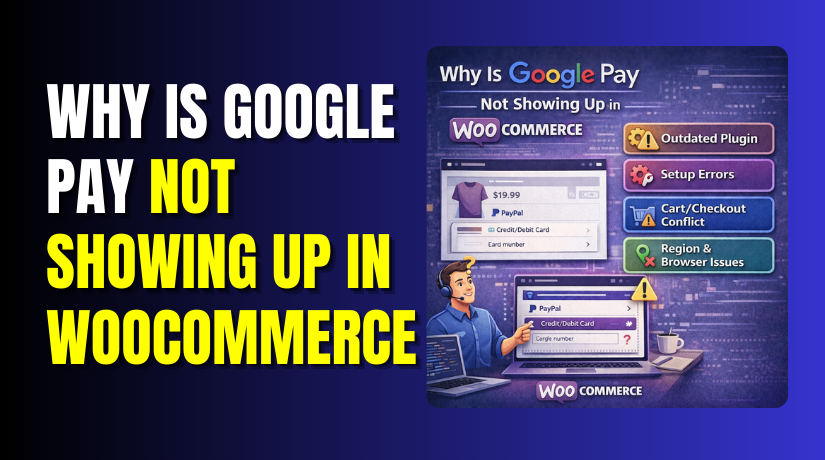
Why Is Google Pay Not Showing Up in WooCommerce: Step by Step Troubleshooting Guide
Seeing wallet payments disappear can feel confusing and stressful. Many store owners report Google Pay not showing in WooCommerce suddenly. Some notice the button is missing on mobile devices. Others see it missing only during checkout steps. This Google Pay...
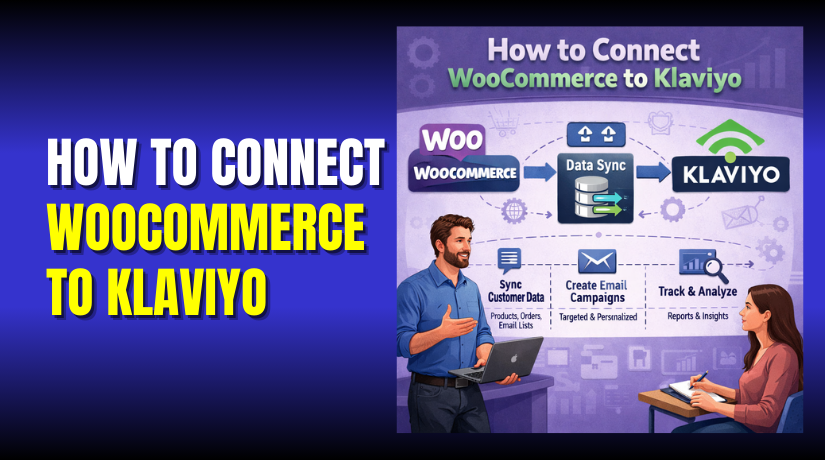
How to Connect WooCommerce to Klaviyo (Step by Step Integration Guide)
Running a WooCommerce store means you must keep buyers engaged. Email and SMS help you sell again without extra ads. This WooCommerce to Klaviyo integration helps you send smarter messages. It also saves time when your store starts growing fast....
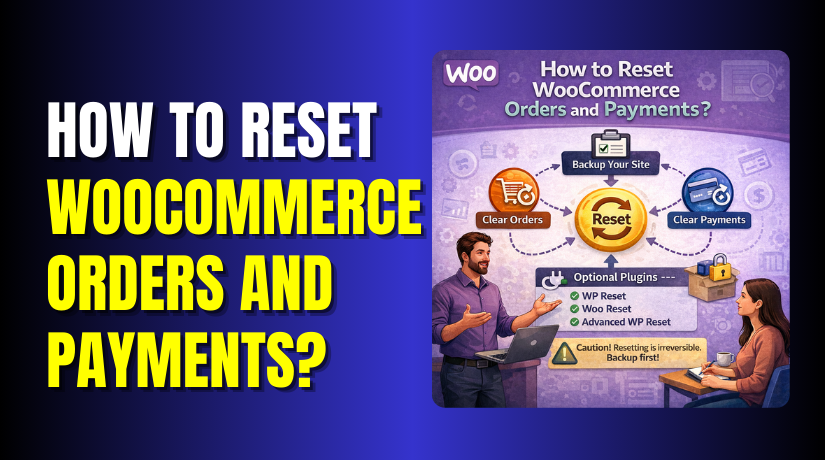
How to Reset WooCommerce Orders and Payments?
Resetting orders and payments in WooCommerce is a serious store action. It can permanently remove sales records, payment notes, and order history. Many store owners search “reset WooCommerce orders” when they need a clean start. Some want to remove test...
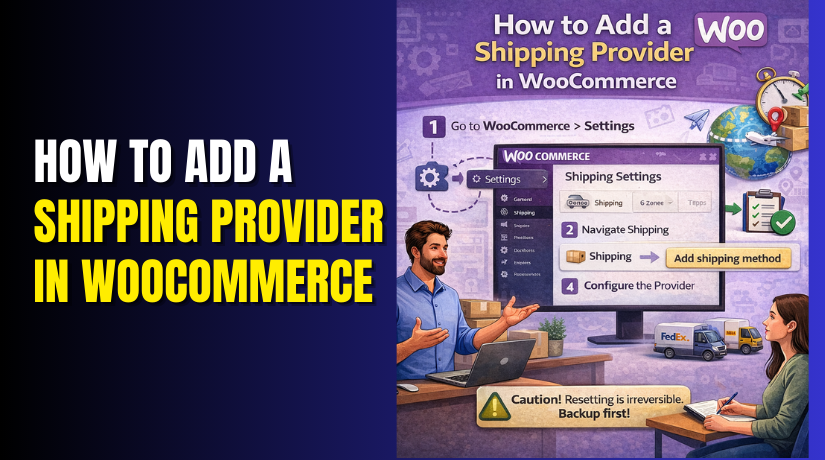
How to Add a Shipping Provider in WooCommerce?
Shipping can make or break your WooCommerce store experience fast. Customers expect clear rates, fast delivery, and reliable tracking always. When shipping feels confusing, buyers abandon carts without thinking twice. That is why you must learn WooCommerce shipping settings properly....
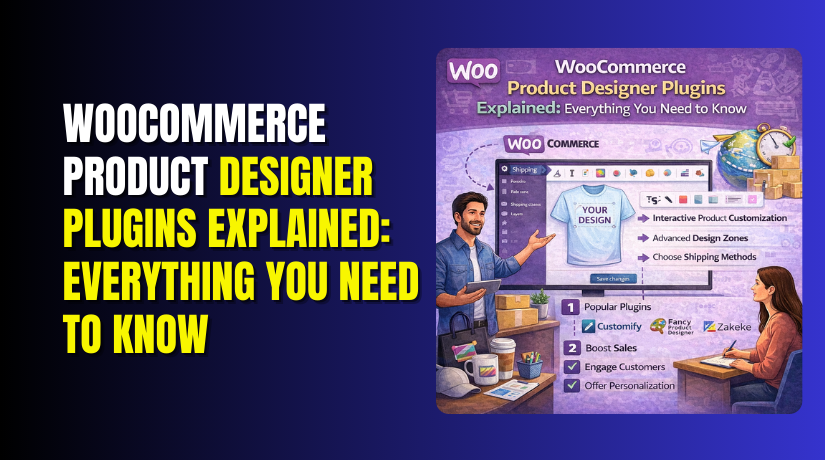
WooCommerce Product Designer Plugins Explained: Everything You Need to Know
Shoppers want products that match their style and identity today. They expect custom names, colors, and small design choices online. This is why personalization often sells better than standard options. WooCommerce stores compete hard, so uniqueness builds trust quickly today....
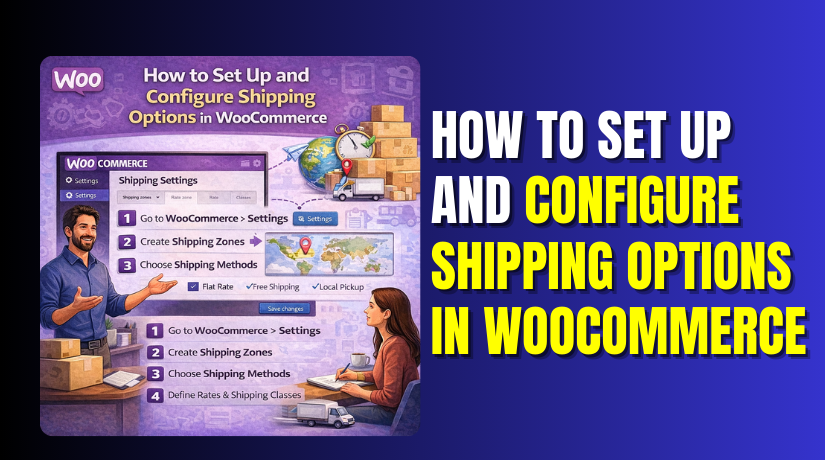
How to Set Up and Configure Shipping Options in WooCommerce
Shipping is the first cost customers check before paying online. If shipping looks confusing, many shoppers leave the checkout fast. A clean WooCommerce shipping setup builds trust and reduces cart drops. It also helps you deliver orders on time, every...
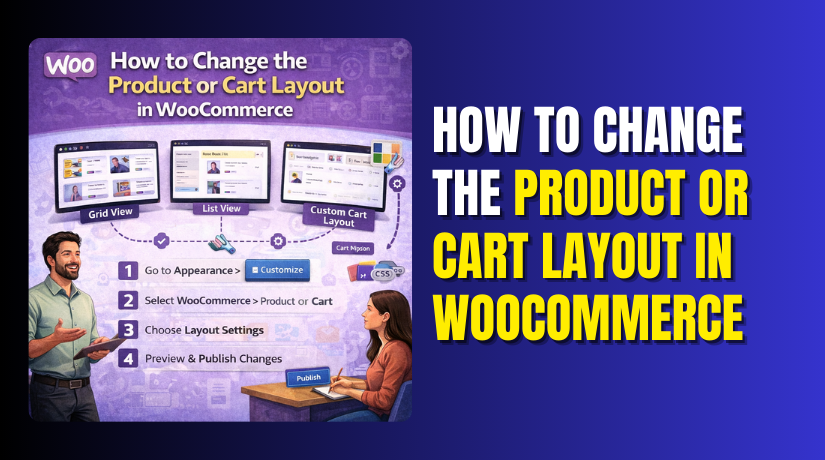
How to Change the Product or Cart Layout in WooCommerce?
WooCommerce offers a robust and user-friendly platform for setting up your online store. However, many store owners want more control over the look and feel of their product and cart pages. The WooCommerce product layout and cart page layout customization...
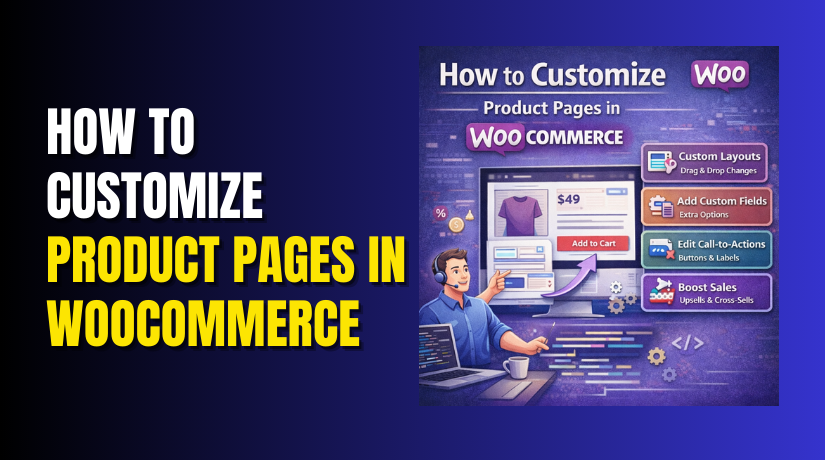
How to Customize Product Pages in WooCommerce (Complete Step-by-Step Guide)
Your product page is your store’s main sales pitch. It answers questions and removes doubt for buyers. Many stores lose sales because pages look crowded or confusing. That is why you should Customize WooCommerce product pages with purpose. You do...
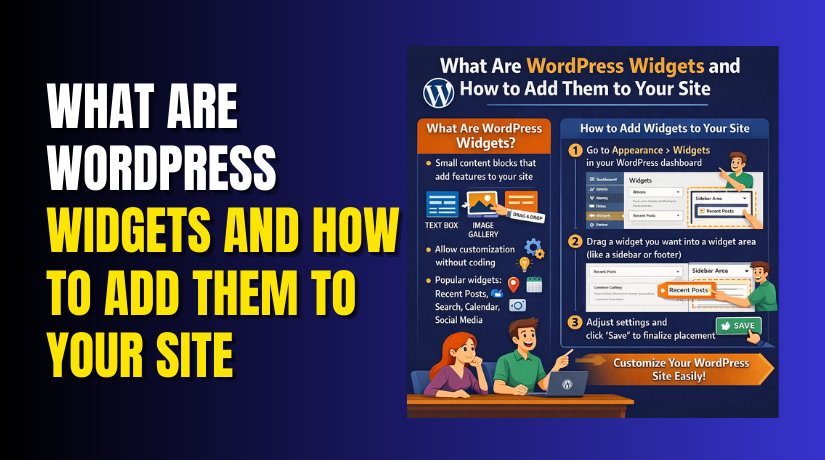
What Are WordPress Widgets and How to Add Them to Your Site
WordPress widgets are little building components that give your website particular functionality and content. They help enhance your site's functionality without needing to write complex code. Widgets allow users to add elements like search bars, recent posts, calendars, and more...
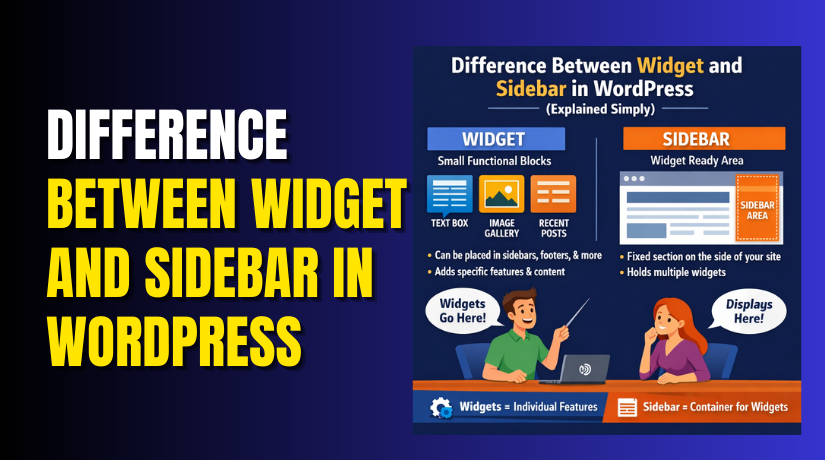
Difference Between Widget and Sidebar in WordPress (Explained Simply)
WordPress is one of the most customizable platforms for building websites. Knowing the function of sidebars and widgets is crucial to building a dynamic and user-friendly website. These two elements are key to enhancing site functionality and user experience. Small...