February 2026
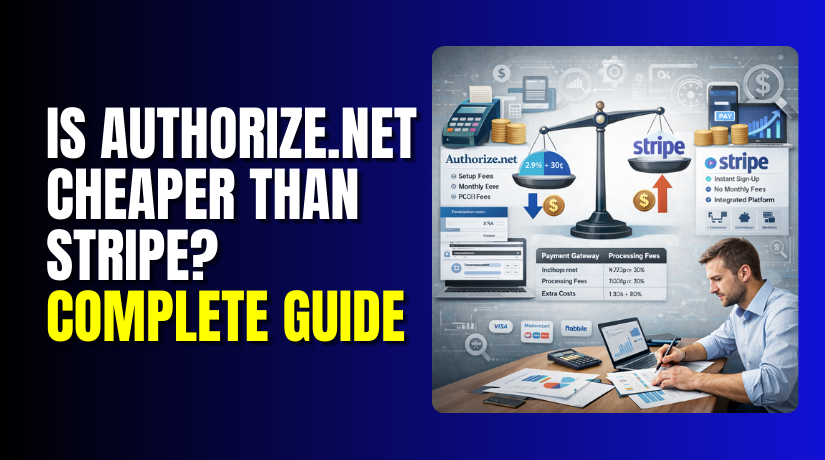
Is Authorize.net Cheaper than Stripe? Complete Guide
Choosing the right payment gateway is one of the most critical decisions for any online business. The difference of a few cents per transaction can add up to thousands of dollars in annual savings. Two of the most popular and...
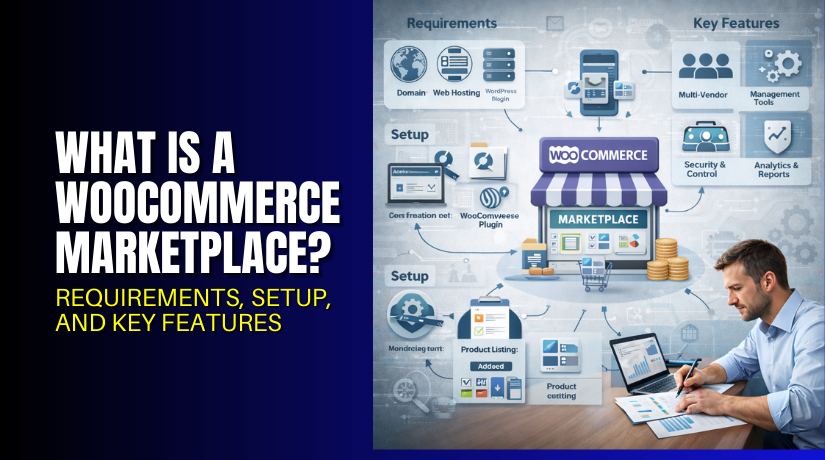
What Is a WooCommerce Marketplace? Requirements, Setup, and Key Features
Imagine running a website where hundreds of sellers list their products, and you earn money from every sale they make. You hold no inventory. You handle no shipping. You simply provide the platform. This is the marketplace model. It powers...
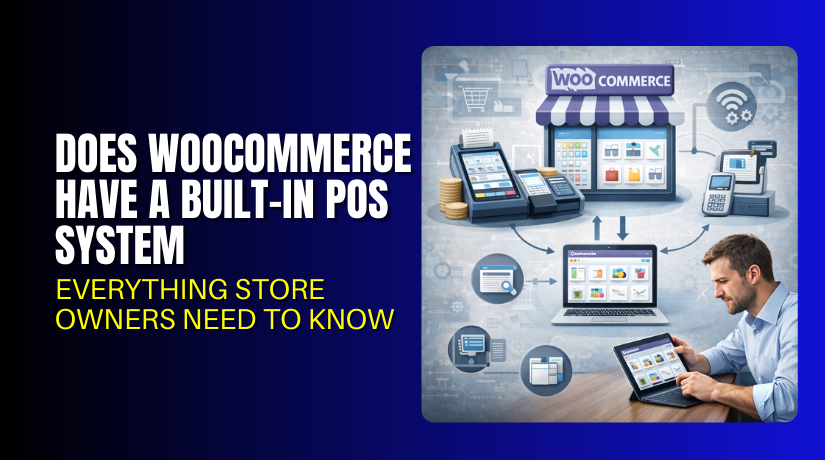
Does WooCommerce Have a Built-In POS System: Everything Store Owners Need to Know
Running a store is not only about online orders today. Many store owners also sell in shops, events, and pop-ups. A WooCommerce POS system helps you sell in-person with speed. It also keeps your online store data clean and updated....
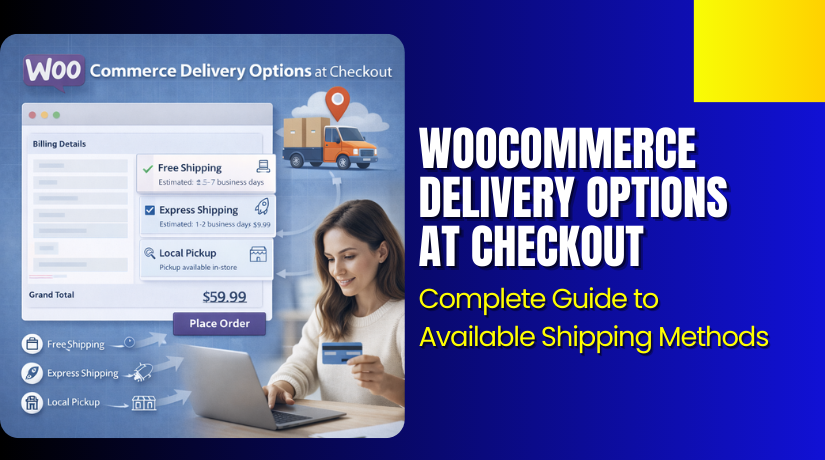
WooCommerce Delivery Options at Checkout: Complete Guide to Available Shipping Methods
Delivery choices can decide if a customer completes the order. When shoppers reach checkout, they want a clear delivery speed and cost. In WooCommerce, these choices show as WooCommerce delivery options at checkout. Many store owners call them WooCommerce shipping...
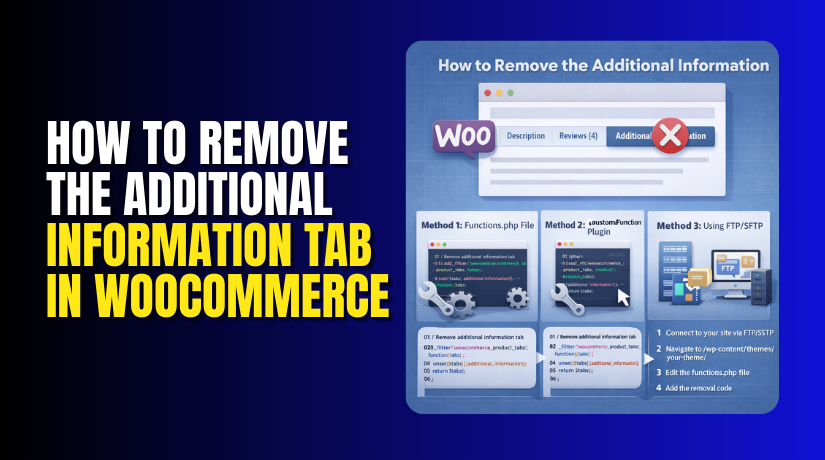
How to Remove the Additional Information Tab in WooCommerce (Step-by-Step Guide)
Many store owners want a cleaner product page experience today. Tabs can look crowded, especially on mobile screens. If you never use attributes, the tab adds no value. This guide helps you remove the Additional Information tab in WooCommerce safely....
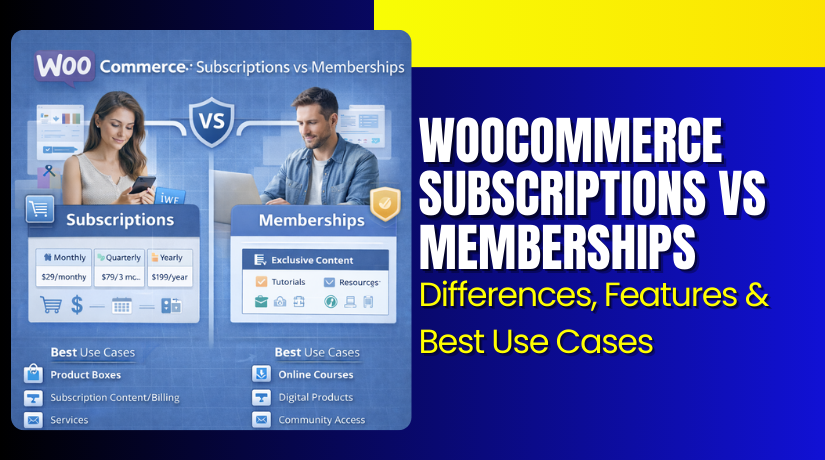
WooCommerce Subscriptions vs Memberships: Differences, Features & Best Use Cases
Many store owners want steady income from their WooCommerce store. They often compare WooCommerce subscriptions vs memberships for recurring sales. Both models can work, but they solve different business needs. If you pick the wrong model, customers may get confused....
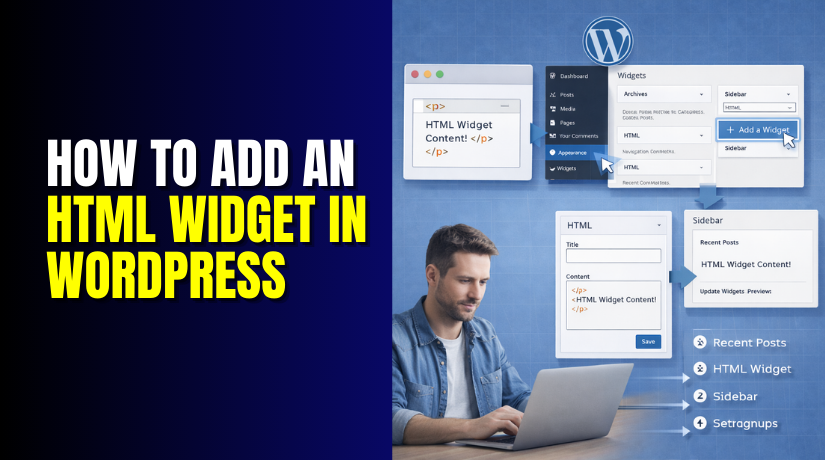
How to Add an HTML Widget in WordPress?
WordPress widgets make your site easy to customize. They let you add features to sidebars, footers, or headers. No coding skills needed for basic changes. Widgets help you show recent posts, search bars, or contact info fast. Many users want...
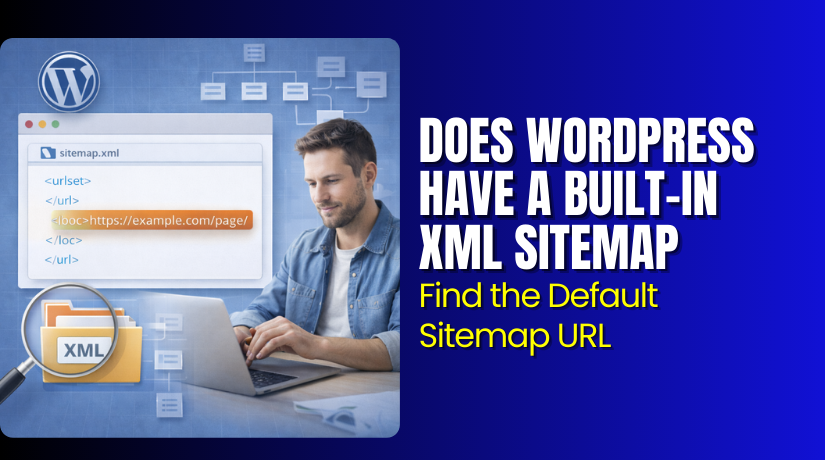
Does WordPress Have a Built-In XML Sitemap? Find the Default Sitemap URL
Yes, WordPress includes a WordPress built-in sitemap in core. You do not need extra tools for a basic sitemap. Many site owners ask, does WordPress generate a sitemap automatically? In most standard setups, it does. The default WordPress sitemap URL...
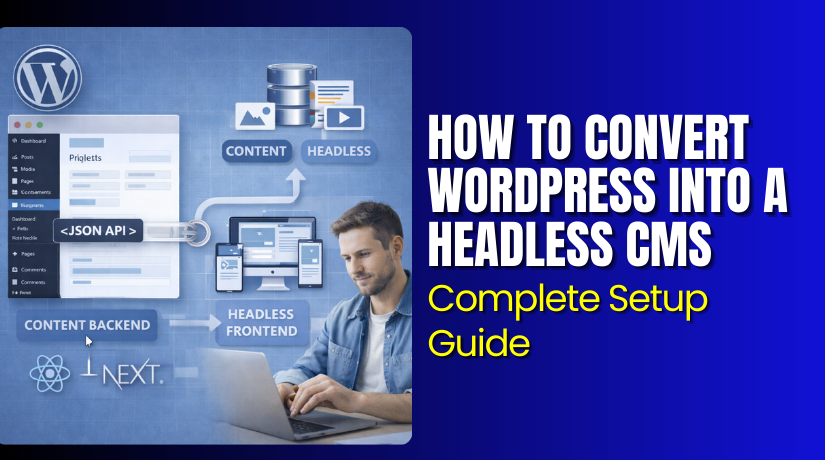
How to Convert WordPress Into a Headless CMS: Complete Setup Guide
Headless WordPress changes how you build and run websites. It turns WordPress into a powerful content backend only. The frontend lives separately. This setup is called a headless CMS or decoupled WordPress. WordPress powers over 40% of websites worldwide. It...
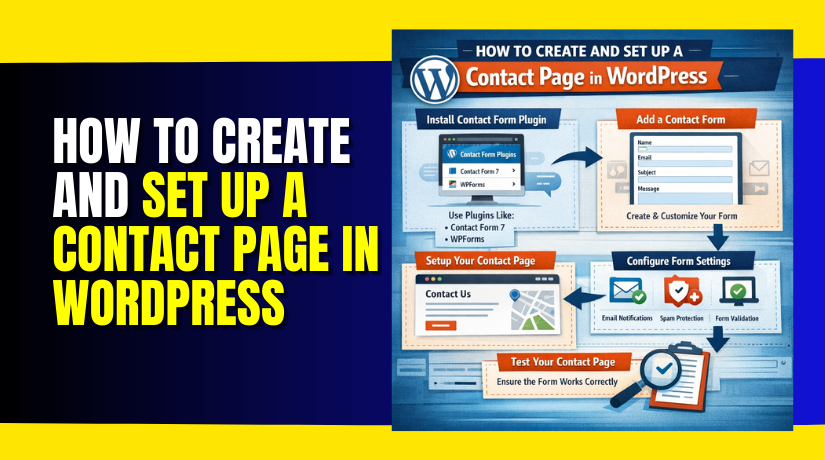
How to Create and Set Up a Contact Page in WordPress
A contact page is an essential element of any WordPress site. It allows visitors to get in touch with you directly. This page helps in building trust with your audience, providing a means for communication. Without it, users may feel...