2025
Boost Sales with Buy One Get One Free for WooCommerce Plugin
The Buy One Get One Free for WooCommerce helps store owners create BOGO (Buy One Get One) promotions. These deals attract customers and increase sales. Many successful eCommerce stores use BOGO offers to encourage bulk purchases. With this WooCommerce BOGO...
How to Set up WooCommerce Sequential Order Numbers Pro Plugin
WooCommerce assigns order numbers randomly, which can be confusing. Sequential Order Numbers Pro solves this by giving orders a logical, sequential numbering system. This makes order management easier and improves record-keeping. With this plugin, each new order follows a clear...
How to Integrate Clover POS with WooCommerce: A Step-by-Step Guide
Clover POS and WooCommerce are powerful tools for businesses. Clover POS helps manage sales in physical stores. WooCommerce is a platform for selling products online. Integrating these two systems improves business operations. Many businesses struggle to manage both online and...
How to Set Up Local Pickup Plus Plugin for WooCommerce
Customers want quick and easy ways to receive their orders. Many prefer local pickup instead of waiting for shipping. The default WooCommerce local pickup method has limitations. It works only for single-location stores and lacks advanced features. Local Pickup Plus...
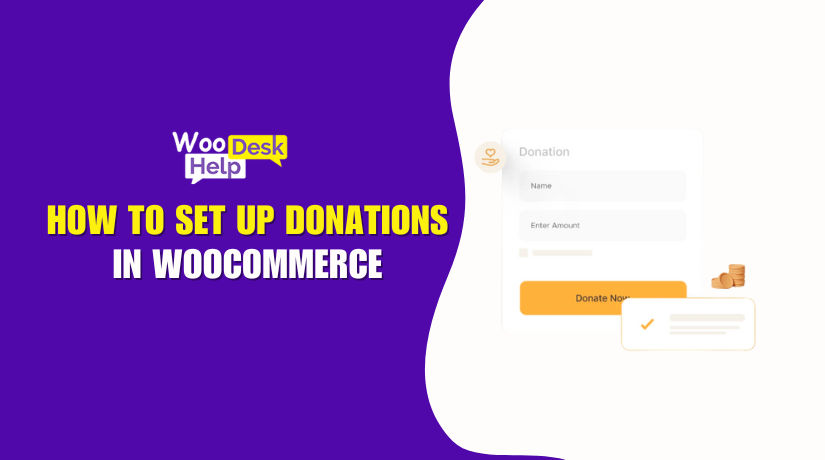
How to Set Up Donations in WooCommerce
Online donations are growing rapidly. More nonprofits and businesses want easy donation systems. Donation for WooCommerce helps them collect funds directly from their store. It is a powerful WooCommerce donation plugin designed for charities, NGOs, and fundraising groups. This plugin...
Boost Sales with Free Gifts for WooCommerce: A Complete Guide
Offering free gifts is a powerful strategy to boost online sales. Customers love getting something extra with their purchases. It encourages them to buy more and return for future purchases. This is made simple by the Free Gifts for WooCommerce...
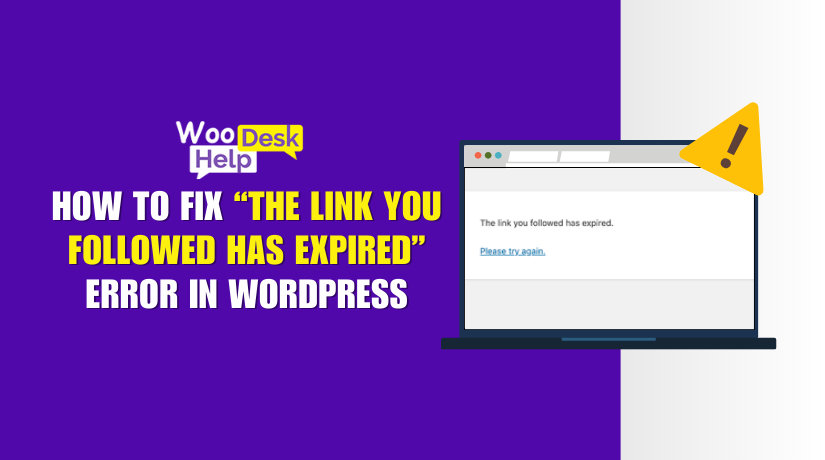
How to Fix “The Link You Followed Has Expired” Error in WordPress
When working with WordPress, you might come across the message: “The link you followed has expired.” This error often appears during uploads or installations that fail to complete. It can be frustrating, but understanding what causes this error and how...
How to Set Up Checkout Add-Ons Plugin for WooCommerce
Checkout Add-Ons for WooCommerce is a plugin that customizes checkout pages. It allows store owners to add extra fields for better customer interaction. These fields can be free or paid, depending on store needs. The plugin helps businesses offer extra...

How to Fix WooCommerce Checkout Not Showing on Mobile
A smooth checkout process is crucial for any online store. If customers face issues while checking out, they may abandon their cart. Many WooCommerce store owners report that their checkout is not showing on mobile. Frustrated customers and lost sales...
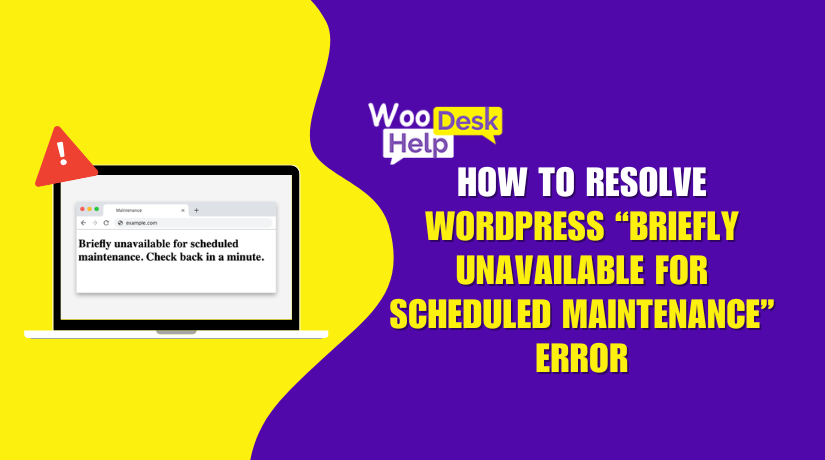
How to Resolve WordPress “Briefly Unavailable for Scheduled Maintenance” Error
The "Briefly unavailable for scheduled maintenance" error appears when WordPress updates its core, themes, or plugins. In most cases, the message disappears within a minute or two after the update finishes. It displays a simple message: "Briefly unavailable for scheduled...