2025

How to Set Up Orders on WhatsApp for WooCommerce to Boost Sales
Running an online store with WooCommerce is powerful. But there’s one issue — it often lacks real-time, personal communication. Many shoppers want quick answers or direct interaction before buying. WhatsApp can help with that. One of the most popular messaging...

How to Setup Advanced Product Quantity for WooCommerce to Limit Purchases Smartly
It's not always simple to run a WooCommerce store. One common challenge store owners face is managing how much of a product a customer can buy. Without control, customers may over-order or under-order. This can affect stock levels, shipping, and...

Teams for WooCommerce Memberships: The Best Way to Manage Group Access
If you’re selling access-based content or services, group memberships can help. They allow families, businesses, and organizations to buy shared access under one account. Instead of managing multiple users individually, a team leader handles everything. This is made possible with...

How to Fix the WordPress Missed Schedule Post Error
The Missed Schedule Post Error in WordPress happens when a planned blog post doesn't go live at the designated time. You set the time and date for your post and anticipate that it will publish on its own. But instead,...

How to Fix WooCommerce Related Products Not Showing on Product Page
Have you noticed that related products are missing from your product pages? There are others like you. This problem affects a lot of WooCommerce store owners. It can happen suddenly or after a change in your site setup. When related...
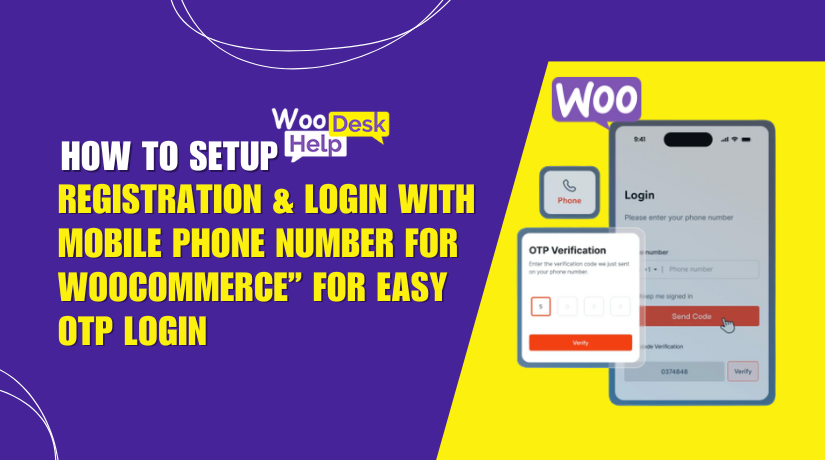
How to Setup “Registration & Login with Mobile Phone Number for WooCommerce” for Easy OTP Login
Today, most users prefer logging in with their mobile phone. It's faster, easier, and more secure than using an email and password. For WooCommerce store owners, this trend creates an opportunity to improve both user experience and security. The Registration...

How to Setup Custom Order Status for WooCommerce to Simplify Order Management
Despite its strength, WooCommerce remains a limited eCommerce platform. One of the biggest gaps is in managing order statuses. By default, WooCommerce gives you only a few order statuses: pending, on-hold, processing, completed, cancelled, refunded, and failed. For many store...

Fix WooCommerce Add to Cart Button Not Showing on Product Page
The Add to Cart button is the heart of every WooCommerce store. It's the main action users take to start buying a product. When this button goes missing, your entire sales process breaks down. Many store owners face this frustrating...

How to Setup Buy Once or Subscribe for WooCommerce Subscriptions
a. Install from the WordPress Dashboard