2025
How to Fix WordPress RSS Feed Errors (Complete 2025 Guide)
You may have heard of RSS feeds if you manage a website or blog. Simple Syndication (RSS) is an acronym. It facilitates automatic content sharing on your website. This means users can read your posts on other platforms without visiting...
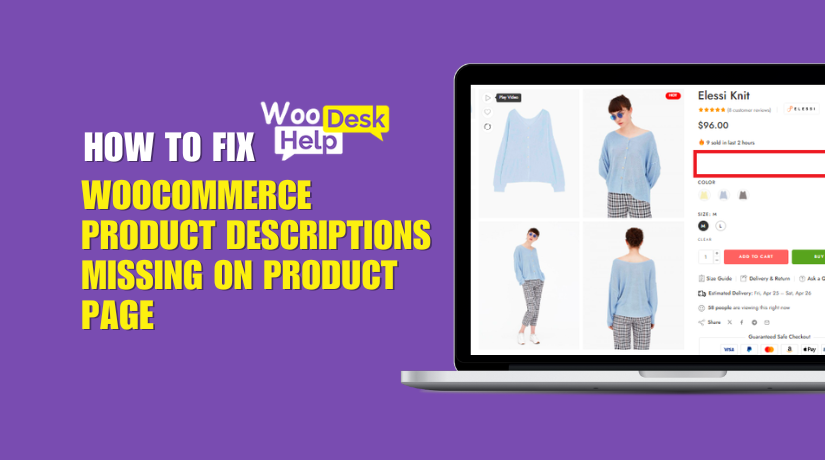
WooCommerce Product Descriptions Missing on Product Page? Here’s How to Fix It
If your WooCommerce product descriptions are not showing, you’re not alone. This annoying problem affects a lot of store owners. One important component of the product page is the description. When it disappears, your customers can get confused or lose...

How to Fix the “Plugin Installation Failed” Error in WordPress
Now the plugin files are in place. To finalize the installation, log in to your WordPress admin dashboard (if you logged out, or switch back to your browser). Navigate to Plugins > Installed Plugins. You should see the plugin you just uploaded listed there. (If it’s not there, try refreshing the page. If it still doesn’t appear, double-check that you placed the folder in the correct wp-content/plugins path and that the folder name isn’t nested an extra level. For example, sometimes you might accidentally have wp-content/plugins/plugin-name/plugin-name/files... – there should not be a duplicate nested folder of the same name.) Assuming it’s listed, click Activate under the plugin name. WordPress will activate the plugin, and you should get a success message.
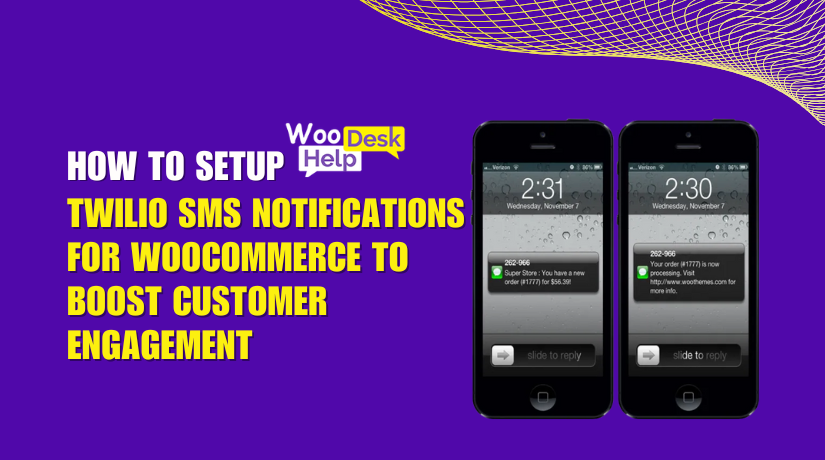
How to SetUp Twilio SMS Notifications for WooCommerce to Boost Customer Engagement
In today’s fast-moving world, customers want quick and clear updates. Email frequently disappears into inboxes. However, SMS messages are viewed nearly immediately. That’s where the Twilio SMS Notifications WooCommerce plugin comes in. This plugin helps WooCommerce store owners send real-time...
How to Use Price By Country for WooCommerce
Selling online comes with many challenges. One of the biggest is pricing. If you own a WooCommerce store, you probably deal with clients from many nations. Costs, taxes, and market circumstances vary by nation. Charging the same price to everyone...


How to Fix 504 Gateway Timeout Errors in WordPress: Step-by-Step Solutions
A 504 Gateway Timeout error occurs when a server fails to respond to another server promptly. Essentially, it’s like a stalled conversation between servers—one waits too long for the other to reply and eventually gives up. This issue often appears...
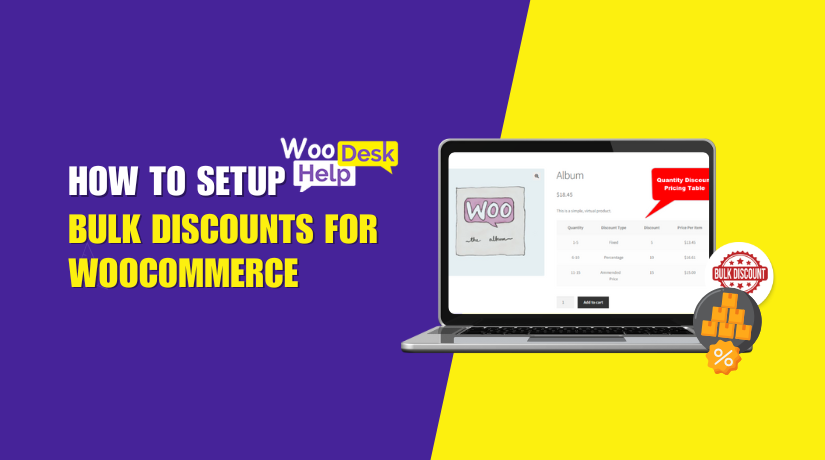
How to Setup Bulk Discounts for WooCommerce
Offering discounts is one of the best ways to increase sales. Online shoppers often expect deals, especially when buying in bulk. That’s where the Bulk Discounts for WooCommerce plugin comes in. This plugin helps you create smart discount offers. Discounts...
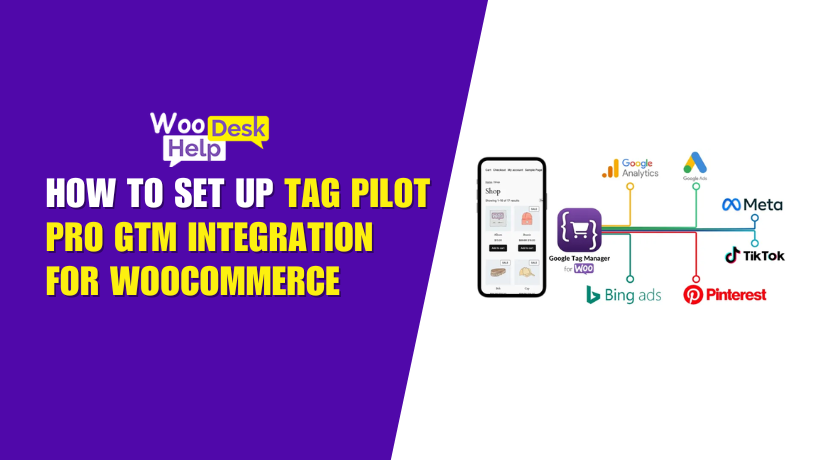
How to Set Up Tag Pilot PRO GTM Integration for WooCommerce
Tracking user behavior on your WooCommerce store is very important. But managing this data across tools like Google Analytics, Facebook Pixel, or Google Ads can be confusing. That’s where Tag Pilot PRO GTM Integration for WooCommerce comes in. This plugin...

Zoom Feature Not Working on WooCommerce Product Page
add_theme_support( 'wc-product-gallery-zoom' );