2025

WooCommerce Out of Stock Message Not Displaying? Here’s How to Fix It
add_filter('woocommerce_get_availability', 'custom_stock_message', 10, 2);

How to Fix WooCommerce Product Page Redirecting to Homepage Issue
One of the most often used tools for online retailers is WooCommerce. It's built on WordPress and offers everything you need to sell products. But sometimes, store owners face unexpected issues. One of the most annoying issues is when a...
How to Setup Clear Cart and Sessions for WooCommerce
Running an online store can get tricky when carts are left abandoned. Customers often add products, leave the site, and never return. These unpurchased carts stay stored in your system. They clutter your database and make managing orders harder. That’s...
How to Set Up Split Orders for WooCommerce to Manage Complex Shipments Easily
Running an online store often means handling complex orders. Customers may buy different items, request various delivery addresses, or need items urgently. In a standard WooCommerce setup, managing such cases becomes difficult. That’s where the Split Orders for WooCommerce plugin...

WooCommerce Refund Email Notification Not Received? Here’s How to Fix It Fast
If your WooCommerce refund email is not received, you’re not alone. Many store owners face this issue, especially after recent updates or plugin changes. These emails are vital to keep customers informed about their refunds. When they fail, it creates...

WooCommerce Order Processing Email Notification Not Received? Here’s How to Fix It
Running an online store is all about efficiency and trust. Your customers expect quick updates after placing an order. One of the most important updates is the WooCommerce order processing email. This email tells the customer, "We got your order...
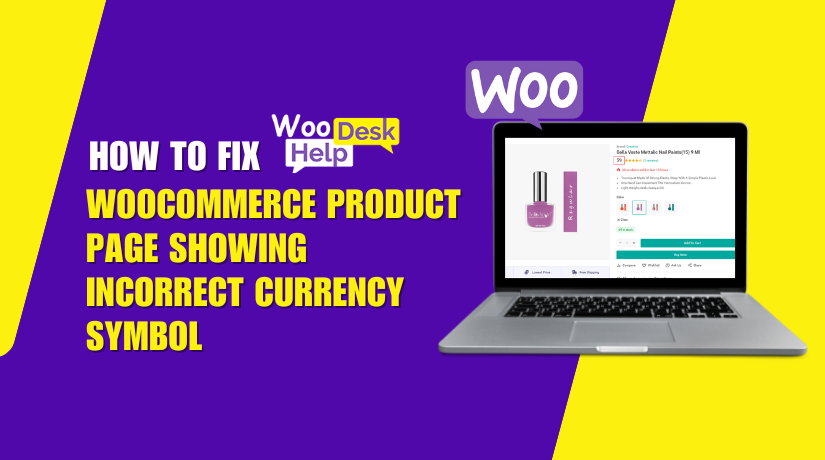
How to Fix WooCommerce Product Page Showing Incorrect Currency Symbol
add_filter( 'woocommerce_currency_symbol', 'correct_product_currency_symbol', 10, 2 );
How to Fix “WordPress Keeps Logging Me Out” Problem
define('COOKIE_DOMAIN', $_SERVER['HTTP_HOST'] );


How to Fix the “This Site Can’t Be Reached” Error in WordPress
The “This Site Can’t Be Reached” error shows up when your browser cannot connect to the website’s server. In simple words, your browser tries to load a page but fails to reach the place where the website is stored. This...