April 2025
How to Use WS Form PRO Product Custom Fields Add-Ons for WooCommerce
WooCommerce is great for selling products online. But by default, it offers limited product customization. Many store owners need more flexibility when selling personalized or complex items. That’s where WS Form PRO Product Custom Fields Add-Ons for WooCommerce come in....
How to Setup Country Restrictions for WooCommerce to Control Product Visibility
Running an online store with global traffic sounds great. But not all products or payment methods should be available in every country. Different laws, licenses, or business strategies often require control over who sees what. By default, WooCommerce does not...
Set up Role-Based Payment / Shipping Methods for WooCommerce
Managing an online store can get tricky as your customer base grows. Not every shopper is the same. You may have guests, regular buyers, and wholesale customers. Each of them may need different shipping and payment options. That’s where the...
Salesforce Integration for WooCommerce
Managing a growing WooCommerce store can be a big challenge. From tracking orders to managing customer data, things can get messy. If you're also using Salesforce as your CRM, handling both platforms separately can cause data gaps. The Salesforce Integration...
How to Set Up Auctions for WooCommerce: Full Step-by-Step Guide
Selling products with a sense of urgency is powerful. Auctions do that by design. With the Auctions for WooCommerce plugin, you can bring live bidding to your WooCommerce store. It’s a great way to add excitement, competition, and value to...

How to Set Up Datalayer for WooCommerce with GA4 and GTM
If you run a WooCommerce store, tracking user actions is a must. You need to know what your visitors do—what they view, add to cart, or buy. That’s where the Datalayer for WooCommerce plugin comes in. It makes your store...
How to Fix WordPress RSS Feed Errors (Complete 2025 Guide)
You may have heard of RSS feeds if you manage a website or blog. Simple Syndication (RSS) is an acronym. It facilitates automatic content sharing on your website. This means users can read your posts on other platforms without visiting...
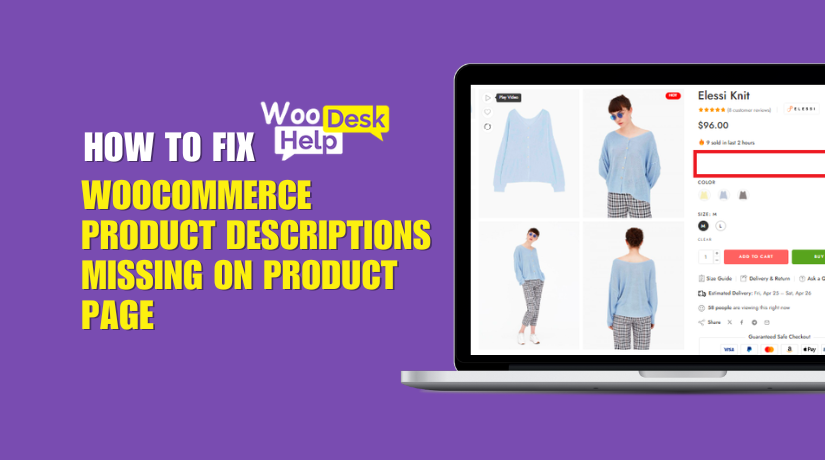
WooCommerce Product Descriptions Missing on Product Page? Here’s How to Fix It
If your WooCommerce product descriptions are not showing, you’re not alone. This annoying problem affects a lot of store owners. One important component of the product page is the description. When it disappears, your customers can get confused or lose...

How to Fix the “Plugin Installation Failed” Error in WordPress
Now the plugin files are in place. To finalize the installation, log in to your WordPress admin dashboard (if you logged out, or switch back to your browser). Navigate to Plugins > Installed Plugins. You should see the plugin you just uploaded listed there. (If it’s not there, try refreshing the page. If it still doesn’t appear, double-check that you placed the folder in the correct wp-content/plugins path and that the folder name isn’t nested an extra level. For example, sometimes you might accidentally have wp-content/plugins/plugin-name/plugin-name/files... – there should not be a duplicate nested folder of the same name.) Assuming it’s listed, click Activate under the plugin name. WordPress will activate the plugin, and you should get a success message.
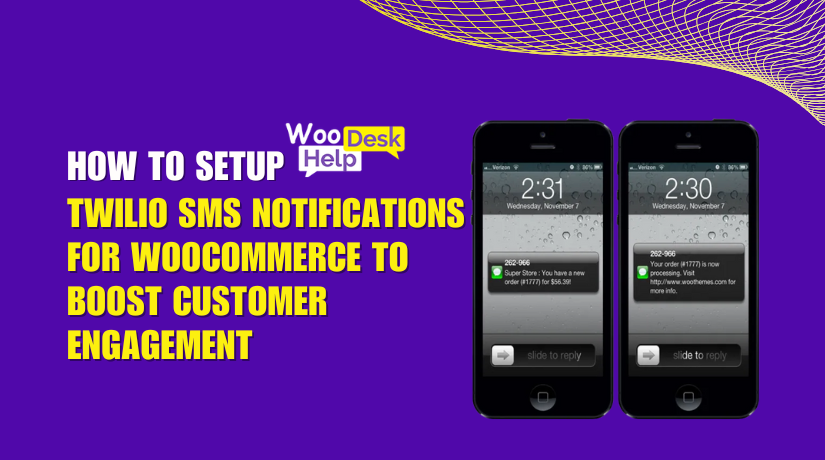
How to SetUp Twilio SMS Notifications for WooCommerce to Boost Customer Engagement
In today’s fast-moving world, customers want quick and clear updates. Email frequently disappears into inboxes. However, SMS messages are viewed nearly immediately. That’s where the Twilio SMS Notifications WooCommerce plugin comes in. This plugin helps WooCommerce store owners send real-time...