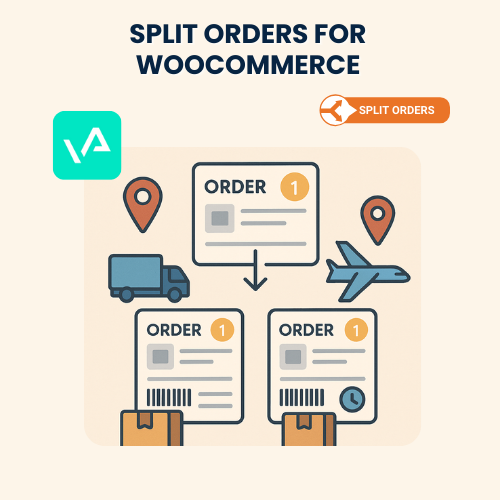
Split Orders for WooCommerce – Installation & Troubleshooting Services
The Split Orders for WooCommerce extension automatically divides a single order into multiple sub-orders based on rules such as product category, vendor, shipping method, or payment type. This is especially useful for multi-vendor stores, dropshipping businesses, and stores with different fulfillment centers.
Common issues include orders not splitting correctly, stock not updating in sub-orders, shipping/tax miscalculations, and conflicts with other WooCommerce extensions. At WooHelpDesk, we provide professional installation, configuration, and troubleshooting services for a fixed price of $79.
Pricing
Split Orders for WooCommerce – Installation & Troubleshooting – $79 (one-time)
Estimated Delivery
- Installation & setup – Same day
- Troubleshooting – Within 1 business day
What We Do
Installation & Setup
-
Install and activate Split Orders for WooCommerce
-
Configure rules for splitting orders by product, vendor, or category
-
Ensure correct stock reduction across split orders
-
Enable proper tax and shipping calculations for each sub-order
-
Configure order management for store admins and vendors
Troubleshooting
-
Fix issues where orders are not splitting as expected
-
Solve problems with shipping cost allocation in split orders
-
Repair sub-order email notifications not being sent
-
Debug inventory synchronization issues across orders
-
Resolve conflicts with other plugins or themes
Customization
-
Add advanced rules for splitting (by quantity, product tags, or custom attributes)
-
Integrate with multi-vendor plugins like Dokan or WCFM
-
Customize order numbering for parent and child orders
-
Adjust admin dashboard display for easier order management
Why Choose Us
-
Fixed price of $79 – installation & troubleshooting included
-
Experts in WooCommerce order management
-
Experience with complex multi-vendor and dropshipping setups
-
Fast, secure, and reliable service
-
Tailored solutions for unique store needs
How Our Support Works
-
Place your order and share your WooCommerce access details
-
We install and configure the Split Orders extension
-
Set up rules for splitting orders based on your requirements
-
Test orders to confirm proper splitting, stock updates, and notifications
-
Deliver a fully optimized order management system
Conclusion
The Split Orders for WooCommerce extension makes it easy to manage multi-vendor, dropshipping, and multi-location fulfillment workflows.
For just $79, WooHelpDesk provides expert installation, configuration, and troubleshooting services so your store runs smoothly with accurate, automated order splitting.
Frequently Asked Questions
Note : We are not the official provider of this product; we only offer support for it.
